


Key takeaways:
If you want to accept credit card payments from service clients, it’s simpler than ever when you follow a few key steps and best practices.
- Select the right payment methods. Decide whether you’ll accept credit card payments online, in person, or over the phone based on your client preferences and business type.
- Choose a reliable payment processor. Consider factors like processing fees, supported payment methods, required hardware, security standards, customer support, and processing times to find the best fit for your business.
- Set up your payment processing system. Ensure you have the necessary software or hardware, and make updates to your website, invoices, or apps to support seamless credit card payments.
- Simplify client experience. Make it easy for clients to pay by offering clear instructions, integrating payment options into invoices and your website, and testing the system to ensure smooth transactions.
- Follow credit card processing best practices. Use PCI DSS-compliant processors, secure your devices, train your team, plan for customer support, and always use up-to-date hardware.
- Reap key business benefits. Accepting credit cards helps you get paid faster, improves cash flow, boosts customer experience, enhances security, attracts more clients, and increases revenue potential.
Stay ahead in your business by learning more industry tips. Sign up for the Jobber Newsletter.
Originally published in April 2023. Last updated on October 24, 2025.
With 82% of Americans having a credit card, it’s clear that plastic is the preferred way to pay. By offering credit card processing to your customers, you can serve more clients, get paid faster, and keep accounting organized.
Learn how to accept credit card payments for your small business in this guide.
Here’s how to start accepting credit card payments:
-
Select your payment methods
-
Select a payment processor
-
Set up your processing system
-
Make it easy for clients to pay with credit cards
-
How to accept an online credit card payment
-
How to accept mobile credit card payments
-
Credit card processing best practices
-
The benefits of accepting credit card payments
-
Processing credit card payments with Jobber
1. Select your payment methods
You can accept credit card payments in multiple ways:
- Online, through your website, digital invoices, or a QR code
- In person, using a mobile app, card reader, or payment terminal
- Over the phone, with a virtual terminal
Before choosing which method to use, it’s important to consider how your customers want to pay for your services.
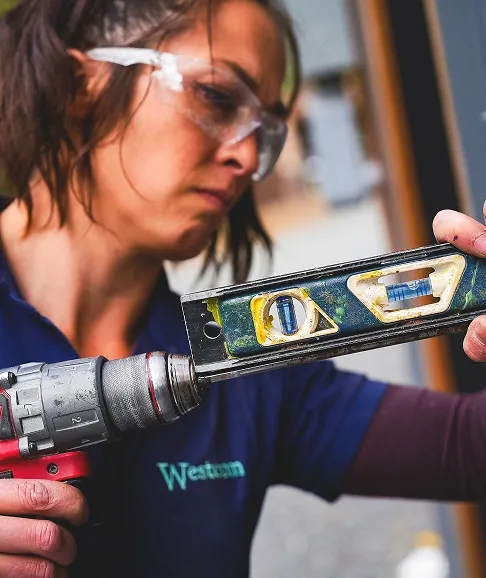
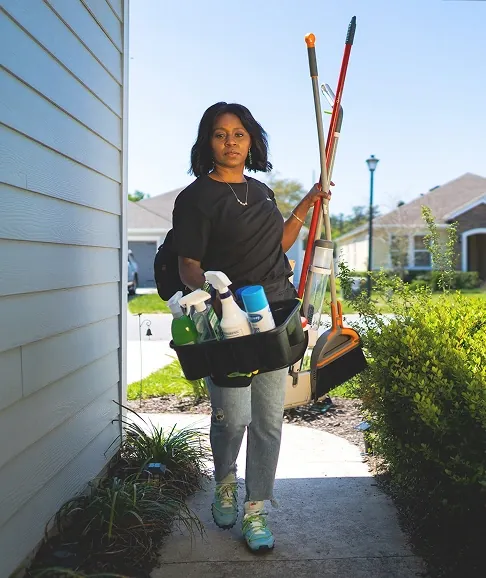
For example, if you’re a handyman and you typically see clients in person before leaving a job site, in-person credit card payments may be best. But if you have a cleaning business and provide services while your clients are at work, allowing them to pay with a credit card online is likely more convenient for everyone.
Which one you use will depend on your industry, services, and clients. If you aren’t sure what will work best, ask your clients about their preferences and take a look at how your competitors accept credit card payments.
The method you choose will impact which payment processor you choose to handle transactions.
2. Select a payment processor
A payment processor transfers credit card payments from a client’s account to your own. They provide any physical hardware you need, like a mobile card reader, as well as the software required to transfer the funds.
Which credit card processor you choose depends on how you want to accept credit card transactions. Before making a choice, consider:
- Your budget. Payment processors charge credit card processing fees for every payment they process. For example, Stripe charges 2.9% of the payment amount plus a transaction fee of $0.30. Depending on how you want to accept payments, you may also have to purchase a credit card terminal, like a mobile chip reader. These typically cost between $50 and $300.
- Payment methods. Not all payment processors support the same payment methods. Many, like Stripe and Square, offer both in-person and online payment methods, while others are more focused on one or the other.
- Hardware requirements. If you want to process in-person credit card payments, you may need hardware. While many payment processors work through apps, some require card readers for chip or swipe payments. Make sure the processor you choose provides the hardware you need and that it will work with your mobile device or field service management software.
- Security. Any payment processor you use needs to be PCI DSS-compliant based on data security and privacy. Be sure to use a trusted and well-known payment processor that complies with industry standards to protect your business and customers.
- Customer service. Timely payments are essential to your cash flow, but payment processors can be impacted by service outages, website problems, and technical issues. Choose a payment processor with reliable customer support to minimize downtime and keep cash flow smooth and steady.
- Credit card processing times. Credit card payments usually aren’t instant. When you get paid depends on how long it takes the payment processor to process the payment. Some platforms offer same-day payouts, while others may take up to 2-3 business days to add the funds to your account. Review their timelines beforehand to ensure they meet your cash flow needs.
- Additional services. Some credit card processors simply process payments, while others, like Jobber Payments, cover your entire payment workflow by providing quotes, invoices, and receipts. That way, you can use the same software from start to finish, making accepting credit card payments a seamless process. Plus, clients can pay with a debit card, credit card, or via ACH payments, offering a convenient option no matter how they prefer to pay.
Jobber Payments also allows you and your team members to collect tips, and it integrates with QuickBooks Online to make payments straightforward and stress-free.
3. Set up your processing system
Once you choose a payment processor, you need to set up a payment processing method.
If you plan to accept in-person credit card payments, your first step is to upgrade or install any required hardware, like a mobile device or chip reader.
For example, if your phone or tablet is too old, it may not be able to run the software required to process payments.
And even if it’s new, any chip readers you use may need to be configured to work with it.
4. Make it easy for clients to pay with credit cards
If you want to accept credit card payments online, you need to make them available to customers by:
- Updating your website to include a payment processing integration, like adding payment buttons or links for customers to pay online.
- Reviewing payment terms and instructions on your quotes, invoices, and website to ensure they’re up-to-date.
- Preparing for recurring payments by creating a credit card authorization form for clients to fill out so you can automatically bill them for ongoing services.
Pro Tip: Test out your payment processing software before promoting it to clients to ensure they have a smooth experience.
How to accept an online credit card payment
Payment service providers (PSPs) are one of the easiest ways to accept online credit card payments through your website or invoices. They’re apps or software platforms that work as payment gateways to transfer funds between a customer’s account and your own.
A PSP acts as both a payment gateway and a payment processor—it makes accepting credit card payments possible and processes them. On the other hand, a payment processor simply moves money from one place to another.
Some companies act as both PSPs and payment processors, so you can accept and process credit card payments in one place.
Many can integrate with your existing website or field service management platform, and they provide a secure and convenient way to accept credit card payments.
For example, popular PSPs for home service providers include:
- Jobber
- Stripe
- Paypal
- Square
Once you choose a PSP, set up an account, enable credit card payments on your website or invoices, and let your customers know about your new payment method.
How to accept mobile credit card payments
You can accept credit cards in person, on your phone, or tablet by using a mobile payment processor. These work like payment service providers, securely transferring funds between your customers and your business bank account.
Most mobile payment processors allow you to choose between using software, like a mobile app, or hardware, like a mobile card reader.
Accepting payments through an app
Some payment processors allow you to accept payments through an app—no hardware required.
For example, with Jobber, clients can make credit card payments directly through client hub, their online customer portal. It gives them a simple, convenient way to make credit card payments while keeping your business organized.
Accepting credit card payments in person
With Tap to Pay, you and your crew can accept credit card payments directly on your mobile devices—no hardware required. It makes it easier to accept payments at job sites, helping you get paid faster and boosting cash flow.
Credit card processing best practices
To keep cash flow steady, protect your customers, and make credit card processing as easy as possible, it’s important to:
1. Use a PCI DSS-compliant processor
Most big credit card payment processors are PCI DSS compliant, which means they meet the required standards to protect cardholder data. If the payment processor you’re considering has experienced a recent data breach or there are complaints about their security measures, consider it a red flag.
2. Secure your devices
Keep all your hardware and software up to date and use additional security measures for any devices that store, process, or handle customer data.
For example, before you start accepting credit card payments on your phone:
- Secure your mobile device by updating your software to the latest version
- Add a strong PIN or password
- Use multi-factor authentication (MFA)
- Install a trusted antivirus app like McAfee or Avast
3. Train your team
If your staff members will be accepting credit card payments in person or over the phone, train them on how to do it. Teach them how the hardware or software works, how to document payments, and whether they need to provide a receipt or if they’re generated automatically.
4. Plan for customer support
Not all credit card transactions go smoothly. Plan to provide support for:
- Failed transactions
- Rejected cards
- Service outages
- Payment disputes
- Missing transactions
That way, if a mishap occurs, you’ll be ready to guide the customer through the next steps.
5. Use the right hardware
If you plan to accept mobile payments in person, you’re going to need a reliable device. Make sure you have a phone or tablet that runs the latest software, has a strong battery life, and enough processing power to run payment apps without crashing or freezing.
The benefits of accepting credit card payments
Accepting credit card payments is good for you and your customers. By adding credit cards to your accepted payment methods, you can:
1. Get paid faster and in full
Credit card payments don’t rely on the funds in a customer’s bank account. This makes it easier for them to pay you when they receive an invoice instead of having to wait until payday.
They’re also much more convenient to send than having to fill out a check or stop by an office.
2. Improve cash flow
Steady cash flow relies on consistent, timely payments. And the easier it is for clients to pay you, the more likely you are to have incoming revenue you can count on.
3. Boost customer experience
Customers prefer businesses that are easy to work with. Accepting credit card payments provides clients with a convenient payment option they can use from anywhere at any time.
And when your clients are happy, they’re more likely to leave you positive reviews and send referrals your way.
4. Increase security
Checks and cash payments are less secure than credit card payments since they can be lost, misplaced, or accidentally mislabeled.
Good payment service processors comply with data security and privacy requirements, ensuring your customers’ financial information is handled properly.
5. Attract new customers
Some customers may only be interested in working with service providers who accept credit card payments. By adding them to your payment methods, you can expand your market and generate new leads.
6. Grow profit
When customers can make payments with credit cards, they may be less concerned about sticking to a strict budget. This enables them to approve upgrades or add-ons that increase the value of your invoices, bringing in additional revenue.
Processing credit card payments with Jobber
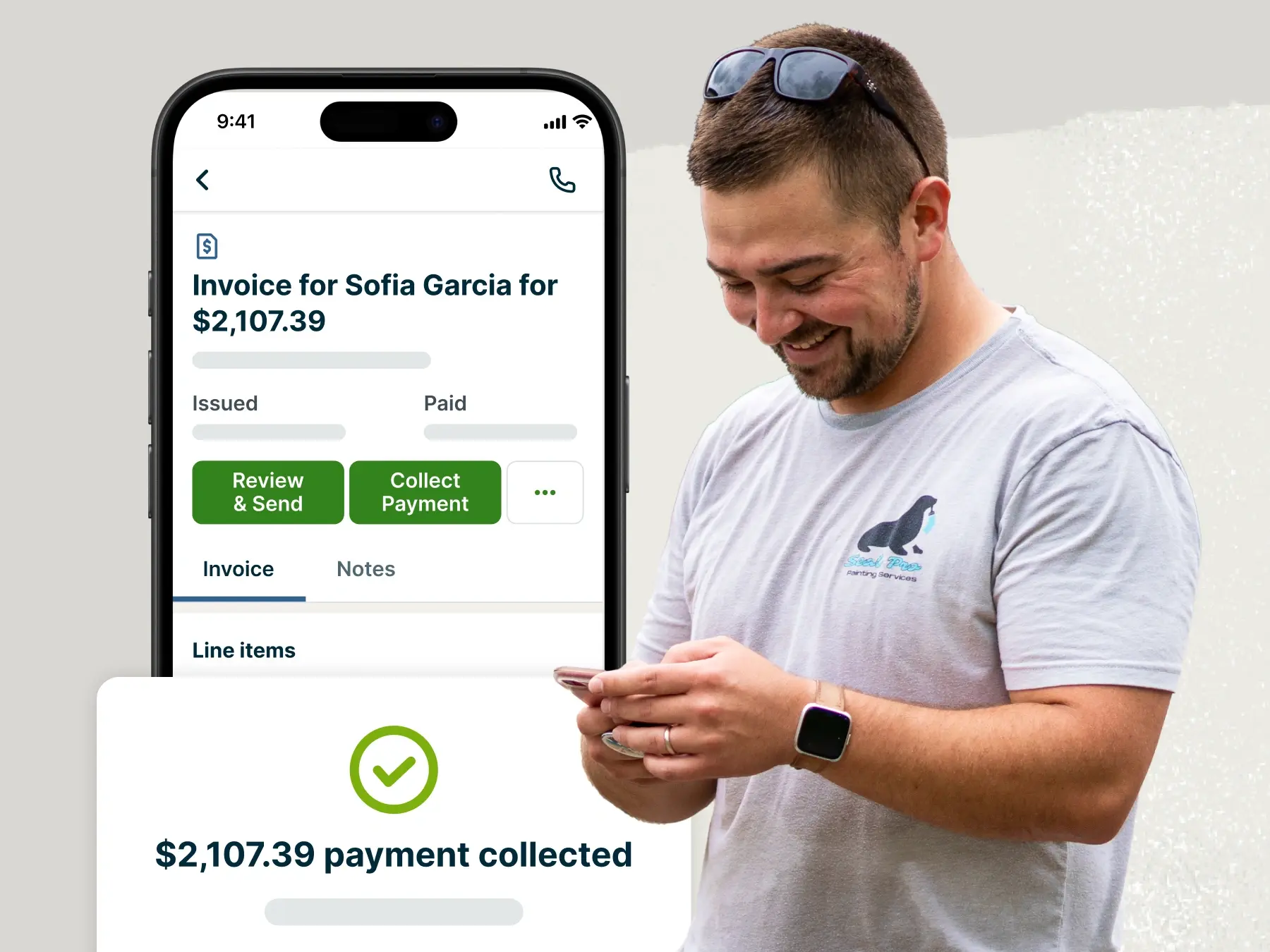
The easiest way to accept credit card payments is by using payment processing software like Jobber. It makes it easy to request, process, track, and manage credit card payments from customers. That means you spend less time chasing money and more time growing your business.
Plus, using Jobber Payments, you can also:
- Accept debit card payments
- Set up automatic payments for recurring work
- Collect tips from clients for a job well done
- Get paid on site with one tap
- Receive ACH bank transfers
Frequently Asked Questions
-
Yes. Many payment processors, like Jobber, allow you to accept credit card payments using an app on your phone, no hardware required.
-
Fees for accepting credit card payments vary by payment processor. You may need to pay:
• A small percentage of each transaction, usually between 1.5% to 3.5%
• A fee per transaction, such as $0.30
• A monthly subscription fee, depending on your needs
How much you pay will depend on how many transactions you need to process and the PSP you choose. -
If you use Jobber’s Tap to Pay feature, all you need is:
• A reliable phone or tablet that can support the latest updates
• A data connection
• The Jobber app
You can also use a mobile card reader. -
No, if you use payment processing software like Jobber Payments, Stripe, or Square, you don’t need to create a separate merchant account. These providers act as both the payment processor and merchant on your behalf, making setup faster, easier, and more affordable.
-
Some payment processors, like Jobber, offer instant payouts that you can access immediately.
Otherwise, credit card payments are typically applied within three days.