



Top 5 Best Landscaping Scheduling Apps for a More Profitable Business
Key takeaways:
If you’re looking for the best landscaping scheduling apps to organize jobs, boost efficiency, and grow your business, here’s what you need to know.
- Centralize job scheduling and crew management. The top apps—like Jobber, ServiceTitan, YardBook, Connecteam, and LawnPro—put all your schedules, assignments, and team communication in one easy-to-use platform, saving time and cutting down on errors.
- Boost productivity with essential features. Look for features like route optimization, GPS tracking, automatic team notifications, and mobile access to keep your crews on track and make adjustments on the go.
- Choose an app that fits your business size and workflow. From budget-friendly tools for small teams to robust all-in-one platforms for larger companies, the best choice depends on your needs, job volume, and the tools you already use.
- Save money and time with seamless integrations. Top apps often integrate with invoicing, CRM, and accounting systems, streamlining billing, payroll, and customer communication.
- Test before you choose. Take advantage of free trials and reviews from real landscapers to find an app that’s simple to navigate and delivers the features your team relies on.
For more expert tips and software recommendations for landscaping professionals, sign up for the Jobber Newsletter. Get business advice in your inbox.
Running a successful landscaping business means keeping jobs, crews, and schedules running like clockwork. But between changing weather, packed calendars, and growing customer demands, that’s easier said than done.
Luckily, the right landscaping scheduling software can take the stress out of planning your days and help your business stay on track.
In this article, we highlight the top 5 best landscaping scheduling apps, so you can spend less time juggling schedules and more time growing your business.
What is a landscaping scheduling app?
A landscaping scheduling app is a software tool designed to help landscaping businesses plan, organize, and manage their daily jobs and crews more efficiently.
Instead of relying on paper calendars, spreadsheets, or endless phone calls, these apps put your entire schedule in one easy-to-use system.
Most landscaping scheduling apps allow you to assign jobs to crews, set recurring services like weekly lawn maintenance, adjust schedules due to weather, and optimize routes to save time and fuel.
Many scheduling apps also include features like customer notifications, time tracking, and mobile access—so crews know exactly where to go and what to do each day.
More than 80% of lawn care business owners struggle with staffing challenges, from high turnover to last-minute schedule changes. A landscaping scheduling app can help ease these issues by keeping crew schedules organized, transparent, and easy to access.
When employees know exactly where they need to be and when, it reduces confusion, missed shifts, and frustration—creating a more reliable, professional work environment that helps retain your best talent.
Best landscaping scheduling apps comparison table
| App | Best for | Key features | Price | Free trial |
|---|---|---|---|---|
| Jobber | Companies that want one central platform for scheduling, invoicing, and payments | • Route optimization • GPS tracking • Team notifications | Starting from $39 per user per month See all Jobber plans | Yes |
| ServiceTitan | Large landscaping companies | • Optimal schedule view • Notification centre • Detailed job histories | Must request pricing | No |
| YardBook | Companies on a budget | • Recurring job scheduling • Automated customer notifications • One-click route optimization | Free | Yes (free app) |
| Connecteam | Employee management | • AI scheduler • Schedule templates • Task management checklists | Free plan available, then $35 per user for the first 30 users | Yes (free plan available) |
| LawnPro | Companies looking for industry-specific software | • Schedule view in client portal • Seasonal schedule modifications • Route optimization | Free plan available, then $24 per month for 3 employee login | Yes (free plan available) |
How we chose the best scheduling apps for landscaping
We chose the best landscaping crew scheduling apps on this list by compiling tools made especially for landscapers and lawn care professionals.
We checked reviews on websites such as Capterra to discover what real-world users think of the software.
From there, we took a closer look at each solution to determine which had the best scheduling features, such as calendar views, route optimization and GPS tracking —all key features that landscapers need. We also watched app tutorials, when available, to see the tools in action and judge these capabilities for ourselves.
The result? This curated list of the best landscaping scheduling apps to tackle more jobs and keep your crew as productive as can be.
Jobber
Jobber is the best overall scheduling app for landscaping businesses.
As a field service management app, Jobber has everything you need to run your landscaping business—from CRM and quotes to payments, and everything in between. Jobber connects scheduling to your other landscaping workflows and keeps everything in one centralized place.
One user notes that scheduling jobs in Jobber is especially straightforward, and allows them to keep track of everything without missing a beat.
Here are Jobber’s top scheduling features for landscapers.
Job scheduling
Disorganized schedules are the biggest hurdle to productivity, but scheduling jobs can be tricky. With Jobber, you can create a job and assign it to your team in just a few clicks.
Compare your landscapers’ schedules side by side to see who’s free, choose an available time slot, and immediately schedule the work.
Calendar management
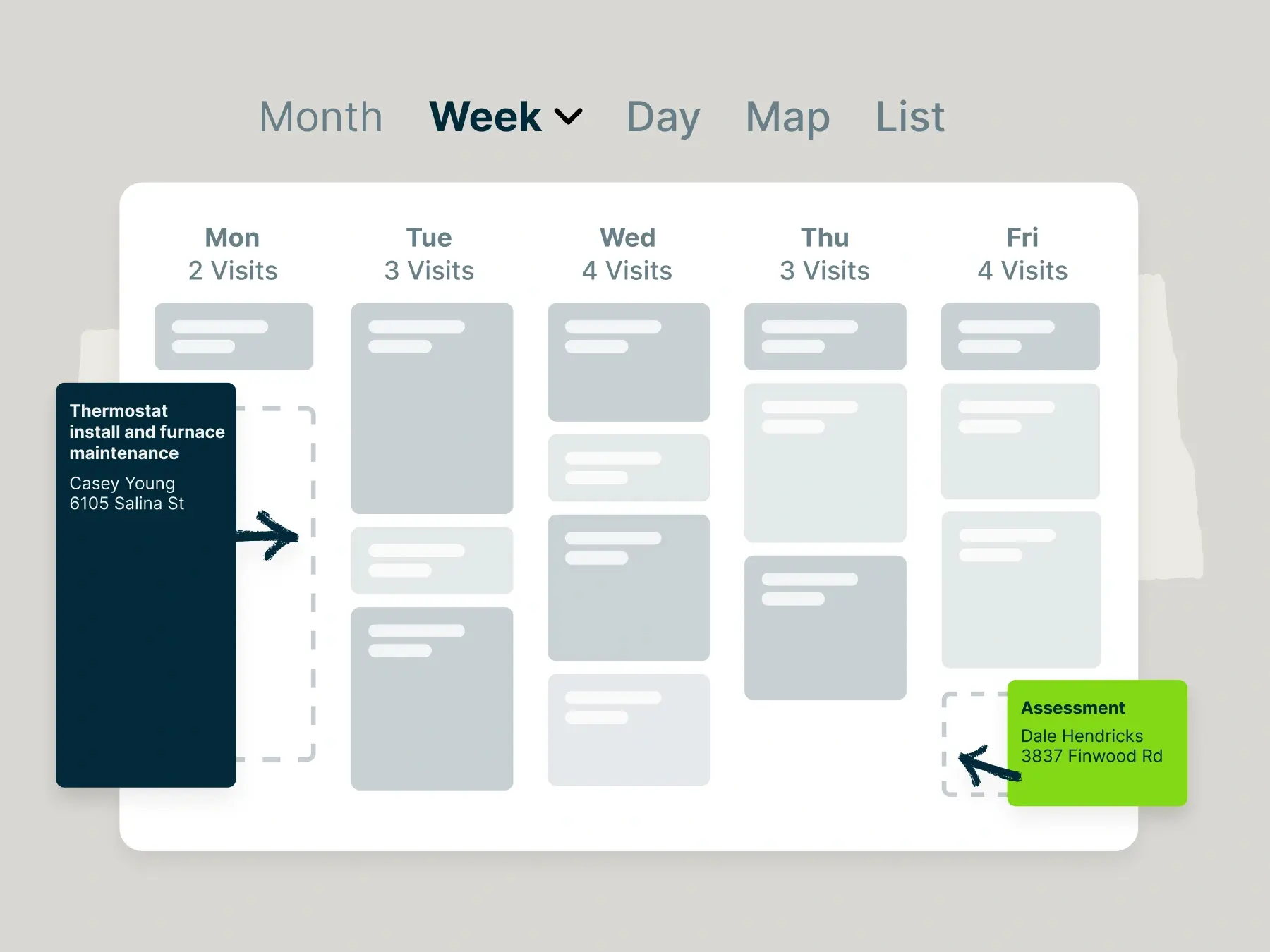
See your entire schedule at a glance for easy calendar management.
Jobber’s multiple calendar views let you view jobs by day, week, or month and quickly drag and drop appointments when plans change.
Color-coded job types and filters help you keep track of different service categories or crews, so you always know who’s working where and when.
Route optimization
Jobber makes route planning a breeze so that you can fit more landscaping jobs in a day.
Plan the most efficient paths for your crews every day. Jobber automatically organizes job stops in the best order to minimize drive time and fuel costs. This saves money and ensures crews arrive on time, increasing productivity and customer satisfaction.
I really love Jobbber’s route optimization tool. Lawn care route density is important—you want your customers very close so you can minimize the drive time. Jobber’s route optimization plots the most efficient route for your crews.
Team notifications
Jobber keeps everyone in the loop with automatic team notifications.
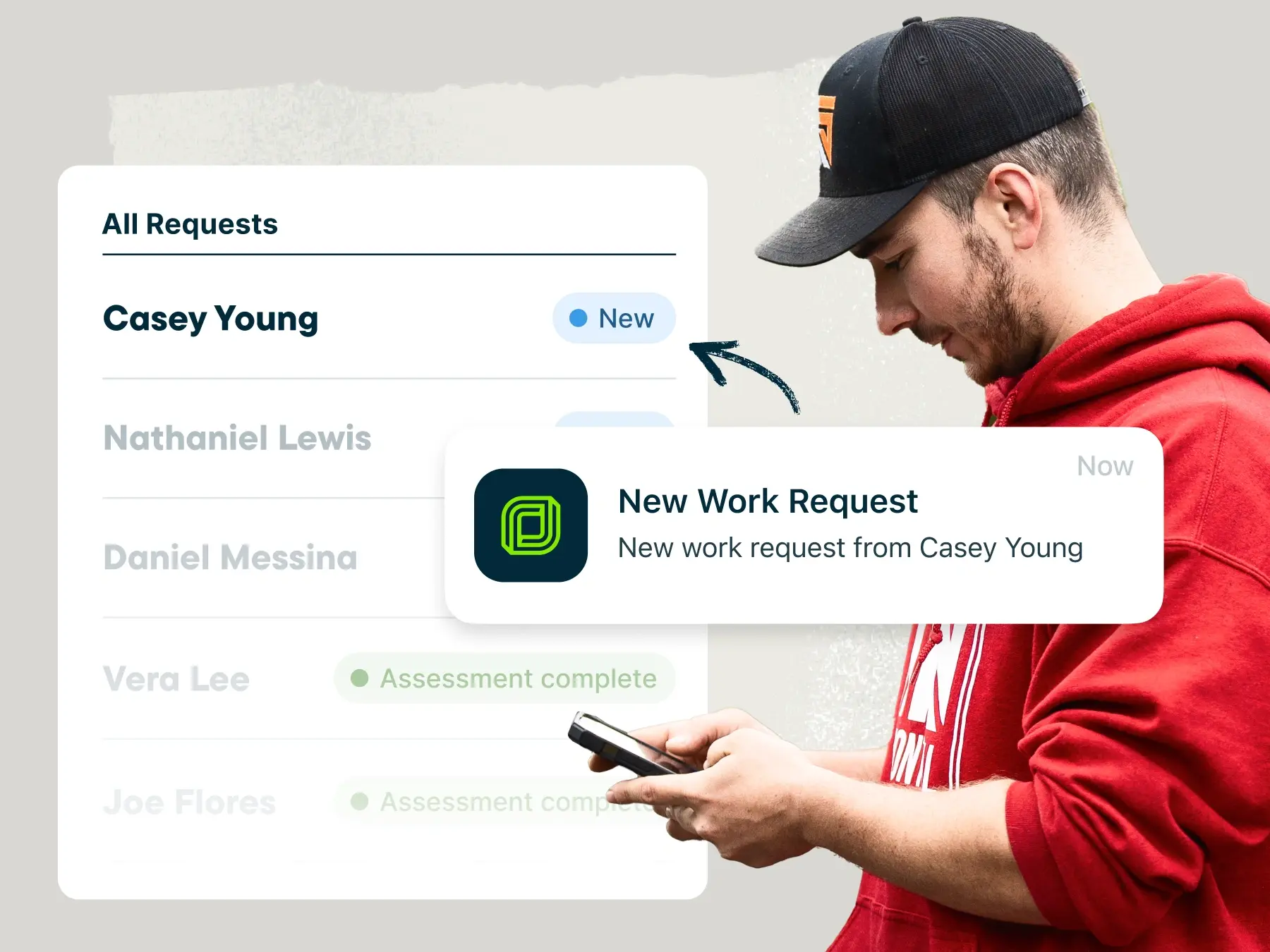
Your landscaping crew members receive alerts for new assignments, schedule updates, and job reminders directly on their mobile devices.
Instant notifications help reduce missed jobs, improve communication between the office and field, and ensure your team always knows what’s next.
GPS tracking
Jobber’s GPS tracking gives you real-time visibility into where your team members are throughout the workday—allowing you to confirm arrival times, monitor progress, and ensure jobs stay on schedule.
GPS tracking also enables accurate billing and improved customer communication by letting you know exactly when teams are on site or heading to the next location.
Jobber starts at $39 per user per month. Check out Jobber’s website to see all plans.
ServiceTitan
ServiceTitan is a good scheduling software option for large landscaping businesses.
ServiceTitan’s schedule view lets you see the optimal times to let you schedule your next job and assign the right landscaper. You can also customize the schedule view (day, week, month) to ensure it fits how you run your business.
ServiceTitan’s top scheduling features include:
- Drag-and-drop calendar for easy schedule changes
- Notification centre with real-time updates
- Detailed job histories for your landscapers to reference
It’s important to note that ServiceTitan is built for large landscaping businesses, and is therefore pricier than other options on this list.
One user expressed that ServiceTitan’s abundance of features are excessive for their small business. If you’re looking for scheduling software for the first time, you might want to consider something built specifically for small businesses.
ServiceTitan also does not publish pricing on their website—you will have to contact them for pricing.
Yardbook
Yardbook is a landscaping business software with many scheduling capabilities that landscapers need. Yardbook is free, with optional premium add-on features, making it a good option for businesses on a budget.
Yardbook’s mobile app allows you to track job progress and completion in real time, and offers one-click route optimization to create efficient routes for the day.
Yardbook’s top scheduling features include:
- Recurring job scheduling
- Automated customer notifications
- GPS tracking
However, YardBook has limited integrations, with one user pointing out that the software does not integrate with QuickBooks.
Connecteam
Connecteam is an employee management app that helps you quickly build employee schedules.
Connecteam leverages AI to let you build schedules in seconds thanks to the app’s auto-scheduler. Once they receive schedules, team members can accept or reject them, increasing accountability and minimizing scheduling mistakes.
Connecteam’s top scheduling features include:
- Schedule templates
- Live link to share schedules with customers
- Task management checklists
While Connecteam is great for scheduling employees, it lacks features that enhance scheduling, such as route optimization.
What’s more, one user wished that Connecteam had better customization options.
Connecteam prices range from a free plan to $99 per month for 30 users. There is also custom enterprise pricing. Check out their website for more details.
LawnPro
LawnPro is a field service software made with landscaping and lawn care companies in mind.
The platform’s scheduling capabilities include a drag-and-drop calendar and recurring visits to improve all aspects of your scheduling. You can also modify schedules in the winter—pause, shift, or reassign services during slow seasons without breaking your schedule.
LawnPro’s other top scheduling features include:
- Scheduled visits in client portal
- Weekly, bi-weekly, or seasonal visits
- Route optimization for faster routes
LawnPro’s prices range from a free version to $179 per month for 15 employee logins. Check out their website for more information.
How to choose the right landscaping scheduling app
The best landscaping company scheduling app is the one that makes your job easier.
With so many options available, choosing the right scheduling app comes down to finding one that fits your business size, workflow, and growth plans.
Here are the key factors to consider:
- Ease of use: Look for an app that’s simple to navigate and easy for both your office staff and field crews to use without extensive training.
- The size of your business: Consider the number of landscapers you have to schedule and how many jobs per day your crew completes.
- The types of jobs your business does: While most landscaping businesses Consider the most common jobs that your crew completes, whether that be simple lawn maintenance or more extensive work, such as tree installation or landscape design. This will affect how long your crew is at each job site.
- The other tools you use: To create a smooth system, you’ll want to choose a scheduling tool that integrates with the apps that you already use.
To get the full picture of how landscaping scheduling tools work, you should also read reviews from other landscapers and test out free trials when available.
Taking the time to evaluate different apps will help you choose a landscaping scheduling app that saves time, reduces headaches, and supports long-term success.
READ MORE: 9 Landscaping Business Tips
Essential landscaper scheduling app features
Some landscaping scheduling app features are must-haves for running your business smoothly and efficiently.
Here are some key features that the top apps should include:
- Job scheduling: Easily assign jobs to specific dates, times, and landscapers. Look for options to set up recurring jobs and drag-and-drop rescheduling when plans change.
- Calendar management: A clear, centralized calendar lets you see all upcoming jobs at a glance. An app with multiple views (daily/weekly/monthly) helps you stay organized and avoid overlaps.
- Route planning: Save time and reduce fuel costs by automatically generating efficient driving routes for your crews. This feature helps ensure appointments are met on time and travel between jobs is minimized.
- Team notifications: Keep everyone on the same page with alerts for new assignments, schedule changes, and reminders.
- GPS tracking: Real-time GPS tracking lets you see where crews are on the map, confirm arrival times, and improve job accountability. It’s also useful for customer updates and billing accuracy.
- Mobile accessibility: A strong mobile app ensures your crews can view schedules, update job status, capture notes/photos, and access customer details right from their phones or tablets.
- Customer communications: Automated reminders, appointment booking confirmations, and service completions help reduce no-shows and improve client satisfaction.
- Time tracking and reporting: Built-in time clocks and reporting tools help you track hours worked, analyze productivity, and make better payroll and planning decisions.
- Integrations with other tools: Syncing with invoicing, CRM, and accounting software streamlines workflow and keeps your business data connected across systems.
These features give you the power to run a well-organized, professional landscaping operation—from the office to the field—without unnecessary manual work.
Choosing the right landscaping scheduling app can make a noticeable difference in how smoothly you run your business. With the right features in place—like job scheduling, route optimization, and team communication—you can save time, reduce errors, and keep both crews and customers happy.
Frequently Asked Questions
-
A landscaping scheduling app lets you create, assign, and track work orders in one place.
With the right app, you can attach job details, assign crews, provide real-time updates, and quickly reschedule work when plans change.
-
The main benefits of using a landscaping scheduling app include:
• Better organization
• Fewer scheduling errors
• Improved crew communication
• Faster route planning
This all results in time savings that help you run your business more efficiently.
-
Key features to look for in a landscaping scheduling app include:
• Job scheduling
• Calendar management
• Route optimization
• Mobile access
• Team notifications
• GPS tracking
• Integrations -
Many popular landscaping scheduling apps integrate with QuickBooks, including Jobber.
Connecting QuickBooks to Jobbers allows you to sync invoices, payments, and customer data all in one place to run your business more smoothly.
-
Yes, many landscaping scheduling apps include built-in invoicing and payment features.
For example, with Jobber, you can send invoices, accept online payments, and track payment status directly from the app.