Best CRM for Painting Contractors: 7 Tools to Boost Client Satisfaction

Key takeaways:
If you’re searching for the best CRM for painting contractors, the right software can help boost client satisfaction and streamline every part of your business.
- Purpose-built tools improve organization and workflows. Top CRMs like Jobber, CorkCRM, and Builder Prime are designed specifically for service businesses, helping painting contractors track leads, schedule jobs, and maintain client records easily.
- Automated communication keeps clients informed. Features such as appointment reminders, follow-ups, and centralized messaging help prevent no-shows and ensure customers feel cared for at every stage.
- Comprehensive platforms handle more than client management. The best CRMs allow for quoting, invoicing, online payments, and integration with tools you already use, meaning less double entry and more time for your team.
- Flexibility for businesses of any size. Whether you’re a solo painter or manage a growing crew, there’s a CRM option that fits—from lightweight, budget-friendly solutions to robust platforms with advanced features.
- Free trials and customization are key. Take advantage of demos or trials to find the CRM that best matches your workflow, team needs, and business goals.
For more tips like these to help your painting business grow, sign up for the Jobber Newsletter. Subscribe here.
As a painting contractor, your business is more than just brushstrokes and color swatches—it’s about keeping jobs organized, clients happy, and cash flowing.
A CRM helps you paint a clearer picture of your customers and overall business—from their first call to the final invoice.
Whether you’re managing a solo operation or leading a crew, choosing the best CRM for painting contractors can help you book more gigs, communicate with clients, and deliver quality customer service.
Let’s dive into the top painting CRMs that’ll transform the way you manage clients and boost your bottom line.
The top painting contractor CRM software to consider:
How we chose the best CRM for painting contractors
To find the best CRM for painting contractors, we started by checking out online forums to understand exactly what professional painters need from their software.
We then analyzed user reviews, compared top-rated platforms, and evaluated features specifically geared toward customer relationship management in the painting industry.
When available, we also watched app tutorials to see how each CRM performs in real-world scenarios.
The result is a curated list of 7 CRMs for painting contractors designed to keep your business organized and your customers satisfied.
1. Jobber
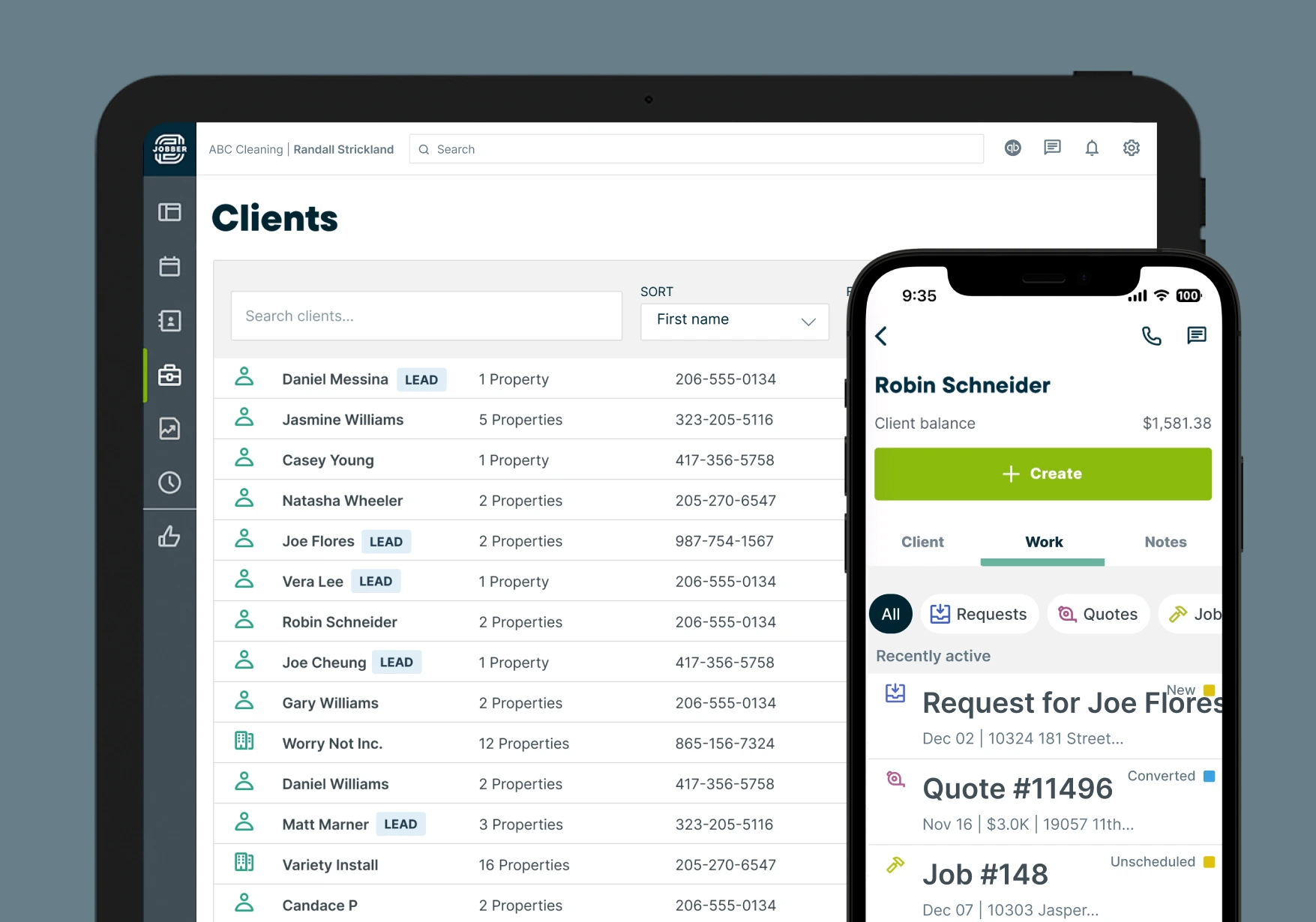
Jobber’s painting contractor software streamlines your customer and job management to ensure every client gets the attention they need.
Start by making custom client profiles with the details that matter most to your business, such as:
- Whether their property is a house or an apartment
- Property square footage
- Measurement for decks, fences, cabinets, etc.
Need to jog your memory during a surprise client call? Jobber keeps a full record of past jobs, and you can pull up the details right from your mobile phone in seconds.
Staying connected with clients before, during, and after the work is easy with Jobber. Schedule emails or text messages to remind clients of their upcoming appointments. Plus, let clients know you’re on your way (or running late) with on my way text messages to avoid surprises and no-shows. All of your messages—texts and emails—will be conveniently stored in one place for quick reference.
Jobber also helps you manage leads effectively by separating prospects from paying clients, so every contact receives the right follow-up and communication.
Jobber is more than a painting CRM. Other key features include:
- Let customers request new work and their preferred dates and times, through an online request form on your website or social media
- Add optional line items to your quotes for add-on painting services
- Let customers approve quotes online through a customer portal
- Reschedule paint jobs with a simple click, drag, and drop
- View a timeline of your painting crew’s visits for the day and track their progress
- Turn quotes into invoices with just a few clicks
- Provide flexibility to your customers by accepting payments on-site or online
- Market your painting business and convert leads to customers with Jobber Campaigns
Jobber enabled us to have all of our company information in one place.
| Pros | Cons |
|---|---|
| • An all-in-one platform from which to run your business • Built specifically for service businesses • Integrated job scheduling and invoicing tools to connect your workflows • A mobile app to keep your business at your fingertips | • Works best for small or medium-sized painting companies |
Check out Jobber’s website for pricing.
2. ServiceTitan
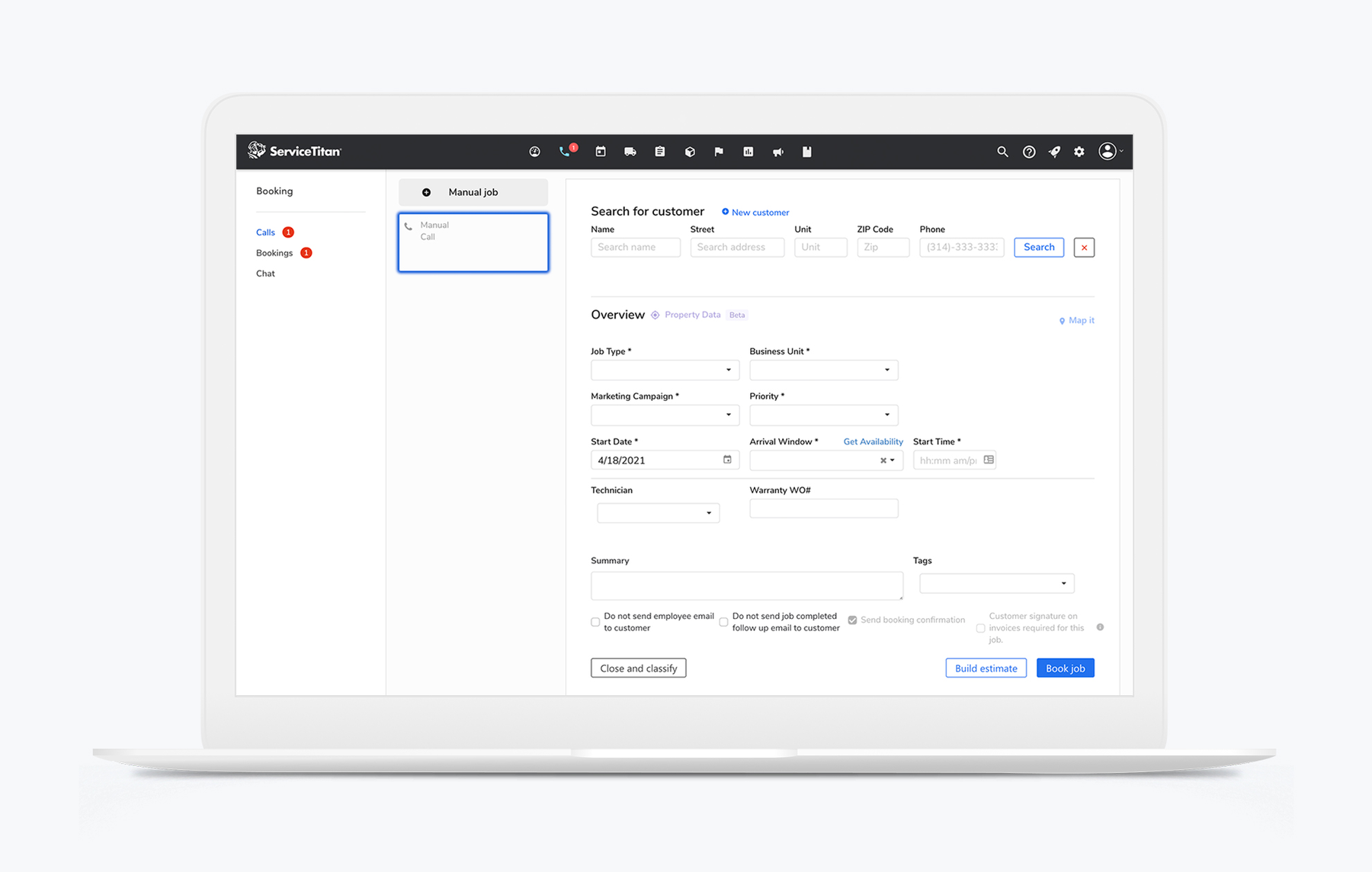
ServiceTitan is a business software solution made for trades, including painting contractors.
ServiceTitan offers CRM features to improve the customer experience and exceed expectations of your painting company. Like Jobber, clients can schedule appointments, request work orders, and pay invoices through their own self-service portal.
ServiceTitan’s other key features include:
- Two-way SMS texting with your clients
- GPS tracking to let customers see how far your painter is on a map
- Automatically populate client information as calls come in
READ MORE: Jobber vs. ServiceTitan
| Pros | Cons |
|---|---|
| • Real-time automated SMS messaging for constant communication with clients • Send painter bios to customers through text so they know who is coming • Painting crews have access to customer details and job history on a mobile app | • Pricier than other comparable options • Some of the complex features are overkill for solo or small businesses |
3. Zoho CRM
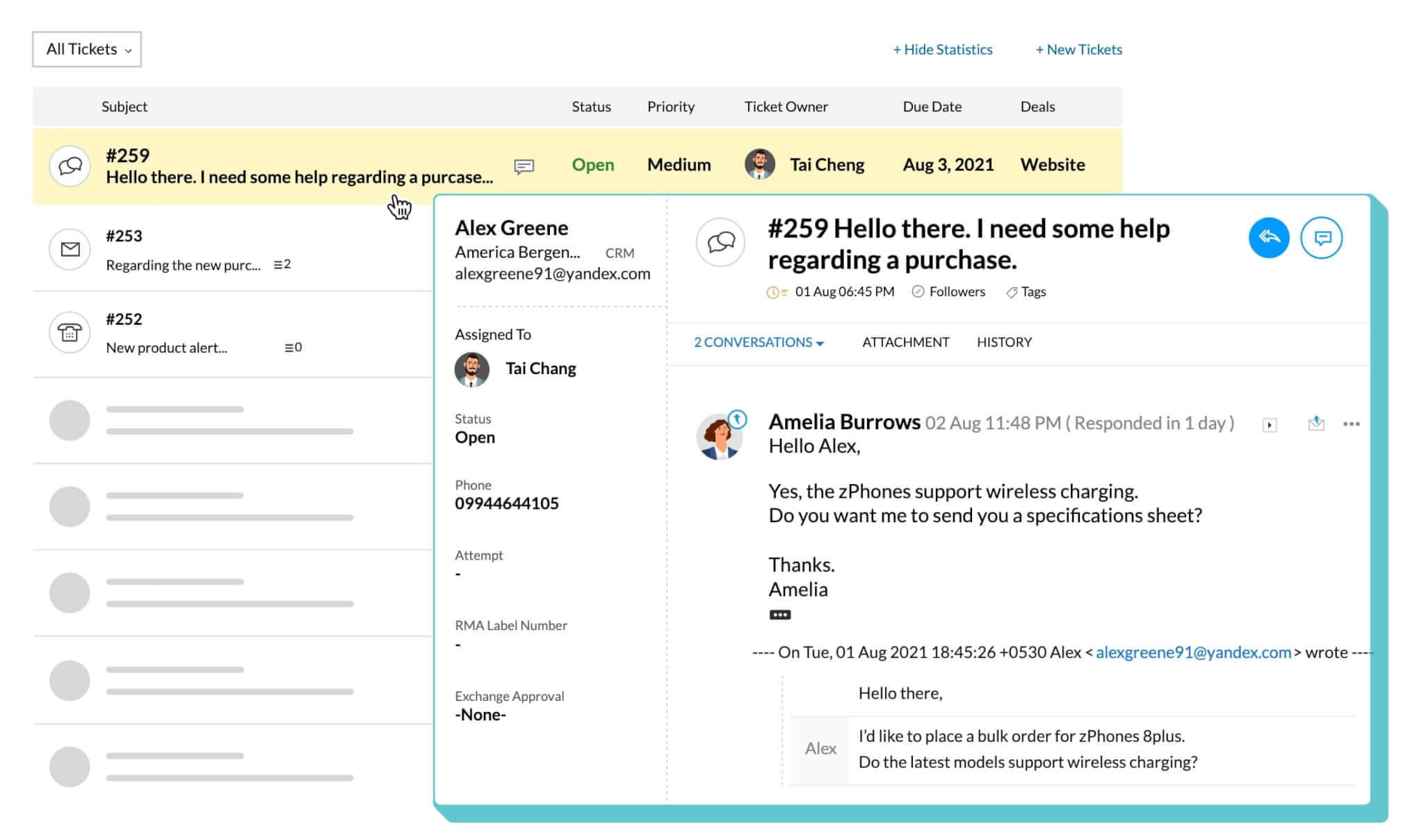
Zoho CRM is a free CRM app that is a great option for new painting businesses.
The platform’s multipurpose digital contact book lets you create connections, log sales activities, add notes, create tasks, qualify leads, view deals, and more—all from one central place.
Zoho CRM’s key features include:
- Send customers emails directly from the contact book
- Capture leads from forms on your painting website
- Create a custom workflow for up to 5 tasks
| Pros | Cons |
|---|---|
| • Great for painting businesses on a budget • Customization options to make the software your own • Option to integrate your CRM with other solutions in the Zoho ecosystem | • The free version only allows up to 3 users • Solution is not specific to painting or field service businesses |
If you outgrow the free version of this software, you can choose from one of several paid plans with additional features. Check out Zoho CRM’s website for pricing.
4. CorkCRM
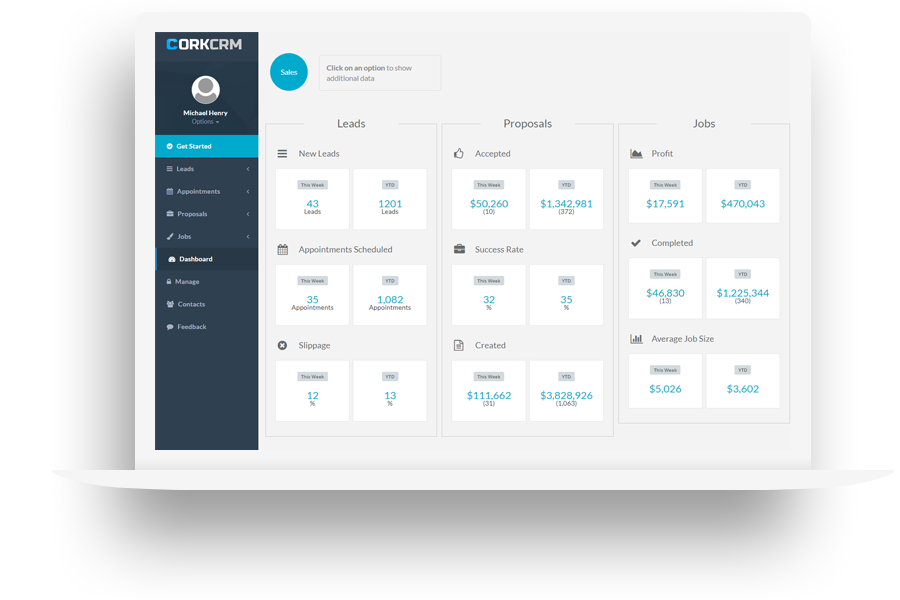
CorkCRM is a business software made specifically for painting contractors.
What makes CorkCRM a contender for the best CRM for painting contractors is the platform’s lead management.
Forward lead emails to a special email address, and CorkCRM will analyze the email, enter the lead into CorkCRM, and start the appointment scheduling automation right away.
CorkCRM’s key features include:
- Automated lead follow-ups
- Track lead sources to gain insights on marketing effectiveness
- Create and send proposals to customers on the spot to win more painting contracts
| Pros | Cons |
|---|---|
| • Made specifically for painting businesses • Automated lead tracking • Flexible contract signing on the spot or via email | • Phone support is not available with their basic package |
Check out CorkCRM’s website for pricing.
5. Builder Prime
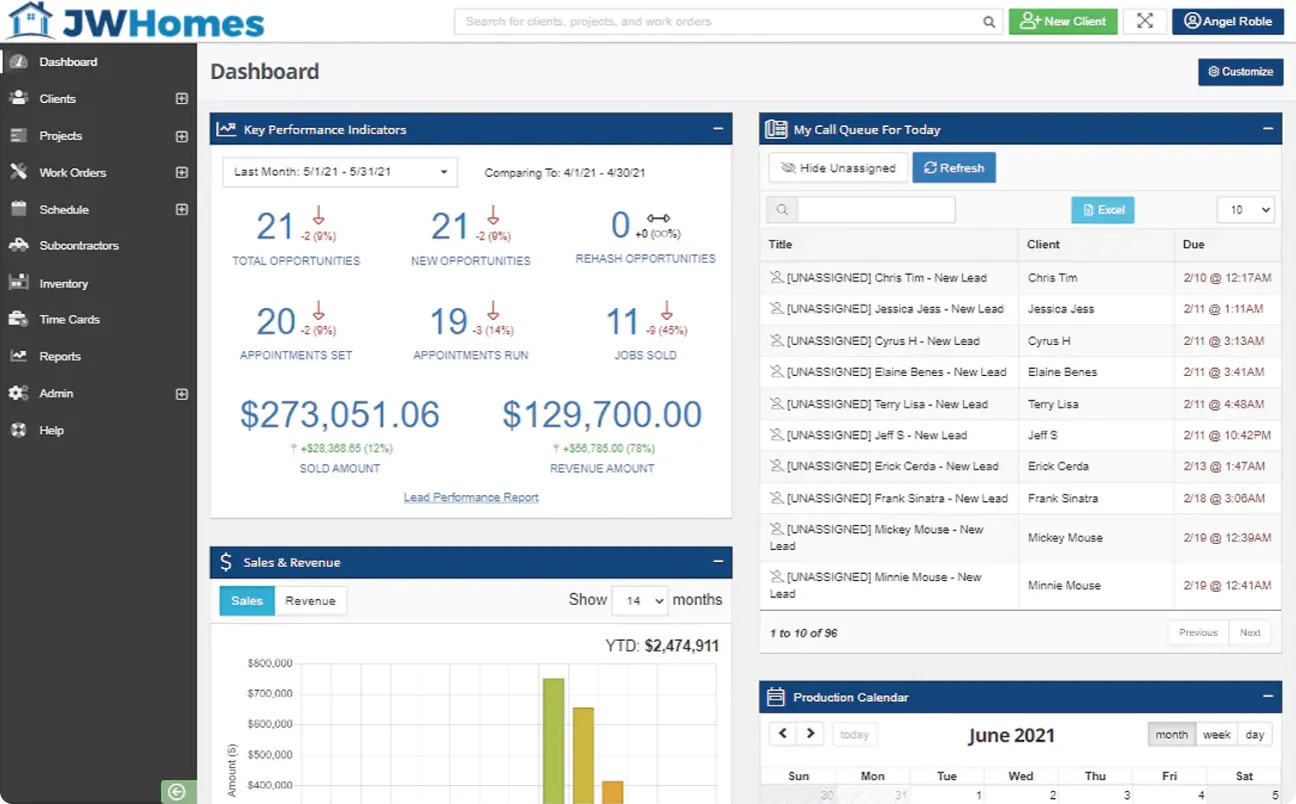
Builder Prime is a CRM designed for home improvement businesses, such as painting contractors.
Builder Prime makes it easy to communicate with your leads, current customers, and past customers by keeping them separate in the software and automating communication.
Builder Prime’s key features include:
- Pipeline management that advances leads through “The Happy Path”
- Automatically send painting project updates via SMS texting
- Price book to help you better estimate painting jobs
| Pros | Cons |
|---|---|
| • Automate all communication with leads and customers • Lead tracking system with automated email and SMS • Configure lead categories to your needs | • Customizing the software requires a steep learning curve |
Check out Builder Prime’s website for pricing.
6. Kickserv
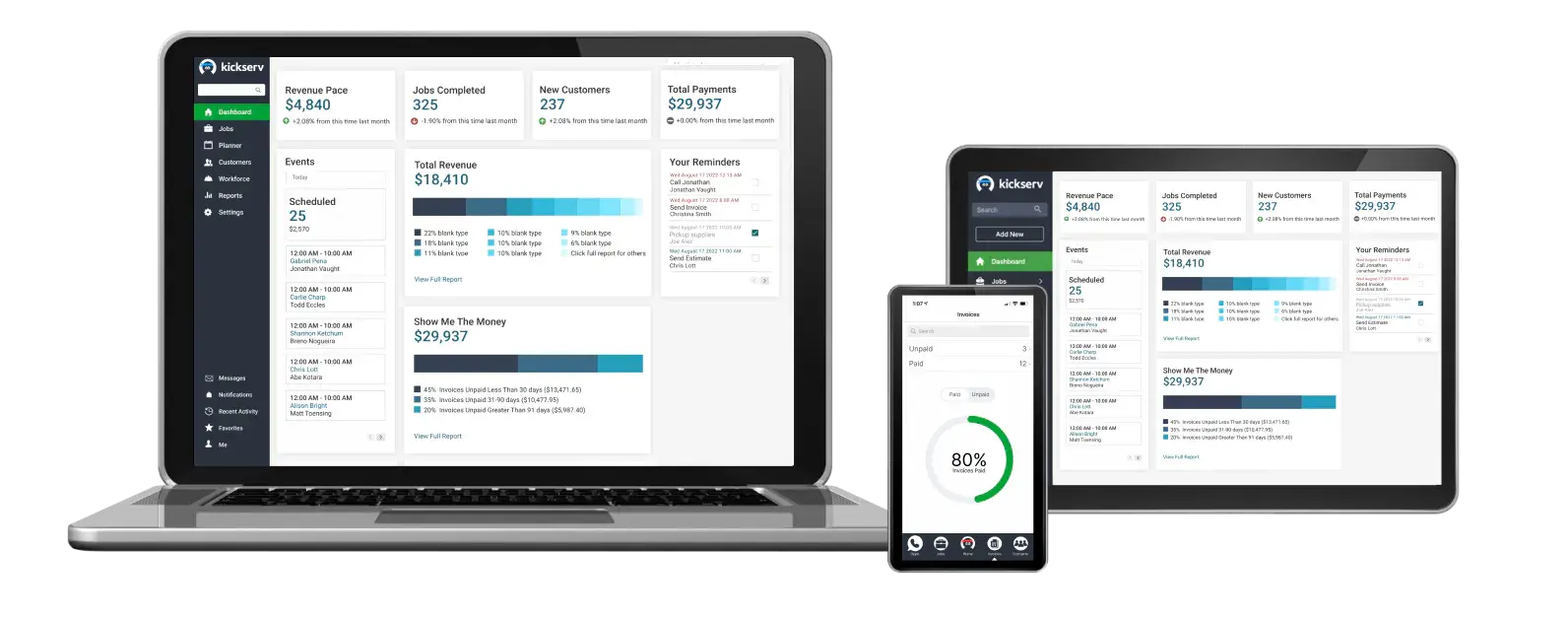
Kickserv is a field service management platform with built-in CRM tools, making it a solid choice for painting companies looking to improve client relationships.
With Kickser, customers can sign in to the Customer Center and perform tasks such as viewing their job history, requesting new paint jobs, sending messages, and approving estimates.
Kickserv’s key features include:
- Automated job reminder emails and text messages
- Mailchimp integration for promotional emails
- Messaging software to let your team approve work requests, upload photos and documents, and share information with clients
READ MORE: Jobber vs. Kickserv
| Pros | Cons |
|---|---|
| • Manage leads in a central inbox • Relevant crew messages can be seen by customers in the Customer Center • Track when estimates and invoices are viewed by customers | • Does not offer two-way text messaging • No built-in payment processing—must integrate with other payment software |
Check out Kickserv’s website for pricing.
7. Pipeline CRM
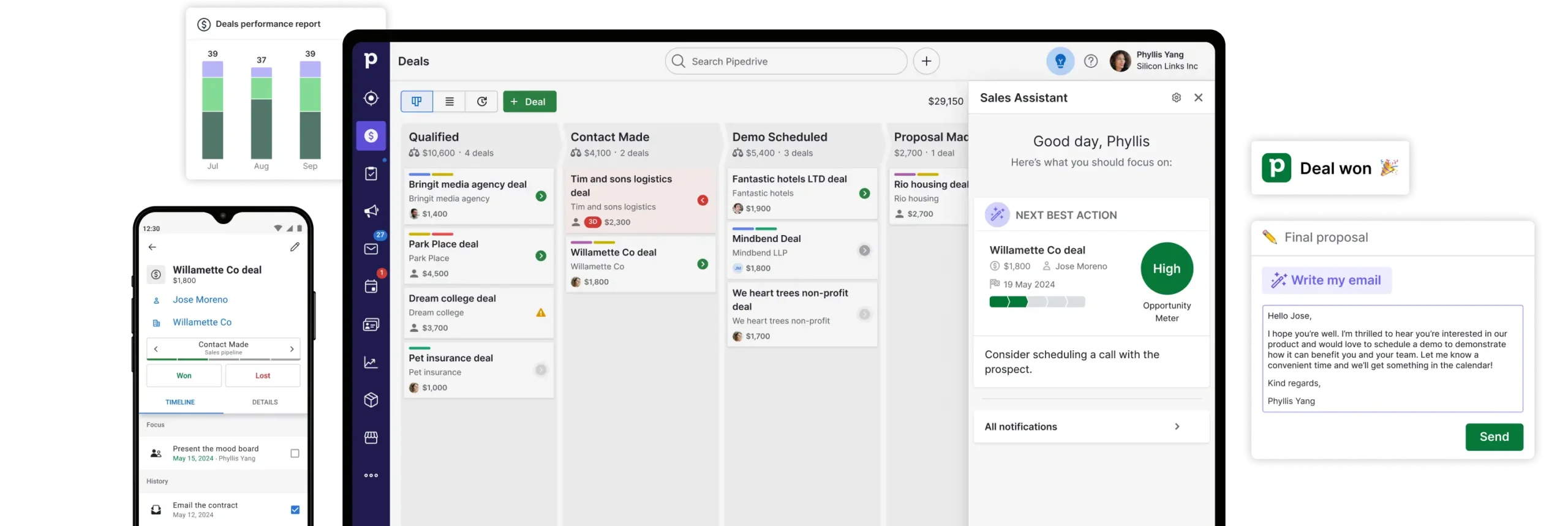
Pipeline CRM is a CRM for painting contractors looking for strong lead and pipeline management.
Pipeline CRM helps you track leads from the first interaction to increase their chance of converting to a paying customer. The software will send you tips and alerts to help you respond quickly and communicate better.
Pipeline CRM’s key features include:
- Built-in priority lists to take note of important items in your pipeline
- Trackable email to know when leads open an email, click a link, or download an attachment.
- Multiple pipelines
| Pros | Cons |
|---|---|
| • Centralizes updates, events, and communications • Tracks where leads came from for better marketing decisions • Customizable status tracking to know where each lead is in the sales process | • The first two tier plans do not allow you to send bulk emails • Lacks scheduling and invoice features to connect your workflows |
Check out Pipeline CRM’s website for pricing.
How to choose the best painting CRM
Choosing the right painting contractor CRM isn’t just about picking the most popular software—it’s about finding the tool that fits your specific workflow, team size, and business goals.
Here’s what to consider when evaluating your options:
- Mobile access: As a painting contractor, you’re always on the go, so it’s important to choose a CRM with a reliable mobile app.
- Team size: Whether you’re a solo painter or subcontracting painting jobs will determine what CRM features you’ll need in your software.
- Automated customer communication: The best CRM for painting contractors includes features such as automated follow-ups, appointment reminders, and centralized communication history to reduce no-shows and boost client satisfaction.
- Ease of use: Your CRM should make your life easier—not more complicated. If you’re just starting your painting business with a small team, a simpler CRM with an intuitive interface will prevent you from getting overwhelmed.
- Integrations with existing tools: If you already use other common painting business tools, like QuickBooks or CompanyCam, choosing a CRM that integrates with those tools can save time and reduce the need for double entry.
If you’re looking for a platform with more than customer management features, you’ll also want to consider more comprehensive apps for painting contractors with features such as:
- Estimating
- Job costing
- Scheduling and project management
- Invoicing
- Payment processing
The best CRM for painting contractors fits your business—not the other way around. When you find the right software, it will rival your favorite painting equipment and become your most trusted tool.
Take advantage of free trials when possible, and don’t be afraid to test a few options before committing.