Jobber vs. Joist
- Jobber helps you quote, schedule, invoice, and get paid—all in one place.
- Access all features with a free trial. No credit card required.
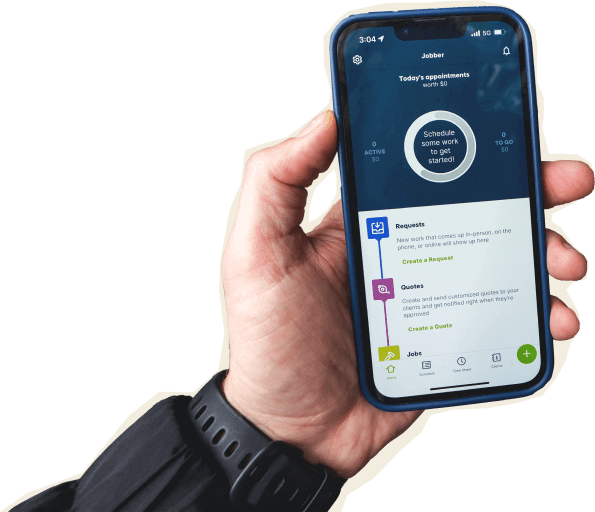

See the features that over 300,000 home service pros use to power their business

Manage jobs from start to finish with all the tools and information you need, all in one place.

Make it easy for customers to request work, approve quotes, make payments and stay informed.

Automate repetitive administrative work, and spend the time you save building your business.
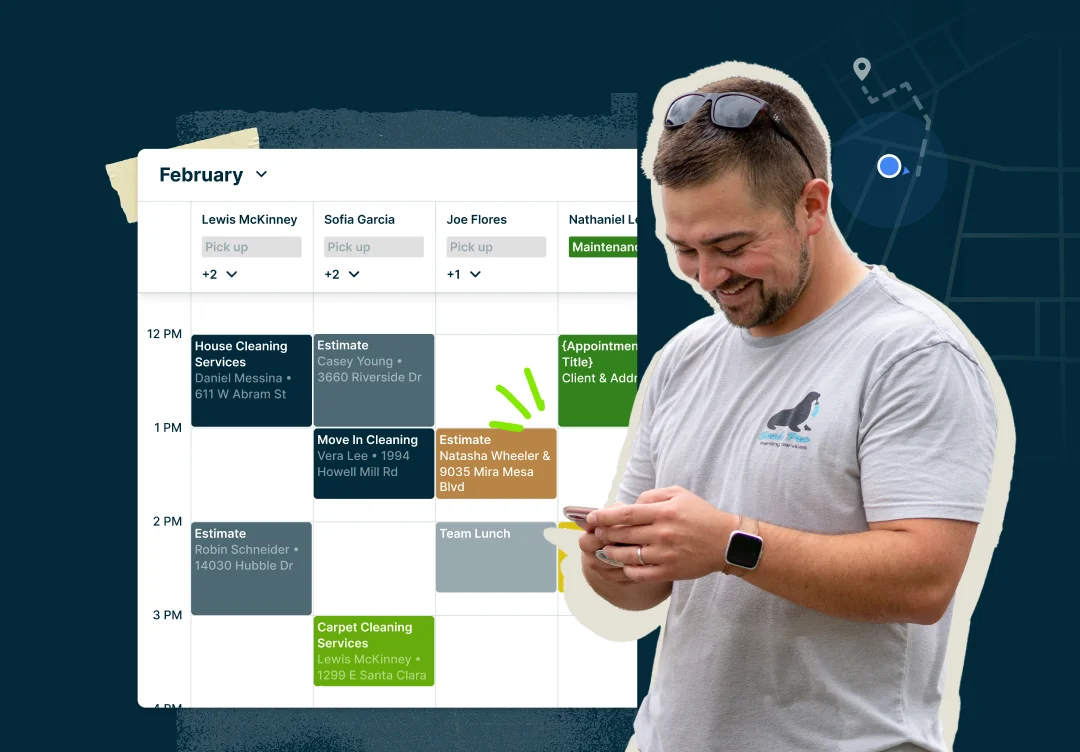
Features that Jobber customers love
Feature Comparison
Customer Management
Track all your customer info, so you and your team can deliver personalized service that makes every customer feel like they’re your #1.
Learn More
24/7 customer self-serve portal that lets your customers request work, confirm appointment details, approve quotes and pay invoices online.
Learn More
Fill your schedule with less effort by letting customers book appointments online. Watch jobs appear in your schedule while you stay in control of your availability.
Learn More
Keep customers in the loop with automated emails and text messages, so you can spend more time on productive work.
Learn More
Job Tracking
Schedule and assign jobs to you or your team faster, avoid booking conflicts, reschedule and reassign work to your crew, and instantly notify them of schedule changes.
Learn More
Reduce overhead costs, map one-off or recurring jobs for all of your crews, and optimize routes in a matter of seconds.
Learn More
Get a clear picture of your team’s whereabouts while they are on the move and assign jobs to the closest member around that location.
Learn More
Create detailed one-off or recurring job requests and track important job details in one place, so your team can access them on the go.
Learn More
Create checklists that set your team up for success, keep them accountable, and ensure consistent performance for all jobs done.
Learn More
Save time tracking business expenses wherever you and your team are, so everyone knows how much was spent on each job.
Learn More
Quoting
Create, send, and track professional quotes your customers can understand and approve easily.
Only Jobber lets you add optional add-ons and packages, and allows your clients to easily approve quotes online, 24/7.
Learn More
Limited
Track all job costs in one place, including materials, labor, and miscellaneous expenses to get a real-time view of job profitability,
Learn More
Sell higher-value jobs and packages by letting your customers pay over time.
Jobber users increase sales by up to 20% when they offer consumer financing on their quotes.
Learn More
Invoicing and payments
Create professional invoices and collect online payments.
Only Jobber lets you batch invoice, collect tips, and automatically follow up with customers on overdue payments without lifting a finger.
Learn More
Limited
Manage payments and work in one place you work, so you don’t miss a thing.
Only Jobber gives your clients the option to make a payment directly from their bank account via ACH.
Learn More
Limited
Let customers pay you on the spot with one tap and avoid manually entering your client’s credit card information.
Learn More
Get paid instantly so you can have money to pay your bills, buy more materials, and more.
With Jobber, instant payouts can be deposited into your bank account in minutes. Joist’s fast payouts take up to two days.
Learn More
Limited
Marketing Tools
Get more Google reviews by automating review requests to your satisfied customers.
Reviews is available as an add-on to most Jobber plans.
Learn More
Boost your revenue with targeted email campaigns that inform, re-engage, and upsell your clients.
Campaigns is available as an add-on to most Jobber plans.
Learn More
Setup and Integrations
Integrate with your favorite home service apps and software to do more with your business.
Learn More
Limited
Sync customer information, invoice, payment details, and important business info between Jobber and QuickBooks Online to avoid manual entry errors.
Learn More
Additional Features
Access to a private group of home service business entrepreneurs to share advice, ask questions, learn new things—and overall, feel supported by others who get what they’re building.
Learn More
Make fast and accurate scheduling decisions while on the go via iOS and Android app. Track your team’s progress, communicate with customers, create/send invoices, and record important notes to ensure customer satisfaction.
The Jobber mobile app is available in both English and Spanish for select team members.
Learn More
Find out how your field service business is really doing. Customize your reports so you see the information that is most important to you, and view in-product, or export to Excel or CSV files.
Learn More
Jobber Reviews




See what customers say about Jobber
Jobber vs. Joist
-
If you’re looking for Joist reviews, make sure to look on trustworthy sites like GetApp or Capterra. For real user reviews of the Joist app, check out the App Store or Google Play Store.
As of writing, the Joist app has 10K reviews on the Google Play store. The Jobber mobile app has 2K mobile app reviews on the Google Play store, and 1.7K reviews on the App Store.
-
In terms of pricing, Jobber provides a 14-day free trial and transparent pricing—with a range of pricing options that meets the needs of any home service business. Plus, you can always speak with the sales team if you’d like to talk to someone about which plan is best for you, so you can test out the product before you fully commit.
Joist offers a limited free plan that includes basic features, with pricing starting at $14/mo for premium plans. -
Over 250,000 home service pros choose Jobber over Joist because it helps home service run smoothly for you, your team, and your customers.
Here are the top reasons why businesses choose Jobber.
✅ Creates quotes and invoices in a single workflow, increasing productivity
✅ Organizes business operations with easy scheduling, quoting, invoicing, and fast payment
✅ Allows clients to request jobs that need to be done with convenient online booking
✅ Offers award-winning support via live chat or telephone
Jobber is a leading Joist alternative with all the features you need, demonstrating its commitment to your business’ growth with incredible customer service and award-winning 1:1 product coaching.
All Jobber customers enjoy unlimited phone, in-app chat, and email support. You typically speak to a real person within 2-5 minutes.
Phone support is not available at Joist. Support is only available via their website and by email. There is a waiting period regardless of how you contact them.