Easily run your business – even from your truck
Quote, schedule, and get paid—right from your phone. With Jobber, you’re in control, even when you’re on the move.
How does the Jobber mobile app work?
Monitor Your Business
Keep your workday running smoothly
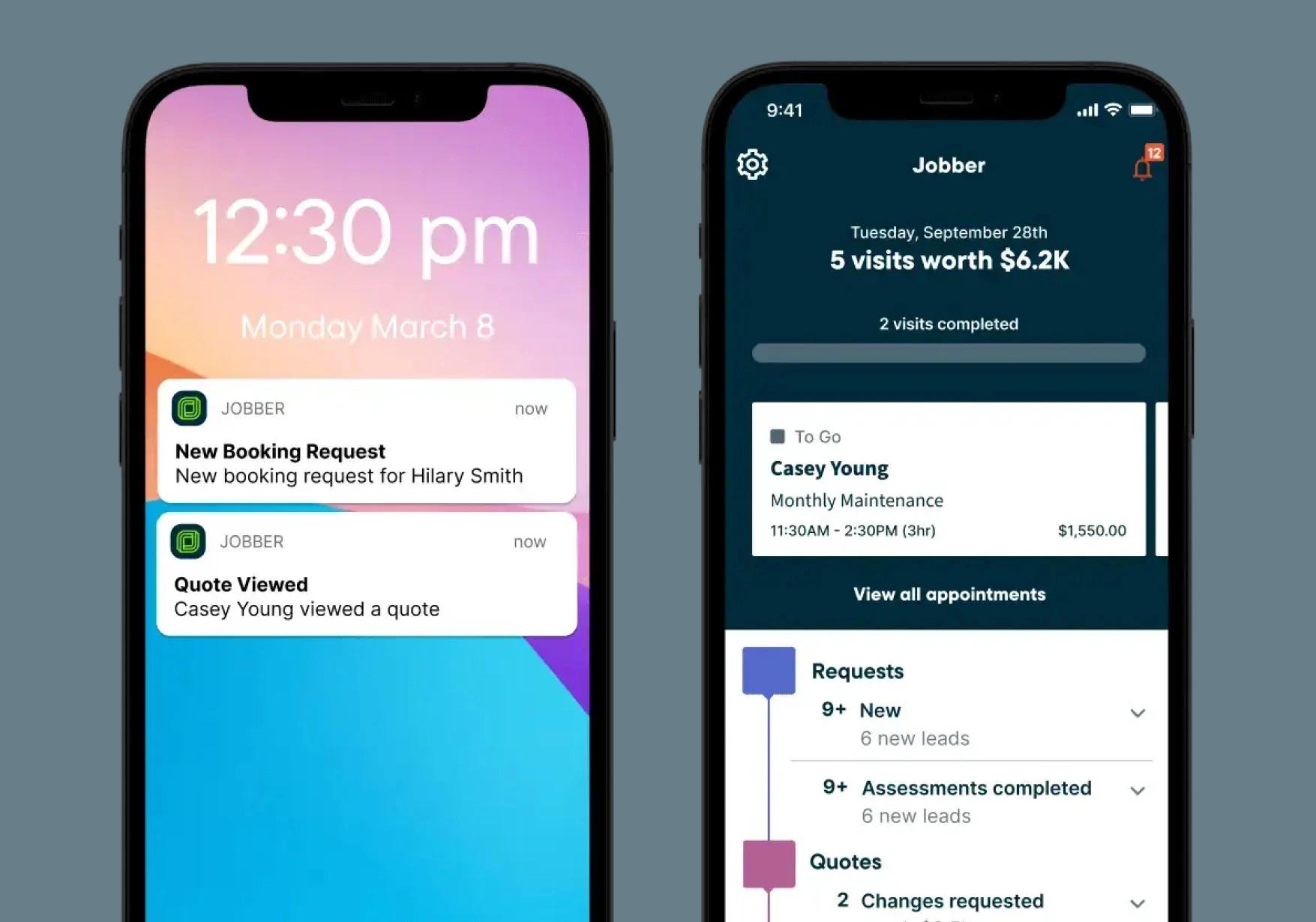
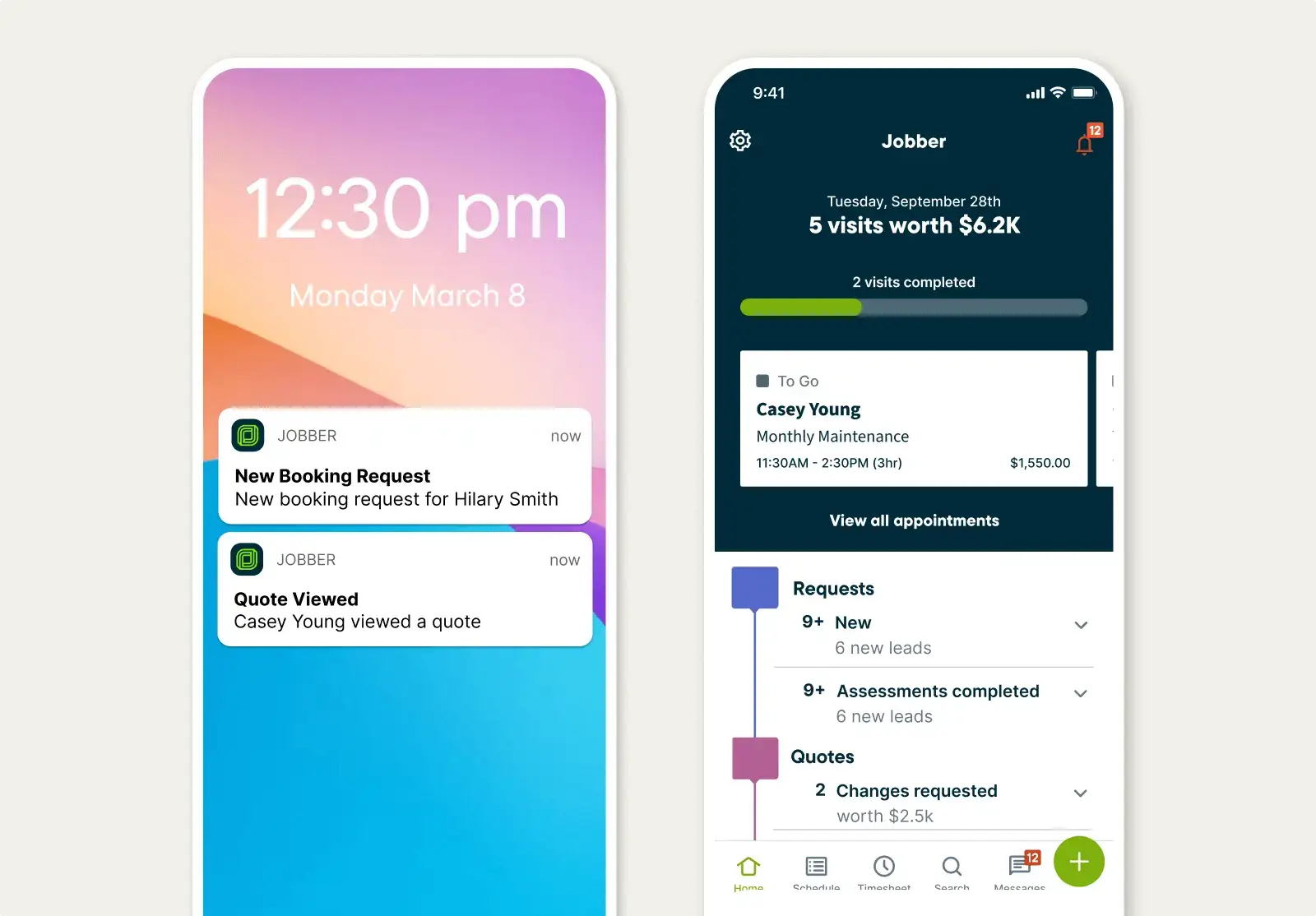
With push notifications sent to your mobile device, Jobber alerts you of schedule changes, new booking requests, client messages, and when clients view quotes.
One glance in the Jobber app shows you each step of your workflow, how appointments are progressing, and what actions you should take to keep work moving forward.
Schedule Visits
Make fast scheduling decisions in the field
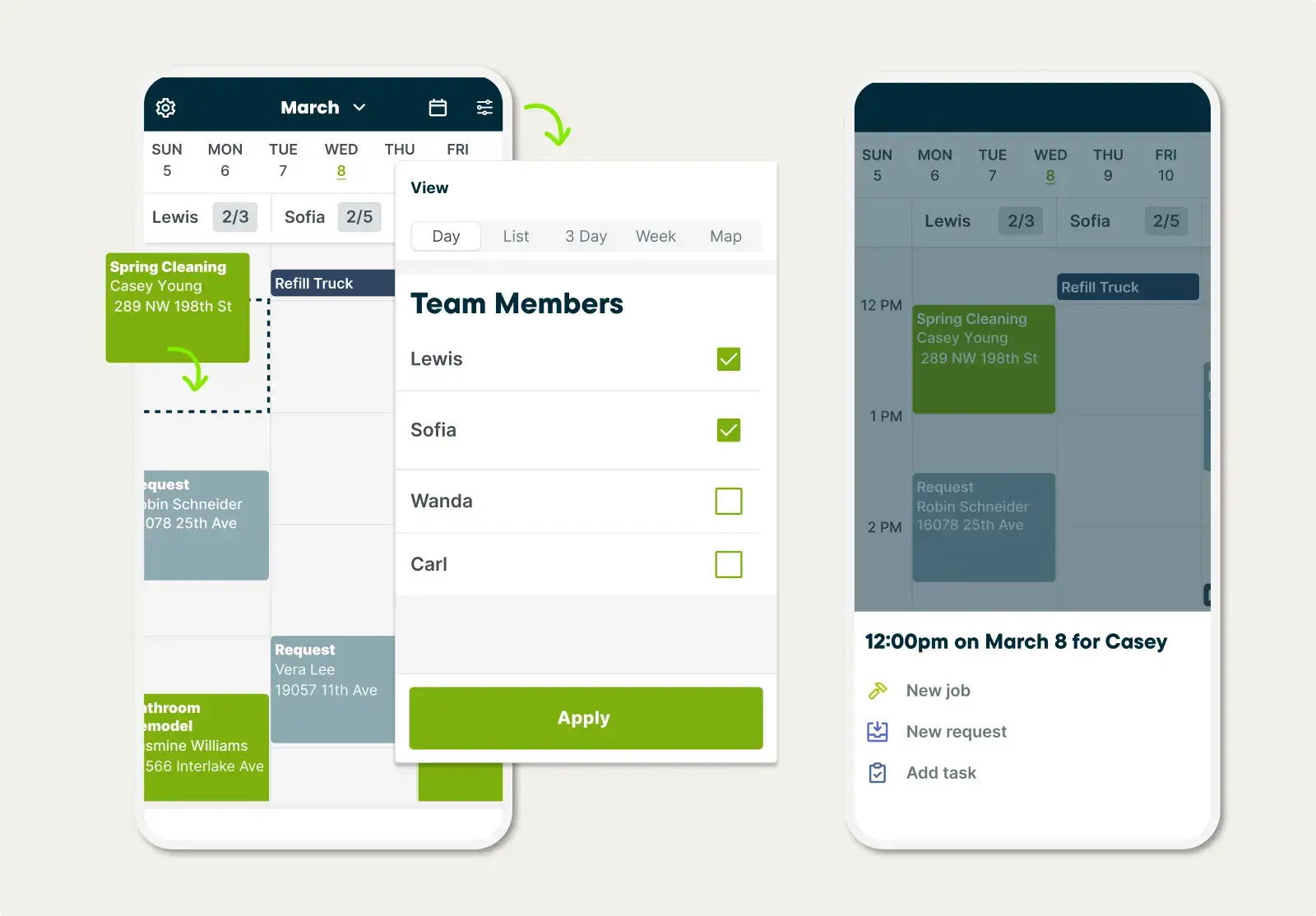
The Jobber app lets you easily schedule work from the field as soon as a new request comes in.
For last minute work, view your team’s daily visits on a map to quickly assign based on location.
"The size of our clientele tripled by using Jobber. It’s just that much easier to onboard new clients and have all their information in one spot."
Nick TwiggTwigg Transformations

Get the Job Done Right
Complete every visit exactly as planned
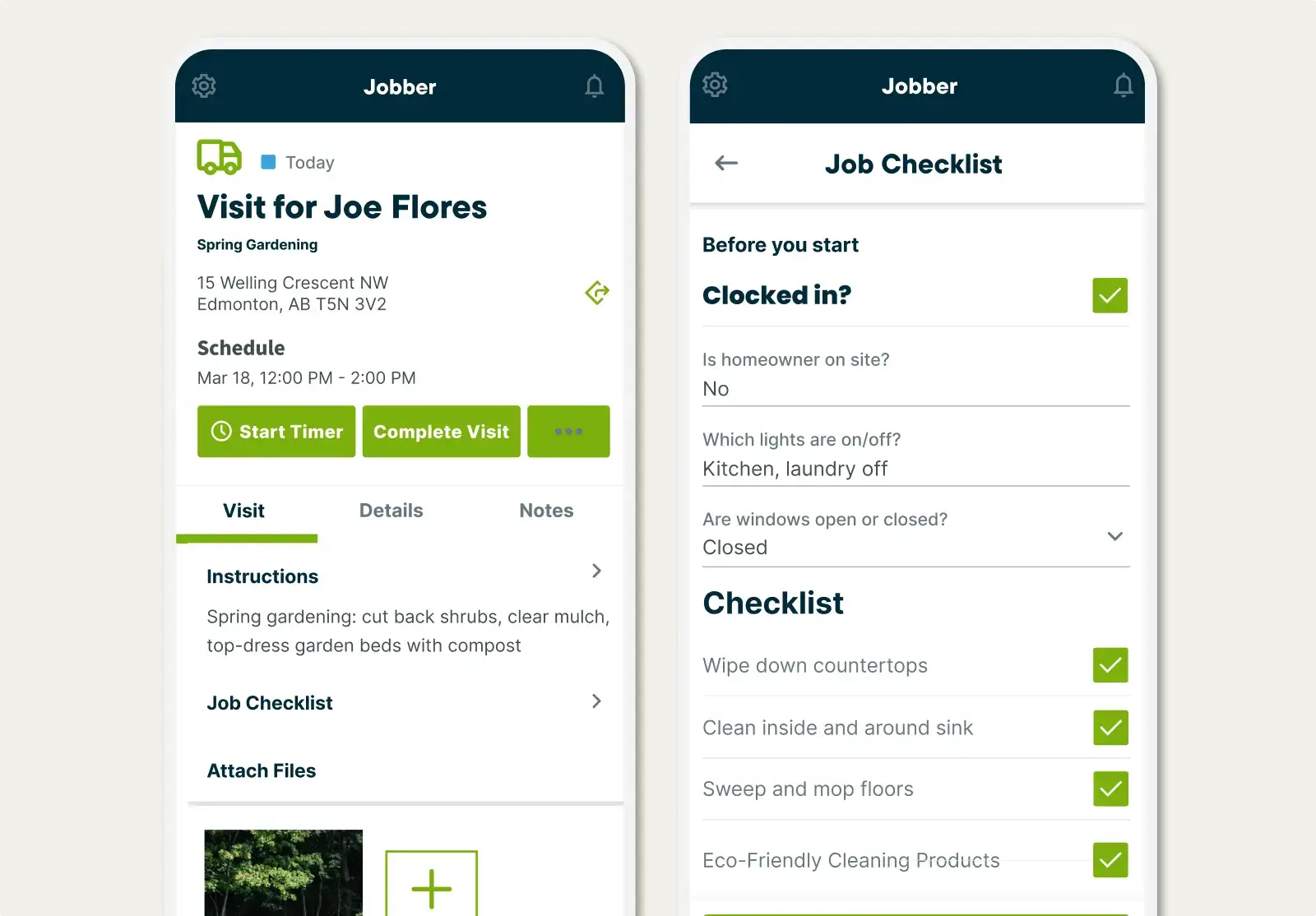
Access the job details you need in the field, right from the app. While you work, complete job forms and upload photos you take on-site for your records.
As your team clocks in and out from the app, Jobber captures their time spent on the job to help you with timesheets and job costing.
Plus, the Jobber app is available in Spanish for select team members. Download from the app store today.
Create Quotes & Invoices
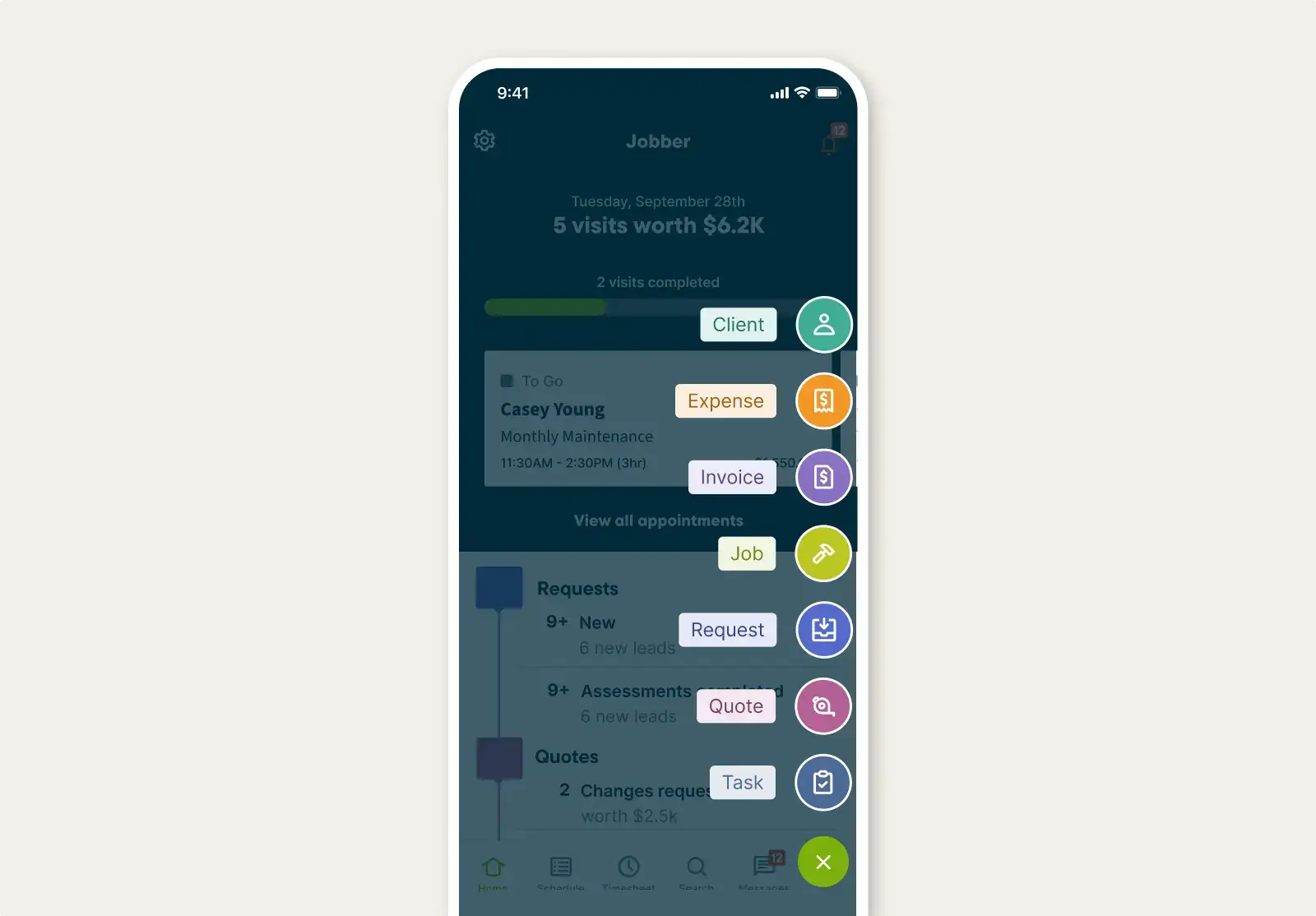
Quote and invoice customers on the go
Create and send a professional-looking quote from your mobile device—before you’ve even left the customer’s property.
When you mark a job complete, Jobber instantly generates an invoice that’s ready to send with a tap.
Communicate With Customers
Keep customers informed while staying focused on the work
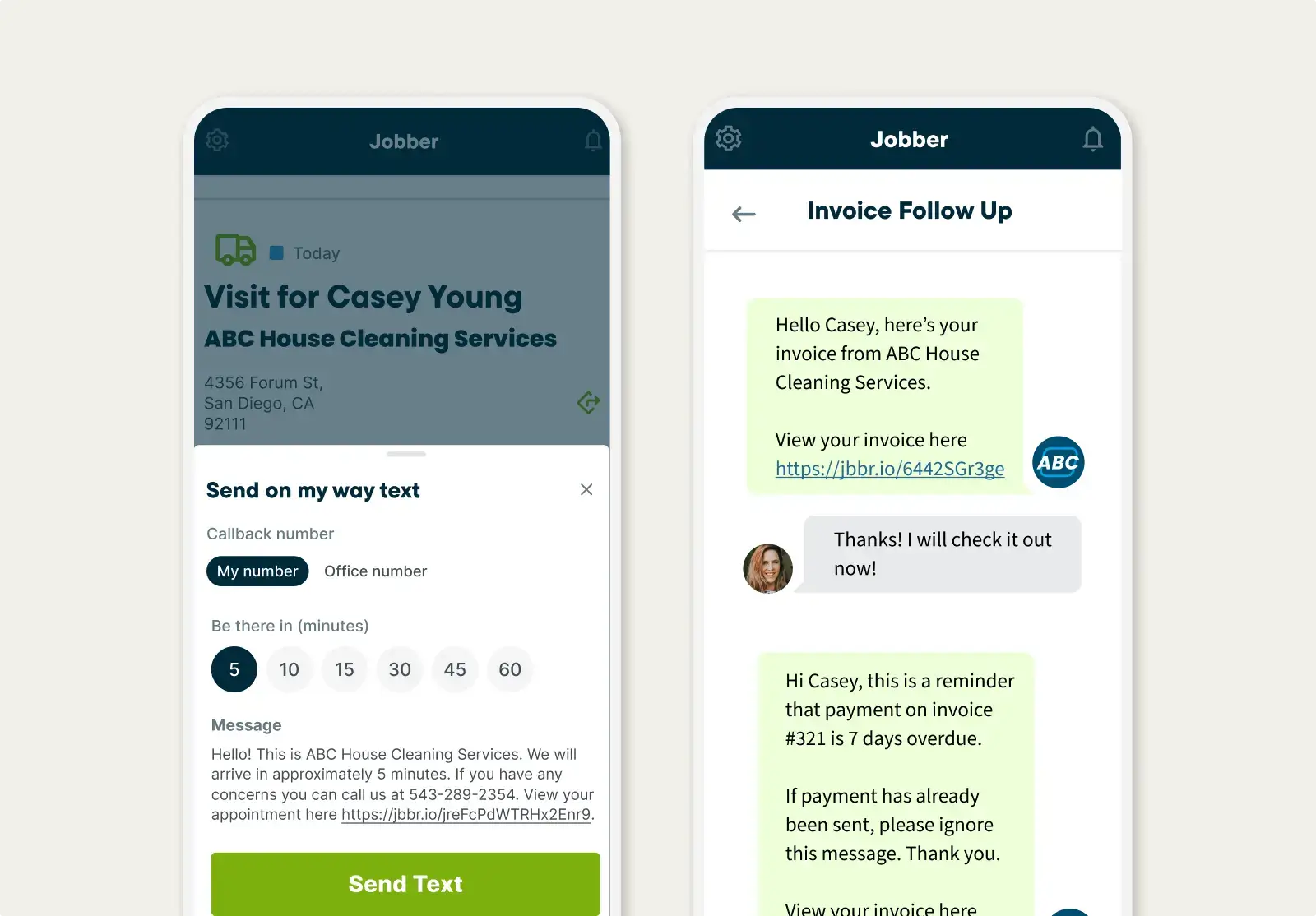
Customize your on-my-way text message, and Jobber will make it easy to send it to customers on the go.
Freely text with customers while on the go, knowing that conversations are stored in Jobber for you or a team member to reference.

TRUSTED BY 400,000 SERVICE PROS
“When you're on the go, 24/7, it feels amazing when you can do everything on your phone, in your van. ”
Related Features
Scheduling
A smart schedule that keeps you one step ahead
Learn MoreJob Management
Job management software that makes your workday run smoothly
Learn MoreInvoicing
Field service invoicing software that speeds up your cash flow
Learn MoreQuotes
Jobber lets you build customer-friendly quotes in minutes, price jobs perfectly, and automate your quote follow-ups so you never leave work on the table.
Learn MoreGPS Tracking
Make quicker scheduling decisions and keep tabs on team progress. Jobber lets you track your field service vehicles in real time, from anywhere.
Learn MoreTeam Management
Give your team the tools to stay organized, accountable, and productive.
Learn MoreThe integration app marketplace
Integrate Jobber with your favorite tools and take your business to the next level.
Check Out the App Marketplace