How does route optimization work in Jobber?
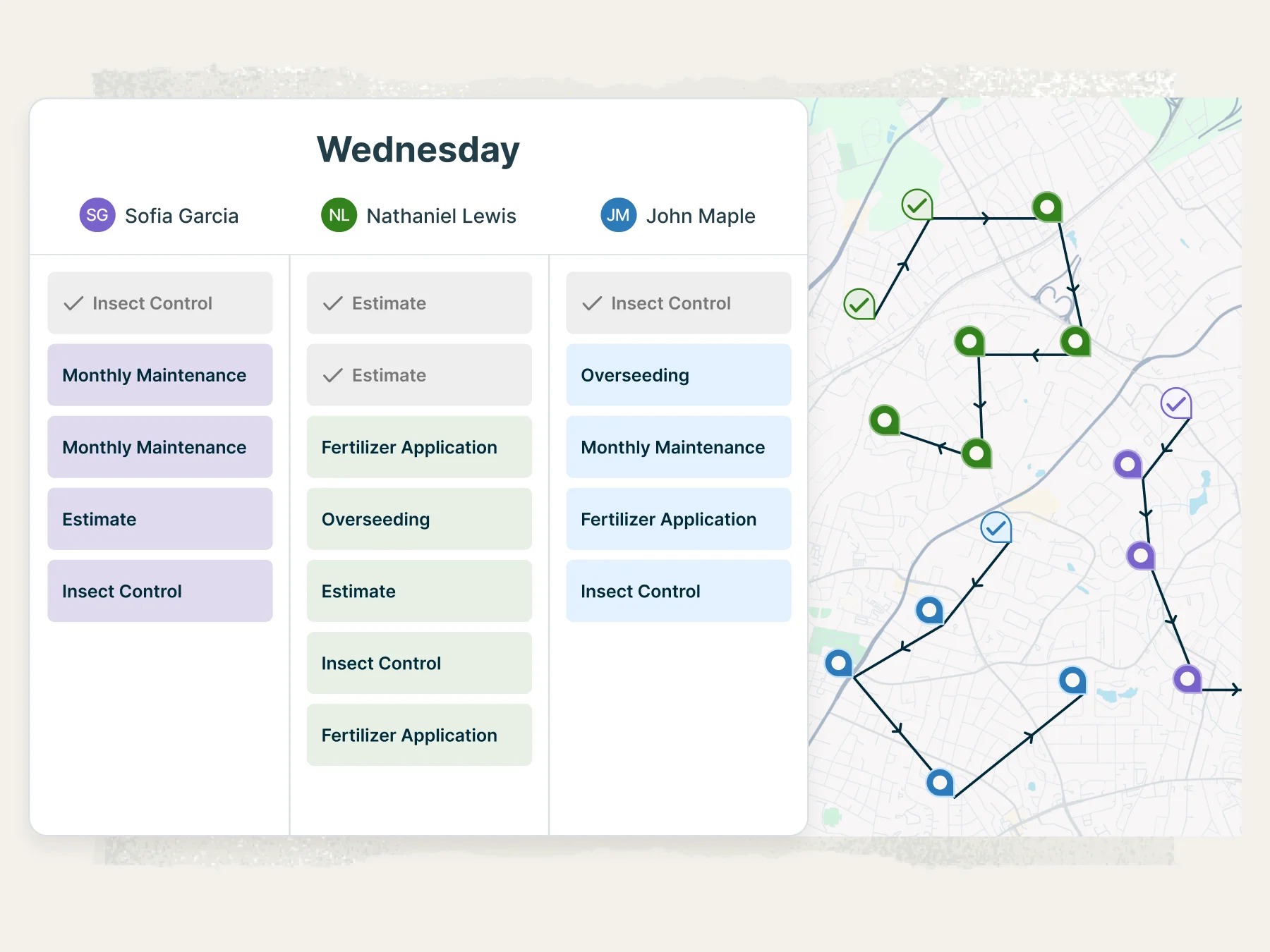
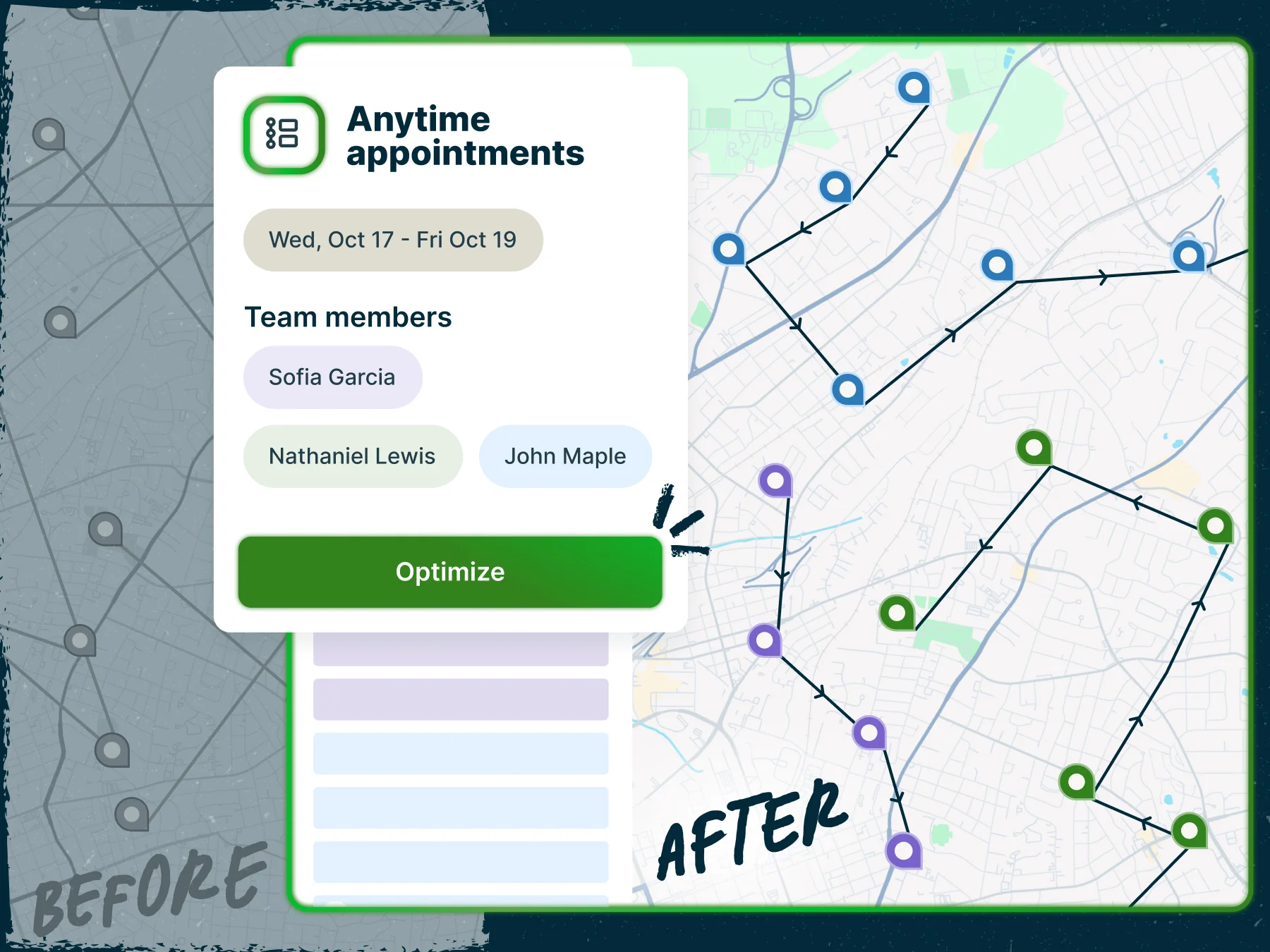
Build efficient routes for your entire crew day’s work
Plan routes for one person, a few team members, or your entire crew—all at once. Jobber automatically builds the most efficient routes in seconds, so your crew can take on more jobs without working longer hours.
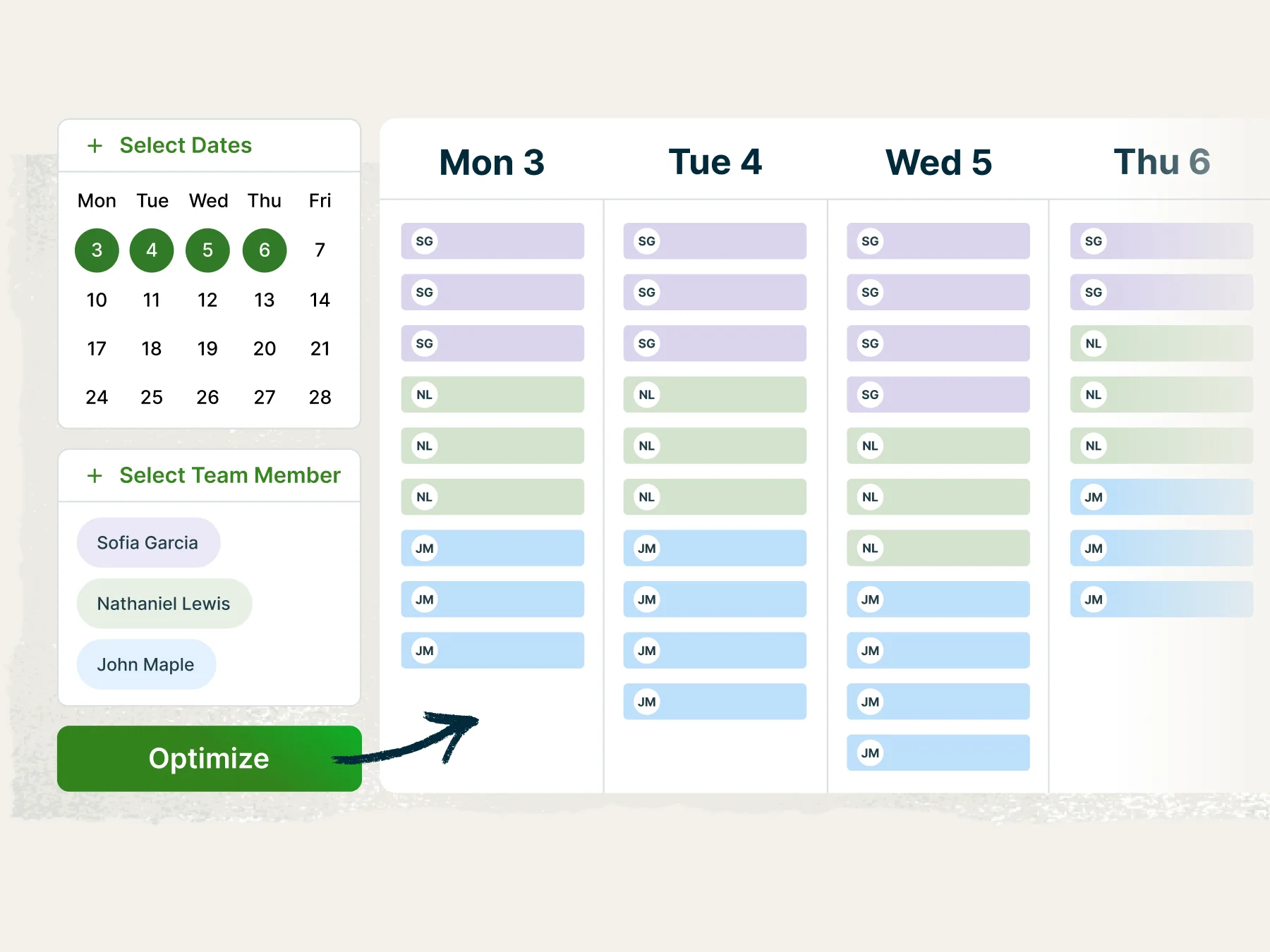
Plan ahead and stay flexible
Create routes for a single day, multiple days, or an entire week—whatever your schedule calls for. When things change, like a delay, cancellation, or new job, re-optimize routes instantly for any team member.
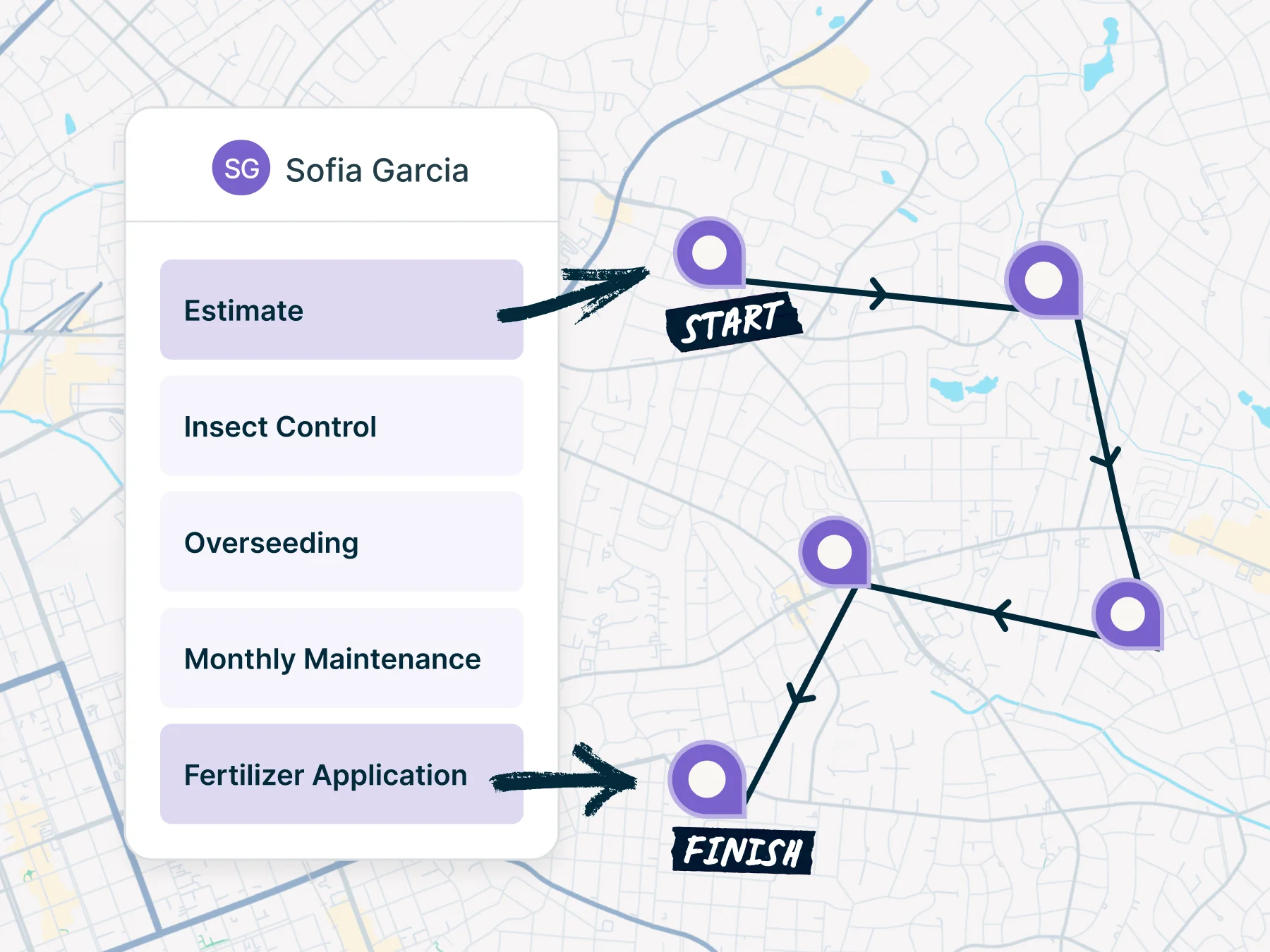
Route smarter from start to finish
Set where each crew member starts and ends their day, whether that’s home, the shop, or anywhere in between. Jobber builds routes that reflect your crew’s actual schedules, so the day stays on track from the first visit to the last.
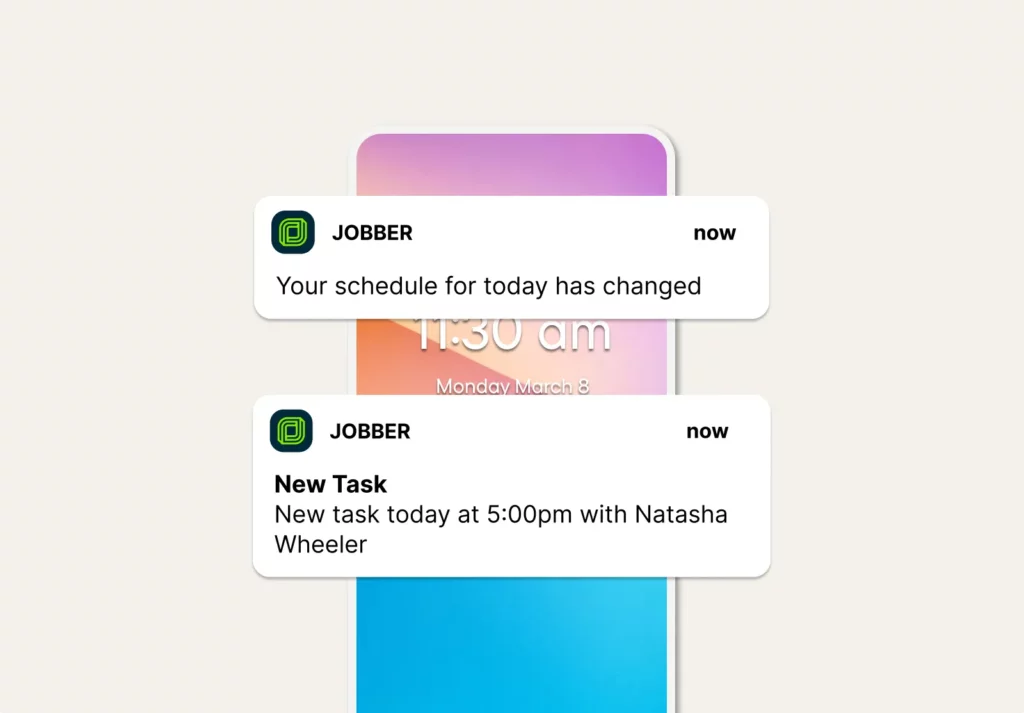
Notify crews of route changes and reroute them
Jobber keeps you prepared when new jobs appear on the schedule—or get canceled.
Your drivers get instant notifications and turn-by-turn directions to their next visit sent to their phone.
Pick the best plan for your business.
Put Jobber to work for you. No credit card required.
“Being in lawn care, I really love the route optimization tool.”

Integrations that fit the way you work
Schedule jobs efficiently and monitor your entire fleet directly in Jobber with Fleetsharp’s real-time GPS location data
Learn More
Turn Angi leads into jobs—and connect, manage and win clients in Jobber.
Learn More
Snap unlimited jobsite photos, seamlessly synced to Jobber—so your team and customers always have the full picture.
Learn More
Automate tasks between apps with custom triggers—seamlessly connecting Jobber with 2,000+ other tools
Learn MoreExplore other features
Online booking
Turn website visitors into booked jobs automatically—no follow-up required.
What is field service routing software?
Field service routing software like Jobber helps you dispatch your employees to the right place at the right time. Jobber determines the most efficient and cost-effective way to get from one visit to the next and shows you that optimized driving route on a map.
Instead of driving to jobs based on the order they came in, you can optimize routes in a matter of seconds to reduce mileage, increase efficiency, and fit more profitable work into your day.
You can use route optimization for just one vehicle or multiple crews to maximize your team’s reach, time, and performance.