



Skip to content

Best Apps for Plumbers: 12 Must-Have Tools for Better Operations

Profile picture of Hillary Walters, freelancer writer for Jobber Academy
Hillary Walters
Start Trial

Key takeaways:

The best apps for plumbers make your workload lighter and your jobs easier to manage—whether you need help with calculations, day-to-day scheduling, or finding new customers. 

In this article, you’ll find the top apps to work smarter, stay organized, and grow your plumbing business.

How we chose the best plumbing business apps

Whether you’re just starting your plumbing business or looking for ways to improve your workflows, it’s important to choose the best apps to run your company. The good news is that we started the search for you. 

We researched several app review sites, like GetApp and Software Advice, to collect a list of the most highly sought-after plumbing apps. We also looked at customer reviews to see what real users think.

The result is a curated list of reliable plumbing software. Here, you’ll find everything from CRM tools to digital job management so that you can improve every part of your business.

At a glance: plumbing app comparison

Disclaimer: Software prices are subject to change after the publication of this article.

App NameBest ForKey FeaturesPricing

Jobber
All-in-one plumbing business managementScheduling, dispatching, quoting, invoicing, payments, CRM
From ~$39/mo

Plumbing Formulator
Quick, on-site plumbing calculations120+ plumbing/HVAC formulas, charts, conversions
Free / In-app purchases

ElectriCalc Pro
Light electrical work for plumbing jobsNEC-based load & wire sizing, electrical calculationsFrom $8.99/month, in-app purchases

Pipe and Fitting
Pipe specs & referencePipe dimensions, fitting charts, parts reference
$3.99

Code Snap UPC
On-site plumbing code checksUPC code tables, calculators, and compliance tools
In-app purchases

Pipe Trades Pro

Advanced pipe calculations
Offsets, pressures, flow rates, pipe layout math
In-app purchases
Bubble LevelLeveling fixtures & installsDigital level, alignment toolsFree

QuickBooks
Accounting & financialsIncome/expense tracking, payroll, invoicingFrom ~$25–$40/mo
FleetSharpVehicle & route trackingGPS tracking, route optimizationIn-app purchases

CompanyCam

Jobsite photos & documentation
Photo/video storage, annotations, reports
3 user minimum, $79/mo

Thumbtack

Lead generation
Customer leads, booking, messaging
Pay-per-lead

Canva
Marketing materials and designTemplates for social, flyers, brandingFree— Pro from ~$12.99/mo

1. Jobber

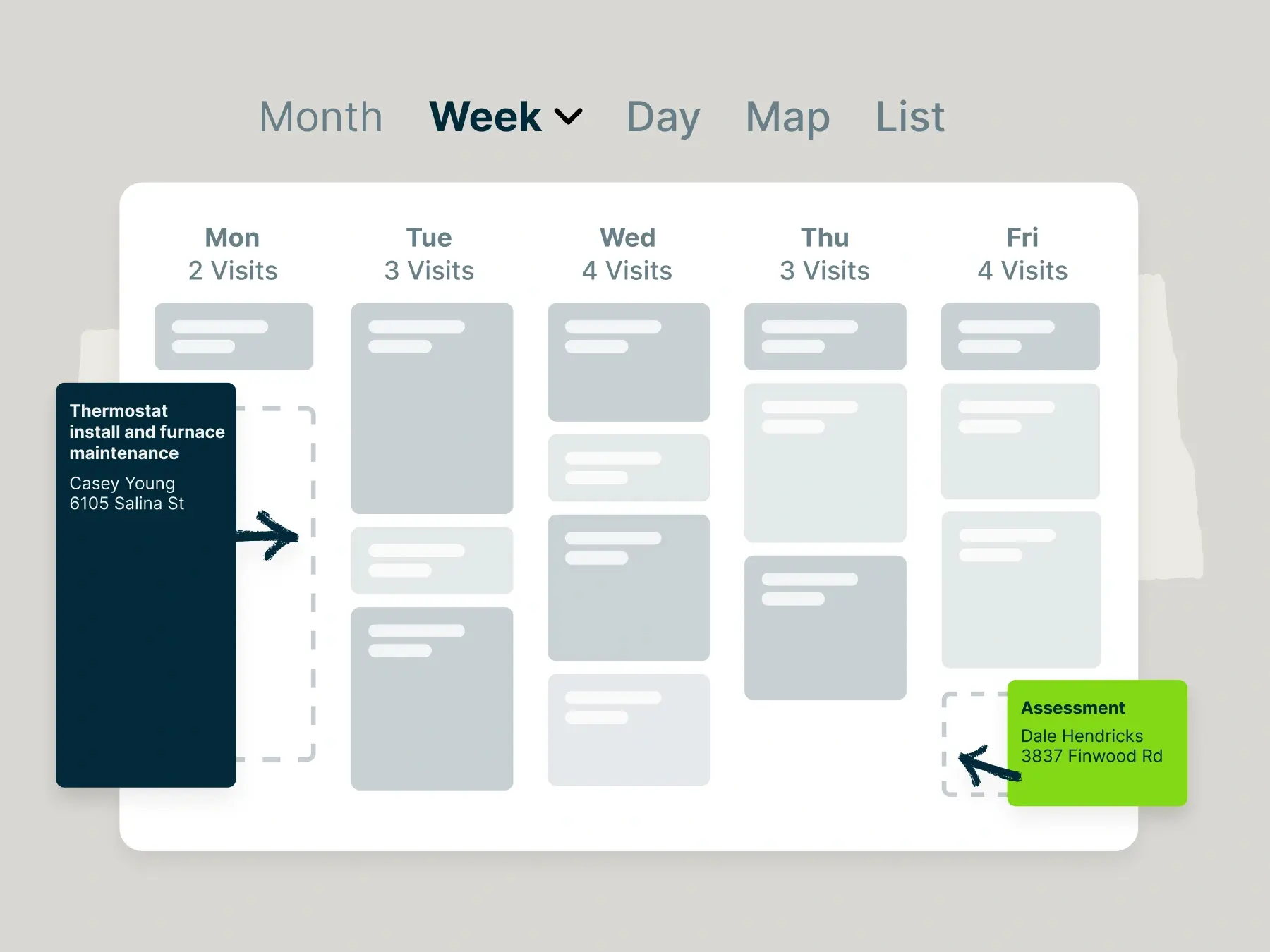
Example of scheduling plumbing appointments in Jobber.

Available for iOS, Android, and desktop | Pricing

Jobber’s plumbing software lets you schedule jobs, track customer information, and automate your invoicing to get paid faster.

One CEO has this to say about his experience with Jobber: “I have encouraged many fellow business owners to get Jobber. The flow of information about clients and jobs and payments flows without interruption, and it helps us to stay on top of tasks with ease and speed.” 

Schedule jobs instantly

Jobber makes it easy to schedule plumbing jobs and increase productivity and efficiency across your entire business.  With Jobber’s plumbing business software, you can:

  • Assign, schedule, and dispatch the right plumbing technician in just a few clicks
  • Schedule emergency appointments based on technician location and availability from live GPS
  • Generate the fastest, most fuel-efficient routes so your team can fit more jobs into the day
  • Track real-time progress of your crew to get ahead of delays and keep customers in the know
  • Send push notifications directly to your team members for the most accurate schedule changes and job details

Together, these features help you run a more efficient plumbing schedule and deliver reliable service at every single job.

Create customer-friendly quotes in seconds

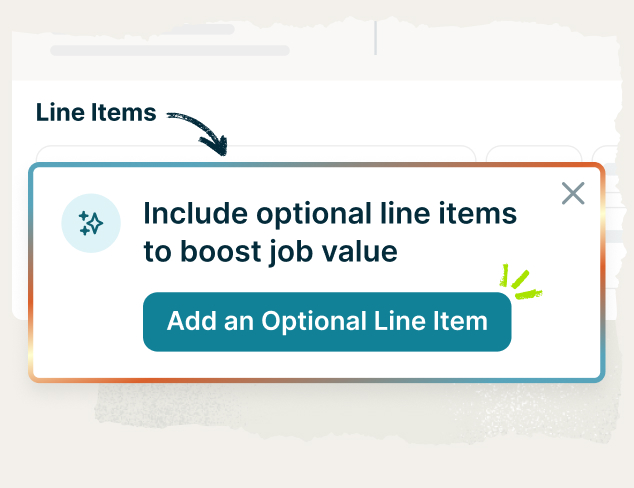
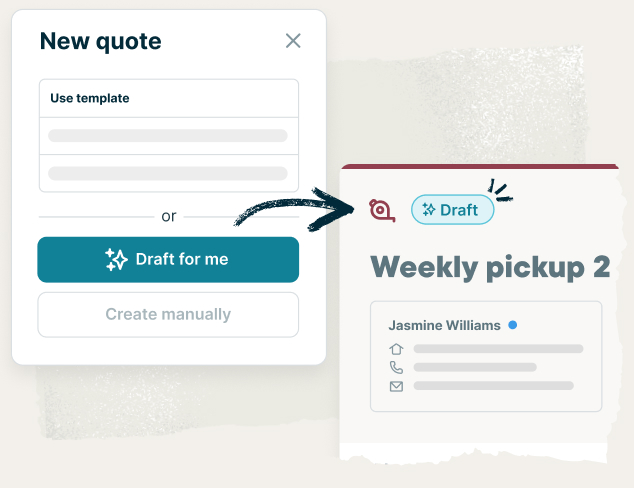
Send professional estimates that help you win more plumbing jobs and upsell services easily. Jobber lets you build detailed quotes with optional line items so customers can choose the services that fit their needs. 

Once approved online, you can convert those quotes into jobs instantly and dispatch them right away or schedule them for a future date. It’s a faster, more flexible way to keep work moving.

Get paid faster 

Automate your invoicing and get paid faster. Jobber helps you create and send invoices with one click as soon as the work is done. Then, get paid with one tap on the spot or automatically charge the customer card saved on file—perfect for recurring plumbing maintenance contracts.

Win repeat business

Tired of one-and-done jobs? Jobber helps you turn satisfied customers into loyal repeat clients. With email campaigns and automated customer referrals, you can re-engage your previous clients and encourage them to rebook soon.

But the features don’t end there. Jobber’s field service management software is packed with tools to help you run a more efficient and profitable plumbing business.

Here’s what else you can do with Jobber’s plumber app:

  • Keep track of important client details from the office or the job site
  • Accept and manage online bookings
  • Automatically send customized follow-up emails to clients with overdue invoices
  • Team members can use the Jobber mobile app in English or in Spanish to manage day-to-day work in the field
  • Get AI-powered business insights and coaching
  • Use progress billing to receive regular payments when you complete work incrementally
  • Create digital inspection forms to keep all work consistent between team members
  • Access job forms and real-time reporting to quickly view customer-specific details

2. Plumbing Formulator

Screenshot showing the Plumbing Formulator app, including options for calculating different plumbing formulas and conversions.
Example of calculations in the Plumbing Formulator app.

Available for iOS

The Plumbing Formulator app is a calculator for plumbing contractors and HVAC technicians. 

You can use this app to access over 120 formulas that cover pumps, HVAC, piping, water flow, volume conversions, and water heaters. Then, email or print the results right from your phone.

3. ElectriCalc Pro

An example of ElictriCalc Pro, an iOS app that puts an NEC-approved electrical calculator right on your phone.
Example of the ElectriCalc Pro tool, which mimics an NEC-approved electrical calculator on your phone.

Available for iOS

Some plumbing and service jobs require standardized electrical checks, like sizing wire for a water heater or confirming load requirements. ElectriCalc Pro makes this easy by mimicking a real NEC-approved electrical calculator right on your phone. If you don’t have the physical calculator, you can reference this tool from any job site.

Use it to size wire, calculate voltage drop, and stay code-compliant so you can complete the job safely and avoid potentially costly mistakes.

4. Pipe and Fitting

A screenshot of Pipe and Fitting, an iOS tool to find the dimensions of piping and accessories.
Example of Pipe and Fitting, an iOS tool to find the dimensions of piping and accessories.

Available for iOS

Pipe and Fitting is a great, basic tool for plumbing technicians to find the dimensions of piping and accessories. 

Use this plumbing app to clearly visualize different pipes, joints, clamps, and other plumbing parts, along with detailed specs and technical diagrams. It’s like having a virtual parts catalog (with both metric and US units) right in your pocket!

5. Code Snap UPC

image of Code Snap UPC app on the app store
Screenshots from the app Code Snap UPC, a reference for the Uniform Plumbing Code.

Available for iOS

To make sure your work aligns with national standards, use Code Snap UPC as a handy reference for the Uniform Plumbing Code.

This online plumber app lets you quickly access color-coded tables, plumbing calculators, and hundreds of pages of major plumbing codes right at your fingertips.

6. Pipe Trades Pro

Preview of the Pipe Trades Pro app for handyman businesses
Examples of the Pipe Trades Pro app, a plumbing calculator tool.

Available for iOS

The Pipe Trades Pro is another great plumbing calculator that helps you spend less time crunching numbers and more time making progress on the job—like laying out pipes, cutting, welding, and installing.

Any type of plumber can use this app to:

  • Quickly reference pipe size, material, and type to view diameters, wall thickness, and more
  • Make instant calculations for tensile strength, gaskets, flange, cut lengths, angles, offset, flow rates, and more

7. Bubble Level

image of Bubble Level ap
Examples of the Bubble Level App, a digital bubble level tool, in action.

Available for iOS and Android

Joining pipes together just got easier. 

Use the Bubble Level app as a replacement for a physical bubble or level. It’s a great plumbing app for measuring angles and checking surface levels to ensure water is flowing the right way.

8. QuickBooks

image of QuickBooks app
Examples of the QuickBooks app, the mobile version of a popular accounting tool, in action.

Available for iOS, Android, and desktop | Pricing

If you want an easier way to manage your books, QuickBooks is a trusted accounting and payroll app for plumbers. It helps you track revenue, stay organized and compliant, and pay your team on time. 

And, when you integrate Jobber with QuickBooks Online, you can access plumbing job details, track time on a job to make payroll easier, and manage your plumbing business from anywhere.

Everything is in one place in Jobber. It helps eliminate a lot of errors that can happen.

“You might have 12 spreadsheets that are monitoring everything—time, materials, everything. Jobber goes directly into QuickBooks, our accounting software. It’s a huge time saver and helps eliminate places where those mistakes can happen.”

Megan Schumann headshot
Megan Schumann Top Tier Plumber

9. FleetSharp

image of Fleetsharp app from the app store
Screenshot examples from FleetSharp, a fleet management app to plan more efficient routes to job sites.

Available for iOS and Android

FleetSharp is a fleet management app that helps you plan out more efficient routes for your plumbers to reduce fuel costs. 

Use the live view to check your plumbing team’s location and quickly assign emergency plumbing jobs to the closest technician.

You can also access detailed vehicle activity reports, mileage and fuel levels, and vehicle maintenance alerts.

Pro Tip: Integrate FleetSharp with Jobber to make faster scheduling and smarter dispatching decisions.

10. CompanyCam

Examples of CompanyCam, an app for capturing photos on the job.
Examples of photos taken with CompanyCam.

Available for iOS and Android | Pricing

CompanyCam is the best plumbing app for capturing job photos.

CompanyCam helps build trust with your customers by capturing details on the job and keeping your customers informed along the way.

Use CompanyCam to:

  • Snap location and time-stamped photos and store them securely in the cloud
  • Add drawings, comments, tags, or voice notes to images to illustrate a job’s progress or any areas of concern
  • Easily share photos of water damage with customers or insurance adjusters

Pro Tip: Try Jobber’s CompanyCam integration to easily capture photos on the job and add them to your customers’ invoices.

I love that Jobber allows you to attach a  before or after photo to quotes and invoices. Photos go a long way.

Christine Hodge Clearview Washing

11. Thumbtack

image of Thumbtack app
Examples of screenshots within the Thumbtack app.

Available for iOS, Android, and desktop

Thumbtack is a marketplace for local services. It helps plumbers connect with homeowners who are actively looking for plumbing help. 

With an app like Thumbtack, you can get your business in front of customers who are actively looking for your services, making it easier to win more jobs without spending heavily on ads. 

With Thumbtack, you can:

  • Send quotes to new plumbing leads in your service area
  • Become a Top Pro and attract more leads to your plumbing business
  • Ask for online reviews and build trust with potential customers

READ MORE: Thumbtack alternatives for your home service business

12. Canva

image of Canva app on the app store

Available for iOS, Android, and desktop

Use Canva to start designing a professional logo and other marketing materials for your plumbing business—even if you don’t have professional graphic design experience.

You can create simple graphics to announce new plumbing services or special offers for email campaigns, social media, or plumbing ads straight from your phone or tablet. 

Canva’s customizable templates and drag-and-drop design tool make it easy to create brochures, business cards, and flyers to market your business.

Get growing with the right apps

The best plumbing business apps can help your company grow, but downloading every tool at once can clutter your phone and make it harder to find what you need in the moment.

Start by choosing plumbing apps that solve your biggest pain points, such as scheduling, marketing, or payments, and then add more tools as your business grows. 

With the right setup, you’ll work smarter, serve customers better, and keep your operations running smoothly.

Originally published in December 2022. Last updated on December 10, 2025.

Frequently Asked Questions

Plumbing apps help you stay organized, trim administrative work, and run a more efficient business. With the right tools, you can troubleshoot measurements, schedule jobs faster, keep your team informed, and deliver a smoother customer experience.
Look for a scheduling app that offers live calendars, route optimization, and real-time team updates. Jobber is the best choice for plumbers because it allows you to quickly assign visits, manage last-minute changes, and keep your entire team connected.
Plumbing software can help you respond faster and look more professional. Automated appointment reminders, online booking, and easy digital estimates help customers feel taken care of. These features also reduce the chances of missed appointments or miscommunication.
Yes. Many plumbing apps include mobile payment processing so you can collect debit, credit, or tap-to-pay payments right on the job site. With Jobber’s invoicing features, you can accept payments both in the field with one tap, or online, and get paid faster without the chase.
If you’re looking for a more affordable or user-friendly alternative to ServiceTitan, Jobbers offers strong features for scheduling, quoting, invoicing, and team management. Plus, you can test it for free—no credit card required.