



Skip to content

HVAC Websites: 13 Pro Examples (+ How to Make Yours Better)

Profile picture for Grace Struth, freelance writer for Jobber Academy
Grace Struth
Nov 14, 2025 22 min read
Start Trial

Key takeaways:

A great HVAC website shows visitors what services you offer, proves you’re a trusted HVAC contractor, and convinces potential customers that they should work with you.

And since 98% of customers look online for information about local businesses, your HVAC website is also one of your hardest-working marketing tools. That’s why it’s so important to get it right.

In this article, we list 13 of the best HVAC websites and explain how they turn visitors into customers. Keep reading for expert tips on building or improving your own website.

13 HVAC website examples

Below are 13 examples of professional HVAC websites to inspire you. For each one, we’ve provided a list of things they do well, making it easy to apply these insights to your own website.

1. Guin Service

Guin Service has a two-color logo and uses those colors across the entire website, including backgrounds, buttons, and fonts. This makes the website eye-catching and memorable, and it feels like it belongs to the brand.

image of Guin Service's HVAC website
Guin Service’s website features highlights their company branding

READ MORE: How to build a brand for your service business

What they do well:

  • “Schedule Online” button on every page to turn visitors into HVAC leads
  • Description of what makes the brand different, including years of experience
  • Chatbot to help potential customers get answers to their questions

2. Airbourne AC

Airbourne AC’s site has a simple design that makes it easy for customers to get in touch or request an estimate. And they got their site online in just minutes by building a Jobber Website.

image of Airbourne AC's website, built with Jobber
Airbourne AC built a professional website in minutes with Jobber

When you click on any “Get an Estimate” CTA button on their site, it leads you to a work request form that lets visitors fill out their contact information and describe the HVAC services they need.

What they do well:

  • List of duct cleaning benefits to persuade visitors to act
  • Simple one-page website that moves visitors toward filling out the online booking form
  • Uses Jobber Receptionist to talk to visitors, handle requests, and book new jobs

3. Hargrave Heating

Hargrave Heating & Air Conditioning gives website visitors an easy way to request an appointment or get a quote through an online booking form with a highly visible “Book Now” button.

Example of an HVAC website that has a 'book now' button leading to an online work request form
Hargrave Heating’s call to action button makes it easy for clients to book their services

What they do well:

  • Simple layout and structure that makes it easy for visitors to move around the site
  • Clear contact details and financing information at the top of every page
  • Email newsletter sign-up with a free HVAC maintenance checklist as an incentive

4. Guest Plumbing & Heating

Guest Plumbing & Heating has a well-defined service area map on their website’s home page. This shows visitors that they have multiple locations in the Toronto area and can provide services in several larger communities.

image of Guest Plumbing's service area web page
Guest Plumbing & HVAC clearly displays their service area on their HVAC website

What they do well:

  • Social media profile links are included at the top of every page, so visitors can follow them
  • Phone number and contact form button in the top banner for immediate bookings
  • Video resources section with tips for furnace maintenance, winterization, and more

5. Lozier Heating & Cooling

When visitors land on the homepage of the Lozier Heating & Cooling website, they can select whether they’re looking for residential or commercial services. The page content changes to fit their HVAC service needs.

image of Lozier Heating & Cooling's website
Lozier Heating & Cooling lets visitors toggle between residential and commercial services

What they do well:

  • Clickable icons that take visitors to individual service pages
  • A blog with helpful articles for residential and commercial customers
  • A detailed list of the cities they serve, so visitors know whether they’re in the service area

6. Strand Brothers

Strand Brothers uses search engine optimization (SEO) on their website to appear higher in Google results when potential customers search for phrases like “HVAC service Austin.”

All of their service pages use descriptive headlines that include the service type and location—for example, “heat pump service Austin.” This tells search engines that the page should appear in local search results for that term.

image of Strand Brother's website
Strand Brother’s makes it easy for customers to get in touch with multiple buttons on their HVAC website

What they do well:

  • HVAC SEO to make the website appear higher in search engine results
  • Sub-pages for each service to provide details about installation, maintenance, and more
  • A sticky navigation menu that keeps the company’s phone number at the top of the page

From a Google perspective, when someone searches for “your service near me,” or your service with a geographical target, you want to be shown for that.

Phil Risher Phlash Consulting

7. Taunton Trades

Taunton Trades demonstrates its commitment to quality work through their Work page. This page is a library of case studies showcasing over a dozen projects they’ve completed, each with high-quality job site photos.

image of Taunton Trades Ltd's website
Taunton Trades shows off past completed jobs on their HVAC website

What they do well:

  • Product pages for the different HVAC systems they sell and install
  • A Blog section that’s updated each month with useful HVAC information for homeowners
  • An About page showing how the company gives back to the community

8. Ignite Heating

Ignite Heating shares their story, mission, and values on an About page. It includes a family photo and their 4.9-star Google Review to show customers that Ignite Heating is a family-based business that cares about their customers.

Ignite Heating shares their company’s story on their HVAC website

What they do well:

  • Photo gallery of the Ignite Heating crew to help visitors get to know the team
  • Promoting the Ignite Comfort Club, the company’s annual maintenance plan
  • Consumer financing options accessible through the top navigation menu, helping Ignite land bigger jobs faster

READ MORE:How to offer financing to customers

9. Davis Air and Heat

The Davis Air and Heat home page has links to their HomeAdvisor, Better Business Bureau, and other third-party website profiles, along with ratings and scores for each. This shows that customers trust the company.

image of Davis Air and Heat HVAC website
Davis Air and Heat promotes their military discount right on their HVAC website

What they do well:

  • Top banner advertising a repair discount for military members
  • Eye-catching buttons offering a free estimate for HVAC services
  • Reviews page showing client names, star ratings, and testimonials

10. Estes Services

In the middle of their homepage, Estes Services uses a scrolling banner of review websites to showcase their great online reputation. The company also has a testimonials page that highlights all of their positive Google reviews.

Estes Services features their awards in a banner on their home page

What they do well:

  • Convenient payment options are available through the website for residential and commercial customers
  • A page listing all the company’s special offers and coupons to help customers feel confident that they’re getting a good deal on HVAC services
  • Education Center with information about HVAC, plumbing, electrical, and other home maintenance issues

11. Evergreen Home Heating

Evergreen Home Heating & Energy uses a one-minute introduction video on their homepage to help visitors get to know the company and tell visitors why they should book their services.

What they do well:

  • Home page lists and links to ratings on Google, Angi, Yelp, and Facebook
  • High-quality photos of recent installation projects to show the quality of their work
  • Dedicated page about the company’s warranty and protection plan for the HVAC systems they install

12. Dalco Heating and Air Conditioning

Dalco Heating and Air Conditioning features service discounts front and center on their site’s homepage, giving potential customers a reason to choose Dalco over other HVAC contractors.

What they do well:

  • Show off their reputation and qualifications, like their Google rating and NATE certification
  • Includes a page with information about Dalco’s president, adding a personal and human touch to the brand
  • Provides career and employment details to help the company hire top-notch HVAC technicians

READ MORE:HVAC technician job description + free template

13. Aviv Air Conditioning

Aviv Air Conditioning uses a slideshow on their homepage to show off their services, discounts, and announcements. Each slide has a button allowing visitors to explore related information.

What they do well:

  • Provide HVAC pricing for services like their 22-point tune-up
  • List all the HVAC system brands they carry and install
  • Clear contact details on every page, including their 24/7 emergency service

How to build an HVAC website from scratch

Creating a service business website can be fairly quick and easy when you use the right tools for the job. Here’s how to get started:

1. Register your domain name

Your domain name is the web address that customers use to visit your site (like “greenwoodheating.com”). Use a domain name registrar, like GoDaddy, to find and register a unique name. Some website builders let you do this while you’re creating your site.

2. Choose a website builder

You don’t need to be a website expert or hire an expensive agency to create a professional site. Pick a website builder like Wix or WordPress and use a pre-designed website template to get started quickly.

If you’re just starting out, you can use a basic platform like Wix or Squarespace, and get a basic website up in under a day or day or two.

Phil Risher Phlash Consulting

3. Customize your HVAC website design

Once you’ve chosen a website builder, pick a template or theme that suits your small business. Then customize your site’s design by adding your logo, brand colors, and photos to every page.

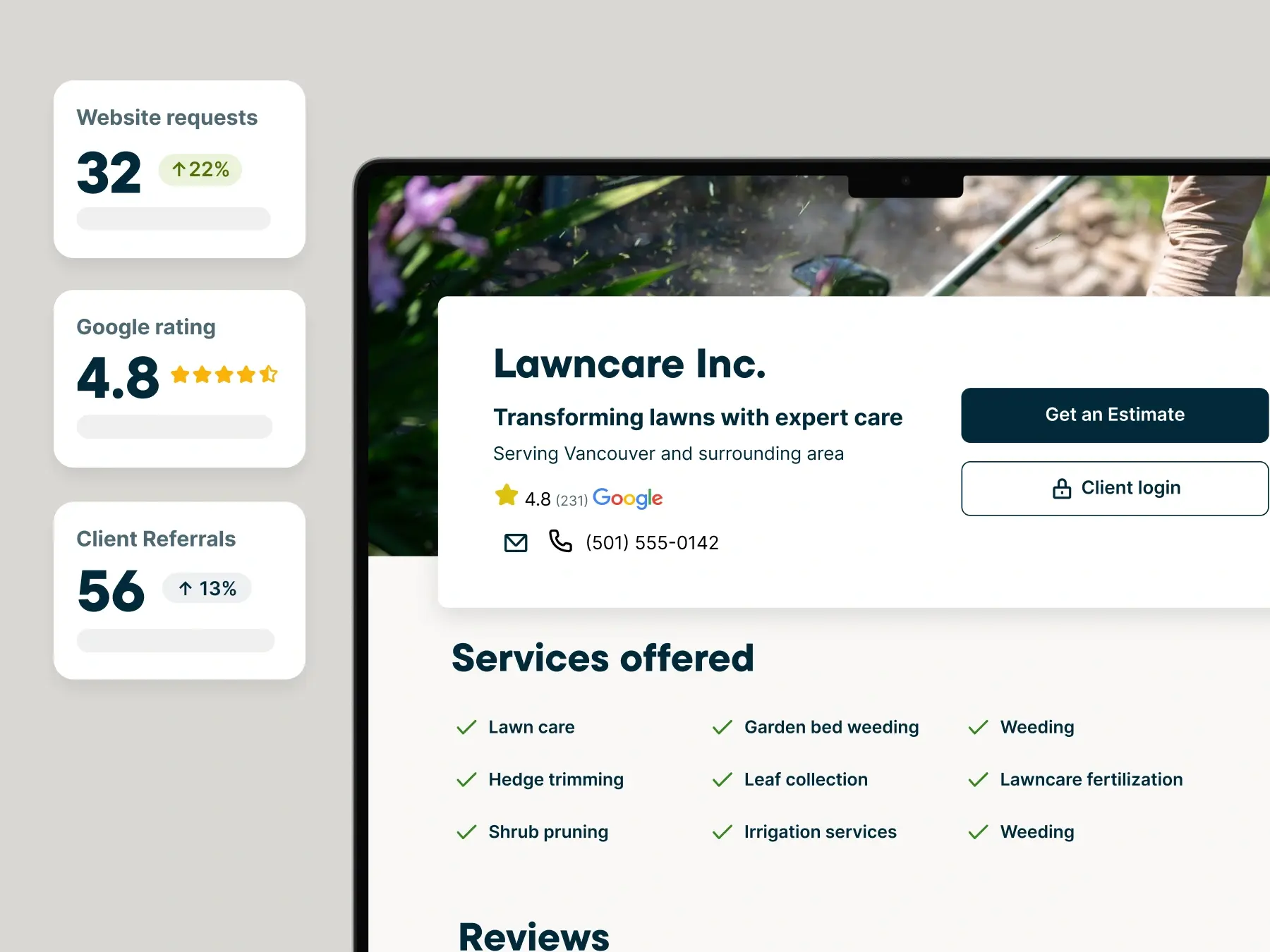
Use Jobber Website to build a simple, professional website for your HVAC business and get online in minutes. Just provide details about your business and services, and we’ll create a site that helps you stand out.

image of Jobber Website builder
Jobber lets you customize your website with images, brand colors, services, and more.

Every Jobber website comes with features like: 

  • A customizable design that lets you choose colors and build content sections and pages
  • A quote request form to help turn website visitors into leads
  • Built-in SEO with recommendations for keywords and service pages
  • Google reviews to convince visitors that they should work with your business
  • An AI-powered Receptionist, which chats with visitors, takes requests, and books jobs
  • Website reporting so you can track site traffic and leads over time

8 ways to improve your HVAC website

Want your existing HVAC website to attract customers and win new business? Follow these best practices:

1. Keep the design simple

Users form an opinion of your website in just 0.05 seconds. A simple website design makes it more likely that their opinion will be positive—and easier for potential customers to find the information they’re after. To achieve this:

  • Avoid stuffing too much information onto one page.
  • Break up sections of text using headers with larger font sizes.
  • Use clear labels like “services,” “about,” or “contact” in your top navigation menu.
  • Only include 4–5 links in your top menu, and avoid using complicated drop-down menus.

2. Use your business branding

Your website should consistently include your branding on every page. This helps customers recognize your business and choose you as their service provider. Try these ways to include your branding in your website:

  • Put your HVAC business name and logo at the top of every page.
  • Only use your brand colors and fonts.
  • If you have a business slogan, use it in prominent places so customers will see and remember it.

3. Make the site usable on phones and tablets

Many of your customers will find your website on their smartphones, so the site should look good on mobile devices. That means it needs to:

  • Automatically adjust to fit a wide range of screen sizes
  • Load quickly on mobile devices
  • Have buttons and links that work when visitors tap on them
  • Show all images that normally appear on a full-sized screen

4. Use strong calls to action (CTAs)

To turn visitors into leads, your website should tell potential customers to take one specific action, like calling a phone number or filling out a form. Here’s how to make them do that:

  • Use clear language, like “Get Free Estimate,” “Book Service,” or “Call Now.”
  • Place prominent CTAs throughout the website so visitors can find them easily.
  • Tell potential customers why they should choose you and include reasons to take action,  like testimonials, financing, and special offers.

5. Let customers request work easily

An online booking system makes it easy for customers to schedule an emergency repair or HVAC system assessment, all without having to pick up the phone.

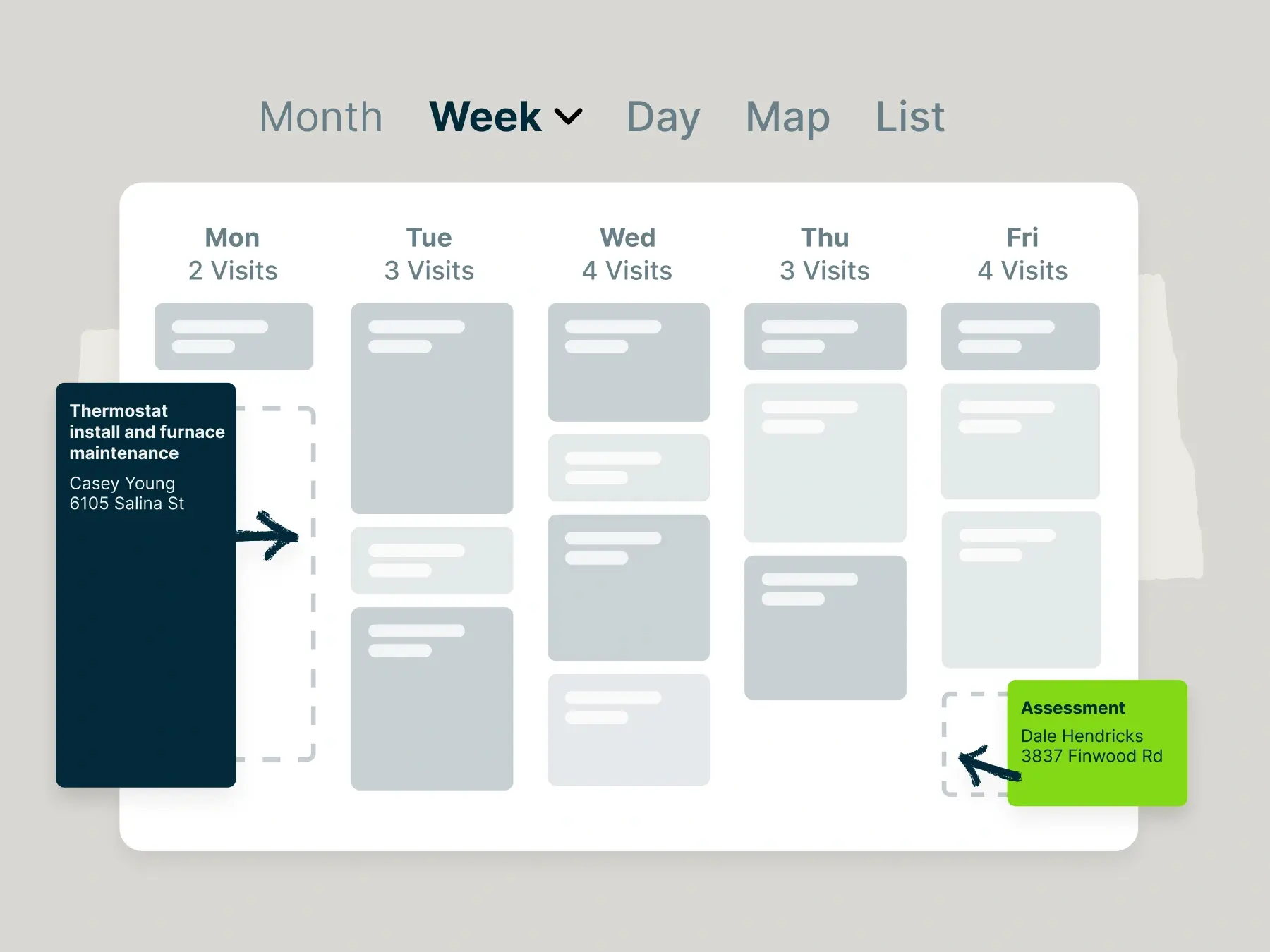
Jobber’s online booking lets customers book services in your calendar based on your availability. Once a booking is made, both you and your customer will receive a notification about the upcoming job.

Jobber lets customers book your services with an online calendar where they can choose a date and time.

6. Share customer reviews to prove your quality

Putting positive customer reviews, testimonials, and awards on your website shows potential customers they can trust you to do great work and provide good customer service.

Here are a few ways to prove the quality of your work:

  • Add quotes from happy customers onto your website (with their permission)
  • List the star ratings you’ve received on third-party review sites like Yelp and Angi
  • Show before-and-after photos of your HVAC installations
  • Display any HVAC certifications, awards, or accreditations you’ve earned

Pro Tip: Use automatic review collection in Jobber to automatically send a review request to the customer once they’ve paid their invoice.

image of automatic review requests in Jobber
Jobber automatically sends review requests after an invoice is paid

7. Create content that helps you appear in search engines

If you want customers to find your HVAC website, search engines need to find it, too. An easy-to-use website is a good first step, but you should also create pages that people are searching for. Make sure to:

  • Have individual Service pages that describe each type of HVAC service you provide.
  • Define your service area with location pages that help customers find you when they search for HVAC contractors nearby.
  • Regularly create and post educational articles that answer questions about common HVAC system problems, like “why is my furnace leaking water?”
  • Aim for about 500 words of well-organized content per page, using clear headings and relevant images to make the information easier to scan and understand.

8. Track site performance with Google Analytics

Monitoring your performance with Google Analytics tells you how customers are finding you and how many are visiting your website.

Sign up for Google Analytics, then add Google’s tracking code to the site to start measuring your results. You can check page and visitor data in the GA4 dashboard.

No matter how you build your site, use the HVAC web design elements in this article to attract more visitors, convince them you’re the best in the business, and book more work. 

Want to go even deeper on this topic? Learn how to optimize your website for more leads and higher rankings on the Masters of Home Service podcast.

Originally published April 2021. Last updated November 14, 2025.