



Top 7 Construction Employee Scheduling Software Tools for Managing Crews
Key takeaways:
If you’re looking for ways to streamline crew management, choosing the right employee scheduling software is essential.
- Comprehensive scheduling tools. Leading solutions like Jobber, ScheduleBase, Buildertrend, Connecteam, Pro Crew Schedule, Sling, and Fieldwire are highlighted for their ability to streamline scheduling, reduce no-shows, and boost efficiency.
- Core features to look for. Key software capabilities include mobile access, drag-and-drop scheduling, real-time updates, route optimization, GPS tracking, and easy integration with other management tools.
- Tailored for different needs. Whether you lead a small team or manage multiple large crews, there’s a solution to match your crew size, project complexity, and required level of automation or mobile support.
- Ease of use and scalability matter. Choose user-friendly platforms that can grow with your business and fit your current workflows. Consider factors like budget and the specific needs of your company.
- Maximize productivity and communication. The right software simplifies crew management, ensures everyone is informed, and helps you optimize scheduling to keep your projects running smoothly.
Discover which construction scheduling tool is right for your crew. Need a simple way to run your team? Jobber lets you schedule, track, and manage it all—without the headaches. Start your free trial.
Forget sticky notes and last-minute texts—today’s job sites demand smarter tools.
As a construction business owner, you’ve got enough on your plate—tight deadlines, juggling contractors, and endless client expectations. The last thing you need is a scheduling nightmare, throwing a wrench in your workflow and slowing things down.
In this article, we’re laying the foundation for smoother operations by listing seven construction employee scheduling software options to help you streamline crew management, reduce no-shows, and keep your business running like a well-oiled machine.
The top employee scheduling software construction owners should consider:
How we chose the best construction employee scheduling software
To find the best construction scheduling software, we focused on what really matters to construction business owners, including:
- Ease of use
- Mobile access
- Flexibility
- Automation
- Integrations with other tools
With these features in mind, we checked out construction industry forums and reviews on sites such as G2 to find what real construction pros had to say.
When available, we watched app tutorials to see these tools in action and determine their intuitiveness.
The result is seven software solutions to optimize your crew scheduling, reclaim your time, and improve your bottom line.
1. Jobber
Jobber’s construction management software is the best choice for business owners looking to link their employee scheduling with the rest of their workflows.
With built-in route optimization, time tracking, and seamless integration with quotes, invoices, and job details, Jobber keeps your entire operation running smoothly from the office to the job site.
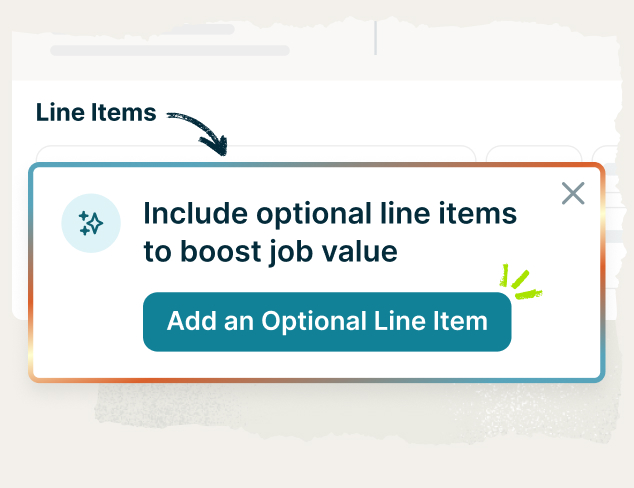
Jobber’s employee scheduling software features help you create organized, conflict-free schedules in minutes—so your team knows where to be and when. Easily assign jobs, track crew availability, and manage last-minute changes without the chaos.
Here are the key features that make Jobber the best employee scheduling software for construction companies:
Job scheduling
Use Jobber to quickly create and assign jobs with just a few clicks.
Instantly spot scheduling conflicts, gaps, or overlaps before they disrupt your workflow. Jobber ensures your crew receives all the job details ahead of time so they arrive on-site prepared and ready to work.
Calendar management
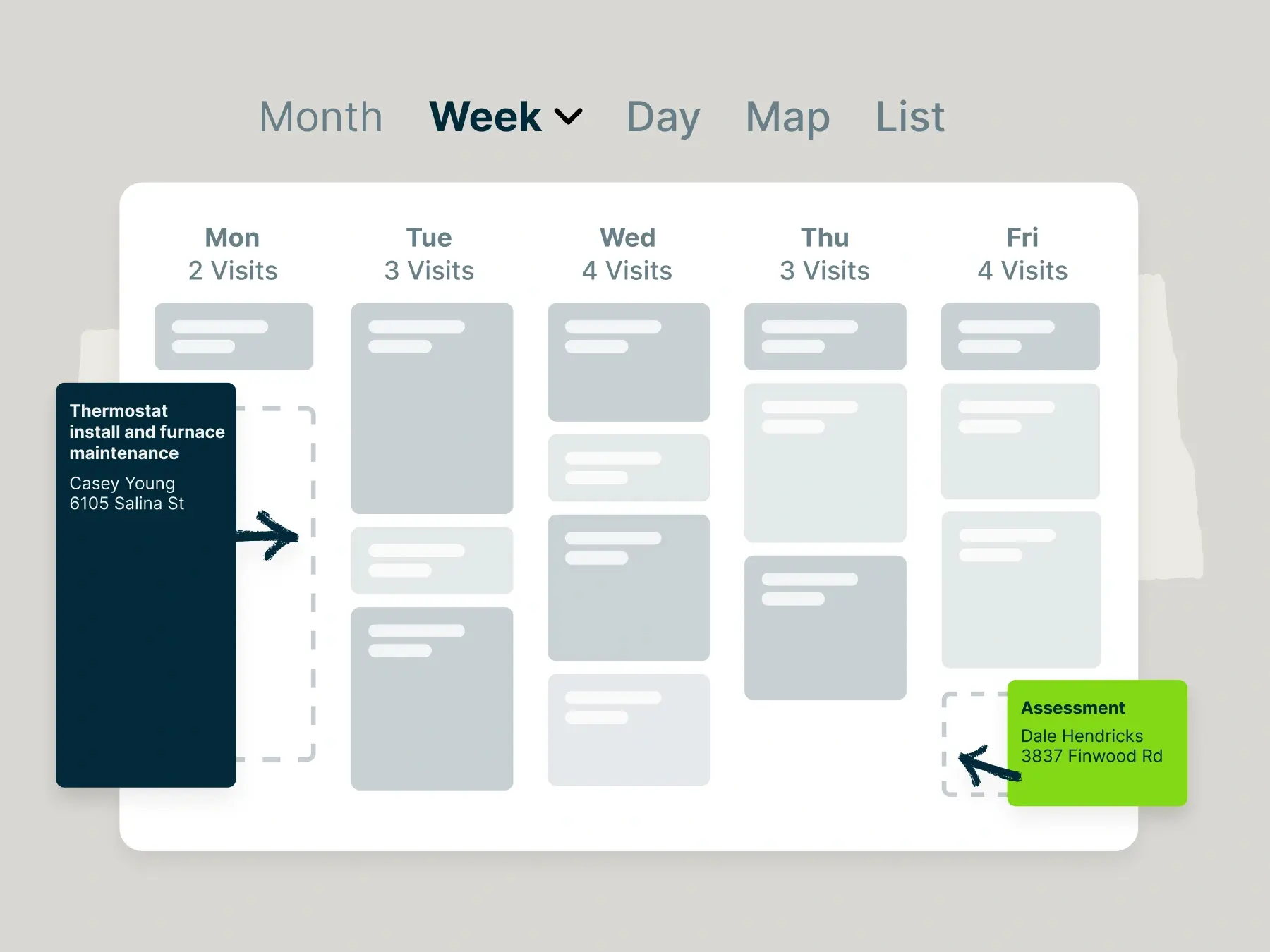
Jobber’s customizable calendar is built for flexible scheduling on the go—with multiple calendar views, color-coding options, and filters to highlight what matters most.
Rescheduling contractors is also a breeze—just click click, drag, and drop to new time slots. Jobber will automatically update your crew members to keep everyone on the same page.
Map & routing
Maximize crew productivity by fitting more jobs into your schedule while reducing fuel costs and idle time.
Use Jobber to visualize your daily visits on a map. From there, Jobber will automatically plan the most fuel-efficient routes.
GPS Tracking
Jobber shows your construction crew’s exact location on a map every time they clock in or out.
Better yet, Jobber’s location timers can automatically clock your employees in and out as soon as they arrive and leave a client’s property. This ensures accurate, up-to-date timesheets.
Team Notifications
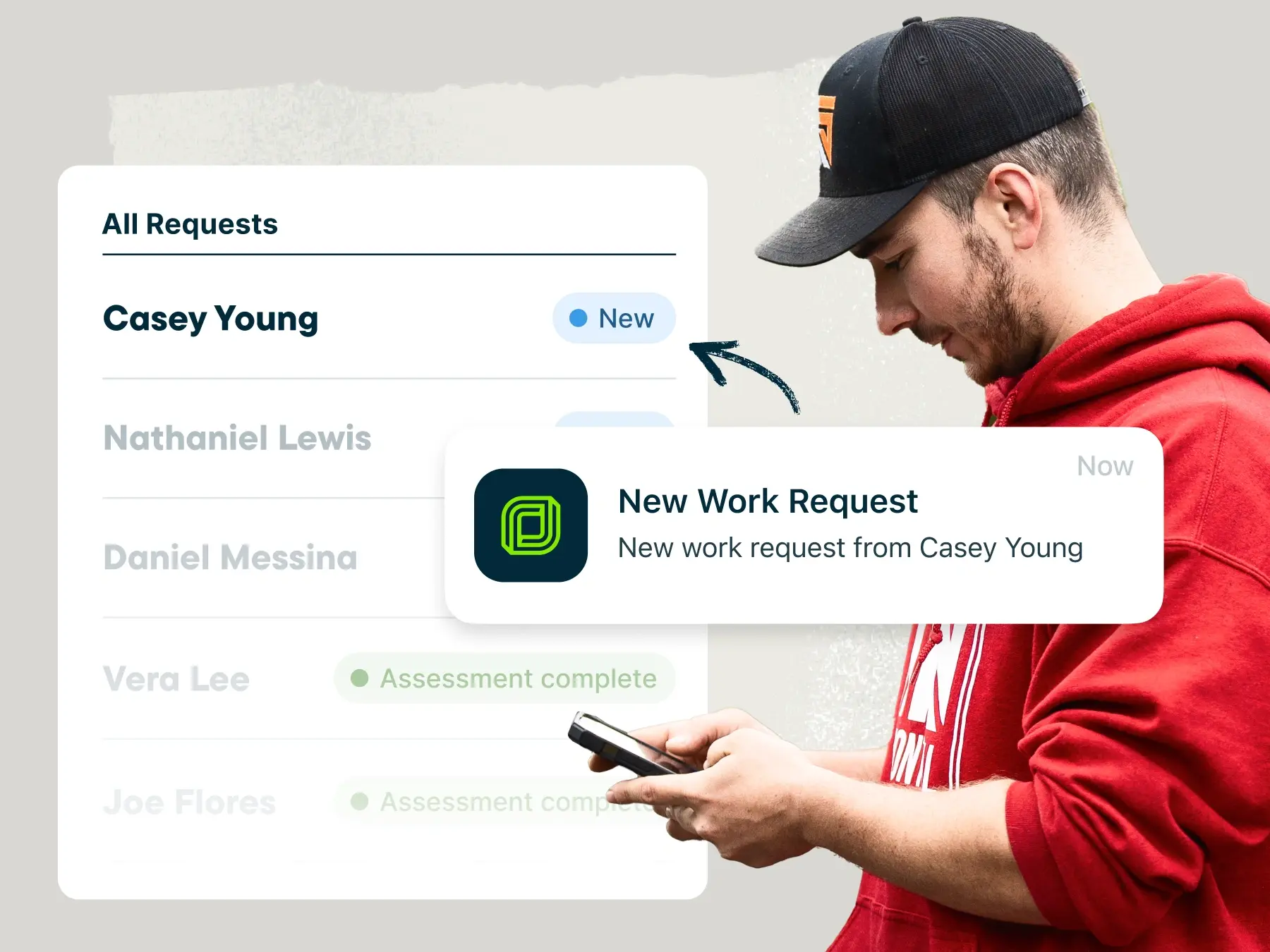
Jobber provides your contractors with daily work overviews so that they know what’s ahead of them for the day.
When last-minute scheduling changes occur, you can notify your contractors with real-time alerts.
READ MORE: Best apps for general contractors
Vehicle management
Use Jobber to monitor your vehicles’ battery health, fuel levels, and idle time to keep your fleet running longer.
Plus, when you integrate Jobber with Fleetsharp, you can keep better track of your vehicles and use FleetSharp’s web platform for driver behavior reports, route replay, idle time tracking, and more.
| Pros | Cons |
| • An all-in-one platform to run your construction business • Assign jobs in only a few clicks • Compare team member schedules side-by-side for a clear view of availability •Integrates with accounting software such as QuickBooks and Xero to streamline payroll | • Its capabilities work best for small and medium construction businesses |
2. ScheduleBase
ScheduleBase is a scheduling tool that simplifies managing construction crews, regardless of how complex your construction projects are or how large your team is.
With ScheduleBase as your construction employee scheduling software, you can schedule crews across multiple sites and handle varying contractor hours.
ScheduleBase’s key features include:
- Designate people as staff, schedulers or administrators.
- Clear employee availability and schedule requests
- Instantly notify your team that the schedule is ready
| Pros | Cons |
| • Straightforward platform for an easy user experience • When you make changes to a schedule, only those affected by the changes are notified • Lets employees see other employees’ schedules | • It has a dated user interface • Lacks advanced features such as GPS tracking |
3. Buildertrend
Buildertrend is a construction project management software built for general contractors, remodelers, and home builders.
When it comes to employee scheduling, Buildertrend offers tools that integrate with the rest of your project workflows to improve task management.
Buildertrend’s key features include:
- Group and color-code work items for better task management
- Designate work items as “dependent” on other individual tasks
- Connect project timelines with checklists, daily logs, real-time updates, RFIs, and other construction documents
READ MORE: Top 6 best Buildertrend alternatives for your construction business
| Pros | Cons |
| • Keeps your employee scheduling aligned with your budget • Allows you to define job information, including projected and actual start and completion dates • Provides flexibility with several schedule view types, such as Gantt, list, agenda, workday expectations and calendar. | • Limited customization capabilities • Pricier than other software options |
4. Connecteam
Connecteam is a scheduling app that helps you create schedules, track employee hours, and improve your overall workforce management.
Use Connecteam to build site-specific schedules for your construction team, where you can define job assignments and shifts to meet project needs.
Connecteam’s other key features include:
- GPS tracking and geofencing to ensure your crew stays on schedule
- In-app communication with contractors
- The ability to share schedules with job locations, materials, and equipment
| Pros | Cons |
| • Assign tasks per employee certification for safety and compliance • Easily calculate overtime, breaks, and time off for payroll • Set up recurring shifts for specific projects | • Lacks related scheduling features like invoicing and payments for better payroll and cash flow |
5. Pro Crew Schedule
Pro Crew Schedule is a construction management scheduling software solution made to track crew and project performance.
Pro Crew Schedule allows you to manage multiple projects of any size and assign the right subcontractors to each one.
Pro Crew Schedules key features include:
- Add photos and documents to crew schedules
- Task scheduling, reminders, and checklists
- Filter tasks by status—pending, in progress, complete or on hold
| Pros | Cons |
| • Schedule your crew and manage equipment scheduling in one platform • The same information is accessible to all crew members through a mobile app • Troubleshoot problems and redeploy resources as needed | • No GPS feature for time tracking • No built-in route optimization |
6. Sling
Sling is an employee shift scheduling app that is great for construction project scheduling.
With Sling, you can create, update, and manage shift schedules with just a few clicks. The app also has time tracking features to help optimize employee schedules and improve productivity.
Sling’s key features include:
- Schedule across multiple work locations
- A drag-and-drop calendar for easy shift changes
- Schedule templates that you can save and load when you need to recreate an employee schedule
- Notifications for overlapping shifts or double-bookings
| Pros | Cons |
| • Options to view availability by contractor or by day, week, or month • Manage time off requests and find replacements • Offers a free plan for up to 30 users | • No construction-specific solution option • No mobile time tracking or calendar sync in their free plan |
7. Fieldwire
Fieldwire is a field service management solution that offers several scheduling features for construction companies.
Fieldwire’s key features include:
- Construction project schedules using Kanban board, Gantt chart, and calendar-based scheduling
- Drag and drop tasks in your construction schedules
- Import external task spreadsheets
READ MORE: Jobber vs. Fieldwire
| Pros | Cons |
| • Dispatch work to specialty contractors and foremans • Arrange task deadlines by due date, trade, and priority • Every task comment, photo, and update is timestamped and sent to you as a notification | • No GPS tracking • No built-in route optimization |
How do you choose the right construction employee scheduling app for your business?
With so many construction scheduling programs out there, choosing the right one can be challenging. But the right app can save you hours every week, reduce costly mistakes, and keep your construction workers organized and accountable.
To pick the best fit for your business, consider the following:
- Type of construction company: Whether your company focuses on new build construction or remodelling might make a difference in what construction project scheduling software you choose.
- Crew size and scheduling complexity: Are you managing a small team with consistent hours or multiple crews on rotating shifts across job sites? Some tools are better suited for large, dynamic teams, while others are perfect for smaller, more predictable projects.
- Ease of use: Choose a tool with a clean, intuitive interface that both your office staff and construction crew can navigate with ease.
- Budget: You don’t want your construction employee scheduling software to break the bank or impact your profit margins. There are solutions that range from no cost to hundreds of dollars per month. Establish your budget early on and stick with it during your search for the best platform.
- Scalability: Your construction company might grow, so your software should grow with it. Make sure your software offers features that will grow with your business—a free plan might fit your budget now, but might not be able to handle your workflows down the line.
What are the key features to look for in construction employee scheduling software?
Some must-have features in scheduling software for construction companies include:
- Mobile access for construction crews
- Drag-and-drop scheduling
- Daily job details
- Real-time updates and notifications
- Route optimization and GPS tracking
- Multi-site scheduling
- Time tracking
Choosing the right construction employee scheduling software can make a huge difference in how smoothly your projects run.
The best tools don’t just help you fill shifts—they streamline communication, boost productivity, and give you more control over your business.
Whether you’re managing one crew or ten, investing in the right solution will help you stay on schedule and ahead of the competition.