


Key takeaways:
The right cleaning apps can save you hours of work and help your business grow in 2025.
- All-in-one platforms improve efficiency. Apps like Jobber centralize scheduling, quoting, invoicing, and customer communications, making it easier to get organized and get paid faster.
- Specialized apps address unique needs. Whether you’re looking for online booking (Zenbooker or Zoho Bookings), schedule management (ZenMaid), or commercial cleaning features (Swept), there are solutions tailored for every workflow and business model.
- Accounting and reporting tools keep finances in order. Using software like QuickBooks Online ensures expense tracking, payroll, and invoicing are seamless and accurate.
- Enhance operations with niche tools. Apps like FleetSharp (for fleet management), CompanyCam (for job photos), and Tasker by TaskRabbit (for finding new leads) help tackle specific challenges as your cleaning business grows.
- Maximize growth with marketing and automation. Tools like Jobber Campaigns let you send targeted email campaigns and see how they’re performing from one simple dashboard.
Run a smarter cleaning business by exploring these must-have apps that fit the way you work. Want to run a smoother business? Try Jobber free and see how easy quoting, scheduling, and invoicing can be. Start your free trial.
Originally published in October 2024. Last updated on July 30th, 2025.
Ever feel like you’re spending more time chasing down schedules and estimates than actually running your cleaning business? Good news—your phone can take some of that chaos off your plate.
With the right cleaning business apps, you can schedule your team in minutes, create quick, professional quotes, and even book more jobs while you sleep.
We’re here to help you choose the best cleaning apps to help you save time, reduce stress, and run your cleaning business successfully with less hustle. Scroll on to find the perfect cleaning company software for your team, your workflow, and your goals.
Best apps for cleaning businesses:
How we chose the best cleaning apps
To find the best cleaning service software, we started by looking through app websites such as G2 and Software Advice to discover the top-rated solutions.
We read user reviews to learn from cleaning company owners how select platforms help them run their business.
From there, we watched app tutorials, when available, to see these solutions in action and narrow down our list.
The result is this curated list of the best cleaning apps to help you crush your goals and improve all aspects of your business.
1. Jobber: Best overall cleaning business app
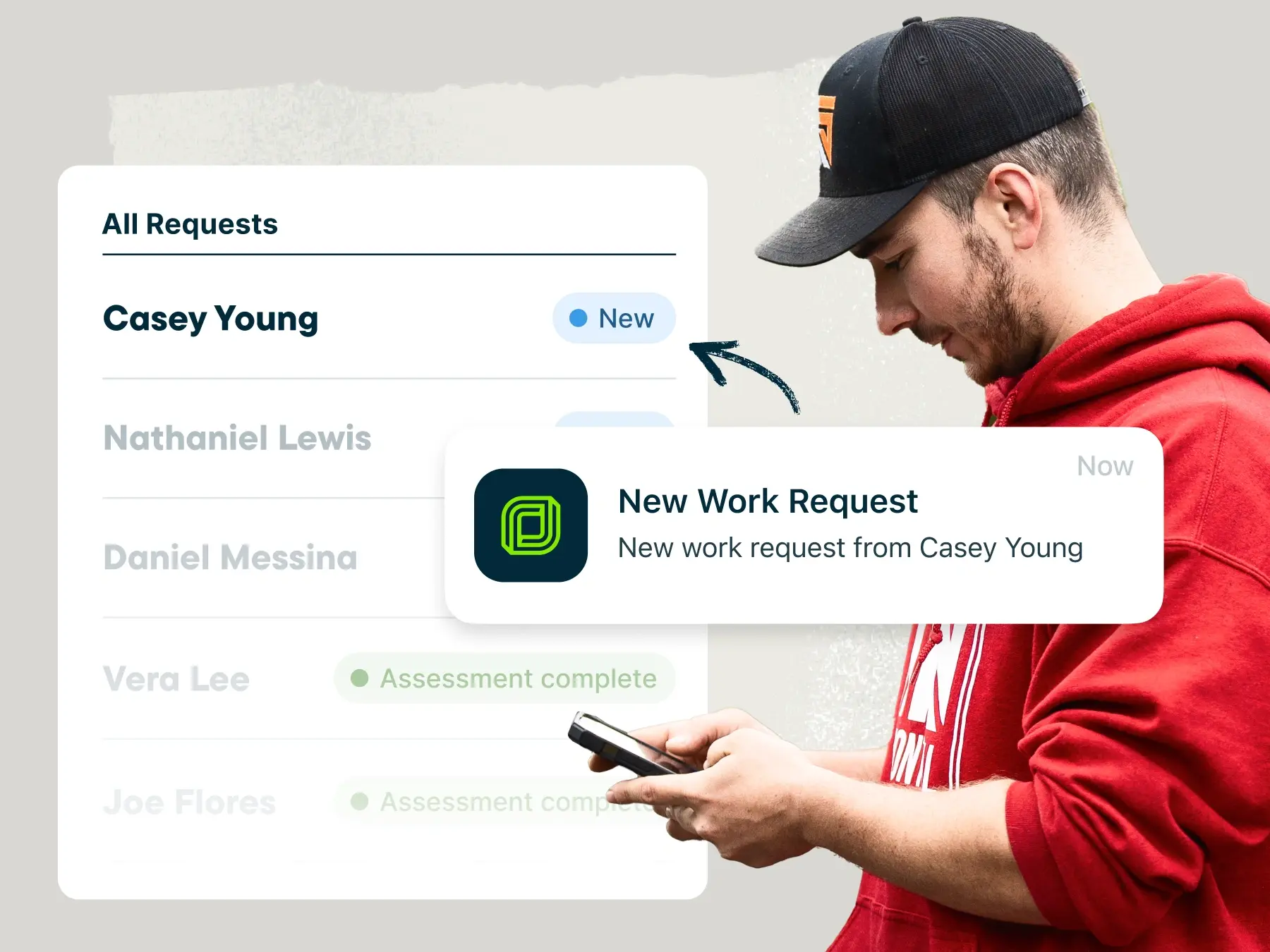
Jobber’s cleaning business software helps service businesses manage every part of their operations.
What Jobber does best:
- Simplifies an entire workflow from booking to payment
- Creates customer-friendly cleaning quotes and invoices in just a couple of clicks
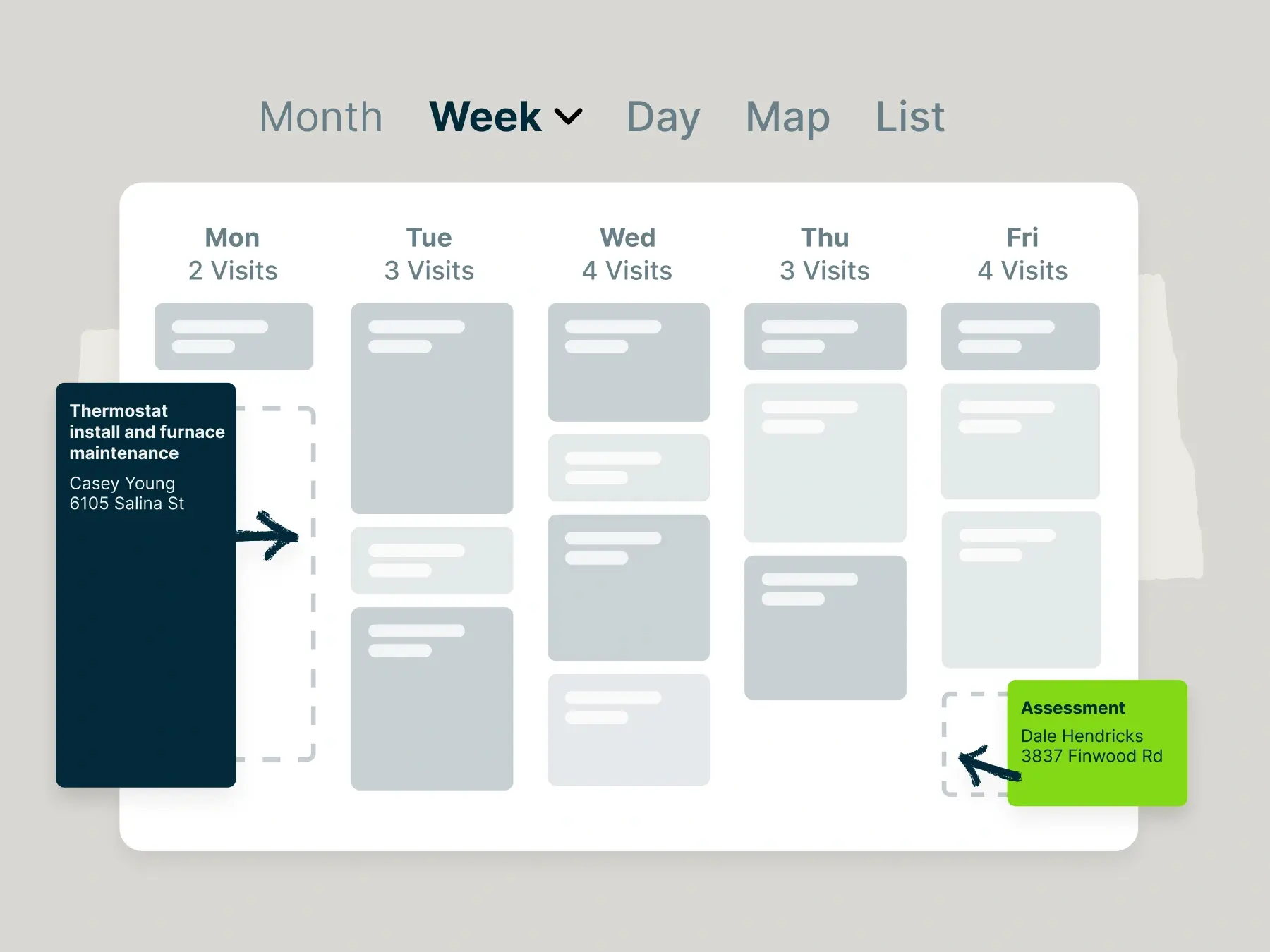
- Streamlines scheduling with an online booking page on your company website
- Optimize routes for your entire team in seconds and adapt instantly to changes to complete more jobs in a day
- Automatically clocks employees in and out, triggered by their location
- Keeps detailed records of customer information
- Automates customer communication
- Gets you paid sooner with automatic payments as soon as a job is complete
Residential and commercial cleaning businesses alike use the Jobber mobile app to schedule cleaning staff, quote cleanings, track job details, and get paid.
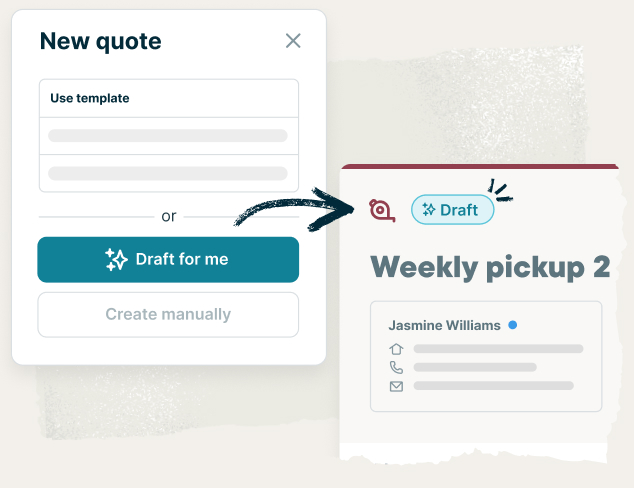
Jobber stands out as one of the best cleaning apps thanks to its advanced quoting features, such as automated quote follow-ups and a self-service online portal.
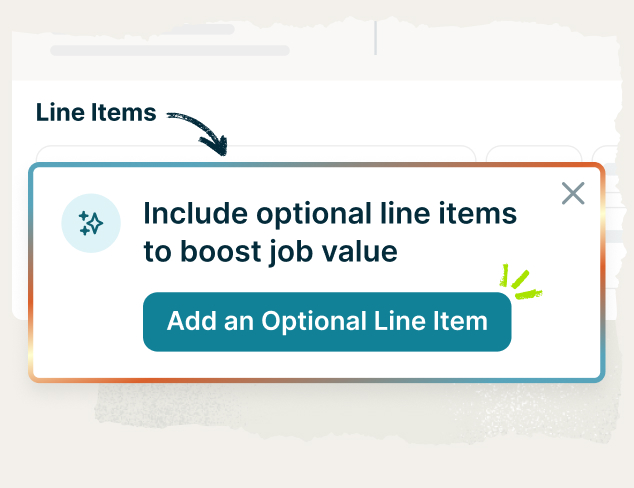
You can create optional line items in your quotes for additional service packages (like carpet cleaning) or products (like eco-friendly cleaning products). This way, you can give your clients the freedom to choose what fits best for them.
Your client can open that quote on their phone, request changes, and approve it with just one tap. Then, you can securely accept a deposit through Jobber and add the cleaning appointment to your schedule.
Once they hit the road, your cleaning crews can clock in and out of jobs from their mobile device on the Jobber app. Even better, Jobber can automatically start their clock-in timers when they arrive at a customer’s property.
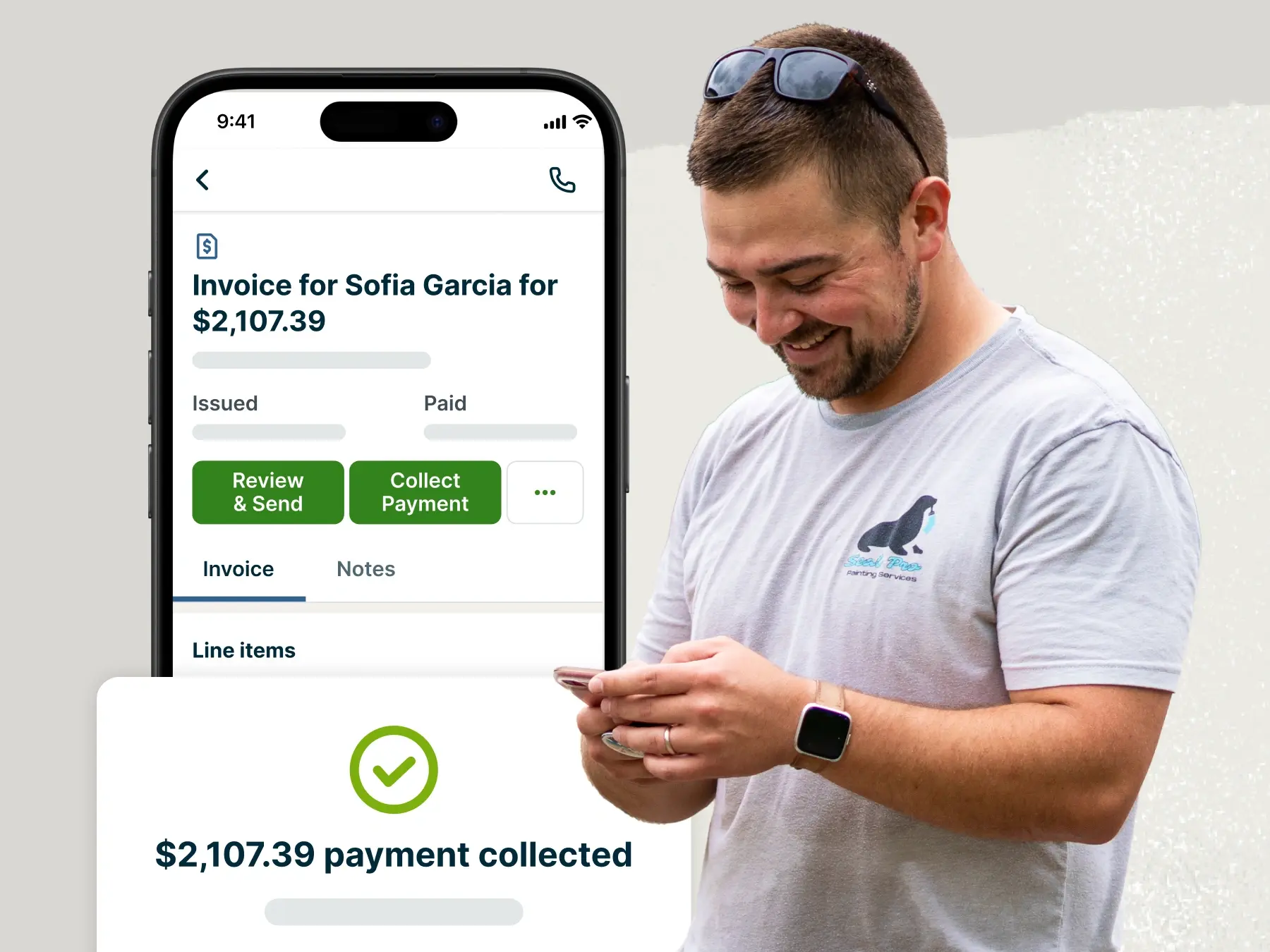
And when the cleaning job is done, convert your estimate into an invoice and collect the final payment online, automatically, or at the job site with a mobile card reader that connects to the Jobber app.
I would recommend Jobber to cleaning businesses—small or large. It saves me a good three hours a day just on paperwork.
2. Zenbooker: Best app for booking cleaning jobs online
What Zenbooker does best:
- Client appointment scheduling
- Geographical booking limits
- Price adjustment rules for cleaning services
Use Zenbooker to efficiently schedule appointments, with a booking system designed to keep your team in control of their schedules. You’ll build a booking form that customers can fill out with their cleaning requirements and then schedule the job in your calendar.
Like Jobber, Zenbooker lets you define the geographical areas where you’re permitted to travel for jobs.
Zenbooker also lets you set price adjustment rules. You can charge different prices for services based on things like the customer’s location, time and day, and how far in advance the job is scheduled.
While you can accept deposits and payments for jobs through Zenbooker’s mobile app, you’ll need separate cleaning business software to build quotes and estimates. It also won’t let you send multiple invoices at once.
3. ZenMaid: Best app for managing schedules
What ZenMaid does best:
- Easy clock-in and clock-out for cleaners
- Easily add notes and attachments to appointments
ZenMaid is a cleaning scheduling app that helps you manage multiple cleaner schedules. This maid service software is just as user-friendly for small business owners as it is for cleaners.
On every appointment profile, your cleaners will see three simple buttons: On My Way, Clock In, and Clock Out. Tapping On My Way lets you customize and send a pre-written text to the customer, whether they’re 10 minutes or 1 hour away from the property.
At the property, your cleaners will see any notes and images that you or your sales reps have attached to the appointment (like “do not touch” items or pets).
ZenMaid is reliable as a maid service scheduling tool, but it lacks features that let you estimate cleaning jobs and collect payment.
4. Swept: Best app for commercial cleaning businesses
What Swept does best:
- Two-way messaging with teams and customers
- Location timers for clocking in and out
- Tracking janitorial team satisfaction
Swept is a scheduling, messaging, and time tracking app for commercial cleaning and janitorial service teams.
It’s a good solution for businesses with large or multiple teams. You can send two-way messages to your team and customers directly from the app. You can even create custom channels to send messages to a whole crew or specific groups all at once.
If you don’t want cleaners to manually clock in, Swept will automatically start a work timer once a cleaner reaches the customer’s location (like location timers in Jobber).
Swept doesn’t offer quoting, invoicing, or payments. However, it does allow you to:
- Track and order cleaning supplies for better inventory management from the mobile app
- Check on cleaner satisfaction with “mood reporting” (a quick satisfaction survey sent to each cleaner after a job)
- Create custom checklists for cleaning tasks to ensure quality for each job
We create checklists that we send to customers and they absolutely love it because they know exactly what was done in their home.
5. QuickBooks Online: Best accounting app
What QuickBooks Online does best:
- Centralize your accounting in one platform
- Categorizes your receipts
- Integrates with other cleaning operation software
As a cleaning business owner, a strong accounting app should be one of your go-to software solutions.
QuickBooks Online is one of the best accounting apps for cleaners looking for better invoicing, expense tracking, and payroll management.
Use QuickBooks to track job expenses and automatically link them to the corresponding invoices. You can then set up alerts to know when customers pay their invoices.
While QuickBooks Online is a comprehensive accounting tool, integrating it with other cleaning business solutions such as Jobber creates a powerful all-in-one platform to run your cleaning business.
6. Zoho Bookings: Best free scheduling app for cleaning businesses
What Zoho Bookings does best:
- Booking page customization
- Appointment revenue reports
- Offers a free version for teams of one
Zoho Bookings is an appointment scheduler that provides your cleaning customers with a smooth online booking experience.
To track your progress, you can access detailed reports on the revenue generated from booked appointments. There’s even a report that shows you which services have generated the most revenue.
Zoho’s booking tool is highly customizable—you can set a custom background image, colors, and title. However, you can only do this on their desktop app.
For solo cleaners, Zoho Bookings is one of the best free cleaning apps for basic appointment scheduling—it’s completely free for one user. However, it doesn’t support payment processing unless you connect it with other paid Zoho tools like their CRM or invoicing platform.
If you want to streamline everything in one place, an all-in-one solution like Jobber could be a better fit for your cleaning business.
7. Tasker by TaskRabbit: Best cleaning leads app
What TaskRabbit does best:
- Exposes you to potential customers searching for cleanings
- Let’s you advertise, invoice, and collect payment in one platform
Homeowners turn to TaskRabbit to find qualified contractors for home services— including cleaners. By entering their home addresses and specific cleaning needs, TaskRabbit suggests personalized recommendations for cleaners in their area.
When you sign up as a Tasker on TaskRabbit, you’ll appear as a potential cleaner for homeowners nearby. These cleaning leads can then request your services, and you can pick the cleaning jobs you want and set your pricing.
To find cleaning leads, create a profile and pay a small fee every time a potential client clicks on your site. Once you’ve completed the job, use the app to invoice and get paid for your house cleaning services.
READ MORE: TaskRabbit: Competitors, alternatives, and other tactics for lead gen
8. FleetSharp: Best fleet management app
What FleetSharp does best:
- Tracks vehicles to make location-based scheduling decisions
- Provides data that improves vehicle efficiency
FleetSharp is a fleet management and vehicle tracking app that helps you design efficient daily routes for your cleaning jobs.
By managing your cleaning fleet with technology like FleetSharp, you can fit more jobs into each day. It also helps you dispatch the nearest cleaner for last-minute or priority-service cleanings.
Using the FleetSharp app and its GPS tracking devices, you can also:
- Monitor vehicle location at any point in time
- Assess fuel levels and daily fuel mileage
- Review driver behavior, such as excessive idling or speeding
9. CompanyCam: Best app for job photos
What CompanyCam does best:
- Easily annotate images that are stored online
- “Before and After” camera for completed jobs
CompanyCam is a photo-sharing app that helps you keep a record of your cleaning work. It stores every photo in one organized place online. You and your team can annotate these photos with notes about a client’s home.
Storing photos with CompanyCam helps you keep tabs on the quality of your cleaners’ work. It also gives you a clean, uncluttered record of all your past work in case of customer complaints.
CompanyCam’s Before and After camera is a great customer service feature. When you select the photos you want to share with a customer, CompanyCam sends them a link where they can see the results of your cleaning.
Plus, CompanyCam integrates with Jobber to share images of their sparkling clean house with your customers on jobs and invoices.
10. Jobber Campaigns: Best email marketing app for cleaning services
What Jobber Campaigns does best:
- Send email campaigns to help promote your cleaning services
- Segment your audience for personalized material
- Streamline emails with pre-made templates
Jobber Campaigns helps you promote your services by creating and sending professional email campaigns to your clients.
Choose from several pre-made templates and customize them with your cleaning business name and branding.
After editing the email with details on your cleaning services, you can edit your client segments to choose the group of clients you want to email.
For example, you can send separate promotional materials to your residential clients and commercial clients. You can also promote different types of cleaning services to specific audiences.
READ MORE: Cleaning business ideas: 24 unique ways to kickstart your company
Finally, track your success from a simple dashboard. For every campaign you send in Jobber, you’ll see the number of customers who opened the email, clicked on a link, or converted into a job.
Frequently Asked Questions
-
Some apps, like Zoho Bookings, have a free version built for just one user—which can be great if you’re just starting your cleaning business.
However, if you’re running a team and need to manage schedules alongside your other workflows, a cleaning service app that serves more than one purpose will typically cost you some money.
Most cleaning service software charges a monthly subscription fee, and multiple pricing plans are available for different needs and team sizes.
Many apps—including Jobber—offer a free trial so you can see if they’re a good fit before you commit. -
To find an app that helps you run an efficient cleaning service business, look for apps that:
• Accept payments in-person, online, or automatically.
• Allow batch invoicing so you can send multiple invoices with one tap.
• Optimize your cleaning crew’s driving routes with suggestions that save time and fuel.
• Let you make custom cleaning checklists that cleaners can check off while they work.
• Automate your texts and emails to customers, including on-my-way texts, quote follow-ups, invoice follow-ups, customer satisfaction surveys, and email marketing campaigns.
• Track employee time automatically in case cleaners forget to clock in and out on time.
• Powerful AI tools for analytics that give you instant insight tailored to your business. -
Yes, the best cleaning apps help you keep track of performance and productivity.
Many apps offer timesheet reports that show your team’s labor hours, which can help you analyze your productivity.
Jobber, for example, tracks productivity by showing you how your team is progressing through their day, so you can get ahead of any delays.
Your business dashboard in Jobber shows you how many jobs and how much revenue is sitting at each stage of your workflow.
It also provides insights into information that you might have missed. This helps you take action on important work—such as projected revenue, overdue items, and double bookings—and form a business plan to improve your bottom line.
Pro Tip: Use Jobber Copilot to get instant access to your key business metrics. -
If you have multiple businesses with different company branding information, you can use more than one Jobber account. Franchising in Jobber allows you to keep all of your scheduling, teams, reports, quotes, jobs, invoices, and income separate for each business.
No matter the size of your cleaning business, Jobber helps you book jobs faster, stay organized, and deliver consistent service.