



Key takeaways:
If you’re looking for HVAC CRM software to streamline your customer management and boost efficiency, these top options deliver tools tailored for companies of every size.
- All-in-one organization and workflow. HVAC CRMs help you centralize customer information, track jobs, schedule technicians, manage quotes/invoices, and maintain service histories—essential for improving organization and customer satisfaction.
- Top 5 CRM software picks for HVAC businesses. Jobber is best for overall CRM workflow, ServiceTrade excels for commercial HVAC, Housecall Pro stands out for managing client calls, Kickserv is ideal for small teams, and Synchroteam specializes in inventory management.
- Productivity-boosting features. Key features include online booking, automated reminders, lead management, custom forms, mobile access, and accounting integrations, letting you reduce manual tasks and never miss a follow-up.
- Choosing the right fit. Consider your company size, customer types, sales structure, and integration needs. Then prioritize ease of use, customization, automation, and mobile capabilities for maximum benefit.
- Common pitfalls to avoid. Avoid generic or overly complex CRMs, lack of mobile or integration options, or software that won’t scale as your business grows.
Keep your HVAC business running like a well-tuned system. Jobber’s CRM keeps it all organized, so you can focus on getting the job done. Start your free trial today.
Originally published in November 2024. Last updated on October 28, 2025.
HVAC CRM software helps you manage customer details, track jobs, schedule technicians, and streamline communication—all in one place. Whether you’re a one-person operation or managing multiple crews, the right CRM keeps your business organized and your customers satisfied.
If your current system doesn’t improve your workflow—or you’re still relying on spreadsheets—it’s time to upgrade. Keep reading to discover the 5 best HVAC CRM software options to help you save time, boost productivity, and grow your business.
What is a CRM for HVAC companies?
A CRM is a customer relationship management system designed to help businesses manage leads, customers, jobs, and communication.
A CRM is important for HVAC companies because it helps you deliver quality customer service. The best HVAC CRM software includes features such as managing quotes and invoices to quickly get them to customers, and storing customer service histories.
By centralizing all this information in one platform, an HVAC CRM helps you and your team stay organized, ensure customer satisfaction, and operate more efficiently from the first call to the final invoice.
Best HVAC CRM software comparison chart
| Software | Best For | Key Features | Pricing | Free Trial? |
| Jobber | Improving overall CRM workflow | • Quick access to job forms, checklists, and photos • Online booking form • Detailed service history • Tag contacts as leads to separate them from clients • Tech dispatching | Starting at $29 per user per month See all Jobber plans | Yes |
| ServiceTrade | Commercial HVAC companies | • Online portal for customer communication • Tech dispatching • Pricing models for proposals | Must request pricing | No |
| Housecall Pro | Keeping track of client calls | • Chat with customers from the software • Custom tags to organize contacts • Save service agreement to customer profiles | Starting at $59 per user per month | Yes |
| Kickserv | Small HVAC teams | • Online service requests • Automated service visit reminders • Custom fields for special customer data | Starting at $49 per month for up to 5 users | |
| Synchroteam | Inventory management | • Searchable customer database • Add site equipment to customer profiles • Custom tags to organize customers | Starting at $51 per user per month | Yes |
How we chose the best HVAC CRM software
We researched several popular field service CRMs, focusing on the features that help your HVAC team improve customer satisfaction, save time, and stay organized. Those features include:
- Online booking: Make scheduling easier by having customers book times that work best for them
- Customer communication: Streamline communication with customers with automation
- Lead management: Keep your leads separate from your paying customers
- Custom forms: Create forms that are personalized to your business
- Automated reminders: Avoid no-shows by reminding customers of scheduled jobs
We also watched app tutorials to understand how the products work and read customer reviews for firsthand strengths and weaknesses.
Whether you run a small HVAC business or are working your way up to an enterprise, you’ll find the perfect tool in our list below.
Jobber: Best overall HVAC CRM software
Jobber’s HVAC service CRM helps you manage and organize your client details, service history, and communication.
With Jobber as your HVAC service software, your field technicians have access to all the customer information they need in their back pockets—without the back-and-forth calls to the office.
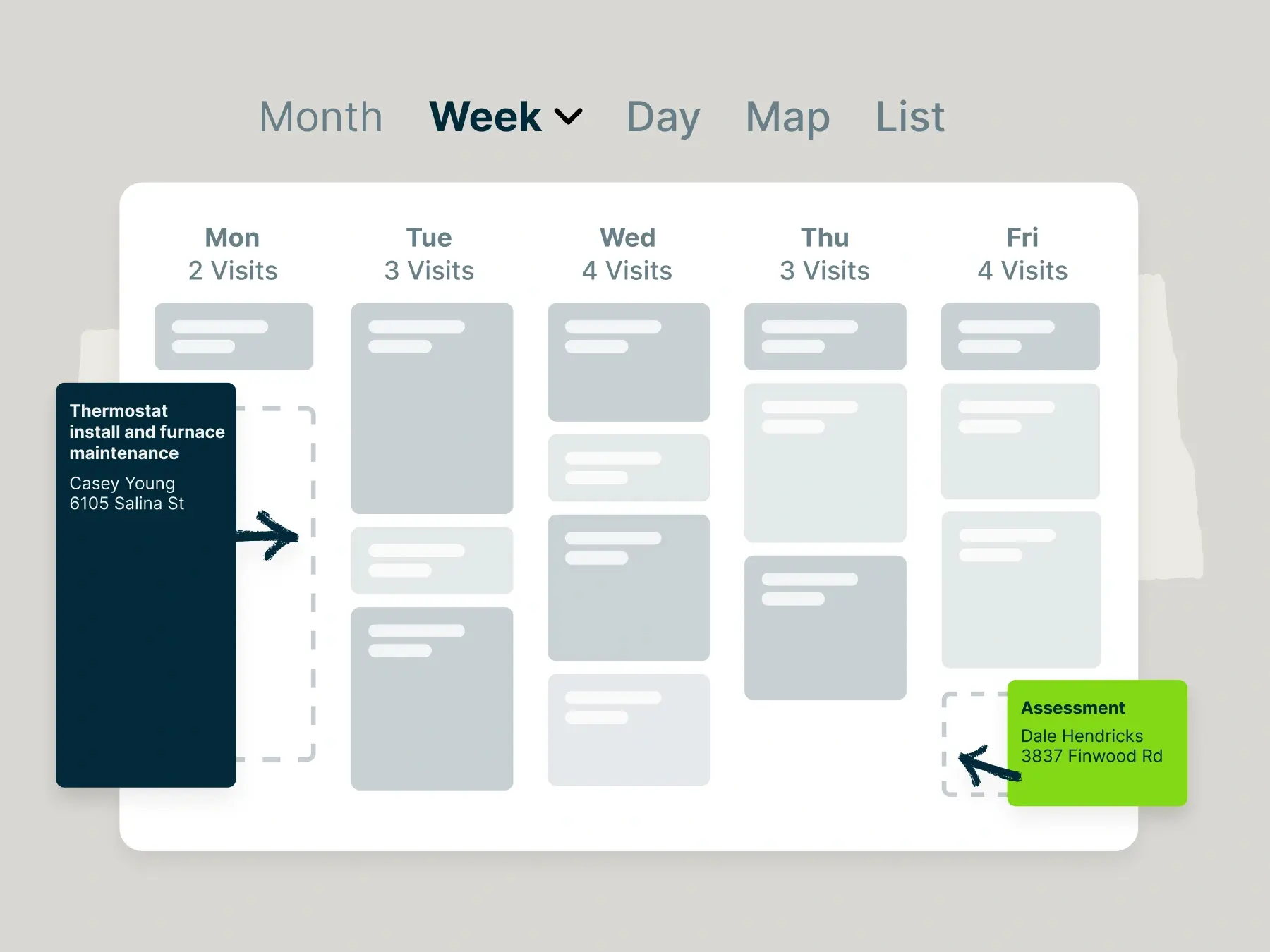
But Jobber handles more than just customer and job records. You can use it to quickly create professional HVAC estimates and service agreements, dispatch service calls, track job progress, and collect payment online.
All the job details you include on your quotes or proposals will flow through to your invoice—which you can generate in one click, and your customers can view in their online portal. This CRM feature lets you help customers faster without having to scramble through emails or spreadsheets.
Jobber has given us a place to centralize all of our information—I can access customer information on the road, and everyone on my team can access that information as well.
Here are other ways Jobber helps improve your HVAC customer relationships:
- Create interactive good-better-best proposals to give potential customers flexible options for maintenance contracts.
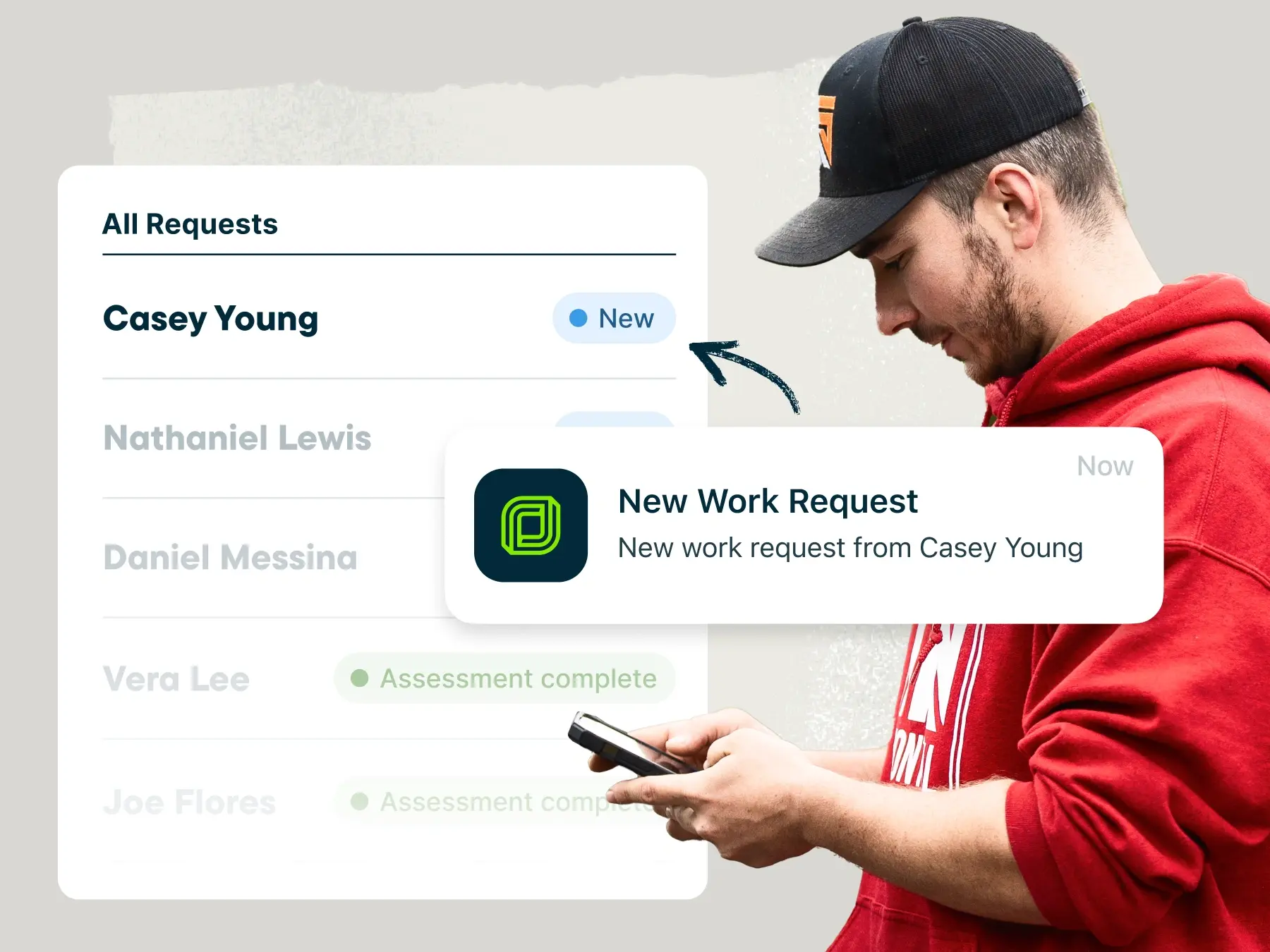
- Collect work requests through an online booking form that customers can fill out on your website.
- View your entire customer communication history, including booking confirmations, automated notifications, and two-way text messages with customers.
- Automatically track labor time from the moment a technician arrives at the jobsite (no manual clock-in or clock-out required).
- Customize your client profiles to save the details that matter most to your HVAC company—like HVAC unit details or warranty information.
- Tag potential customers as leads to manage them separately from clients.
- Integrate your accounting software, such as QuickBooks Online, to link your customer management and accounting workflows.
Pro Tip: Use Jobber AI to get impactful suggestions that help you improve and grow your HVAC customer relationships.
ServiceTrade: Best for commercial HVAC businesses
If you manage customer relationships for a medium- to large-sized commercial HVAC business, look into ServiceTrade.
With ServiceTrade, you can create and manage contacts for entire companies as well as the individual locations of a company. You can also create two different types of HVAC service contracts:
- Default contracts for single-location companies
- Company contracts that let you create unique price lists, rules, expected margins, and more for a specific customer or location
ServiceTrade uses AI tools to help you make quick scheduling decisions for large crews. Using its SmartSchedule tool, the CRM collects job and technician details you’ve saved to suggest which techs are most qualified to handle each work order.
Other ServiceTrade features include:
- An online portal to keep clients informed
- Dispatching for emergency HVAC services
- Pre-built and customizable pricing models for proposals
As noted by one user, there’s no way to send back-and-forth messages to customers from within ServiceTrade, so you won’t be able to manage all customer communication in one place.
Housecall Pro: Keeping track of client calls
Housecall Pro is another popular CRM solution for HVAC businesses. This software lets HVAC service managers:
- Add custom tags to organize different types of contacts (e.g., leads, customers, prospects, etc.)
- Chat with customers from their mobile app
- Save service agreements, work orders, and invoices to client profiles
- Send confirmation texts and emails when jobs are booked
The calling features in Housecall Pro make it useful for companies with sizable HVAC sales teams. Sales teams can make and receive calls directly from the software, put calls on a queue, and route calls to specific reps.
Additionally, HVAC technicians can clock in and out from the Housecall Pro mobile app. But unlike Jobber, Housecall Pro can’t automatically start work timers based on a technician’s GPS location.
One user generally enjoyed HouseCall Pro’s ease of use, but ultimately chose Jobber for its streamlined process from work request to final invoice.
READ MORE: Jobber vs. HouseCall Pro
Kickserv: Best for small HVAC teams
Kickserv is a simple CRM that newer, software-inexperienced HVAC teams can use and adapt to quickly. It offers a Starter plan—for up to five users—that includes limited but user-friendly customer management, estimating, and invoicing tools.
Kickserv lets you:
- Collect HVAC service requests online
- Send automated reminders for upcoming service visits
- Create custom fields to manage and report on special customer data
Kickserv also lets you customize tags to help you organize, categorize and segment your data. You can easily identify upcoming jobs by the date or filter your customers by the type of service they got done.
However, there are some gaps in Kickserv’s customer management features, with one user mentioning that they can’t access relevant files and photos from the main customer profile page.
Synchroteam: Best for inventory management
Synchroteam is a good option for HVAC companies that want to connect their inventory management with their CRM workflows.
The software has a searchable customer database to maintain up-to-date customer details, including information on sites and serviceable equipment.
From there, you can launch tasks such as creating jobs, adding sites or equipment, or opening job lists. By integrating equipment into your customer database, you can keep better track of your inventory.
They also provide software customizations to ensure that the platform meets your needs.
Synchroteam’s other features include:
- Import customers from spreadsheets, including their addresses
- Customer portal to review reports and job history
- Custom tags to organize your clients
One drawback of Synchroteam is that it doesn’t have an online booking system, as highlighted by one user review.
How to choose an HVAC CRM software
What you need in your HVAC customer management software depends on several factors, including your:
- HVAC company size
- Types of customers
- Sales team structure
- The other tools you use.
The best HVAC CRM tools can tackle most, if not all, of your business needs. In general, look for these factors when choosing an HVAC software:
- Ease of use. How much time do you have to dedicate to learning a new tool? Choose a CRM that’s intuitive and fits your working style. Software that takes a long time to learn can slow you down. Some CRMs are more complicated than others, so it can be worth spending extra learning time on one that has robust features.
- Service contracts: How quickly can your CRM help you create contract templates? A CRM with pre-built templates can save you time and ensure consistency for your customers.
- Customization. Does your CRM fit with the way your team works? Choose one that lets you customize the way you run your sales and customer service. And of course, it should be easy to customize client profiles so you only see what matters to your company.
- Automation. Does your HVAC CRM save you time by automating repetitive tasks? Look for one that enables recurring billing and automated reminders for your team and customers—this way, you’ll never let a potential service contract, invoice payment, or site visit slip through the cracks.
- Mobility. Does your CRM let you work on the go? Because every HVAC company requires on-the-go work, your CRM should have a reliable, easy-to-use mobile app. Make sure the mobile CRM app you choose has all the same features you can access on a desktop.
It also helps to have an award-winning customer support team to onboard you onto your CRM. You’ll get comfortable with your CRM tool faster with a team that walks you through the features you need and how to get the most out of your app.
Frequently Asked Questions
-
Some of the benefits of HVAC CRM software include:
• Organizing customer details into one place
• Tracking leads and keeping them separate from paying customers
• Streamlining customer communication
A CRM improves communication between your office and field teams, reduces missed appointments, and helps deliver faster, more reliable service—leading to happier customers and more repeat business. -
HVAC CRM software prices range from free to several hundred dollars per month.
If you’re just starting out or are on a budget, a free CRM may be a good starting point. However, you will likely outgrow free software and may need to upgrade to a paid plan. You might want to consider whether it is worth investing in robust features from the beginning.
As a starting point, you can try Jobber’s 14-day free trial to see if it’s the right solution for your HVAC business. -
Here are some common mistakes to avoid when choosing an HVAC CRM:
• Choosing generic CRM software that isn’t designed for service-based or field operations
• Overlooking the importance of a mobile app
• Ignoring integrations with key tools like accounting software
• Underestimating the training and onboarding required with new software
• Selecting a CRM that can’t scale and grow as your HVAC business grows -
When choosing an HVAC CRM, look for integrations that connect smoothly with the tools you already use to run your business, such as:
• Accounting software like QuickBooks or Xero
• Payment processors
• Scheduling and dispatch tools to manage technician routes and job assignments efficiently
• Email and marketing platforms to automate follow-ups and customer communication
The good news is that if you pick the right software, you don’t need as many integrations.
Jobber is more than a CRM—it is an all-in-one platform that connects all of your workflows and allows you to run your HVAC business from one place.