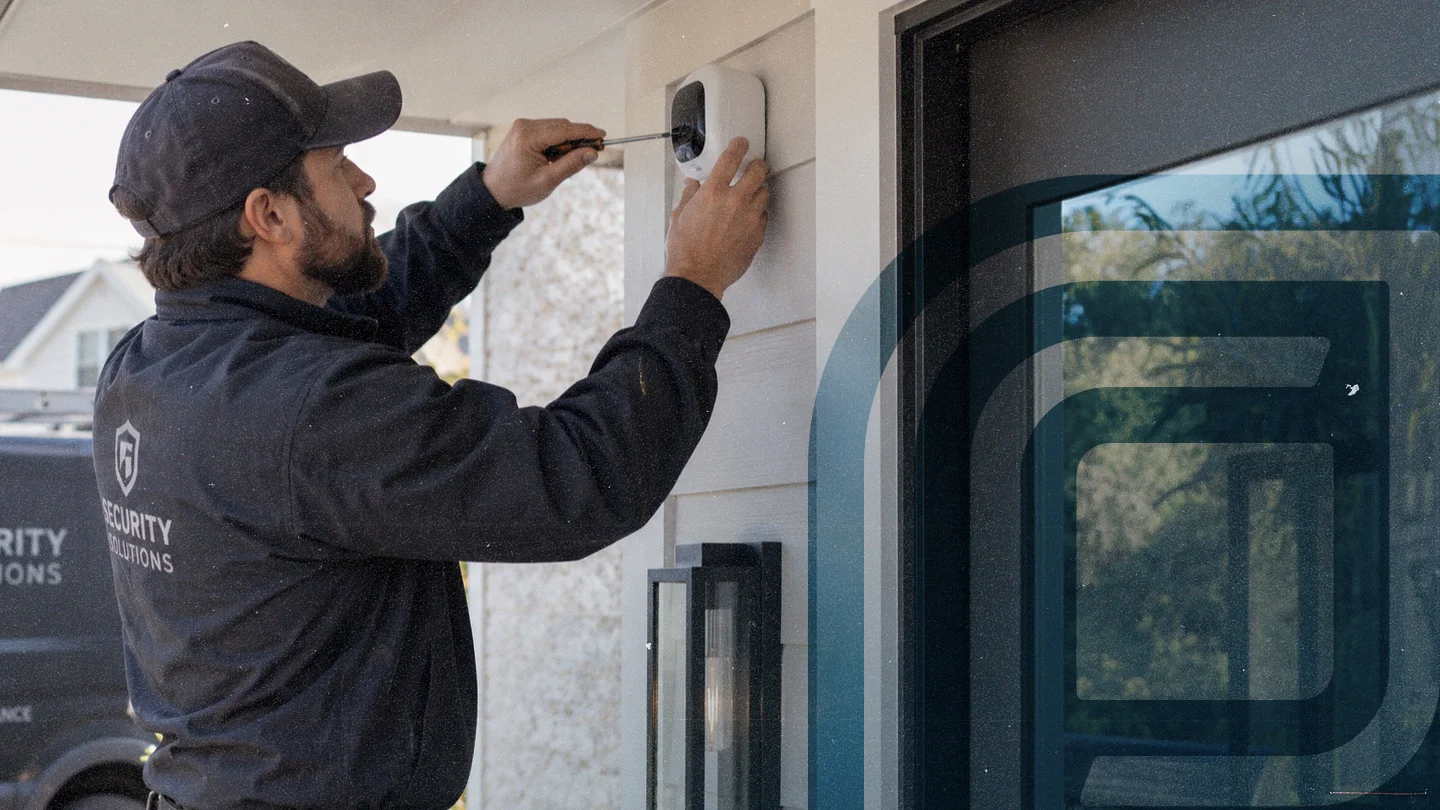
Do less paperwork, look more professional
Security system and alarm installs, service calls, and monitoring leave little time for the admin that comes with running your business. Jobber’s alarm business software follows up on sent quotes, automatically bills clients for recurring monitoring, and keeps you looking professional, while saving you time.
Alarm company software built to win more installs and contracts
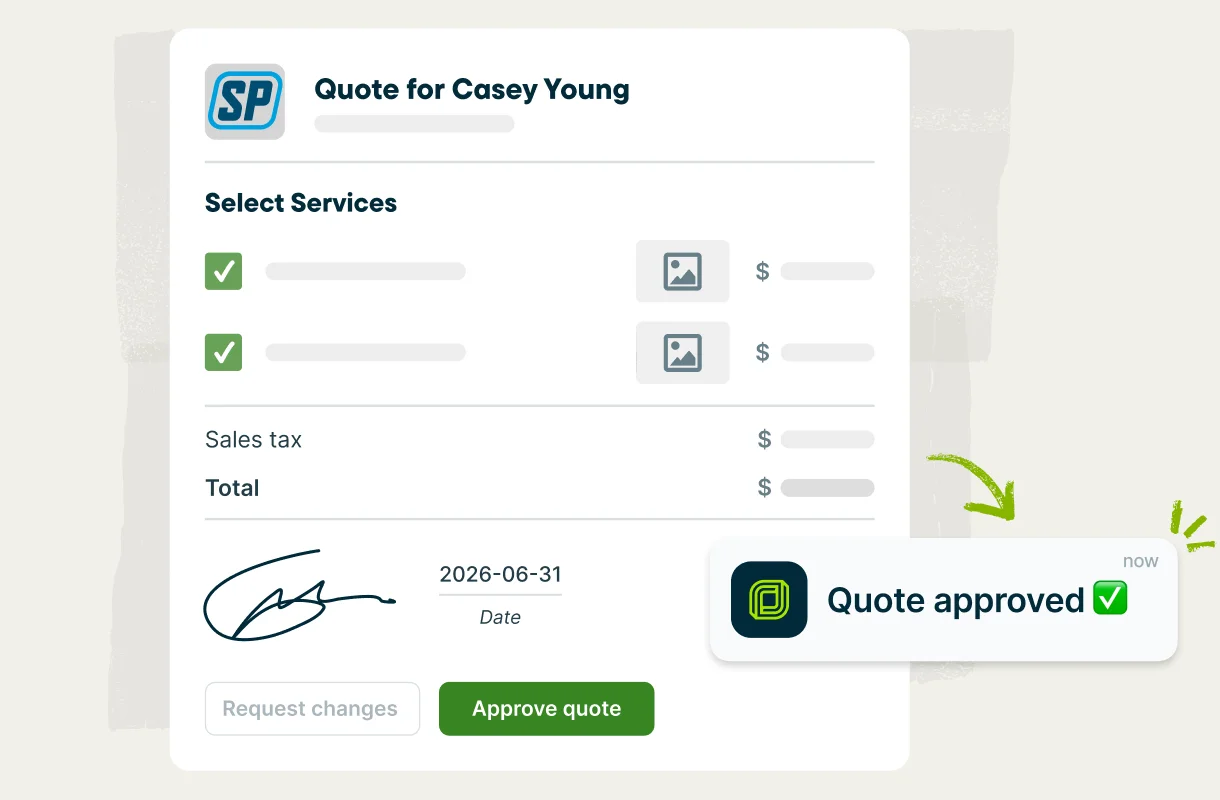
Customers say yes faster when the quote is professional and the pricing is clear. Build detailed and branded quotes, let customers add hardware upgrades or additional services, follow up on quotes automatically, and answer every call with Jobber—even when you’re out on a job.
Quotes that convert
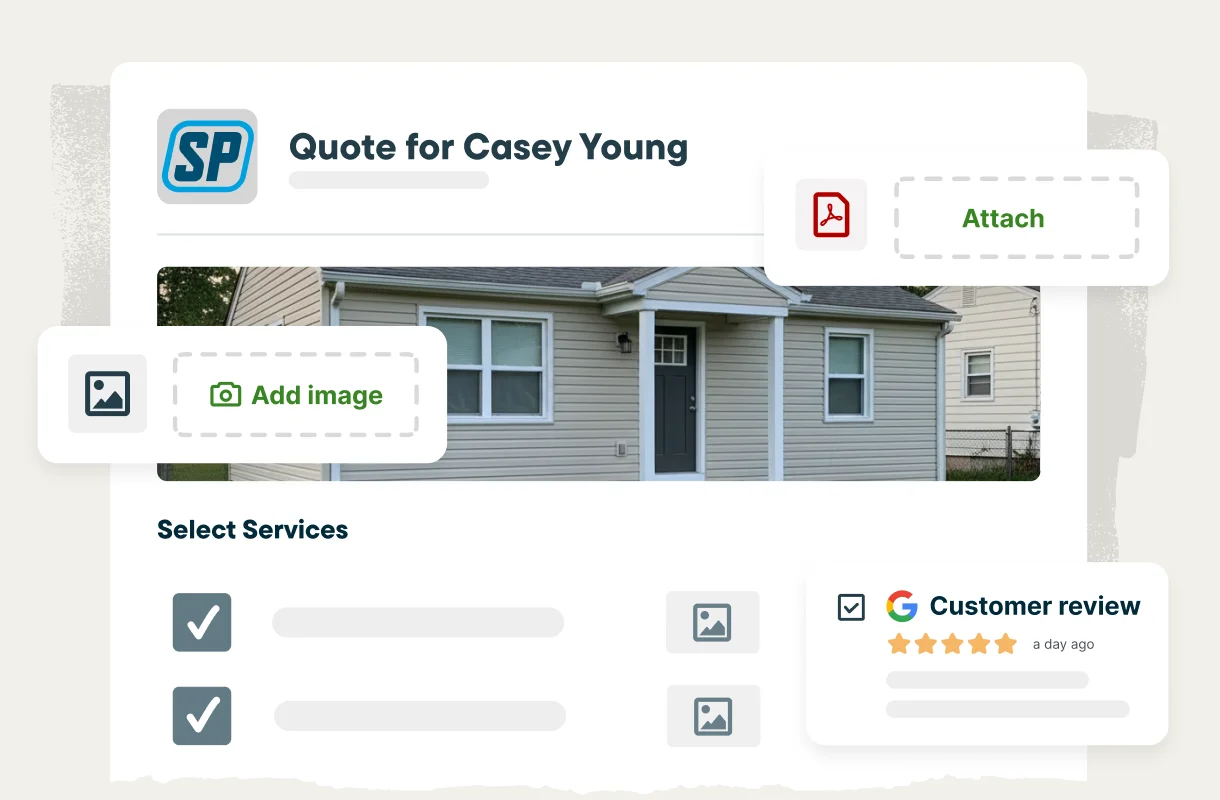
Create professional, custom quotes that help customers choose your security business confidently. Include 5-star reviews from happy clients, and lay out clear scope, equipment, pricing, and monitoring terms. Customers approve quotes online in one click and can even sign a contract and pay a deposit at the same time.
Optional line items
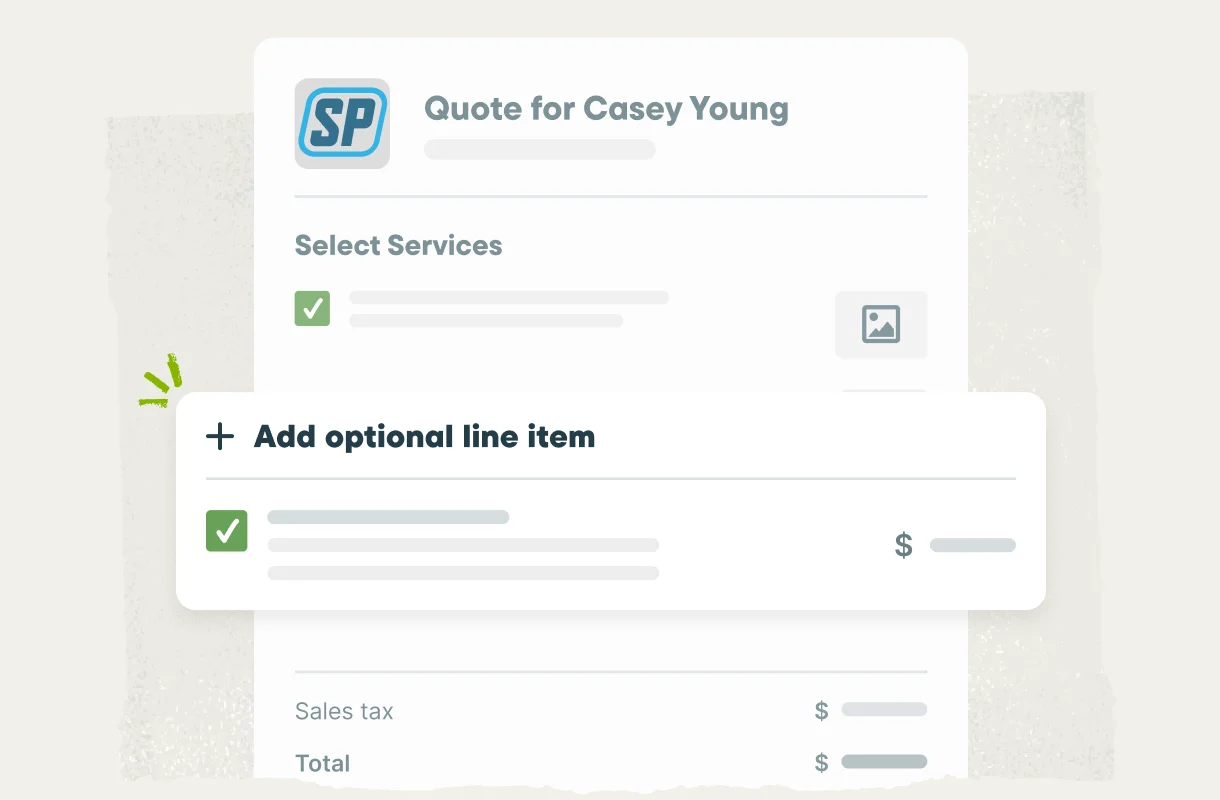
Upsell without the hard sell by offering add-ons right in the quote—extra door contacts, a glass-break sensor, cellular backup, upgraded hardware, and recurring monthly monitoring. Customers choose the services they want and the total updates automatically for fast and easy approval.
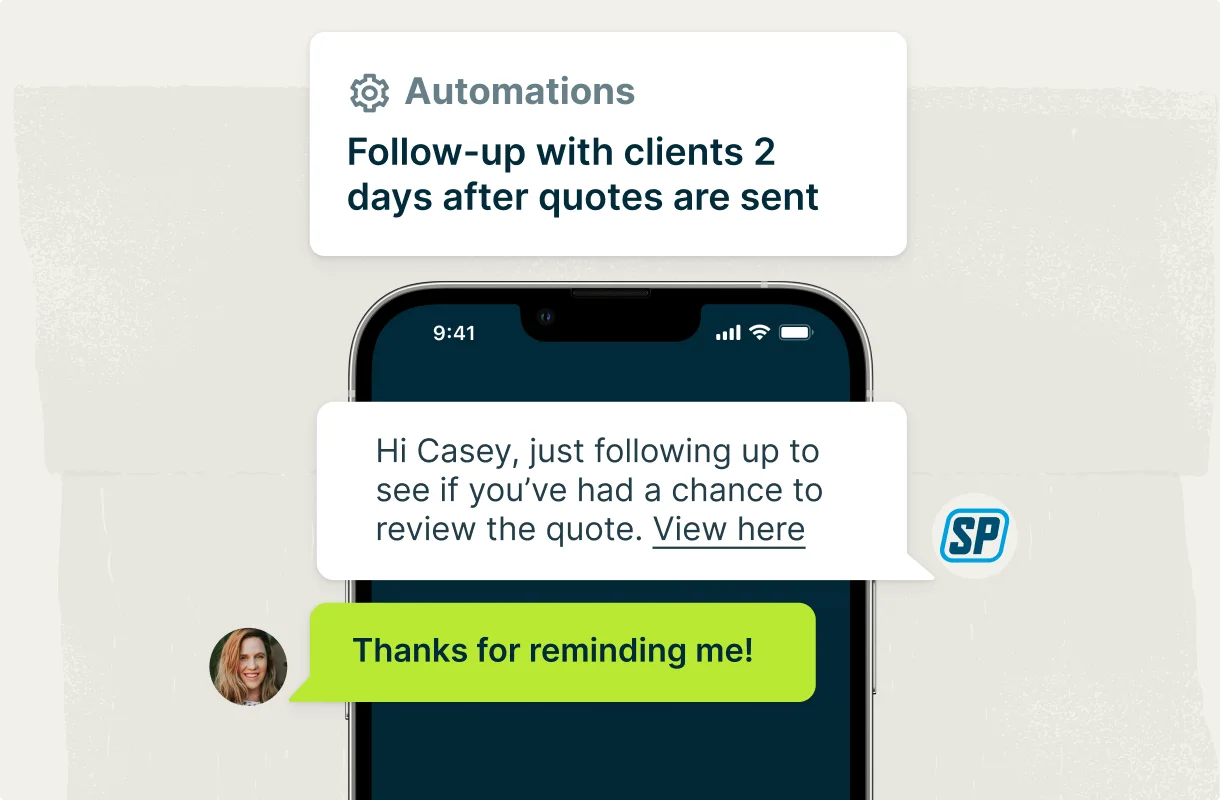
Automatic quote follow-ups
Keep open quotes from going cold with automatic email or text reminders in Jobber, so you can win more installs and contracts. You don’t have to remember who you’re waiting to hear back from, and you have no extra admin work.
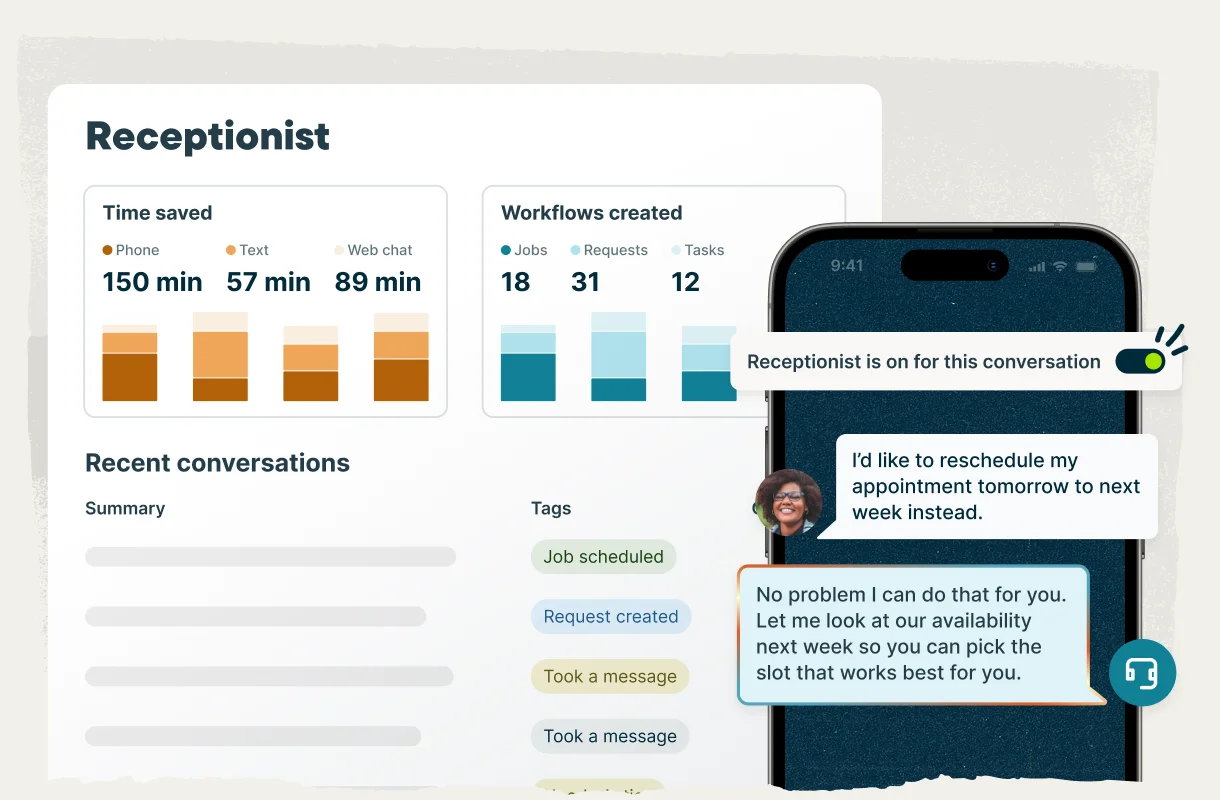
Never miss a lead
Jobber’s Receptionist answers calls and texts around the clock, no matter where you are or what you’re busy with. It can book visits into your schedule, capture the details of every new lead, answer client questions, and transfer urgent calls to you, according to your settings. You get a record of every conversation, so you’re always in the loop.
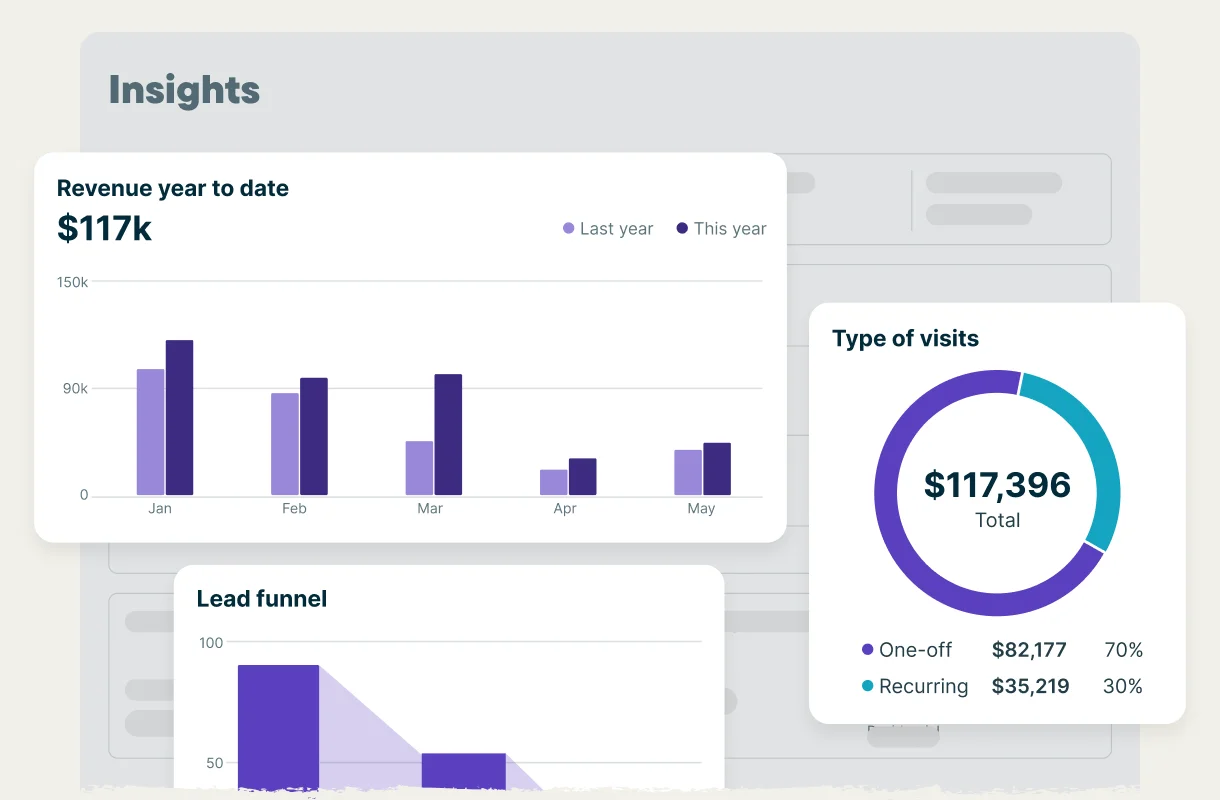
Alarm company service software that keeps every account billed
Make sure you’re always getting paid. Charge recurring accounts automatically from a card on file, turn finished installs into invoices while you’re still on site, automatically chase overdue balances, and see how your business is performing—all through Jobber.
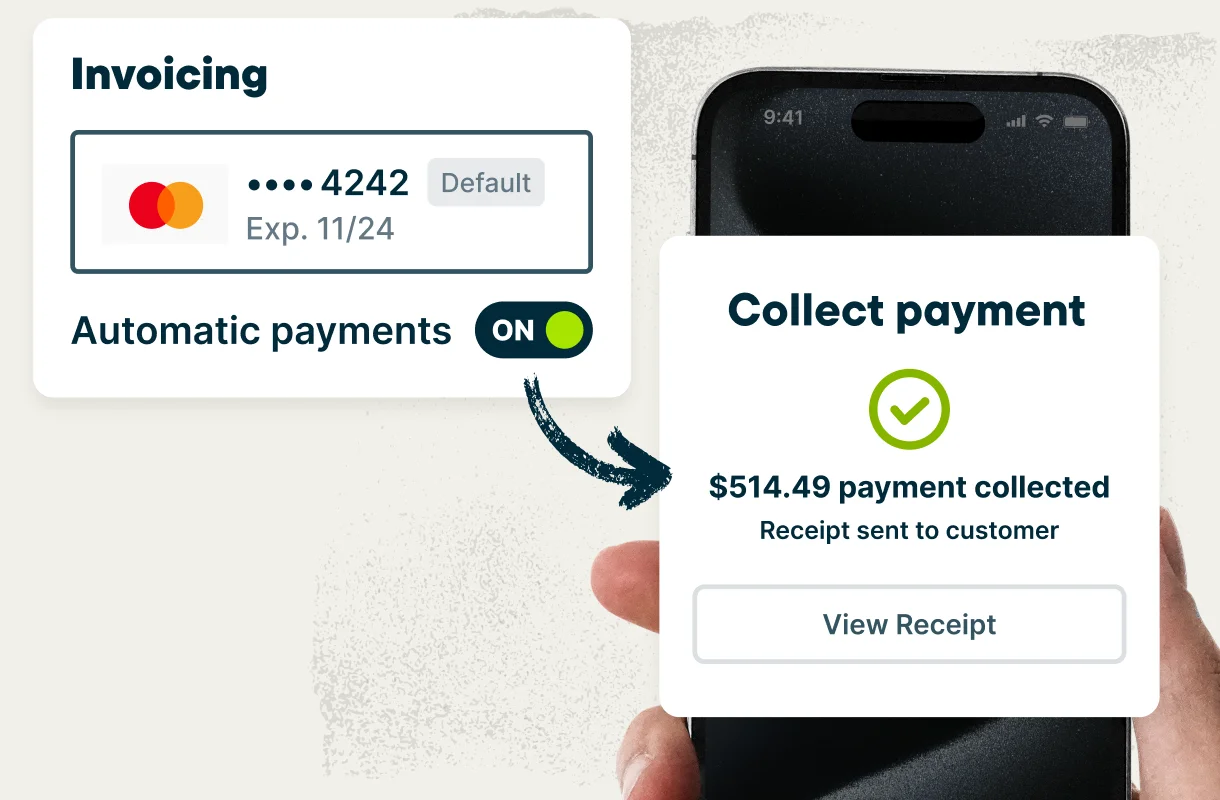
Recurring monitoring billing
Set each recurring monitoring client up with a card on file, and Jobber automatically creates and charges the monthly invoice on the schedule you set. You don’t have to remember to invoice clients or risk not getting paid for your work.
Get paid faster
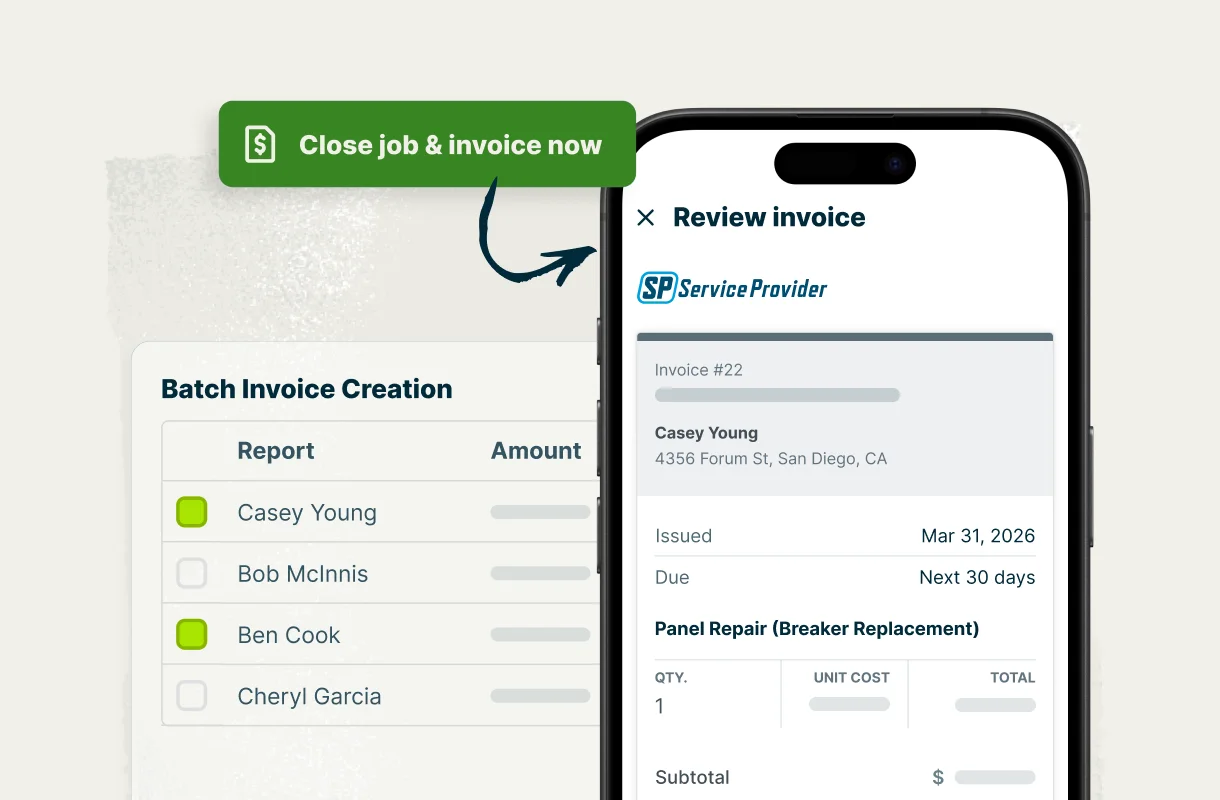
Close the job and invoice it on the spot. Create invoices with a couple of clicks online or in Jobber’s mobile app. Offer your clients easy payment options, including online credit card, automatic payments with card-on-file, bank payments (ACH), or let them pay in person with Tap to Pay. No more waiting for checks or driving to the bank to get the money you’re owed.
Automatic invoice follow-ups
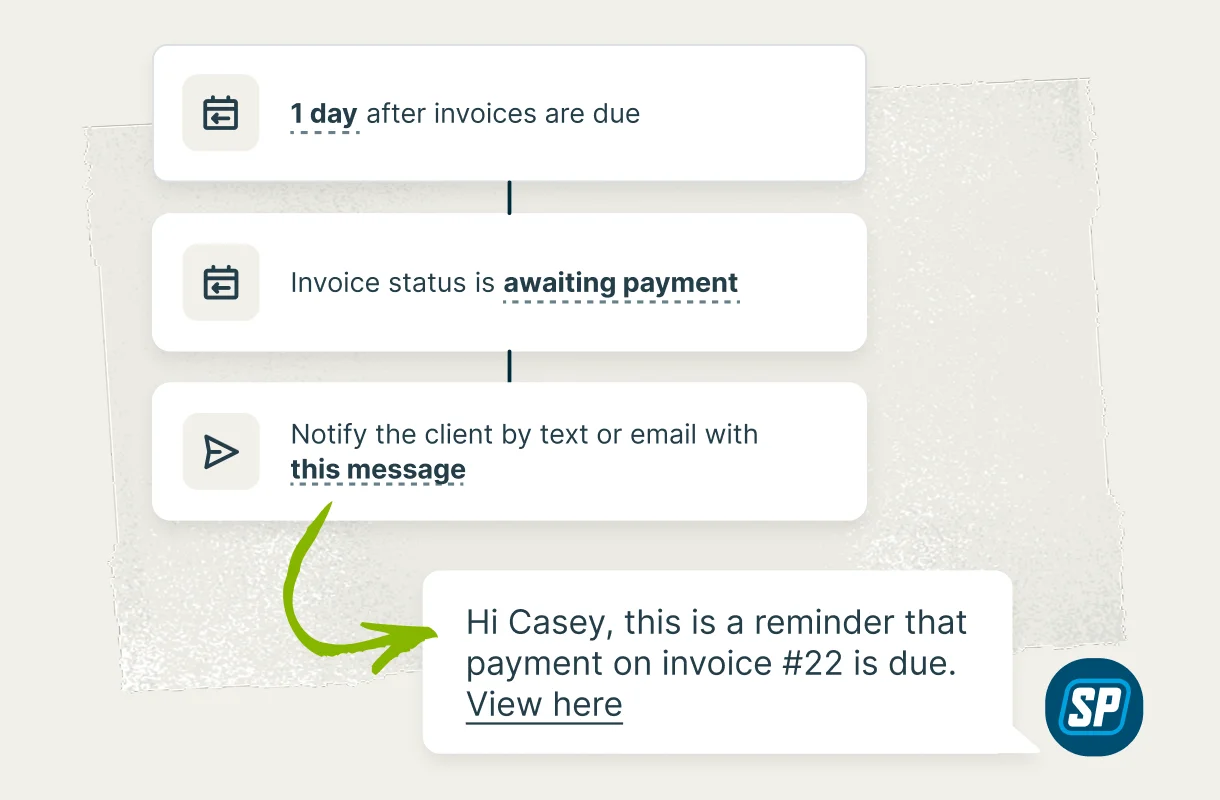
Nobody enjoys chasing money. Automatic invoice reminders go out on overdue balances at the intervals you choose, so you don’t need to chase anyone for payments.
Business health insights
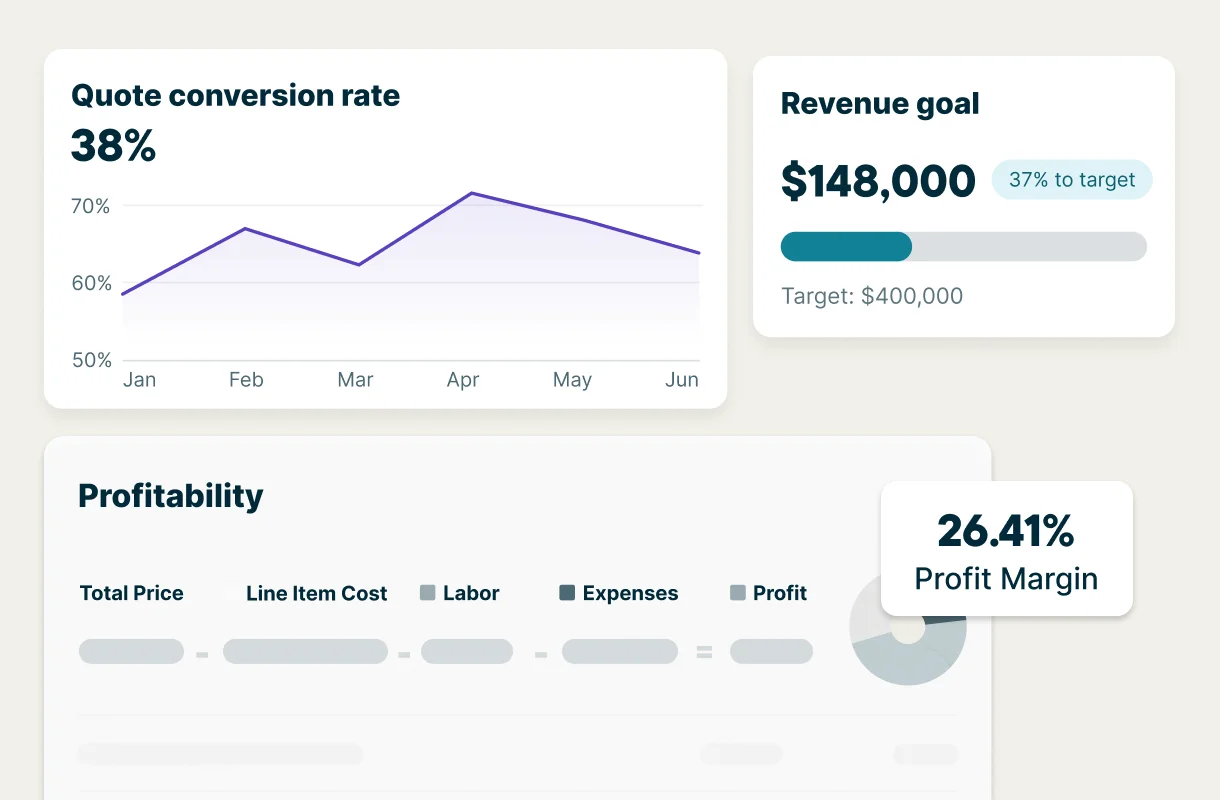
Your business dashboard in Jobber shows revenue, expenses, outstanding balances, team productivity and more, so you always know how your business is doing. Job costing tracks labor, materials, and expenses on every install, so you can see which project is making money and price confidently.
All-in-one security and alarm company management software
Keep clients account details and their history organized in one reliable system, easily schedule installs and service calls, send out appointment confirmations and reminders automatically, and give your team access to the info they need in Jobber’s mobile app.
Smart scheduling
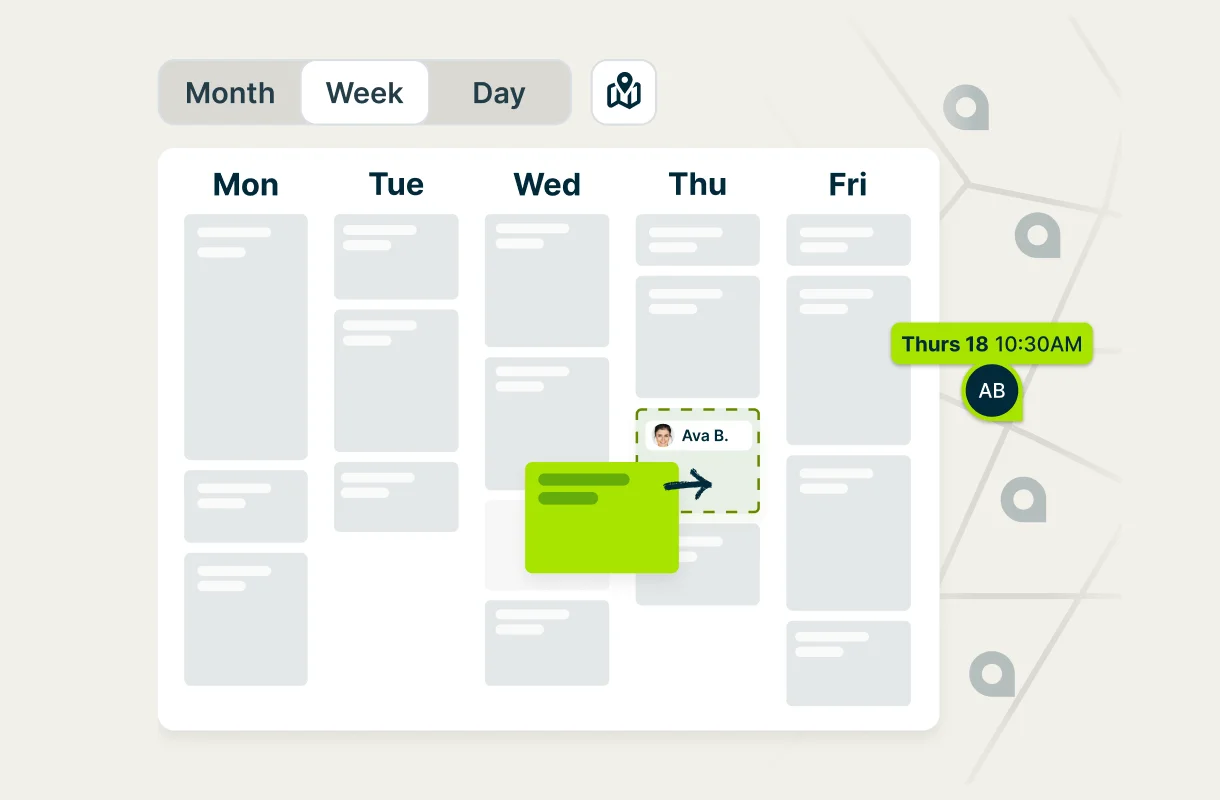
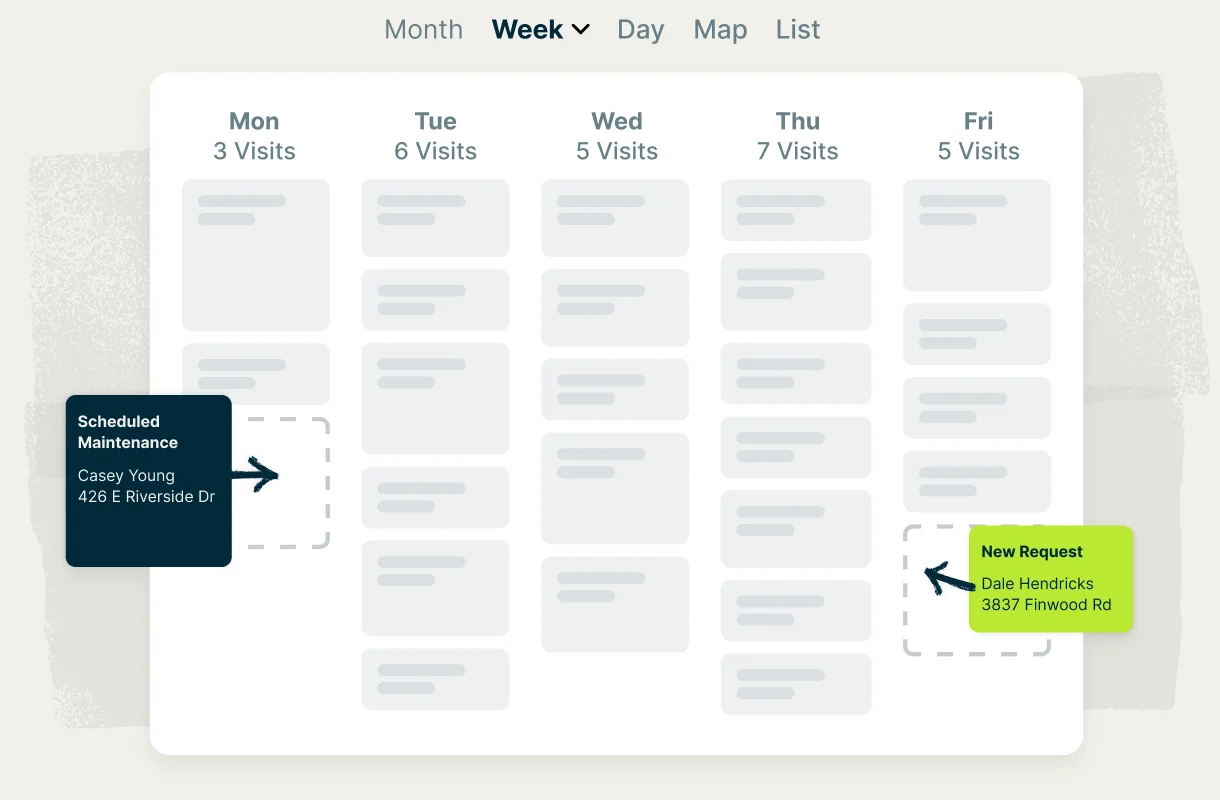
Schedule installs, service calls, and inspections around your team’s availability and drive time. Schedule recurring visits automatically, and see all your jobs for the day visually with Jobber’s map view.. When something changes, Jobber’s scheduling software notifies your team and your customer, and your technicians can send an on-my-way text on the way over.
Less admin work
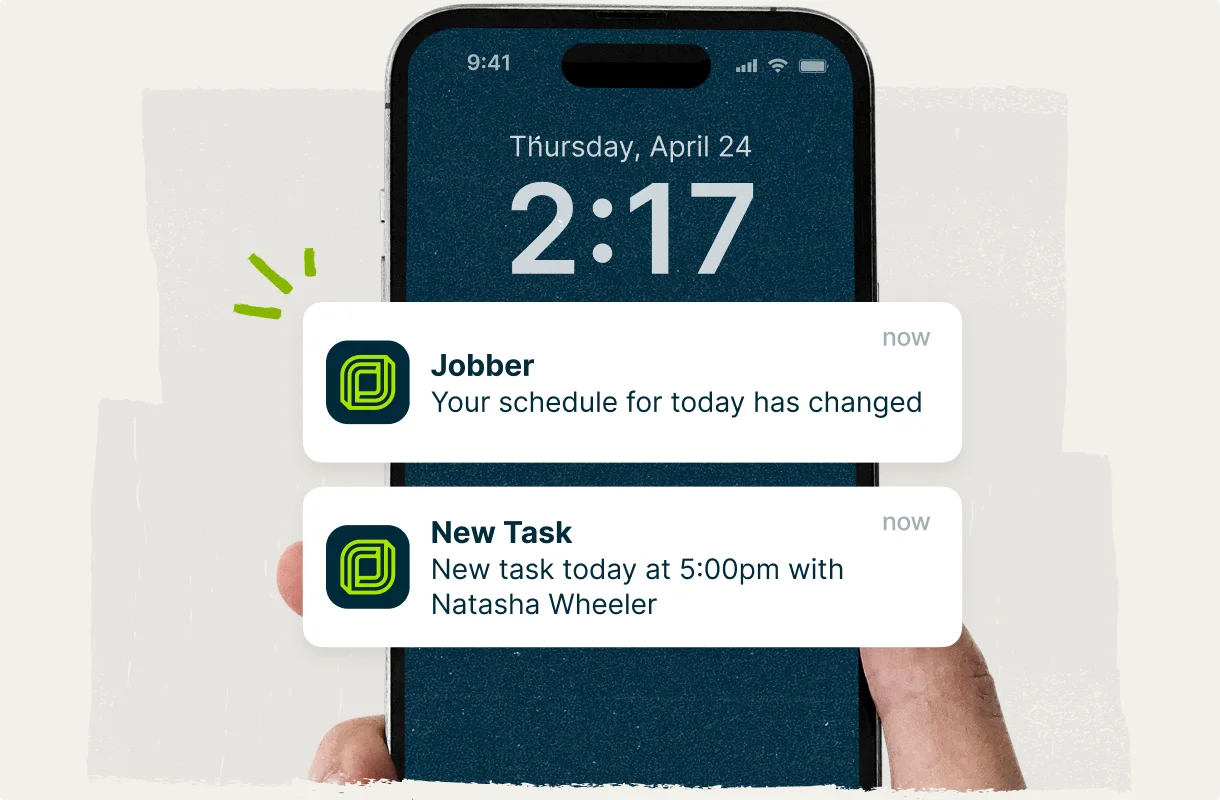
Jobber handles the repetitive admin for you. Automations send appointment confirmations, reminders, and follow-ups at the right time, create visits for recurring service, and collect payments so you can focus on running other parts of your business.
Security and Alarm CRM
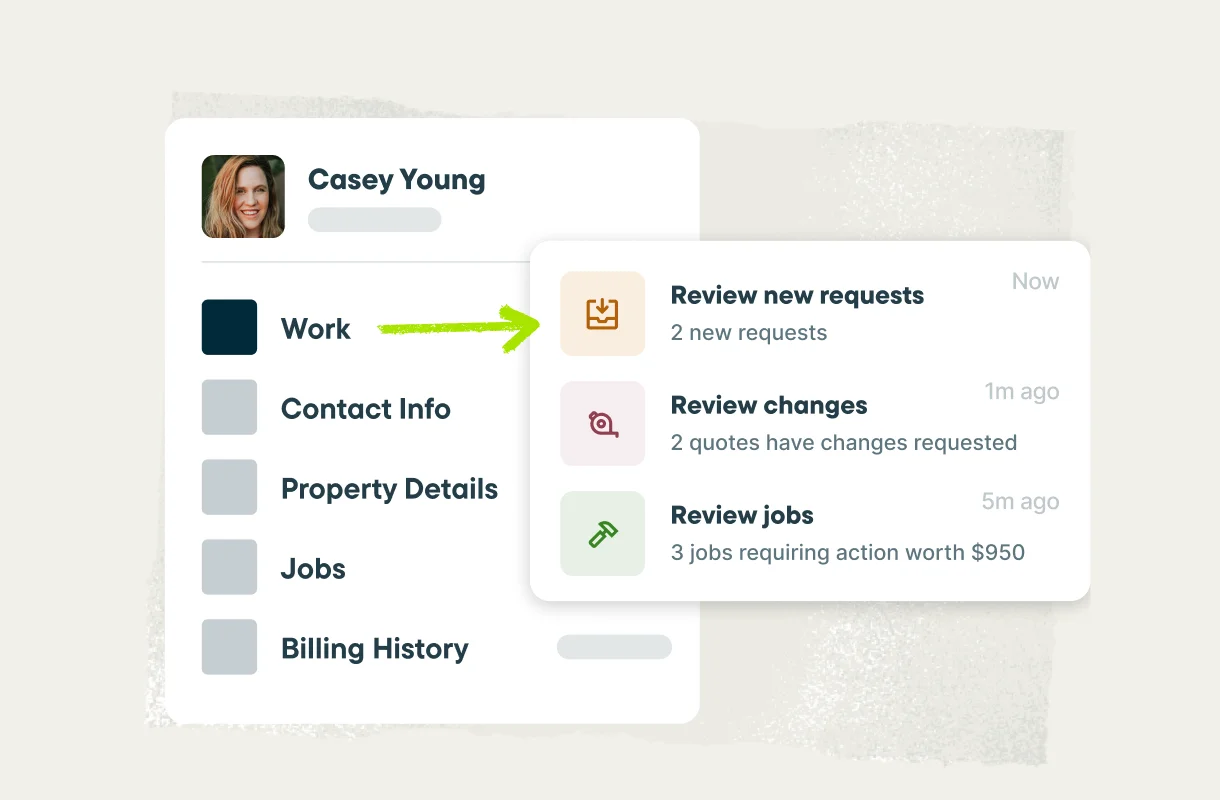
Keep customer details, site notes, info on the installed equipment, job history, and billing records in one searchable system instead of piecing together multiple, manual tools. Jobber’s security alarm CRM also gives customers their own client hub, so they can request service, approve quotes, view upcoming visits, pay invoices online, and refer others to your business—at any time.
Mobile app
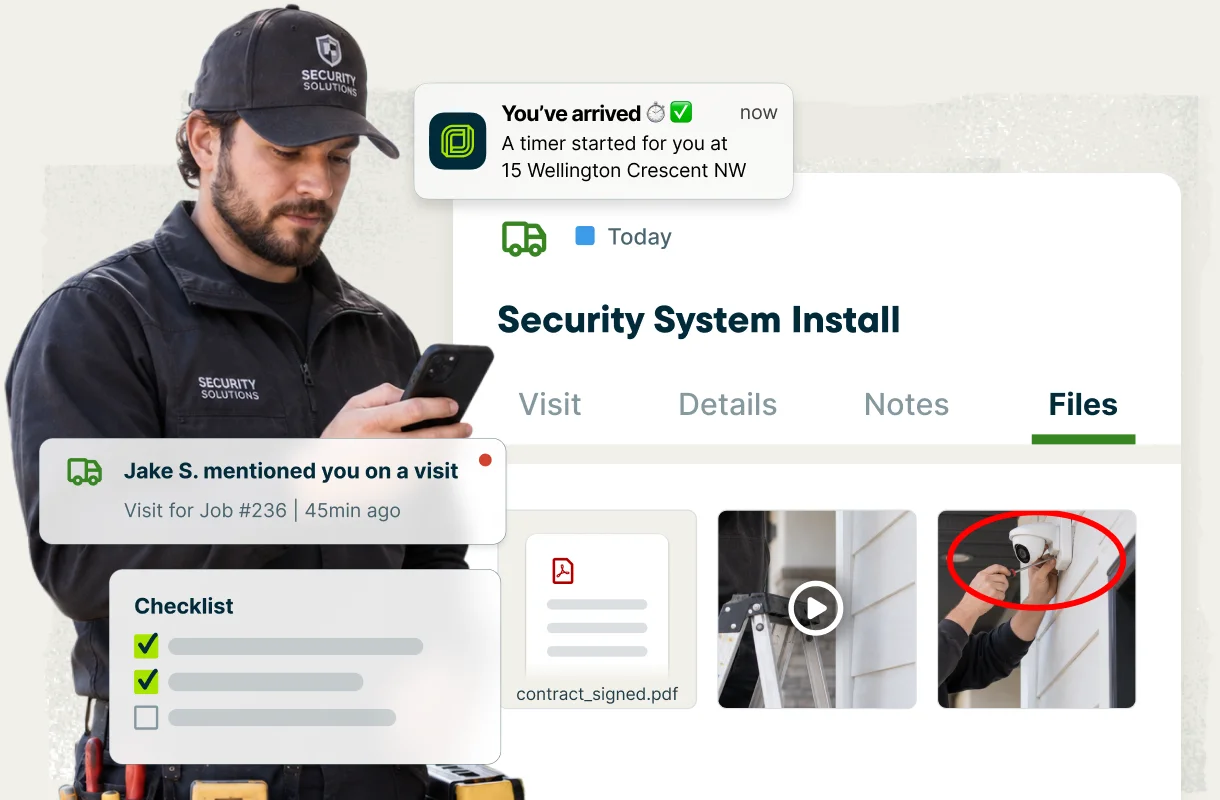
Give your technicians the info they need on site. Jobber’s top-rated mobile app puts their schedule, job details, site history, checklists, photos, time tracking, and team communication in their pocket, so you’re not getting calls from the field all day.
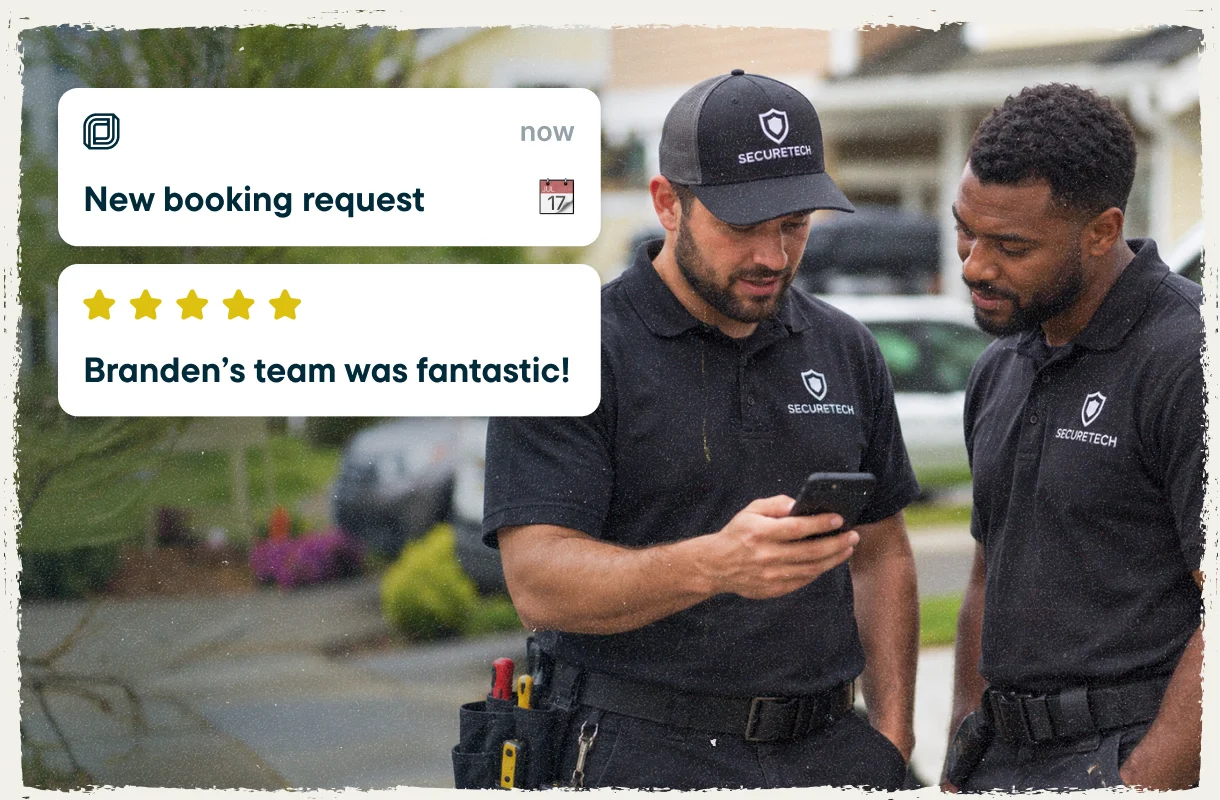
Security alarm company software to grow your reputation and business
Take booking requests online, ask every satisfied client for a Google review automatically, stay in touch with your existing customers, and launch a professional website without hiring anyone to build it.
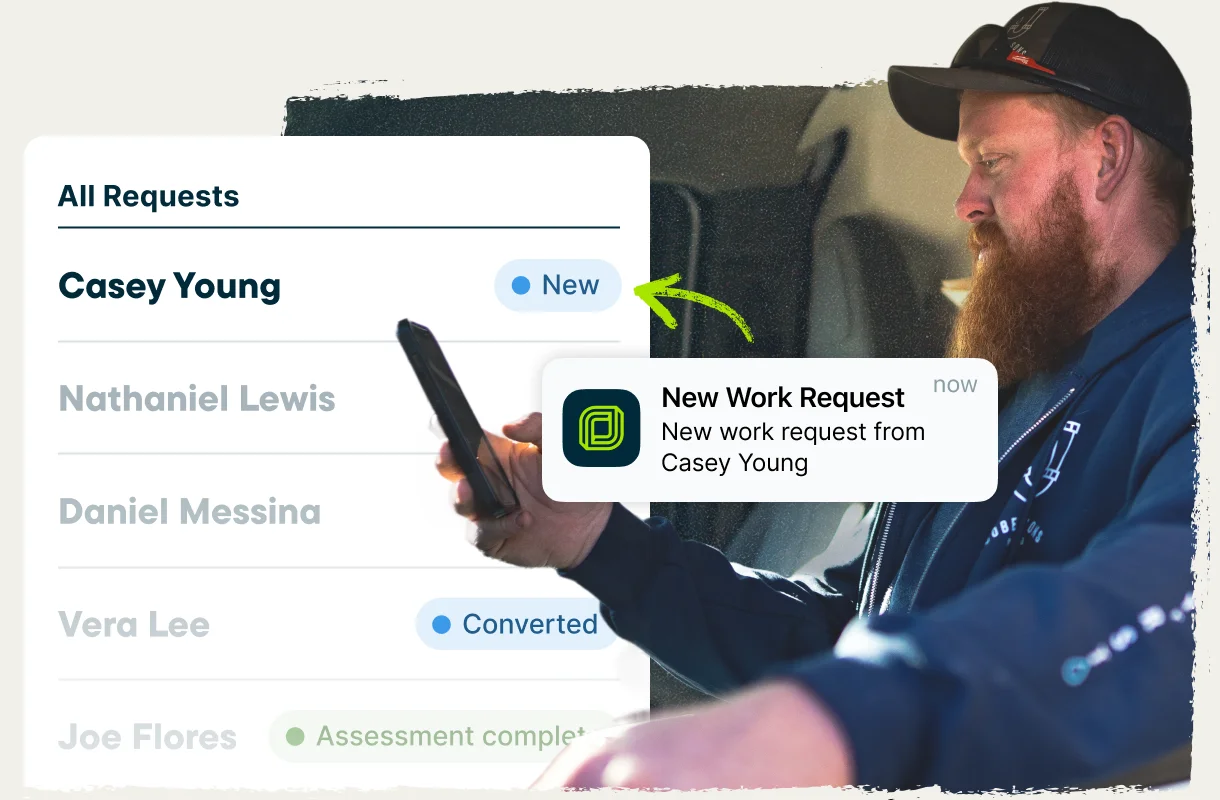
Online booking
Let customers book or submit a request straight from your website, Google business profile, or social media pages using custom booking and request forms in Jobber. The info flows straight into Jobber with the details already filled in, ready to quote.
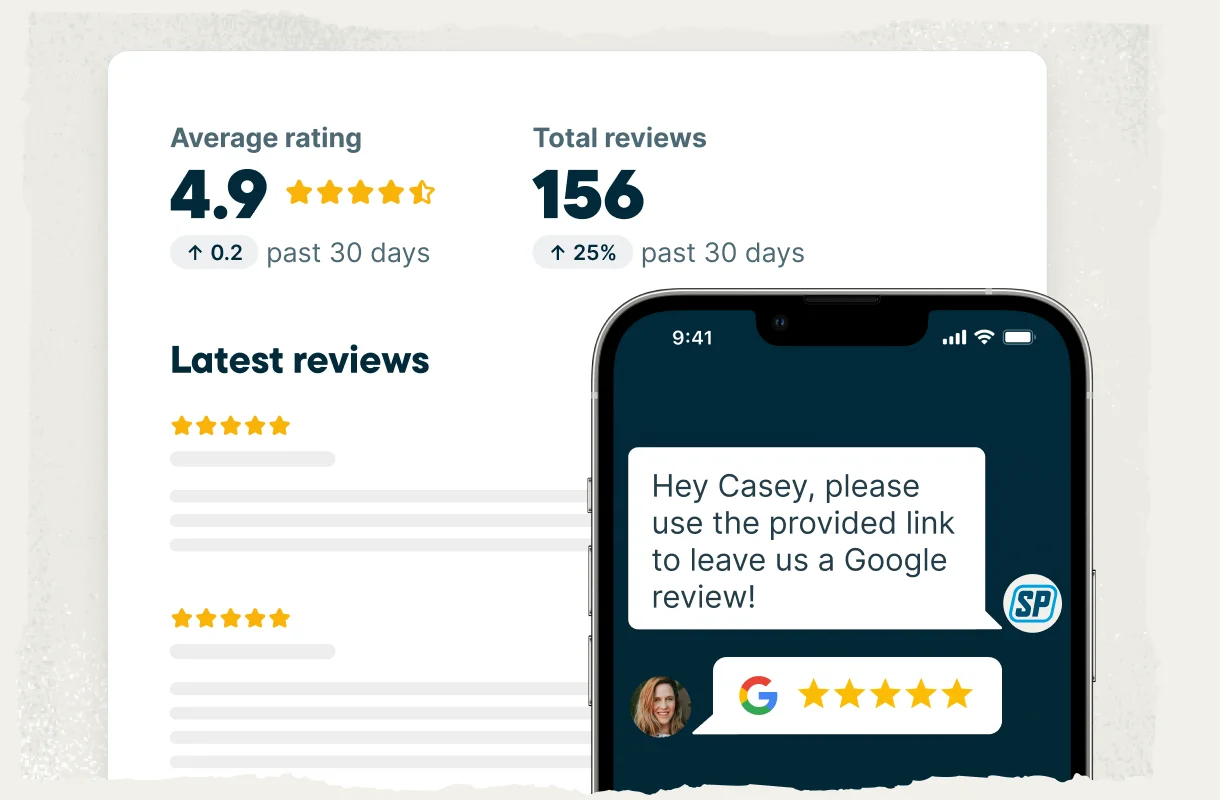
Automatic review requests
Double your Google reviews and build trust with online leads without any additional admin work. Jobber automatically sends a review request once the job is complete, according to your settings.
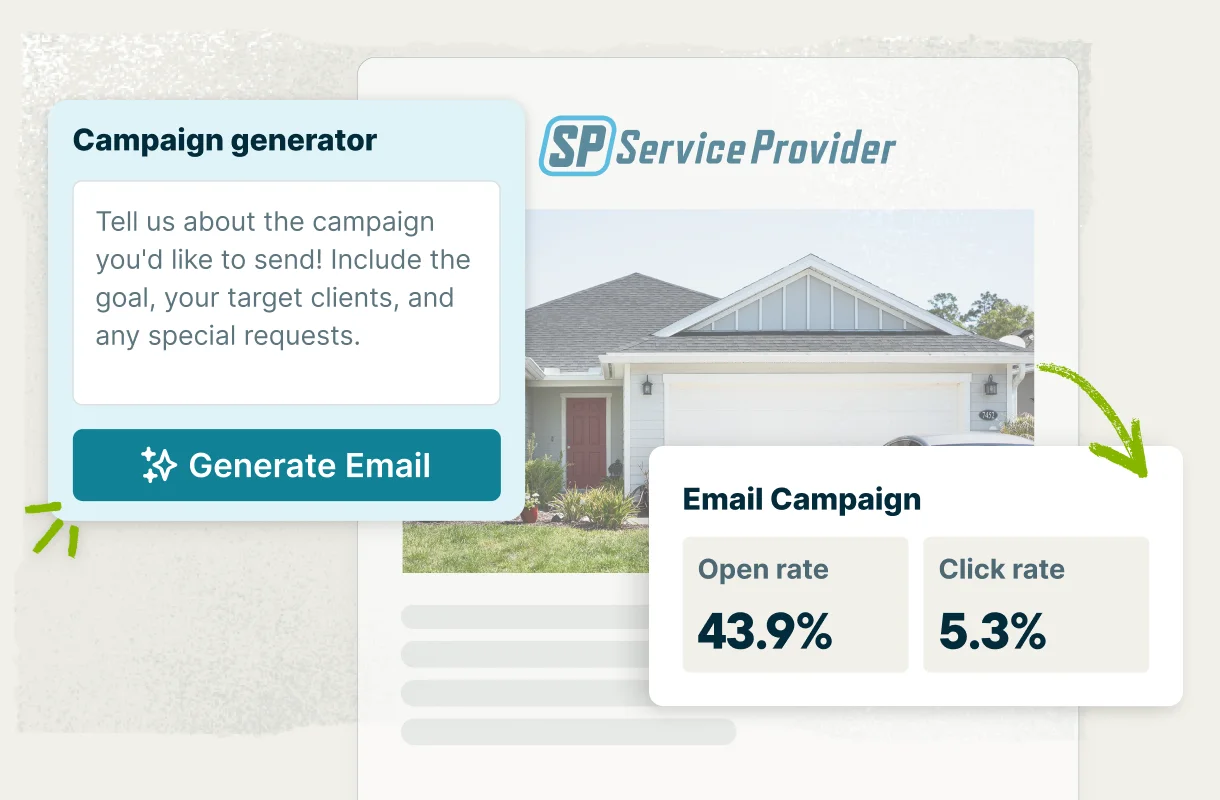
Email marketing and referrals
Happy clients are your best source of new work. Track and manage referrals in Jobber to grow your client list, earn more business, and apply referral incentives to future jobs. Jobber’s Marketing Suite can create targeted email campaigns and send them automatically based on your preferences.
Website
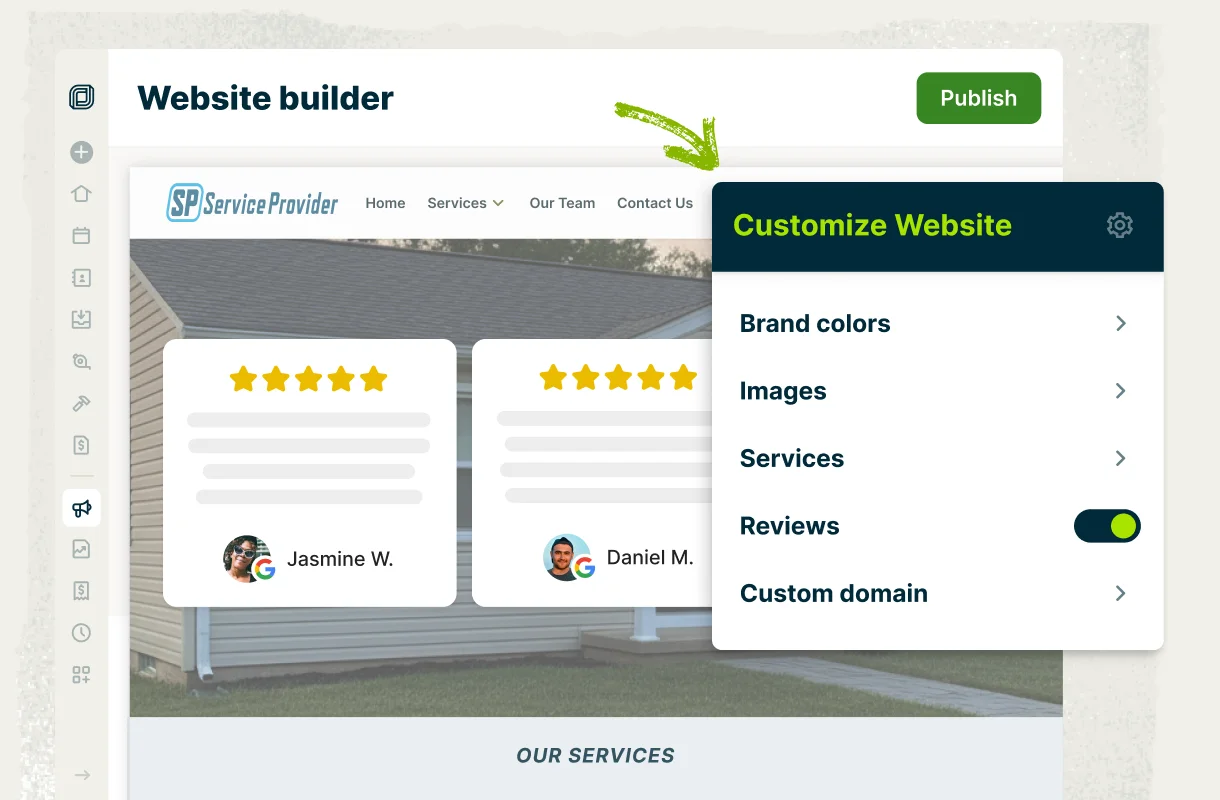
Get a professional website built in a few minutes in Jobber, with your services, reviews, and booking form already connected. No extra web developer budget needed.
Alarm company software built to win more installs and contracts
Customers say yes faster when the quote is professional and the pricing is clear. Build detailed and branded quotes, let customers add hardware upgrades or additional services, follow up on quotes automatically, and answer every call with Jobber—even when you’re out on a job.
Quotes that convert
Create professional, custom quotes that help customers choose your security business confidently. Include 5-star reviews from happy clients, and lay out clear scope, equipment, pricing, and monitoring terms. Customers approve quotes online in one click and can even sign a contract and pay a deposit at the same time.
Optional line items
Upsell without the hard sell by offering add-ons right in the quote—extra door contacts, a glass-break sensor, cellular backup, upgraded hardware, and recurring monthly monitoring. Customers choose the services they want and the total updates automatically for fast and easy approval.
Automatic quote follow-ups
Keep open quotes from going cold with automatic email or text reminders in Jobber, so you can win more installs and contracts. You don’t have to remember who you’re waiting to hear back from, and you have no extra admin work.
Never miss a lead
Jobber’s Receptionist answers calls and texts around the clock, no matter where you are or what you’re busy with. It can book visits into your schedule, capture the details of every new lead, answer client questions, and transfer urgent calls to you, according to your settings. You get a record of every conversation, so you’re always in the loop.
Alarm company service software that keeps every account billed
Make sure you’re always getting paid. Charge recurring accounts automatically from a card on file, turn finished installs into invoices while you’re still on site, automatically chase overdue balances, and see how your business is performing—all through Jobber.
Recurring monitoring billing
Set each recurring monitoring client up with a card on file, and Jobber automatically creates and charges the monthly invoice on the schedule you set. You don’t have to remember to invoice clients or risk not getting paid for your work.
Get paid faster
Close the job and invoice it on the spot. Create invoices with a couple of clicks online or in Jobber’s mobile app. Offer your clients easy payment options, including online credit card, automatic payments with card-on-file, bank payments (ACH), or let them pay in person with Tap to Pay. No more waiting for checks or driving to the bank to get the money you’re owed.
Automatic invoice follow-ups
Nobody enjoys chasing money. Automatic invoice reminders go out on overdue balances at the intervals you choose, so you don’t need to chase anyone for payments.
Business health insights
Your business dashboard in Jobber shows revenue, expenses, outstanding balances, team productivity and more, so you always know how your business is doing. Job costing tracks labor, materials, and expenses on every install, so you can see which project is making money and price confidently.
All-in-one security and alarm company management software
Keep clients account details and their history organized in one reliable system, easily schedule installs and service calls, send out appointment confirmations and reminders automatically, and give your team access to the info they need in Jobber’s mobile app.
Smart scheduling
Schedule installs, service calls, and inspections around your team’s availability and drive time. Schedule recurring visits automatically, and see all your jobs for the day visually with Jobber’s map view.. When something changes, Jobber’s scheduling software notifies your team and your customer, and your technicians can send an on-my-way text on the way over.
Less admin work
Jobber handles the repetitive admin for you. Automations send appointment confirmations, reminders, and follow-ups at the right time, create visits for recurring service, and collect payments so you can focus on running other parts of your business.
Security and Alarm CRM
Keep customer details, site notes, info on the installed equipment, job history, and billing records in one searchable system instead of piecing together multiple, manual tools. Jobber’s security alarm CRM also gives customers their own client hub, so they can request service, approve quotes, view upcoming visits, pay invoices online, and refer others to your business—at any time.
Mobile app
Give your technicians the info they need on site. Jobber’s top-rated mobile app puts their schedule, job details, site history, checklists, photos, time tracking, and team communication in their pocket, so you’re not getting calls from the field all day.
Security alarm company software to grow your reputation and business
Take booking requests online, ask every satisfied client for a Google review automatically, stay in touch with your existing customers, and launch a professional website without hiring anyone to build it.
Online booking
Let customers book or submit a request straight from your website, Google business profile, or social media pages using custom booking and request forms in Jobber. The info flows straight into Jobber with the details already filled in, ready to quote.
Automatic review requests
Double your Google reviews and build trust with online leads without any additional admin work. Jobber automatically sends a review request once the job is complete, according to your settings.
Email marketing and referrals
Happy clients are your best source of new work. Track and manage referrals in Jobber to grow your client list, earn more business, and apply referral incentives to future jobs. Jobber’s Marketing Suite can create targeted email campaigns and send them automatically based on your preferences.
Website
Get a professional website built in a few minutes in Jobber, with your services, reviews, and booking form already connected. No extra web developer budget needed.
Security alarm business software that protects new and recurring revenue
From the first call to the monthly monitoring invoice, give customers a professional experience at every step, with easy booking, clear quotes, organized communication, and simple ways to pay.
Client Hub
Give customers 24/7 access to a self-serve portal where they can request service, approve quotes, view upcoming visits, and pay online.
See Feature
Online Booking
Let leads and customers request or book service anytime through a form on your website, social media, or client hub. New requests land in Jobber for quick follow-up.
See Feature
Professional Quotes
Send quotes that help your security business stand out. Include photos of past installs, clear equipment and pricing, and optional add-ons, so customers have everything they need to say yes.
See Feature
Convenient Payment Methods
With payments built into Jobber, customers can pay online by credit card, bank transfer, or in person with Tap to Pay. For monitoring accounts, they can securely save a card on file and pay automatically each month.
See Feature
Five-Star Communication
Keep customers and your team in the loop from booking to payment. Set up automated texts and emails for reminders, arrival times, and job updates. Full conversation history is saved, so your crew always has the context they need.
See Feature
Customer Relationship Management (CRM)
Save customer details, quotes, service agreements, job history, and billing records in one place, so your whole team has the same info. Jobber’s security alarm CRM helps you deliver professional service from start to finish.
See FeatureIntegrations built for your workflow
Jobber saves you time by integrating with your favorite apps and software to help you do more with your security and alarm business.

Simplify payroll with automatic syncing of your approved timesheets from Jobber to QuickBooks Online.
Learn More
Automate tasks between apps with custom triggers—seamlessly connecting Jobber with 2,000+ other tools
Learn More
Send and approve quotes faster with auto-drafted Docusign templates for easy e-signatures.
Learn MoreTop-rated security and alarm business software
Jobber is proud to be a top-rated security and alarm business software on third-party platforms like G2, Capterra, and Software Advice.


Free security & alarm business resources
Reach your goals faster with business tips, insights, free tools, and resources from Jobber Academy.
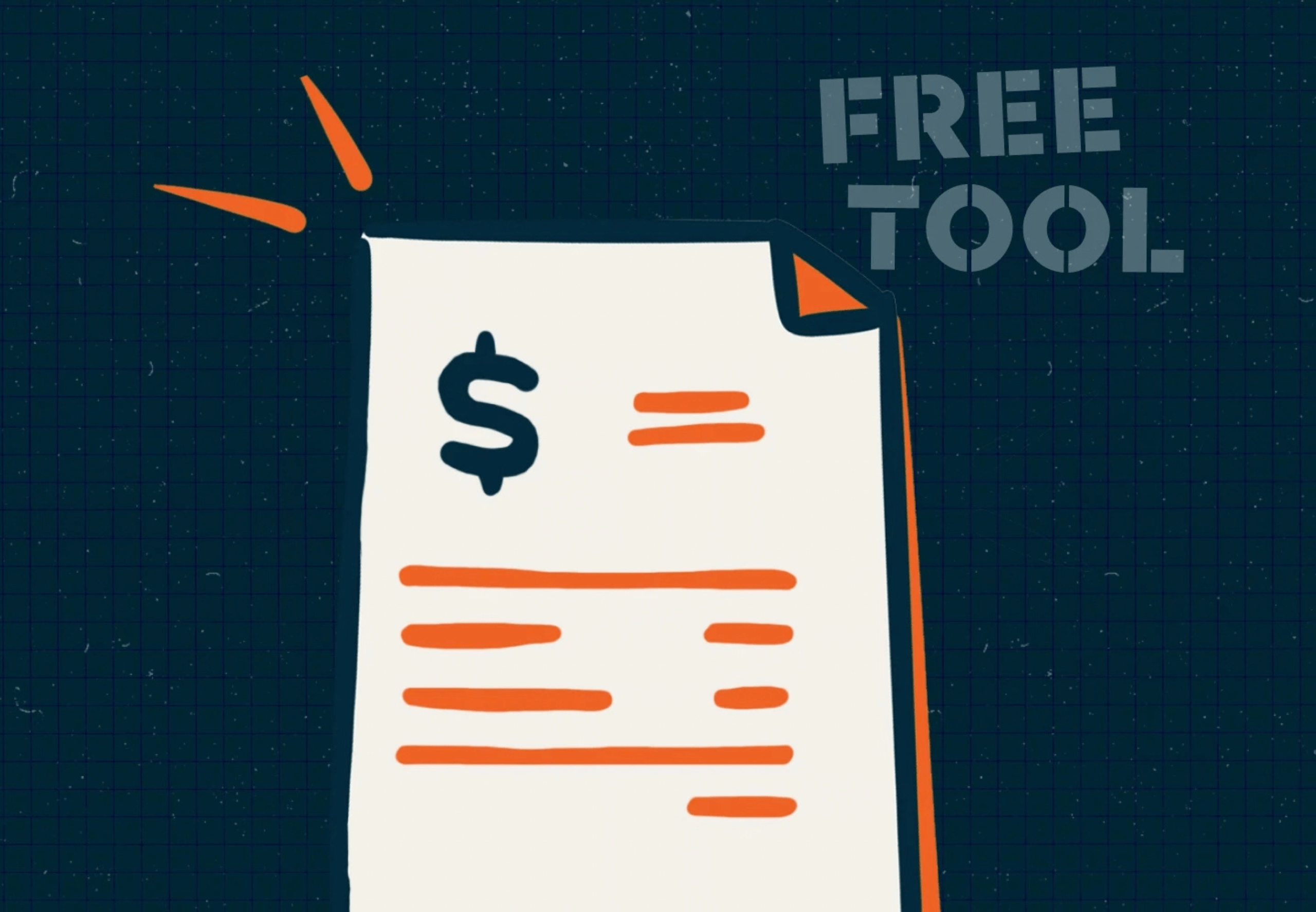
Free Estimate Template
Learn how to price jobs to win more bids, satisfy customers, and increase your profit margins.
Download Now

Service Agreements for Home Service Businesses
Learn the importance of service agreements, how they work, and what to include in yours.
Read Now
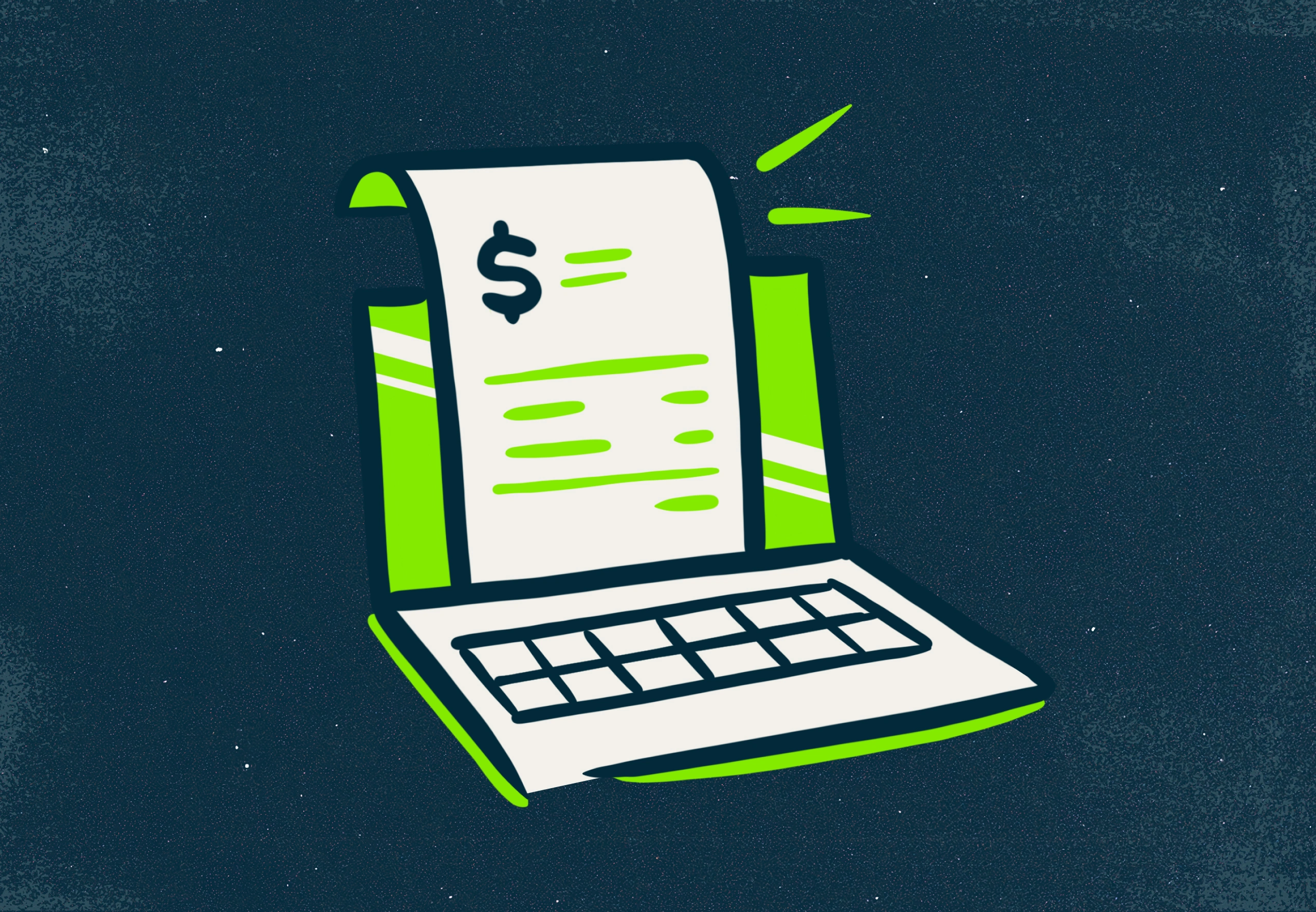
Recurring Payment Processing for Home Services
Learn how to set up recurring payments so monthly accounts bill themselves.
Read Now
How to Follow Up on a Quote to Win More Business
Explore practical ways to follow up so fewer of your quotes go cold.
Read Now
Security and alarm business software FAQs
For any additional questions about our security and alarm business software or features, contact us and we’ll be happy to help.
-
Security and alarm business software—also called alarm company software or alarm company management software—organizes the parts of a security business that aren’t installing equipment. Quote jobs, schedule installs and service calls, track customer and system details, invoice monitoring accounts on a recurring schedule, and collect payments from one place, instead of moving between QuickBooks, a spreadsheet, and a paper file.
-
Look for quoting with online approval and automatic follow-up, scheduling that handles both one-off installs and recurring service, recurring billing with a card on file for monitoring accounts, a customer record that holds site and equipment details, a mobile app your technicians will actually use, and an accounting sync so nothing gets entered twice. Jobber covers all of these in one system.
-
Yes. Jobber is built for owner-operators and small teams. Start on your own, and the scheduling and crew tools are there when you hire your first technician, so you’re not switching systems as you grow.
-
Burglar and fire alarm installers, monitoring dealers, camera and CCTV installers, access control specialists, low voltage and structured cabling contractors, and smart home or AV integrators. If you quote work, schedule technicians, and bill customers, Jobber will fit.
-
Build a quote from a template or from a past job, add photos, equipment, pricing, and optional add-ons, and send it for online approval. If a customer doesn’t respond, Jobber sends automatic email or text follow-ups at the intervals you set, so a quote doesn’t sit forgotten after the site visit.
-
Yes. Schedule one-off installs, split larger commercial jobs across multiple visits, and set recurring visits for annual fire inspections or scheduled service. Jobber notifies your team and your customer when something changes, and your technicians see the full day on their phone.
-
Yes. Set a monitoring account up as a recurring job, save the customer’s card or bank account on file, and Jobber creates and charges the invoice automatically on the schedule you choose—monthly on a date you set, after each visit, or when a job closes. Receipts go out automatically, and invoices and payments sync to QuickBooks Online.
-
Yes. Jobber’s mobile app gives technicians the day’s jobs, the address, site notes, and checklists, and lets them upload before-and-after photos, clock in, and take payment before leaving the property—without seeing your pricing or margins. It works on iOS and Android.
-
Every customer has one record holding their contact details, site notes, the equipment you installed, past jobs, quotes, invoices, and full message history. Search it by name, address, or job, so you’re not going through a phone or a filing cabinet to find what you did at a property three years ago.
-
Customers can review and approve quotes online from any device and pay a deposit at the same time. For formal monitoring or service agreements, Jobber’s DocuSign integration drafts the agreement using details already in Jobber and sends it for e-signature, and you can see the signing status on the quote or job.
-
Jobber’s AI-powered Receptionist answers calls and texts 24/7, answers common questions, collects the caller’s details, and books visits into your schedule while you’re on a job. You choose the words that should reach you directly, and it transfers the call or sends you a text alert, so a person can still answer urgent calls.
-
Three ways. Monitoring accounts bill and collect automatically instead of waiting on someone to remember. Invoices go out from the job site the day the work is finished, rather than at the end of the month. And overdue balances get chased by automatic reminders instead of by you.
-
Jobber syncs with QuickBooks Online so your clients, invoices, and payments stay current without double data entry. You can browse Jobber’s integrations through the App Marketplace.
-
You’ll get access to Jobber’s support team plus onboarding help and training resources, including hands-on help moving your customer data across if you’re switching from another system.
-
Jobber offers several plans, each with a different set of tools for quoting, scheduling, invoicing, recurring billing, payments, and marketing. Visit the pricing page to compare plans and find the right fit for your security and alarm business.