



Free Contractor Work Order Template
Looking to organize all your contractor job details in one place? Customize our free contractor work order template with your business name, customer details, job information, and more. Get a professional-looking contractor work order as a printable Adobe PDF, you can easily send to customers or employees.
Create a detailed contractor work order with our free template
Save Your Custom Work Order Template
How to make a work order
You can use our contractor work order form template above, or follow these steps to make a work order that keeps your crew and customers on the same page:
- Pick your tool. You can make a contractor work order template Word doc, Google Doc, Excel, Google Sheet, fill-in PDF, or even use job management software like Jobber. Choose the tool that makes it easy to edit and send to your crew and clients.
- Define the scope of work. Is it a planned job (e.g., scheduled renovation, routine maintenance) or an unplanned job (e.g., last-minute emergency repair)? The kind of project can affect things like your start date and might impact other scheduled work.
- Add contractor work order details. Include the job number for easy tracking and the start and end dates to keep everyone on the same page about the work schedule.
- Include business and customer info. Add your company logo, name, email, and phone number, as well as your customer’s name and address.
- List your services and pricing. Break down your contractor services, along with the description, quantity, and unit prices.
- Total everything up. Calculate the final subtotal, including any discounts, taxes, and tips
- Add notes or special instructions. Let your customer know about specific instructions, or make a note of anything they should know (e.g., access instructions, safety guidelines).
- Download the work order. Proofread the work order, then export it as a PDF. Include “contractor work order” and the customer’s name in the file name to keep your documents organized
- Send the work order PDF. Share the completed work order with your customer and contractor technician via email or text.
Once your work order is approved, use job scheduling software to assign it to your crew. This will allow your contractor team to see the job in their schedules and track time for it. You’ll also be able to easily adjust your schedule as needed to accommodate unplanned service calls.
When the job is finished, mark the work order as done and send an invoice to the customer.
Common elements of a contractor work order template
To create a clear contractor work order, make sure you include these essential elements:
- Your contractor business name, company logo, and contact information
- The customer’s name, contact details, and address
- Job number for record-keeping (it should follow the same numbering system as your quote/invoice number)
- The scheduled start and end dates for the job
- Detailed list of contractor services you’ll be providing (e.g., fixing clogged drains, painting fences) with the price for each, factoring in labor and material costs
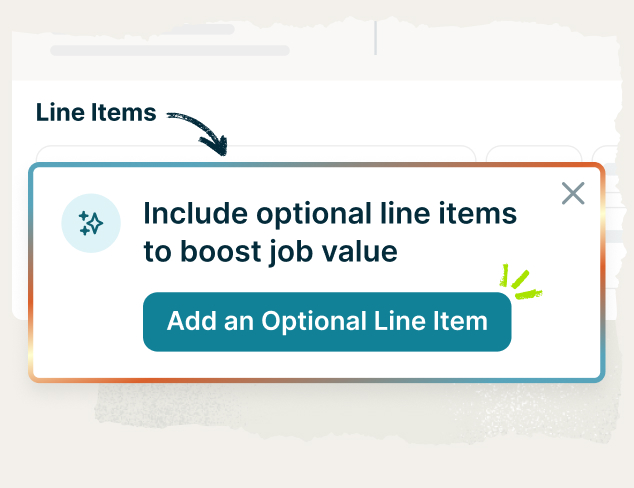
- Optional line items for added contractor services, products, or tasks that would enhance the work
- The estimated cost of completing the work, including the subtotal, any discounts, taxes, and tip
- A note about the requested work (e.g., job specifications) or details on what won’t be included in the work (e.g., major plumbing work)
- Terms and conditions (e.g., deposit amount, payment terms)
- Space for the customer’s signature
Simply enter the information above into our printable contractor work order form template, and you’ll have a work order ready for your crew and customers.
Benefits of using a contractor work order template
Running a contractor business means juggling many tasks, like finding work, quoting jobs, scheduling, and getting paid. Our work order template for contractors takes some of the load off your shoulders by streamlining how you manage multiple jobs across teams or different projects.
Here’s how our free contractor work order template helps:
- Saves you time. You don’t need to start from scratch every time a new job gets approved. Just fill in the work details and you’re ready to send.
- Keeps jobs on track. A work order template ensures nothing slips through the cracks. From scheduled contractor jobs to emergency repairs, you stay on top of every job detail.
- Looks more professional. A clean, organized work order shows customers you take your business seriously and builds confidence in your contractor services.
- Improves team communication. Everyone consistently works from the same job details. Your crew knows when and where the work is happening and what to expect.
- Creates clear records. Work orders are handy for audits, answering customer questions, or resolving jobsite issues.
- Simplifies scheduled, recurring work. Contractor work order templates make it easier to duplicate and tweak for repeat contractor jobs.
FAQ
-
A contractor work order (also called a job order, service ticket, or work request) is a written record describing a contractor job with an estimate that’s been approved, but hasn’t started yet. It helps you manage job details, track work, and communicate clearly with customers and your contractor team.
Work orders can also be used within a project if a contractor team needs another team to complete a task. For example, during a bathroom renovation, you might send a work order to a plumber or electrician subcontractor handling part of the job.
You can also use our free contractor work order template to create a change order. This comes in handy when you need to reissue a work order due to required changes.
No matter how it’s used, a contractor work order form describes what work will be completed, how much it will cost, and what materials the contractor job will require. It also includes contact information for the contractor technician and their customer, and both will receive a copy of the work order for their records.
Our contractor work order form template makes it easy to customize and send professional-looking work orders for future jobs. It’s a great way to start any contractor project, whether you’re just starting a contractor business or you’ve been in the industry for years.
-
Contractor work orders should include:
• Work order number, start date, and end date
• Your contractor business name, address, and contact information
• The customer’s name and contact details
• Products/services requested (e.g., installing light fixtures, repairing decks/patios), including item description, quantity, and cost
• Estimated project amount, factoring in subtotal, any discounts, taxes, and tip
• Any notes about the requested work (e.g., installation instructions, safety guidelines) and your terms and conditions (e.g., scheduling, warranties)
• Space for the customer’s signature and today’s date
The words “work order” should also be visible in big letters. Your contractor work order could look like an estimate or invoice, so it should be clear what this document is for. If you use a contractor work order generator like this one, your work order will automatically include all the details you need.
Check out the contractor work order sample below to see how yours should look:
-
Make the most of our free contractor work order template with these best practices:
• Use a simple, professional layout that’s easy to read
• Ensure your company and customer info is accurate to avoid mix-ups
• Maintain organized records with the right job number
• Be clear about the work and any exclusions (e.g., major electrical work) to avoid confusion later on
• Keep your pricing clear so customers know what they’re paying for
• Ensure the template is always updated so it stays accurate and relevant
• Save a clean copy of the template on your desktop that you can duplicate and reuse for new jobs
• Keep your contractor work order template digital so it’s easy to find and send when you need it.
Eliminate repetitive data entry and send work orders quickly with our free contractor work order form template. -
You can use a work order as a binding contract, but only if it includes a customer signature. A signature shows the customer has approved your estimate (like the one you can make using our contractor estimate template) and is ready for you to proceed with the job. It also means that you agree to complete the contracting services listed in the work order.
(Need more clarity? Find out if quotes are legally binding.) -
A contractor work order template outlines the tasks and services to be done for an approved customer job. It’s useful for assigning work to your team and ensures everyone involved in the project is aligned.
A contractor agreement is a formal, legally binding document that sets the terms of the project and the entire working relationship between you and your customer. It protects both parties by making expectations clear to reduce misunderstandings during the project. Contractor agreements can often be sent for one-off projects and ongoing work.
What a contractor agreement covers depends on your business, but it may include terms for:
• Scheduling of services
• Project services and tasks
• Pricing
• Payment methods and deposits
• Materials and equipment
• Warranties and guarantees
• Insurance and liabilities
• Permits and regulations
• Rights and responsibilities
• Cancellation fees
• Dispute resolution
In short, a work order is like a “to-do list” for an approved job, while an agreement is the “rulebook” for how you and your customer will work together. -
Some contractor businesses do use a work order as an invoice for customers. However, work orders and invoices are two different things:
• A work order describes a contractor project that has been approved and still needs to be completed
• An invoice requests payment for contractor services that have already been completed
You can use a contractor work order as an invoice as long as it includes the right information. An invoice should include a detailed service list, the date of service, the amount due, payment terms and methods, and other important task details. Or, to keep your records tidy, you can simply use our free contractor invoice generator. -
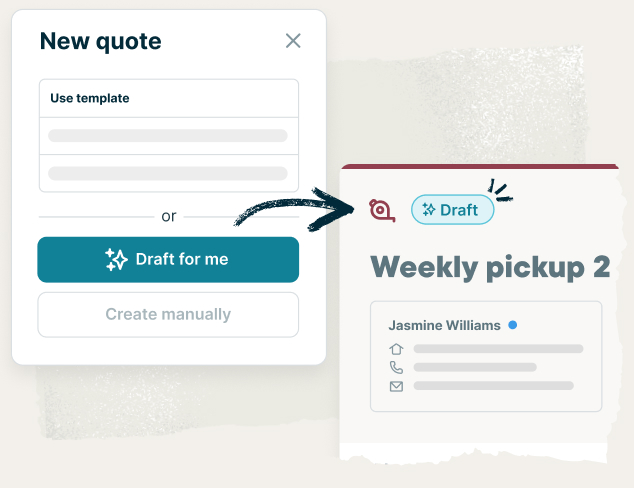
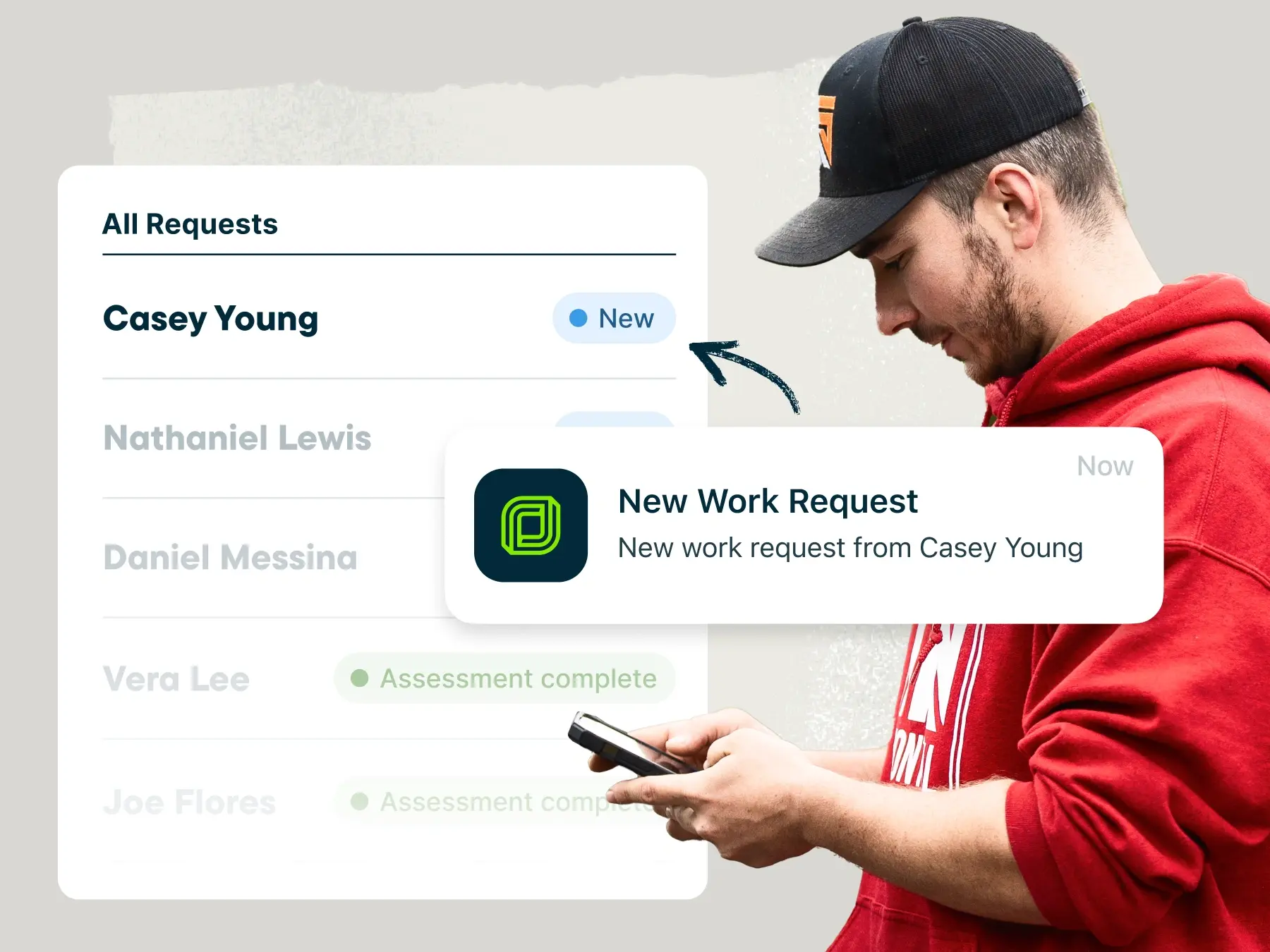
Jobber’s job management software makes it easy for contractor businesses to receive a work request and quickly meet customers’ needs. No more managing jobs with Microsoft Word, Excel, Google Docs, or Google Sheets—just create a job, assign it to your contractor team, and access all of your job information with the click of a button.
Here’s what you can do with general contractor business software like Jobber:
• Capture every important detail on the job site with job forms and checklists
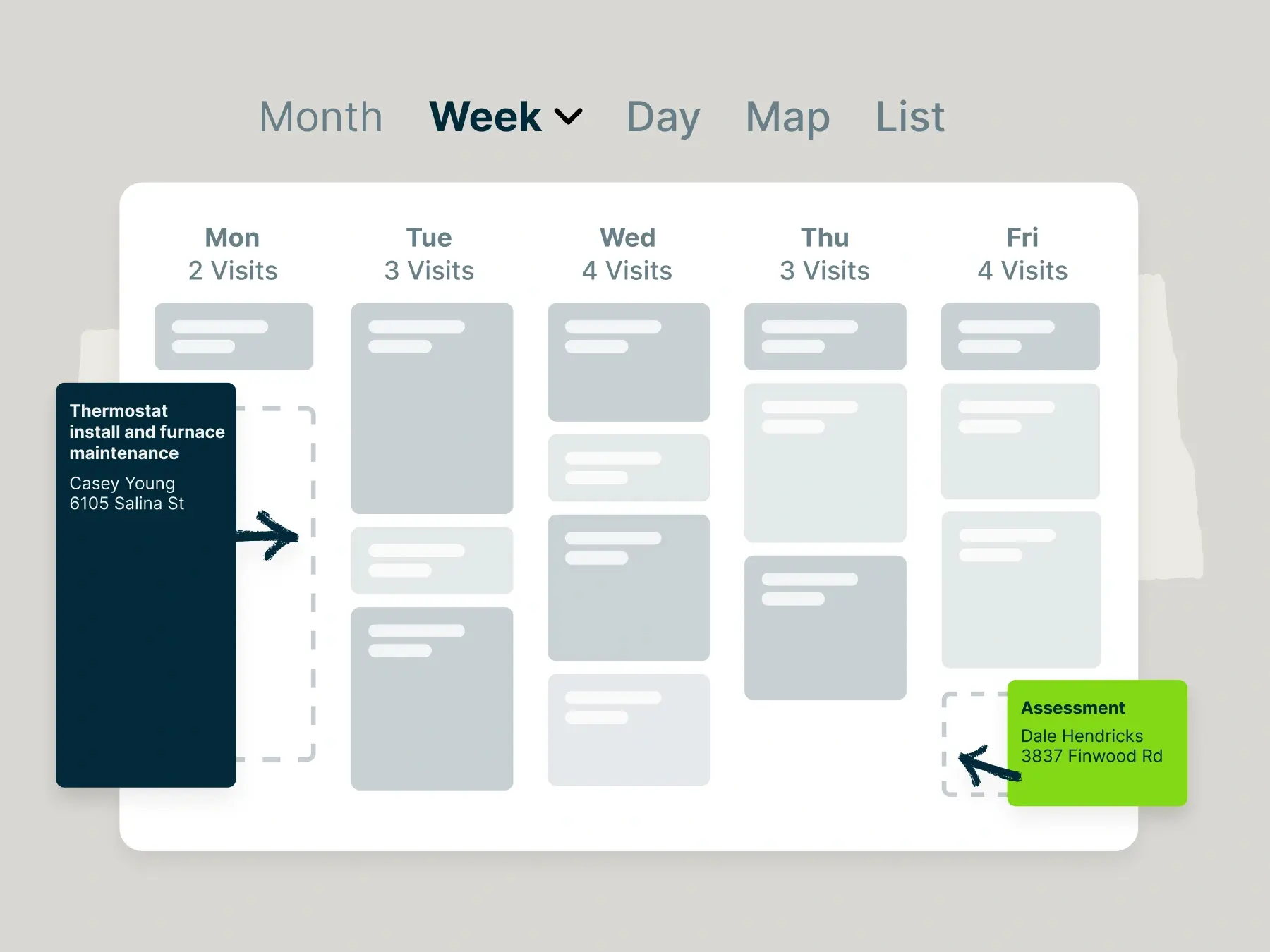
• Easily schedule teams and reschedule jobs as needed using a drag-and-drop calendar
• Optimize service routes and check employees’ progress with GPS tracking
• Stay on top of payroll and reimbursement by letting employees track time and expenses
• Accept online bookings from new and existing customers through your website
• Save time on admin work, both in the office and on the job site, with our field service mobile app
• Create professional estimates, work orders, and invoices with your logo and branding
• Keep customers informed before, during, and after the work with appointment reminders, on-my-way text messages, and job follow-ups
• Convert job details into customer-friendly invoices
• Automatically follow up with customers on overdue payments
• Get custom automated reports on your jobs, customers, and business finances
Learn more about how Jobber can help you manage your contractor jobs.