
Key takeaways:
Discover the top field service apps designed to help your business boost efficiency and stay organized, whether you’re a solo operator or manage a large team.
- Comprehensive Efficiency Boosters. The list includes nine leading field service apps that streamline key business tasks like quoting, scheduling, dispatching, invoicing, and customer communication.
- Industry-Specific Solutions. Each app offers unique features and strengths, catering to a range of industries such as HVAC, plumbing, cleaning, construction, and more—ensuring there’s an ideal fit for every service business.
- Scalability and Integration. These apps were chosen for their ability to scale as your business grows and integrate with essential tools like fleet management, CRM, and accounting software.
- Time-Saving Features. Automations, route optimization, mobile access, customizable workflows, and real-time collaboration features help minimize admin work and maximize productivity on the go.
- What to Look For. When selecting a field service app, consider ease of use, automation potential, reporting capabilities, integration with your existing tools, and the quality of customer support provided.
Run a smoother field service business with Jobber. Quoting, scheduling, invoicing, and payments—all in one place. Start your free trial.
Between estimating jobs, scheduling work, and invoicing customers, running a field service business takes time and effort. The right field service app can help with that.
But how do you choose between dozens of well-reviewed field service apps? Not all apps are created equal, and you need the perfect match for your team’s unique needs.
Check out our list of the top apps for field service businesses. We’ll help you find the one that’ll keep your business running smoothly, no matter your team size or daily demands.
The top field service management apps to streamline your business:
Compare the top mobile apps for field service technicians
Pricing is subject to change.
| App name | Best for | Key features | Price | Free trial |
|---|---|---|---|---|
| Jobber | Businesses looking for all-in-one field service management software | • Professional quotes • Efficient job scheduling • Streamlined invoicing and payments | Starting at $39 per user per month | Yes |
| ServiceTitan | Large teams and multiple locations | • Call tracking • Digital job forms • Analytics to track performance | Must request pricing | No |
| Fieldwire | Construction businesses | • Easy access to blueprints on job site • Project schedules with milestones • Fully customizable construction reports | Free plan available, then $39 per user per month | N/A |
| FleetSharp | Fleet management | • Location history, speed, and direction information for each vehicle • Map views with both map and satellite options • Integration with other field service software | Must request pricing | No |
| Dynamic 365 Field Service | Dispatching techs to job sites | • Work orders for equipment repairs and maintenance • Recurring maintenance appointments for equipment • Inventory and purchase order management | Starting at $67.80 per user per month | Yes |
| CompanyCam | Using photos in your field service business | • Time-stamped photos • Add text, annotations, and drawings directly to photos • Option to apply multiple tags to photos to categorize them | Starting at $99 per month for 3 users | Yes |
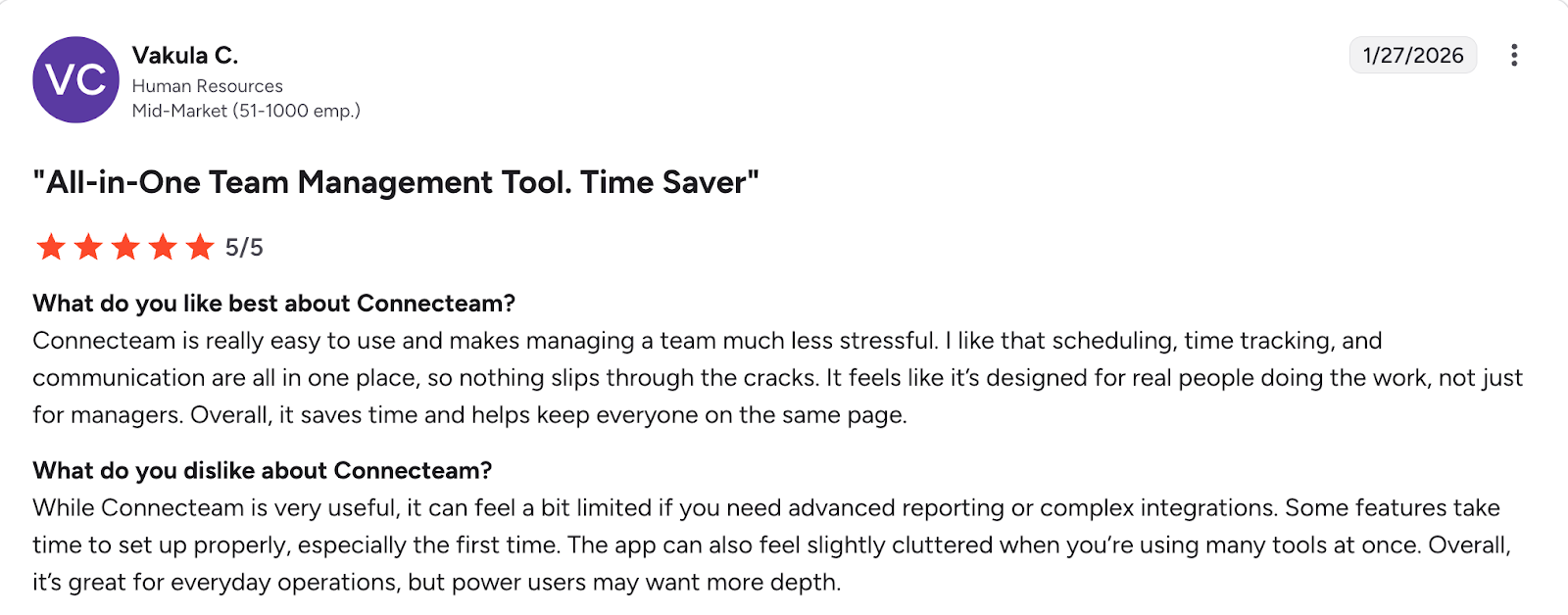
| Connecteam | Employee management | • Mobile-accessible work schedules • Automatically log hours onto digital timesheets • Chat function for staff with read receipts | Free plan available, then $29 per user per month | N/A |
| Skedulo | Large team scheduling | • Team member to job matching • Easy task reassignment • Productivity and job costs reports | Must request pricing | No |
| Service Fusion | Customer service | • Built-in texting capabilities • GPS tracking • Call-tracking software | Starting at $245 per month for unlimited users | No |
How we chose the top apps for field service businesses
To narrow down the best field service apps, we looked at websites such as Capterra and G2. We prioritized apps that work for common field service industries, such as plumbing, cleaning, and HVAC businesses.
We focused on the features that matter most to busy field service teams—like scheduling, communication, invoicing, and ease of use. We also considered scalability, looking for field technician apps that can grow with your business.
From there, we checked out customer reviews to see what field service industry experts had to say. When available, we watched app tutorials to see these tools in action.
The result is a curated list of apps for service technicians that are reliable, efficient, and built to help you crush your to-do list.
1. Jobber
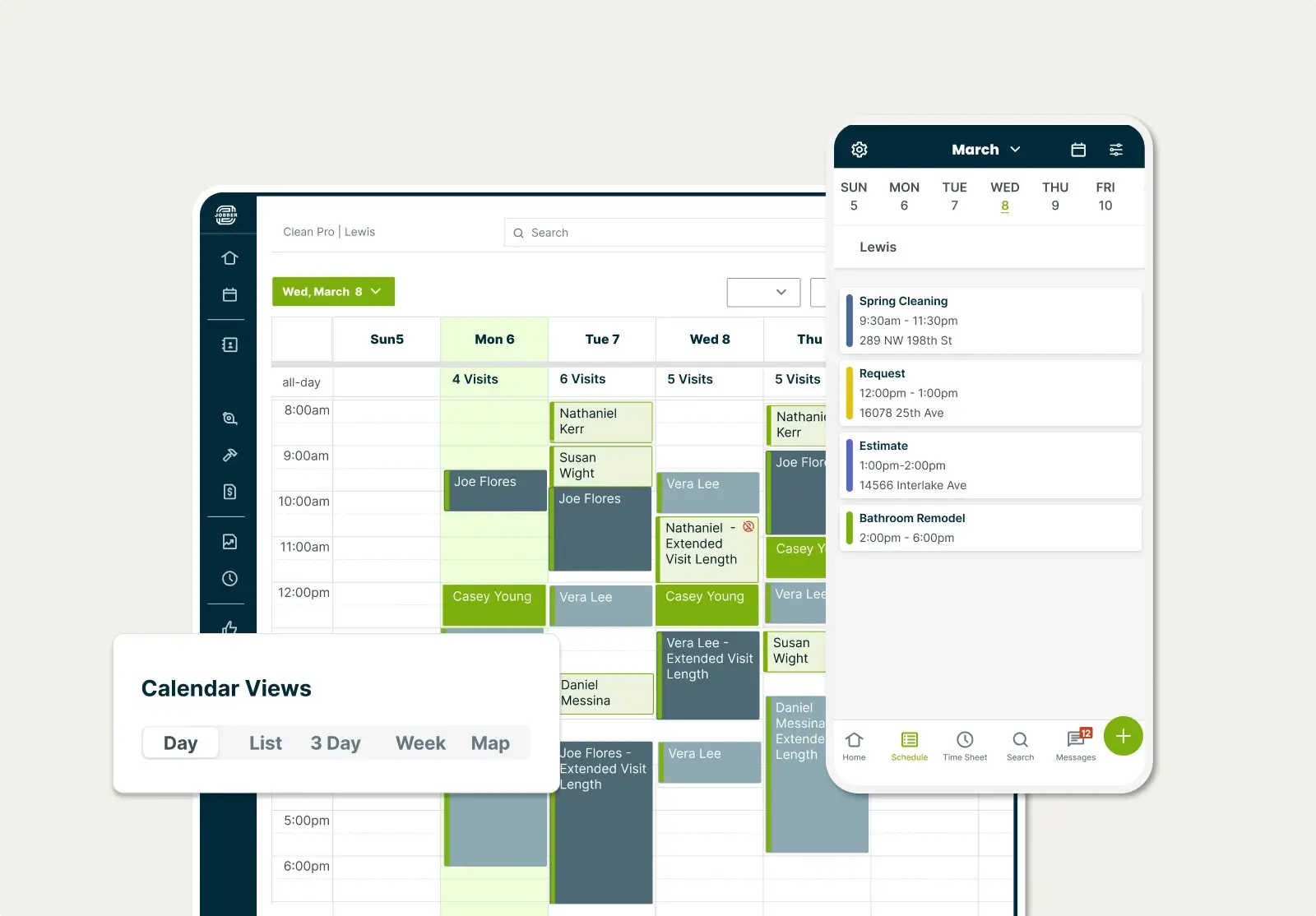
To reduce the stress of running your field service business, manage your quoting, scheduling, invoicing, and payments using Jobber.
Jobber field service management software helps you complete all your front-office and field service duties more efficiently. You can quote and schedule new work, automatically stay connected with customers, and get invoices paid online—all in one platform.
Use the Jobber mobile app to keep all your customer and job details organized, whether you’re working solo or managing field staff. To save you time on job management, Jobber automates admin work like customer appointment confirmations and invoice payment reminders.
You don’t have to be a tech wizard to figure out the [Jobber] app—it was pretty simple.
In just a couple hours, I got my project manager on the app, figured out how to use it and started using it every single day.

Here are some of Jobber’s top features for small businesses:
Professional quotes
Create professional quotes in minutes with Jobber. Customize your quotes with images, detailed descriptions, and optional line items to ensure your potential customer has all of the information they need.
Jobber also makes sure you never leave money on the table by sending automated quote follow-ups to give your customers the nudge they need. They can quickly approve quotes online through a self-serve client portal.
Job scheduling
Use Jobber’s drag-and-drop scheduling to easily schedule and reschedule field techs with ease as changes occur. Your techs will be alerted of the change right away, thanks to team push notifications.
Use route optimization to plan efficient driving routes for your whole field team, reducing fuel costs and travel time.
READ MORE: How to schedule employees effectively
Invoicing
Create professional invoices in seconds by converting your quotes to invoices with just a few clicks. Save even more time with batch invoicing and send your invoices all at once.
Jobber also allows for progress invoicing for big projects so you can steadily get paid while you deliver great customer service. Plus, send automated follow-ups to reduce late payments and to keep your cash flow under control.
Payments
Jobber helps you get paid sooner by allowing you to give your customers several payment options—including employee tips for a job well done.
Your customers can tap to pay to ensure that you’re paid before your field service technician leaves the job site. You can also accept credit card payments from your phone or online, or set up automatic payments for your loyal customers.
Available in both English and Spanish, Jobber’s field service app can also help you:
- Market your business and win more customers with email campaigns, review management, and referral programs.
- Capture job details instantly through forms and checklists.
- Communicate with clients through automated quote follow-ups, on-my-way texts, and two-way texting.
- Accept online bookings and convert any service request into a site assessment.
- Enable your team to clock in and out of jobs from the Jobber app—or automatically track time based on their location.
- Answer calls and texts anytime with an AI Receptionist.
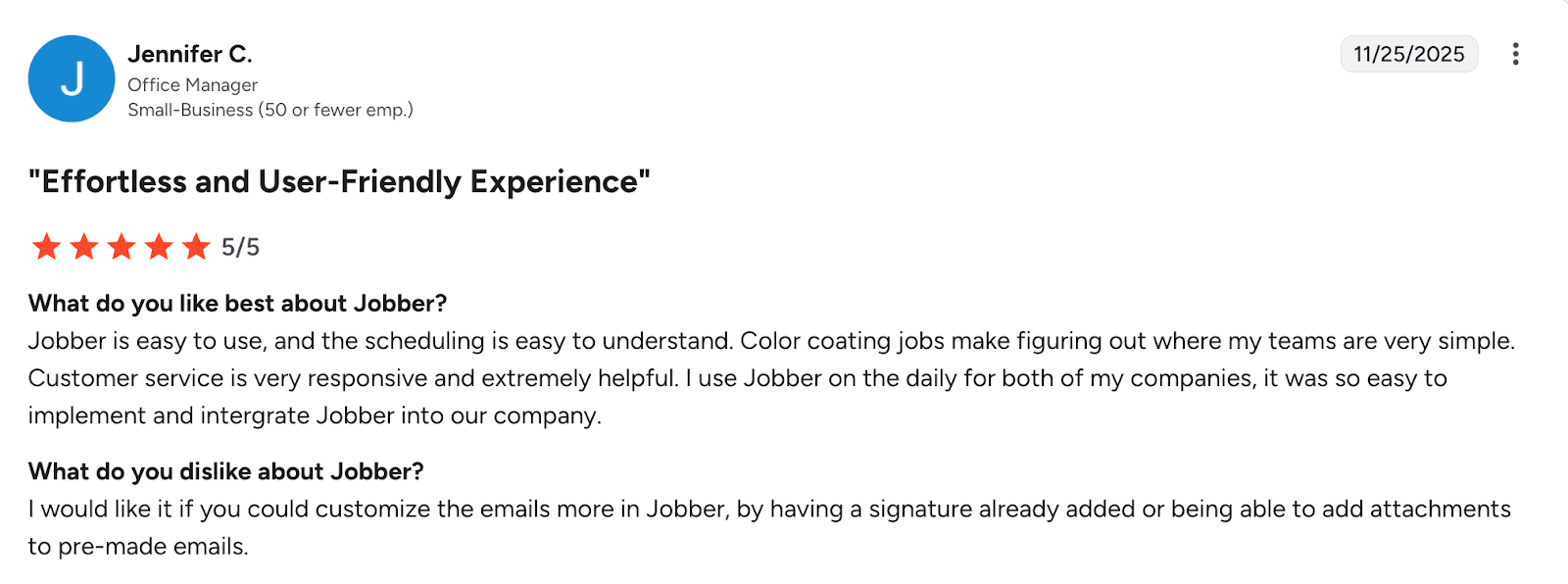
Users especially love Jobber’s scheduling capabilities and customer service support.
2. ServiceTitan
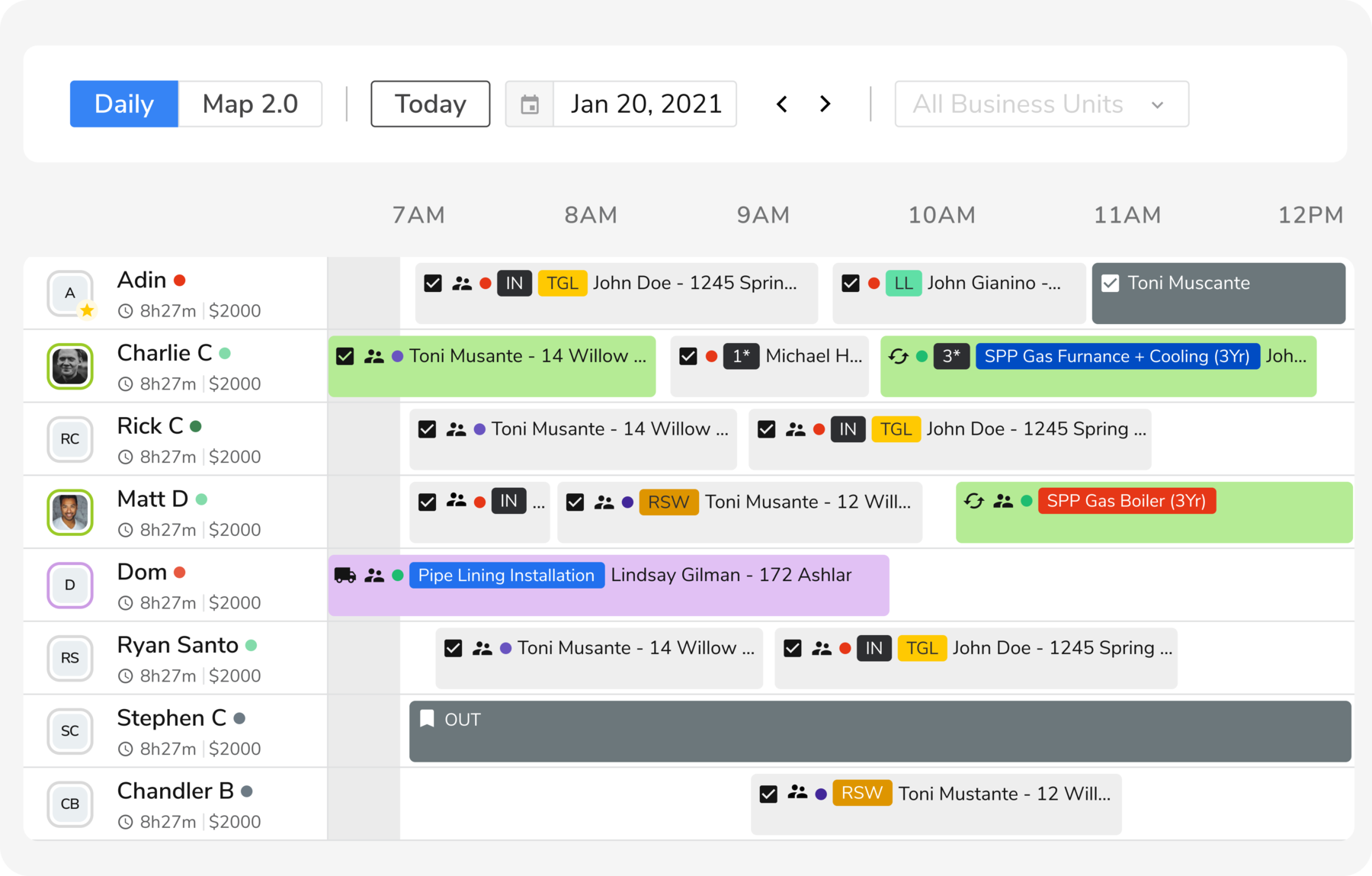
ServiceTitan is designed for field service companies with large field teams or multiple locations. It helps them estimate, schedule, dispatch, and complete work efficiently.
READ MORE: How does ServiceTitan compare to Jobber?
With a focus on complex dispatching and digital job forms, ServiceTitan is ideal for large-sized businesses who provide HVAC, plumbing, and electrical contracting to commercial clients.
While ServiceTitan doesn’t offer automated quote and invoice follow-ups or an online customer portal, it does let you send and receive text messages between your team and customers.
ServiceTitan’s other capabilities include:
- Front-office features like call tracking, job booking, and customer membership management
- Field operations features such as an estimate builder, digital job forms, and time tracking
- Analytics to track performance and identify growth opportunities
READ MORE: 10 ServiceTitan alternatives to grow your service business
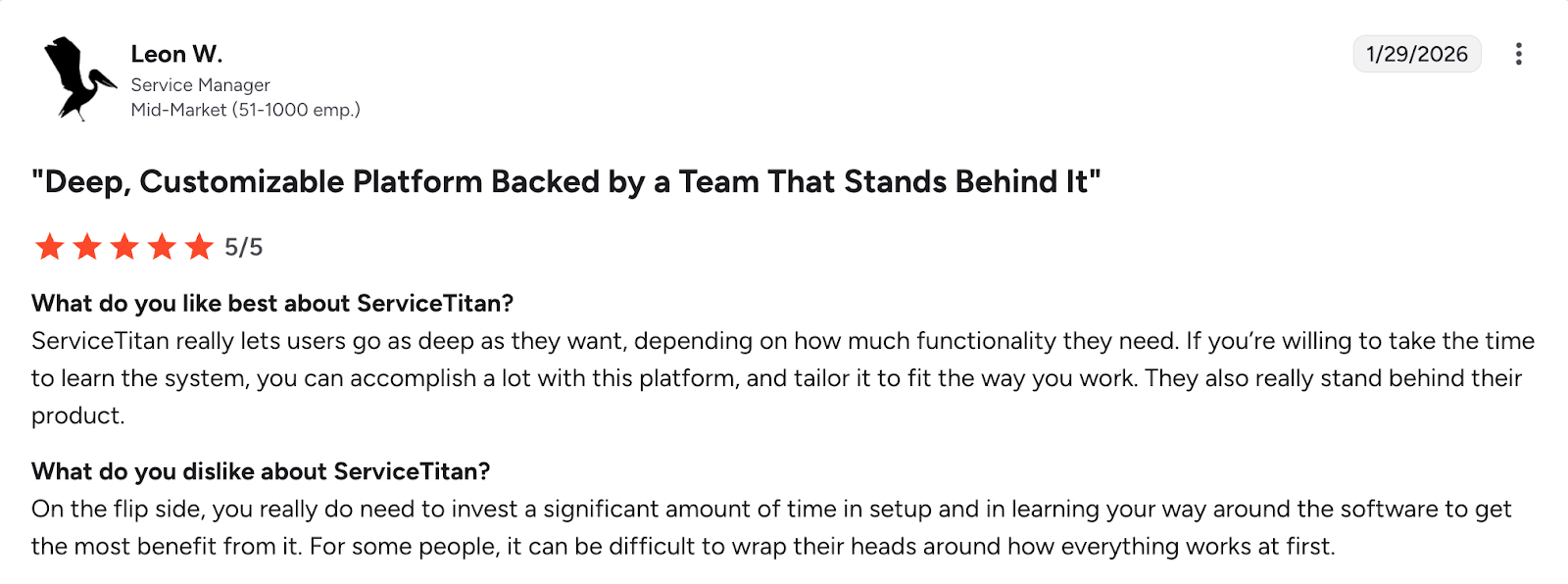
Users love ServiceTitan’s customizable features, but one user noted it can take a while to get up and running with the software.
3. Fieldwire

Construction businesses, specialty contractors, architects, and designers use Fieldwire to share information and collaborate with on-site field employees.
With Fieldwire, you can create and manage field work tasks within a large project, see project plans and blueprints from the job site, and communicate with field workers in real time.
Fieldwire also lets you:
- Create long-term project schedules with multiple milestones.
- Add field data like status updates, photos, and videos to a project task.
- Generate fully customizable construction reports on request or on a schedule.
READ MORE: Jobber vs. Fieldwire: which is better for your business?
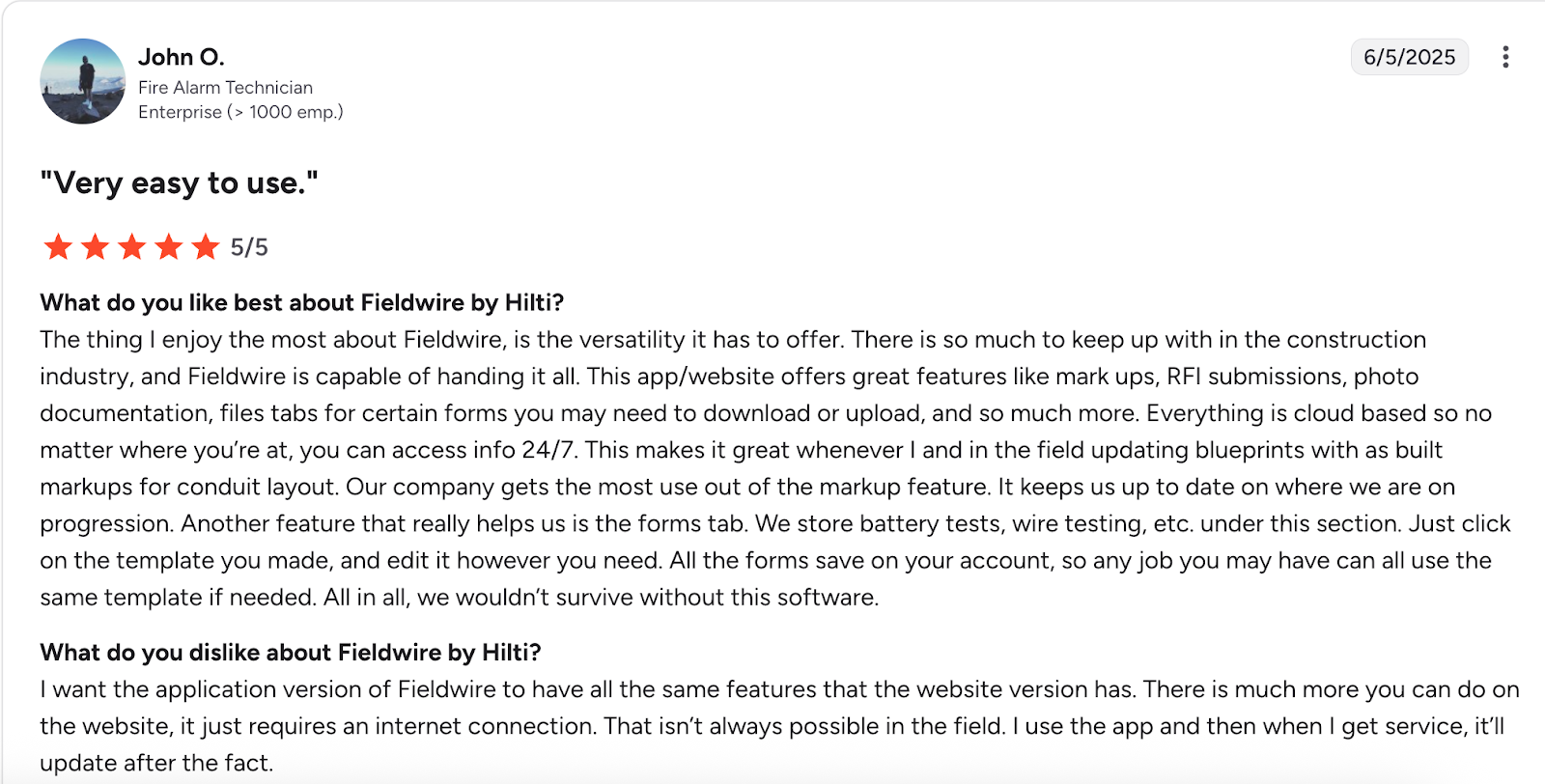
It’s important to note that there may be discrepancies between the Fieldwire desktop web features and mobile app, according to one user.
4. FleetSharp
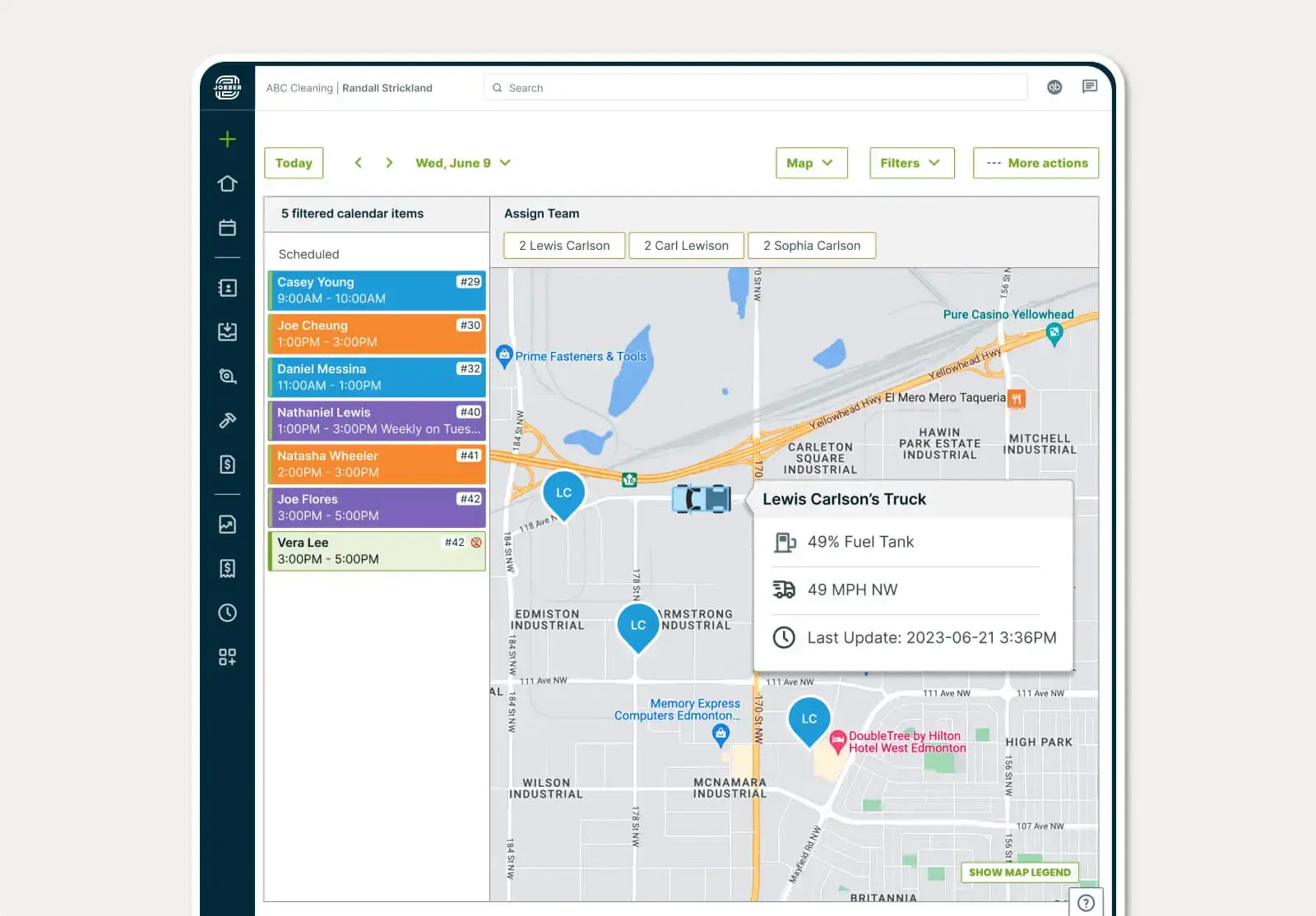
FleetSharp is a fleet management app that uses GPS to help you locate, monitor, and track the efficiency of your work vehicles. You can use FleetSharp to plan more efficient routes, which helps you reduce fuel costs and reach customers faster.
In the FleetSharp app, you can view details about each vehicle’s speed, direction, and stops, along with detailed reports of vehicle activity. You’ll also see your employees’ locations so you can shorten the time between appointments and serve more customers.
FleetSharp also lets you:
- View a location history for each vehicle, plus information on speed and direction.
- Map views with both map and satellite options.
- Get alerts to your mobile device about unsafe driving behavior or excessive idling.
FleetSharp integrates with Jobber for easier scheduling and to provide better insights into your business’s productivity.
READ MORE: Learn how to improve fleet management in your service business
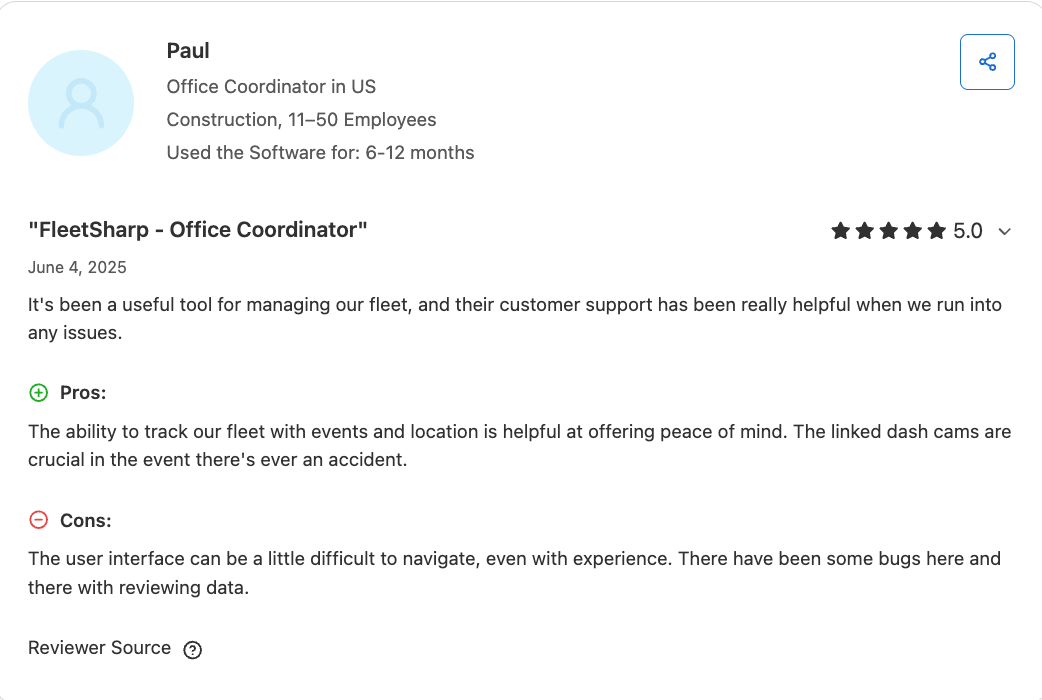
Although some users mention FleetSharp’s interface has a learning curve, users generally find the app to be a useful tool to run their fleets.
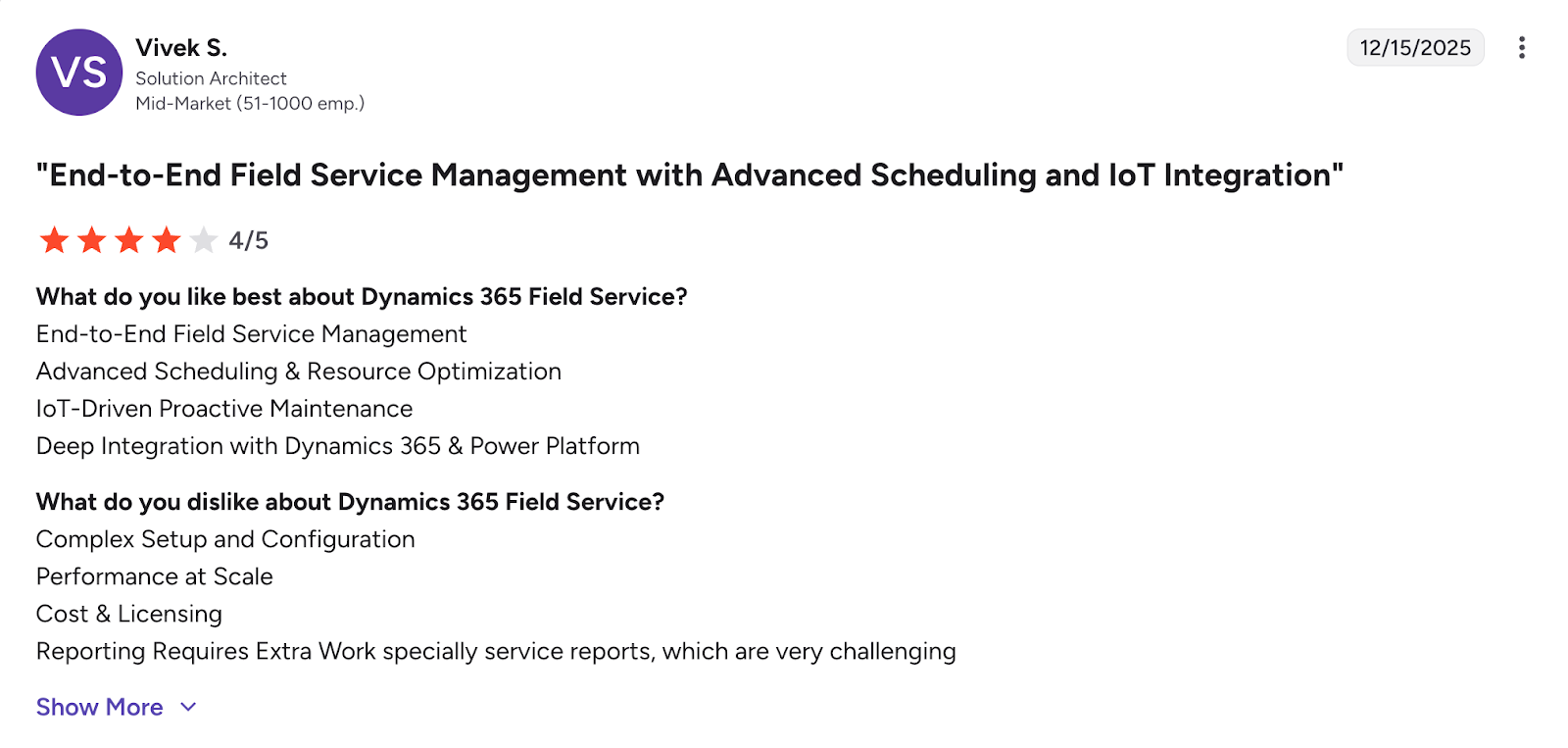
5. Dynamics 365 Field Service
If you dispatch field technicians for repair and maintenance work at large facilities like warehouses and distribution centers, use Microsoft Dynamics 365 Field Service for more efficient workflows.
Dynamics 365 Field Service simplifies how you schedule and dispatch crews across multiple locations. Use this field service app to track job site progress for crews that need to fix tech outages, maintain complex commercial HVAC systems, and conduct utility repairs.
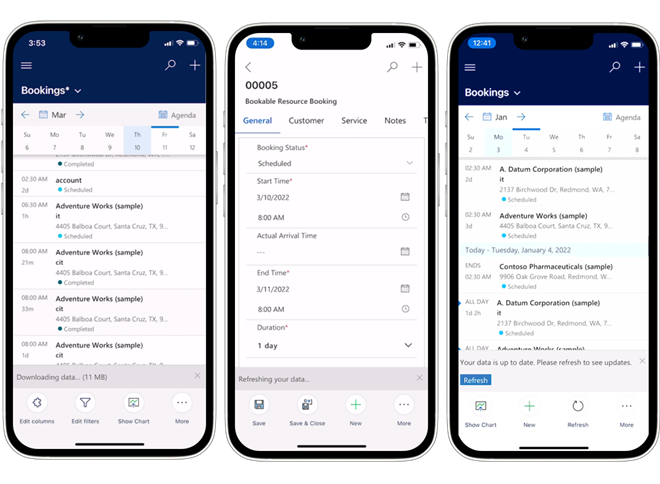
The Dynamics 365 Field Service mobile app guides your field service technicians through schedule changes and the service tasks they need to complete on-site.
With Dynamics 365 Field Service, you can:
- Manage work orders for equipment repairs and maintenance.
- Automatically generate recurring maintenance appointments for equipment.
- Generate invoices on a recurring schedule for your maintenance agreements.
- Manage inventory and request purchase orders.
It’s important to note that some users find Dynamics 365 Field Service to have a complex setup and configuration.
6. CompanyCam
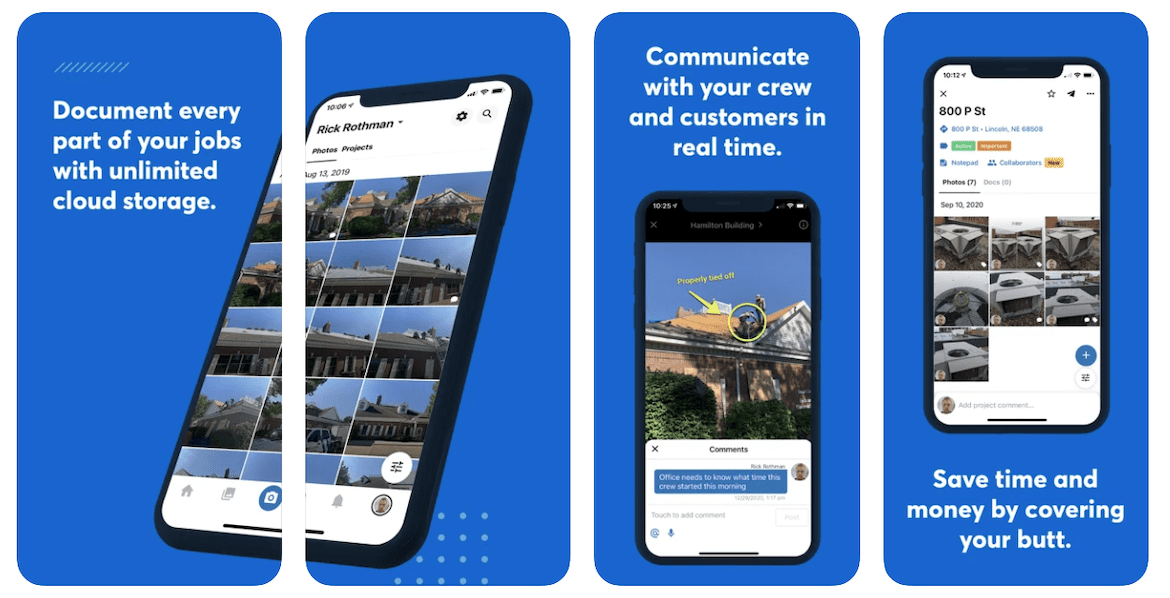
CompanyCam lets you easily snap images of your field service jobs, mark them up with notes, and keep your clients in the loop.
Taking images of your progress on a job builds trust and keeps your customers informed. CompanyCam helps you do that with shareable photo galleries, live photo feeds, a before-and-after camera, document scanning, and more.
Every photo taken in CompanyCam is instantly time-stamped, saved by location, and visible to the whole team. Plus, you can add comments, tags, or voice notes to images to show your crew what areas need additional work.
With CompanyCam, you can also:
- Add text, annotations, and drawings directly to photos to provide context or instructions.
- Create and apply multiple tags to photos to categorize them within and across your projects.
- Easily share live progress updates with your clients, team, or subcontractors.
- Use unlimited cloud storage to store as many photos as you need.
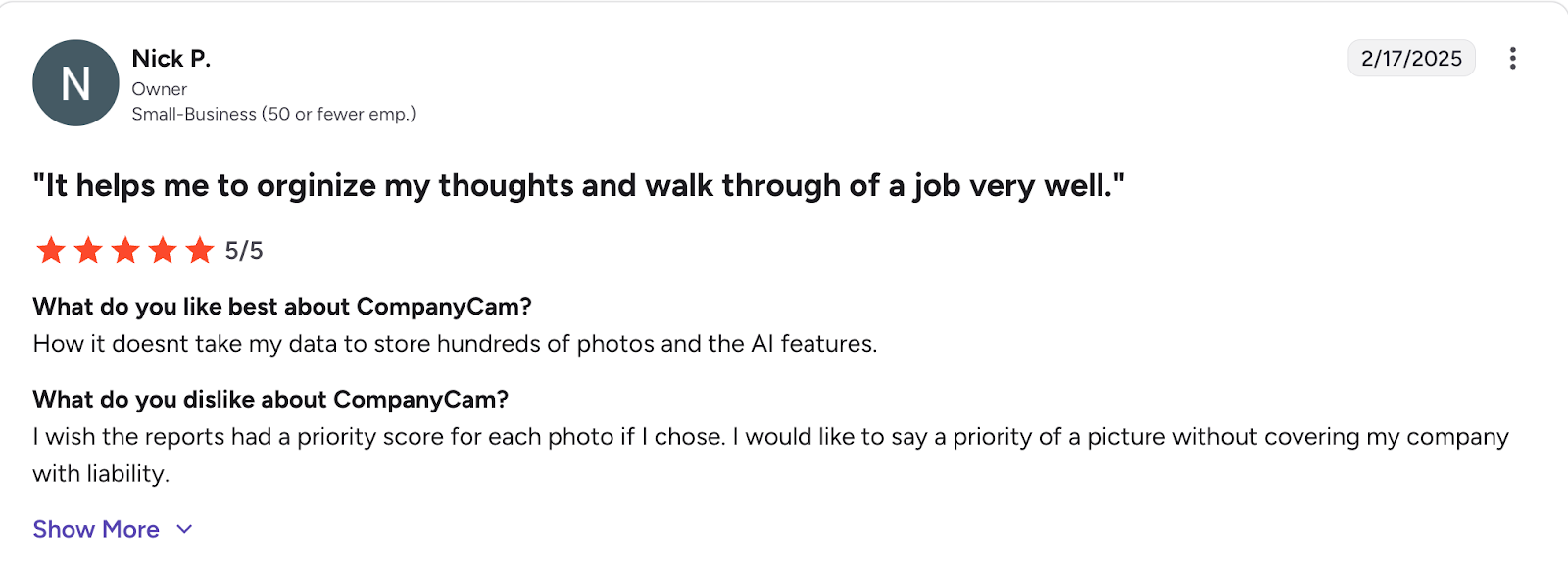
Users generally enjoy CompanyCam’s ability to store large numbers of photos and the platform’s increasing use of AI.
Pro Tip: Use CompanyCam’s integration with Jobber to share progress photos of your work with customers on jobs and invoices.
7. Connecteam
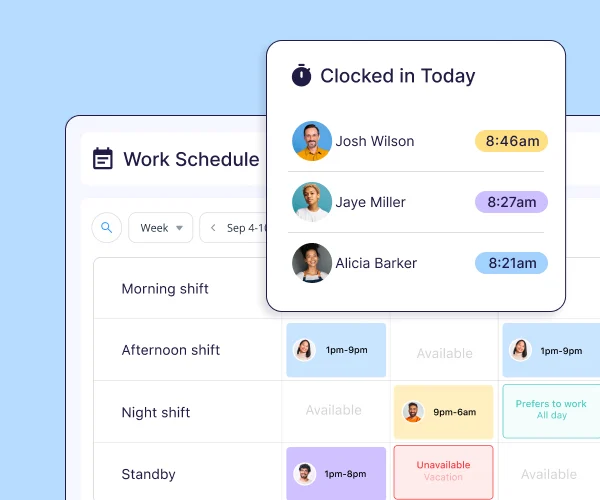
Connecteam helps field service business owners better manage employees and tasks. It’s especially useful for planning shift schedules, managing timesheets, creating job site forms, and improving the performance of your mobile service workers.
Use Connecteam if you need a free field service app mainly for employee management. Its free plan supports up to 10 users. However, you’ll have to use separate apps for invoicing and estimating.
More Connecteam capabilities include:
- Easily manage field service worker availability and shift swaps.
- Build work schedules that your team can access on their mobile devices.
- Automatically log hours onto digital timesheets.
- Communicate with staff via chat and see who read your messages.
While Connecteam is a great affordable option for businesses on a budget, one user pointed out that it can feel limited if you need advanced reporting or complex integrations.
8. Skedulo
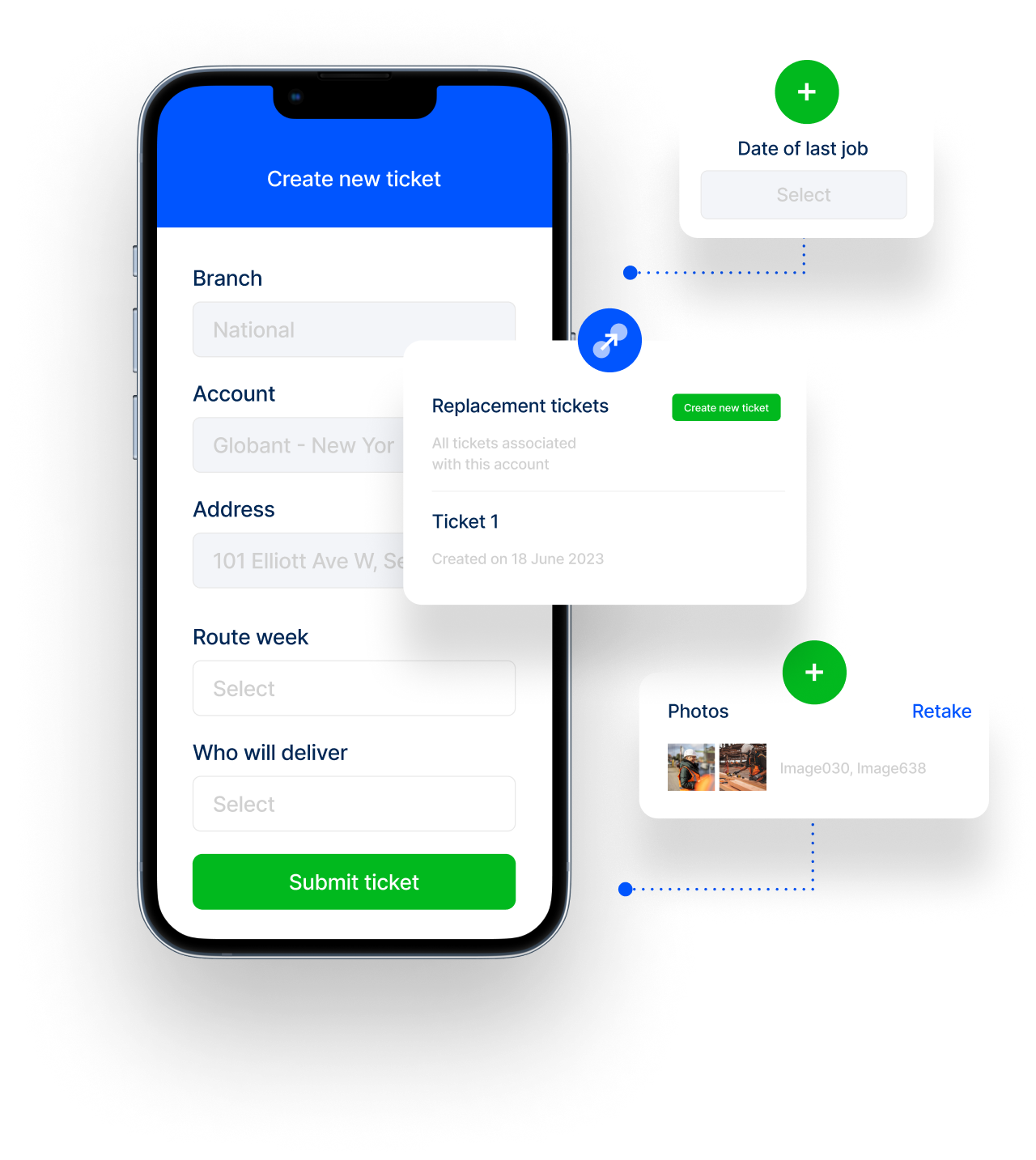
Skedulo is one of the top field service mobile apps with complex job scheduling requirements for large teams. It’s designed for many different sectors, including health care and real estate.
When you’re scheduling a job, it automatically suggests the field worker on your roster who’s the best match for the job based on their qualifications.
Skedulo has tools to help field service businesses with many techs manage scheduling for technical maintenance and repairs at customer properties.
Skedulo also lets you:
- Assign jobs, track progress, and reassign tasks.
- Receive updates on fieldwork progress.
- Access reports that show workforce productivity and job costs.
- Facilitate communication between dispatchers, field managers, and mobile workers.
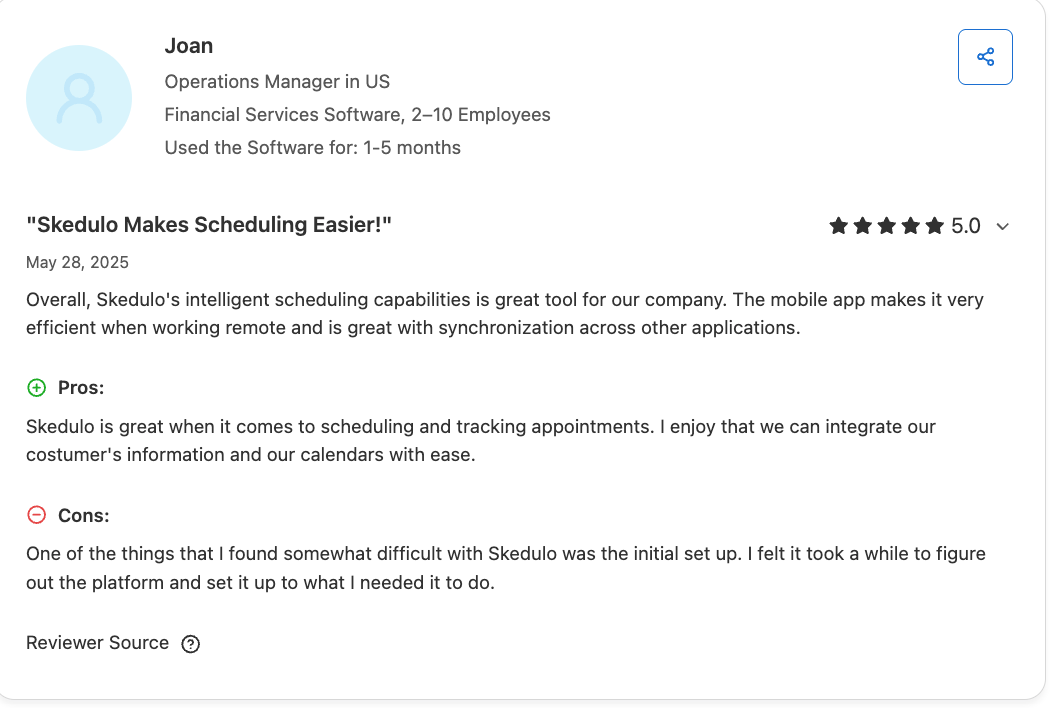
While users note that they enjoy Skedulo’s scheduling capabilities, one user pointed out that initial setup can be difficult.
9. Service Fusion
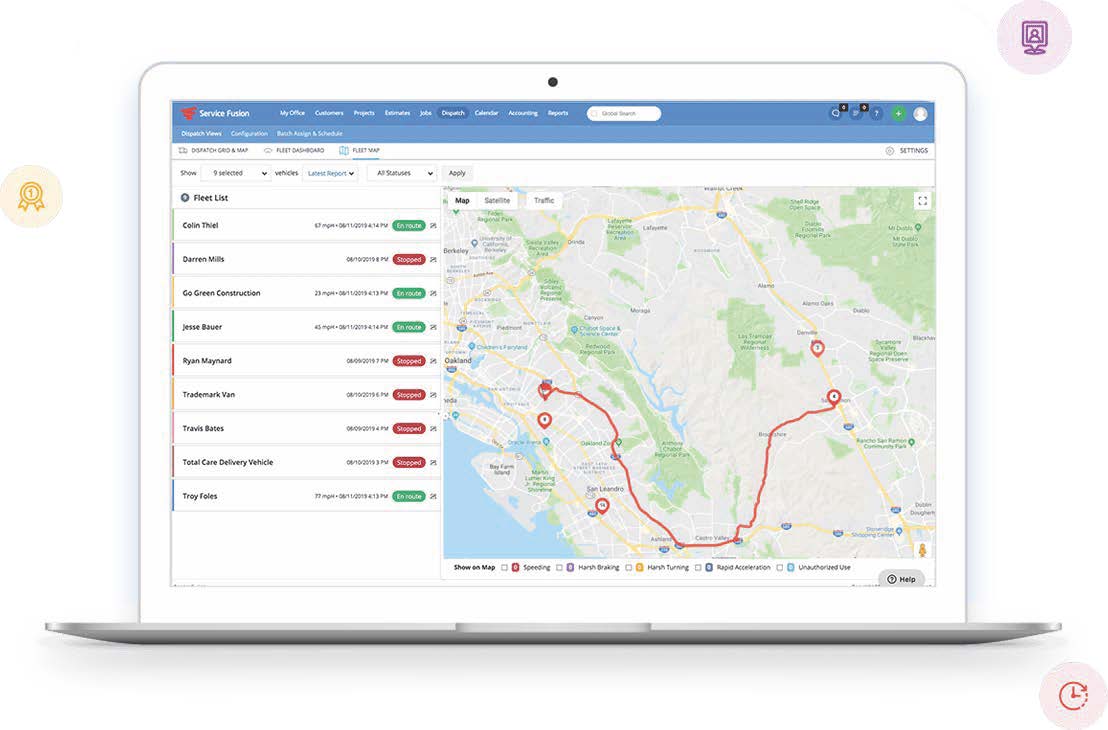
Last on our list of the top field service apps is Service Fusion. The app helps you improve the overall customer experience with features such as a customer self-service portal, real-time notifications, and contactless e-sign.
ServiceFusion also includes built-in text and voice communication features, making it simple to stay connected with technicians and customers without needing separate apps or systems.
Other Service Fusion features include:
- Use GPS tracking to reduce fuel costs.
- Turn estimates into jobs with one click.
- Manage customer requests with call-tracking software.
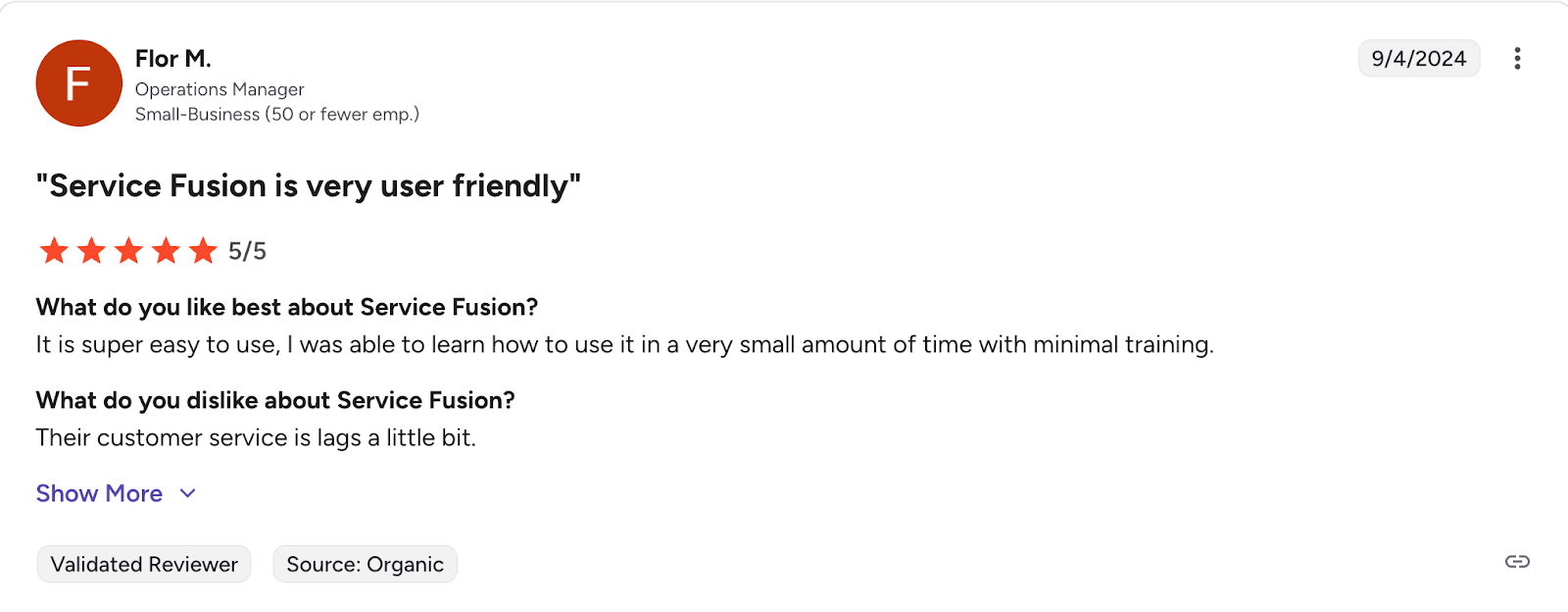
One user pointed out that Service Fusion’s customer service wasn’t as prompt as they’d like.
What to look for in a mobile field service app
When choosing a mobile field service app, focus on features that streamline your workflow and save time. Depending on your business, this might include tools like intuitive scheduling, real-time dispatching, and mobile access for technicians to stay connected in the field.
If you’re in the early stages of your field service business, it’s a great time to implement field service software. Think about scalability—your app should grow with your business.
As well mannered as your employees are, you’ve got to be a process-driven company.
Now is the time to start because a smaller boat is a lot easier to course correct than a big freight liner.

You should also consider whether your chosen field service app integrates well with your existing tools, like QuickBooks or CRM apps. As a guide, consider these features when choosing your mobile field service app:
- Ease of use: Every new tool takes some learning, but service management software that’s easy to use can save you hours in a workday.
- Desktop availability: Your field service management app needs to run effectively from a computer as well as your phone, especially if you’re managing schedules and customer communication from your home office or headquarters.
- Task automation: A great field service app can turn repetitive tasks like appointment reminders into automatic, effortless work that runs in the background while you focus on growing your business.
- Customization: Choose an app you can easily adapt for your business’s specific needs to fit your current workflow.
- Integrations: What other software do you need your field service app to connect and communicate with? Before choosing one, check if it integrates with the route planner app or accounting app you already use and can’t replace.
- Analytics and reporting: If you need detailed insights into your sales, accounting, or marketing activities, pay close attention to the analytics and report customization that your new service management software offers.
- Customer support: A great support and setup team will get you onboarded quickly and help you get the most from your app. When researching field service software, read app reviews and see what users say about the customer support team.
The right field service app can transform the way you work, helping you save time, stay organized, and deliver the best service to your customers.
With the options on this list, you’re one step closer to finding the perfect tool to boost your team’s efficiency and keep your business running smoothly.
Frequently Asked Questions
-
Field service business software helps you grow by streamlining operations and improving service quality. This impresses customers, who leave positive reviews and refer others to your business, in turn helping you win new work.
By optimizing scheduling, dispatching, invoicing, and customer communication, your team can complete more jobs with fewer errors and faster turnaround times. -
Jobber is the best field service management software for small businesses.
Built with small teams in mind, Jobber helps you get noticed, win more jobs, work smarter, and get paid faster—all without the complexity and cost of enterprise platforms.
With Jobber, your small business can manage everything from lead capture to final payment in one place. This improves operational efficiency so your company can scale. -
Jobber consistently ranks at the top for customer support—especially for small and growing field service businesses.
Jobber offers responsive, personalized support that helps you get up and running quickly and keeps your field service operations running smoothly. -
To run your field service business smoothly, your field service app should connect and communicate with the other tools you rely on every day. Key field service app integrations to look for include:
– Accounting software: Syncing with tools like QuickBooks Online or Gusto keeps your finances accurate and saves time on payroll.
– Payment processors: Integrations with Stripe, Square, or PayPal make it easy to accept online and in-field payments.
– Fleet tracking software: Syncing with platforms like Force Fleet help you keep track of your vehicles and drivers for simplified dispatching.
– CRM or contact management: Connecting to your CRM ensures customer information, job history, and communications stay up to date.
– Calendar tools: Syncing with Google Calendar or Outlook helps your team stay organized and avoid scheduling conflicts.
– Marketing platforms: Linking to email marketing tools lets you follow up with customers and promote services more effectively. Use tools such as Thumbtack to book more jobs and grow your business.
Originally published in January 2025. Last updated on February 20, 2026.