How EdenKeepers Cut Landscaping Payroll To Three Minutes With Jobber and Gusto
For years, payday at EdenKeepers Landscape Maintenance meant paper time cards, a calculator, and a stack of handwritten checks. Now, the Wooster, Ohio landscaping company runs payroll in about three minutes.
Crews clock in and out with Jobber time tracking, owner Dan Michaels approves their hours, and the Jobber and Gusto integration sends them straight into payroll.
With the right landscaping payroll software in place, Dan spends less time on paperwork and more time with his family and the team he hopes will carry EdenKeepers forward.
Watch: moving landscaping payroll from pen and paper to a few clicks
For the guys that are still using pen and paper, pay the fee and just do it.
It saves you so much time, so much energy. You don’t have to chase time cards, and you don’t have to worry about making a mistake.
Business snapshot
| Industry | Landscaping |
| Location | Wooster, Ohio, United States |
| Team size | 9 |
| Years in business | 13 |
| Services offered | Landscape maintenance and snow plowing |
| Key Jobber features used | Time tracking, mobile app, Gusto integration |
| Previous processes and tools | Paper and pencil, paper time cards, former payroll provider |
Key results
- Cut payroll from 20–25 minutes to about three minutes, even as the team grew to nine
- Set up the Jobber and Gusto integration in about five minutes
- Replaced paper time cards and handwritten checks with digital timesheets and direct deposit
- Stopped rounding hours by hand, so labor costs reflect the exact time worked
- Freed up time for family by removing manual payroll entry
About EdenKeepers Landscape Maintenance
EdenKeepers Landscape Maintenance is a family-run landscaping company in Wooster, Ohio, that offers landscape maintenance and snow plowing. Dan has spent 27 years in the green industry and has run EdenKeepers for the last 13 seasons.
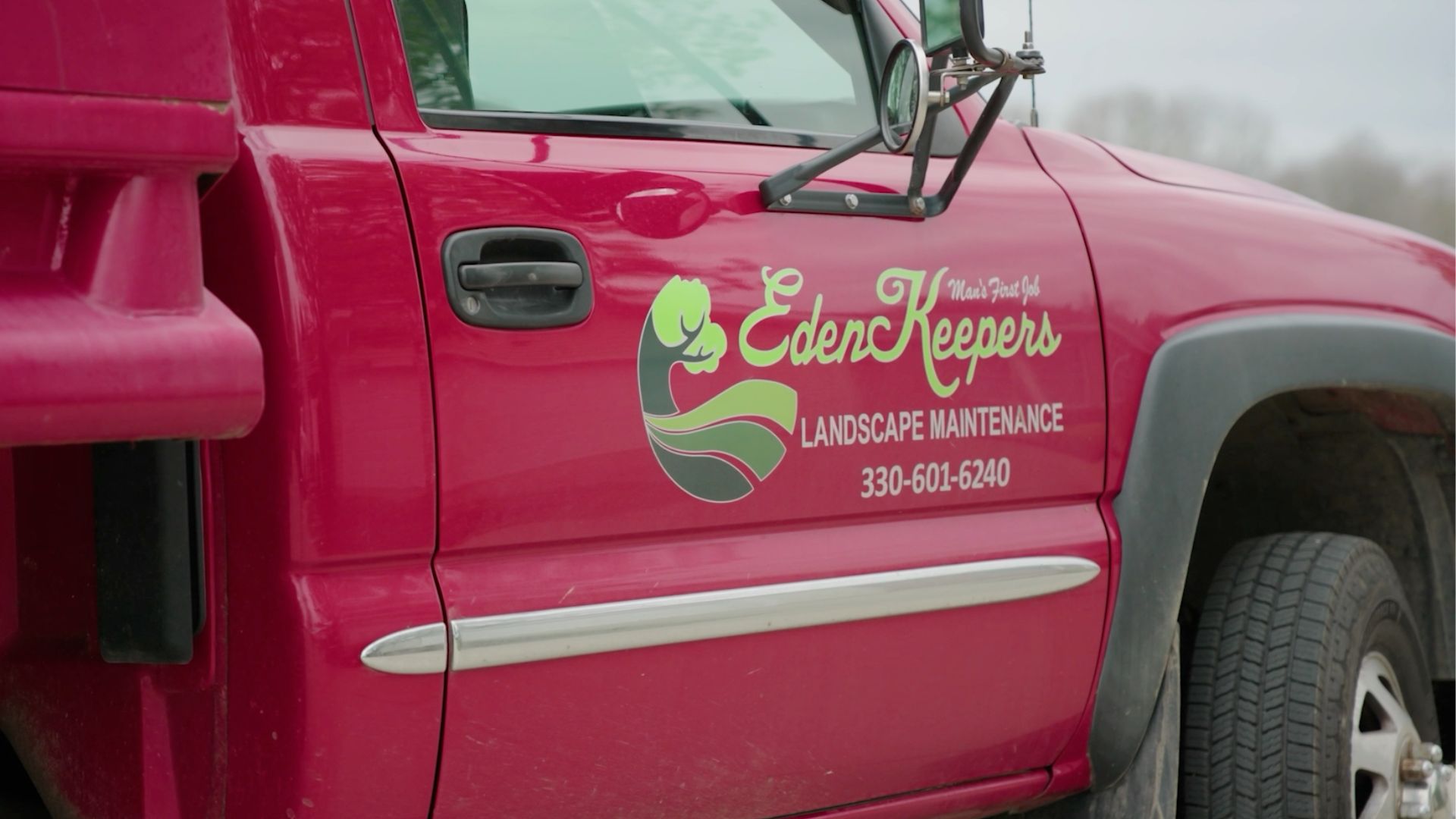
The business started out of necessity. After Dan parted ways with a previous employer, he needed a way to support his family, so he and his wife started taking on the work themselves. As more projects came in, they couldn’t keep up on their own without sacrificing quality, so they hired their first employee in 2016.
Today, EdenKeepers has about nine workers who handle everything from hot summer days to freezing winter snow plowing.
Family has remained central to how Dan thinks about the business. He coaches baseball, protects his time with his kids, and hopes his two sons will one day take over EdenKeepers.
The challenge of paper time cards and manual landscaping payroll
Before Jobber, everything at EdenKeepers ran on pen and paper. Dan said he’d spend about eight hours a week sorting out jobs, materials, billing, and everyone’s hours. The same problems came up every pay period:
- Paper time cards came in late or went missing altogether
- Dan calculated every employee’s hours by hand
- He rounded hours up to avoid working with decimals, adding extra minutes to his labor costs
- He wrote every paycheck by hand
Years ago when we were still pen and paper, I would spend a lot of time at night figuring out payroll, bills, and stuff like that. Back in the day, it was 12 o’clock at night just trying to get things figured out.
Moving landscaping time tracking and invoicing into Jobber got rid of the paper, but payroll still had one manual step. Dan had to write down the hours from Jobber and type them into his former payroll system. Doug Fox of Fox Fiscal Solutions, Dan’s bookkeeper, saw how much extra work that created.
Any time you’re entering data, there’s always the opportunity to make mistakes.
Before the integration was connected, Dan would spend quite a bit of time writing down the hours on a sheet of paper and then having to go and manually enter them in his former payroll system.
On top of that, Dan’s former payroll provider wasn’t calculating certain local taxes correctly. Doug had to fix those errors in the accounting software and then file with local tax agencies, which was slow, manual, and easy to get wrong.
Why EdenKeepers paired Jobber with Gusto payroll software
Doug had already seen Gusto work well for another client, and it covered everything EdenKeepers needed:
- Local taxes calculated correctly
- Self-onboarding, so new employees enter their own bank and tax details through a secure link
- Direct deposit, which Dan wanted so his crew could get paid faster
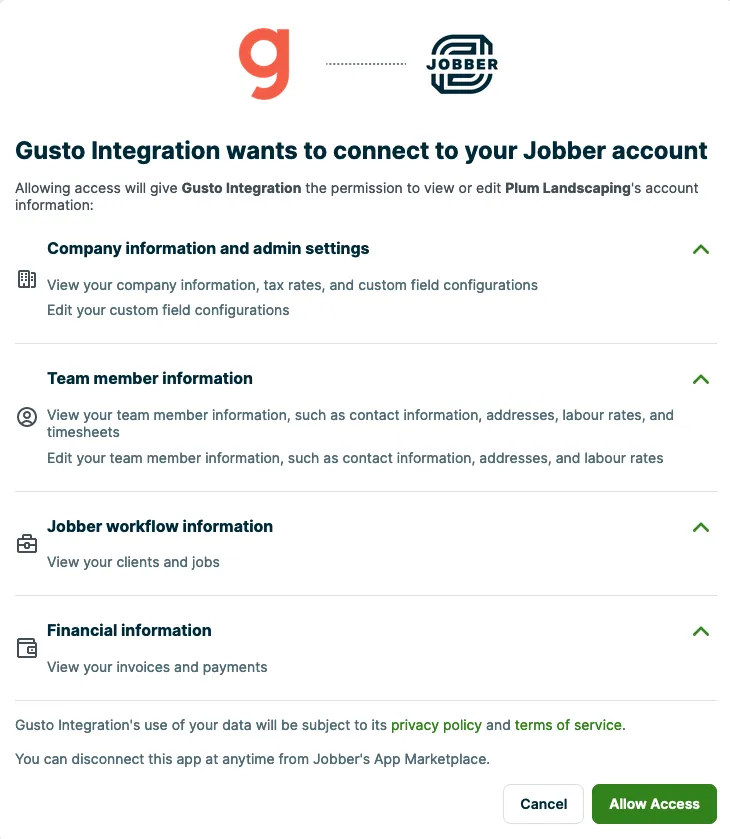
Since Dan was already running parts of his business in Jobber, Doug checked whether the two platforms could connect. They could, and setting up the payroll integration took about five minutes.
It was very easy to set up. It’s like three clicks, and you’re done.
For Dan, the cost was an easy call. “Convenience costs money, and I’m willing to pay for that convenience,” he said. “Don’t look at the upfront cost. Look at how much time you’re saving.”
How the Jobber and Gusto integration works for landscaping crews
EdenKeepers’s payroll now runs in three simple steps. Crews track time in Jobber, Dan approves the hours and syncs them to Gusto, and Gusto pays everyone through direct deposit.
Step 1: Crew members clock in and out on the Jobber app
Employees clock in and out from job sites on the Jobber mobile app and can add materials to jobs as they go. If someone forgets to clock in, they can go back and edit their time. That kind of employee time tracking for landscapers gives Dan:
- A complete digital record of everyone’s hours before payroll starts
- No more chasing lost time cards
- Exact hours down to the minute, instead of rounding up
Step 2: Dan reviews digital timesheets and syncs approved hours to Gusto
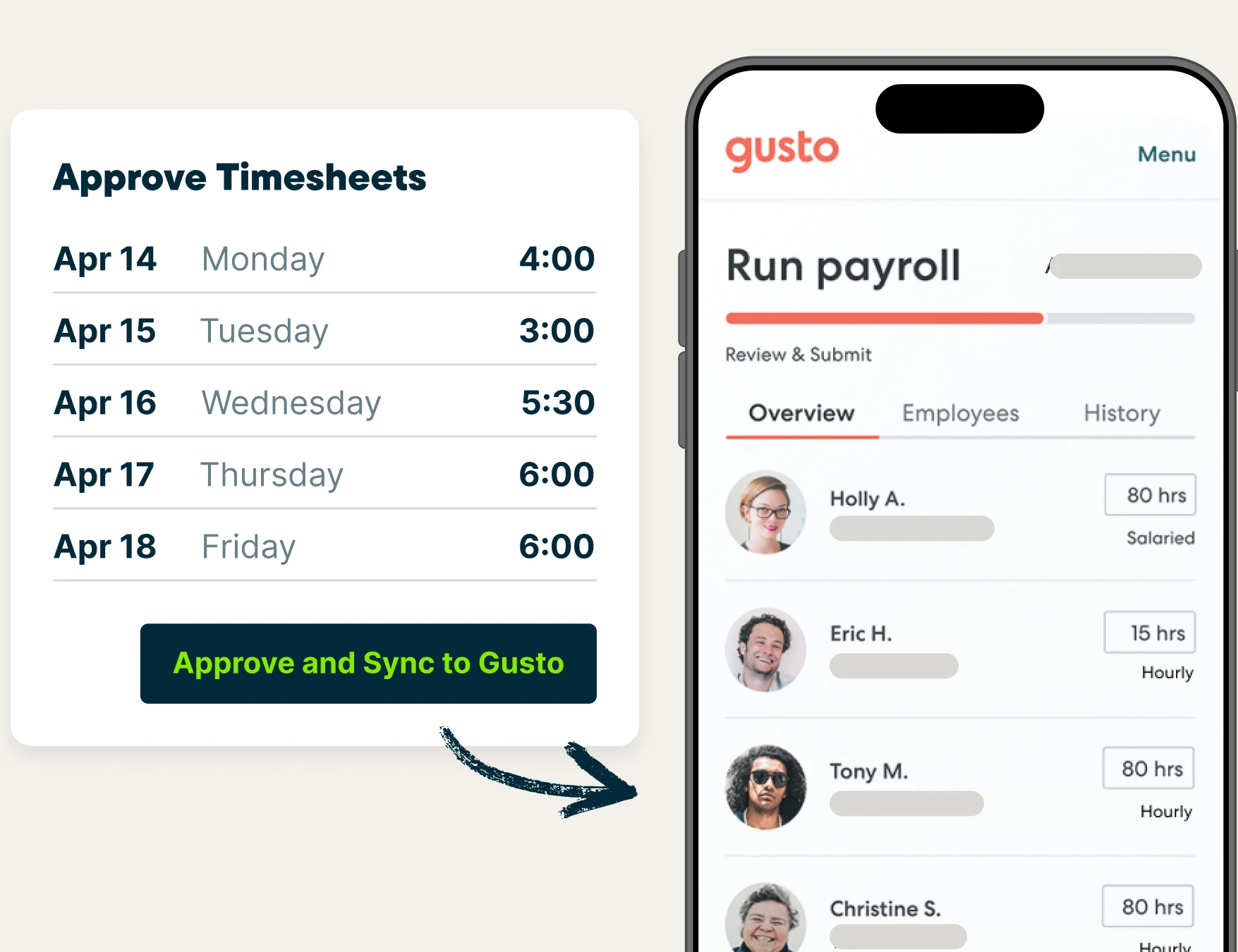
At the end of each pay period, Dan reviews his team’s digital timesheets in Jobber to make sure everything lines up. He then syncs them to Gusto, gives payroll a final review, and submits it for payment.
Once the hours are in, Dan reviews his team’s digital timesheets in Jobber, and their hours automatically sync to Gusto. He gives payroll a final review in Gusto and hits pay.
I go into Jobber, I check out everybody’s timesheets, make sure everything lines up. I hit sync and approve to Gusto. I go to Gusto, review it, and then I hit pay. Plain and simple, it’s done.
Step 3: Employees get paid through direct deposit
Direct deposit replaced Dan’s handwritten checks, along with the occasional lost check. Now:
- Pay lands in each employee’s account on payday, with a text or email to let them know
- Employees can see their own hours, pay, taxes, and pay stubs in Gusto
- Nobody has to rush to the bank before it closes
Employees now know exactly what they worked and what they were paid, and nobody’s questioned their pay since the switch.
How long does landscaping payroll take with Jobber and Gusto?
Payroll now takes Dan about three minutes for a team of nine. Back when EdenKeepers had only a few employees, the same task took 20–25 minutes, so even as the crew has grown, payroll has gotten faster.
Here’s how the old process compares to the new one.
| Metric | Before Jobber | Dan’s current workflow with Jobber + Gusto (results may vary) |
|---|---|---|
| Payroll processing time | 20–25 minutes with a few employees | About three minutes with roughly nine employees |
| Employee time tracking | Paper time cards and manual calculations | Digital timesheets in Jobber |
| Moving hours into payroll | Manual entry into a payroll system | Employee hours synced from Jobber to Gusto |
| Employee payments | Handwritten checks | Direct deposit through Gusto |
| Back-office work | Could stretch late into the night | Payroll completed in minutes |
Less data entry, more time to focus on the business
Clean data changed Doug’s role, too. Instead of fixing hours and tax errors, he meets with Dan monthly and quarterly to review reports, look at trends in the hours his crew works, and spot opportunities to grow.
Now my involvement with Dan’s payroll is more of an advisor than a data entry specialist.
I’m able to help him see reports and go over those and look at trends that are happening, rather than focusing on the day-to-day entry of data.
What faster payroll means for Dan’s family and EdenKeepers’s future
For Dan, less paperwork means he can be out quoting jobs, coaching baseball, and watching his boys play. He’s also in bed on time now instead of working past midnight.
Using Gusto and Jobber, it allows me in my personal life to spend time with my kids.
It allows me just to break away from the office and spend time with my family… I can always make money, but I can’t make memories with my kids.
Dan hopes his two sons will take over EdenKeepers one day, and having Jobber and Gusto in place will make the back-office side of that transition much easier.
Having everything in place makes it easy for them to take over. Can they do the work? Yes. But the back-end stuff is what’s really crucial.
What to look for in landscaping payroll software
EdenKeepers’s experience points to a few things worth looking for in payroll software for landscaping companies:
- Time tracking software built for the field. Your crew should be able to clock in from job sites on a mobile app. Tools like Jobber also offer GPS tracking with location-based timers.
- A payroll integration with your payroll tool. Whether you use Gusto, Paychex or QuickBooks Payroll, approved hours should sync without re-entry.
- Exact hours for job costing. Tracking time to the minute keeps labor costs accurate on every job.
- Self-onboarding and direct deposit. New employees can enter their own details and get paid straight to their accounts.
- Everything in one place. When job scheduling, crew assignment, and invoicing live in the same landscaping business software as time tracking, it’s easier to manage multiple crews and recurring jobs.
Simplify landscaping payroll
Jobber landscaping software keeps your crew’s hours organized with built-in time tracking. Connect it to Gusto, and approved hours move straight into payroll, so you spend less time at your desk and more time growing your landscaping business. Learn more about Jobber and Gusto.