
Key takeaways:
Choosing the best pest control software can help streamline your operations by bringing together scheduling, customer management, and invoicing, so you can focus on growing your business.
- Identify your must-have features. The right pest control software should support your business’s unique workflows—including scheduling, recurring visits, customer records, mobile access, and invoicing—while being easy for your team to use in the field.
- Compare top solutions by strengths and pricing. Leading platforms like Jobber, Fieldwork, GorillaDesk, ServiceTitan, and PestBoss each offer different strengths—from general field service workflows to pest-specific features like chemical reporting and treatment documentation. Consider your company’s size and service needs before committing.
- Test software with your real jobs before deciding. Run a typical job—including scheduling, treatment, invoicing, and payment—using both office staff and technicians to ensure the platform supports your end-to-end processes, especially if recurring services are core to your business.
- Plan for implementation and team training. A smooth rollout starts with preparing data, setting up essential workflows, and training your team for both office and field tasks. Regularly review results and refine your processes for the best outcome.
- Focus on future growth and integrations. Select a solution that can scale with your business, connects to your other tools (like accounting software), and fits your budget—including subscription fees and onboarding costs.
For more tips on running your best business and staying up to date on field service trends, sign up for the Jobber Newsletter.
Missed appointments, scattered customer records, and overdue invoices can quickly eat into your pest control business’s time and profits.
The best pest control software brings scheduling, customer communication, and billing together so you can spend less time on admin and keep jobs running smoothly.
The right option depends on your company size, recurring-work needs, and field usability. In this guide, we compare the top options to help you find the right fit for your team.
Best pest control software for small business:
What is pest control software?
Pest control software helps you manage customer records, scheduling, recurring treatments, technician assignments, and billing in one place.
Unlike a basic scheduling tool or a general CRM that focuses on customer relationships, pest control software connects your full workflow—from the initial service request to payment.
How pest control software supports the job lifecycle
Pest control software helps turn service requests into quotes, scheduled visits, completed jobs, and paid invoices, supported by payment processing to wrap up the work.
Exterminators can access property details, record treatment notes, and update job statuses, while office staff manage customer communication by sending appointment reminders and service follow-ups.
For your customers who want recurring services, the software also helps schedule future treatments and maintain service history.
When an all-in-one platform makes sense
Using separate tools for scheduling, customer records, and billing can create extra admin and lead to missed updates.
An all-in-one platform keeps information connected so office staff and technicians can work from the same records as the business grows.
Jobber is a great option if you’re looking to manage quoting, scheduling, customer records, invoicing, and payments in one place. While it isn’t specific to pest control, its field service software workflow is a good fit for companies looking to simplify daily operations.
What to look for in pest control software
The best pest control software should solve your team’s current challenges while supporting future growth. It should also fit your workflow so your crews will use it out in the field.
Before comparing providers, consider how you schedule treatments, manage recurring services, communicate with customers, and collect payments. You should also factor in features, reporting, integrations, customer support, and the total subscription cost.
Here are some specific things to look for in pest control business software.
Choose software that fits your current workflow
Map out how a service request comes in, who schedules the job, what technicians need in the field, and how invoices get paid. Choose software that reduces repetitive admin and connects these steps without forcing your team to change processes that already work.
Check the features your team will use every day
Once you understand your workflow, you can determine which features to prioritize. These features may include:
- Scheduling and dispatching with a drag-and-drop calendar to assign technicians, adjust appointments, and keep daily schedules organized.
- Recurring jobs to schedule repeat treatments, manage service agreements, and keep follow-up visits on track.
- Customer records to store contact details, property information, treatment history, and communication in one place.
- Mobile access so technicians can view schedules, check job details, record treatment notes, and update job status in the field.
- Automated reminders to notify customers about upcoming appointments and help your team follow up on quotes or overdue invoices.
- Invoicing to generate bills for completed treatments, track outstanding balances, and simplify billing for repeat services.
- Online payments to let customers pay electronically and help your business collect payments without unnecessary follow-up.
Reporting and integrations can also help you track performance and connect accounting tools. Be sure to separate essential features from nice-to-have extras to avoid paying for tools that a small team won’t use.
Compare pricing and implementation effort
Look beyond the base subscription when you’re comparing software prices and verify pricing with the provider. This will help you avoid any hidden costs. Check user limits, payment processing fees, add-ons, onboarding, data migration, support, and pest control contract terms.
While you’re at it, consider how much time your team will need to get up and running. It’ll take time to reach peak efficiency, so that’s another cost to factor into your decision.
Test the software with a real job
Before committing, test a typical job from the initial service request through scheduling, treatment, invoicing, and payment. Include both office staff and technicians in the process to see how the software works across the business.
If recurring treatments are a regular part of your work, test how the system schedules follow-up visits and handles changes.
Best pest control software options to compare
The best pest control software depends on your team size, recurring-service workload, and the level of operational detail you need. Use the comparison below to narrow your options and verify that each platform supports your must-have workflows before committing.
Pest control software comparison table
Disclaimer: Features, plan availability, and pricing can change.
| Software | Best for | Scheduling and dispatch | Recurring service | Invoicing and payments | Mobile use | Ease of use | Pricing |
|---|---|---|---|---|---|---|---|
| Jobber | Growing pest control businesses | Yes | Yes | Yes | Yes | General purpose workflow | Starting at $29 per user per month |
| Fieldwork | Chemical reporting | Yes | Yes | Yes | Yes | Easy workflow | Starting at $59 per user per month |
| GorillaDesk | Route-based pest control teams | Yes | Yes | Yes | Yes | Made for field techs | Starting at $49 per month for unlimited users |
| ServiceTitan | Larger or complex service operations | Yes | Yes | Yes | Yes | More complex than other software | Must request pricing |
| PestBoss | Businesses needing pest-specific software | Yes | No | Yes | Yes | Specialized features | Starting at $79 per user per month |
1. Jobber
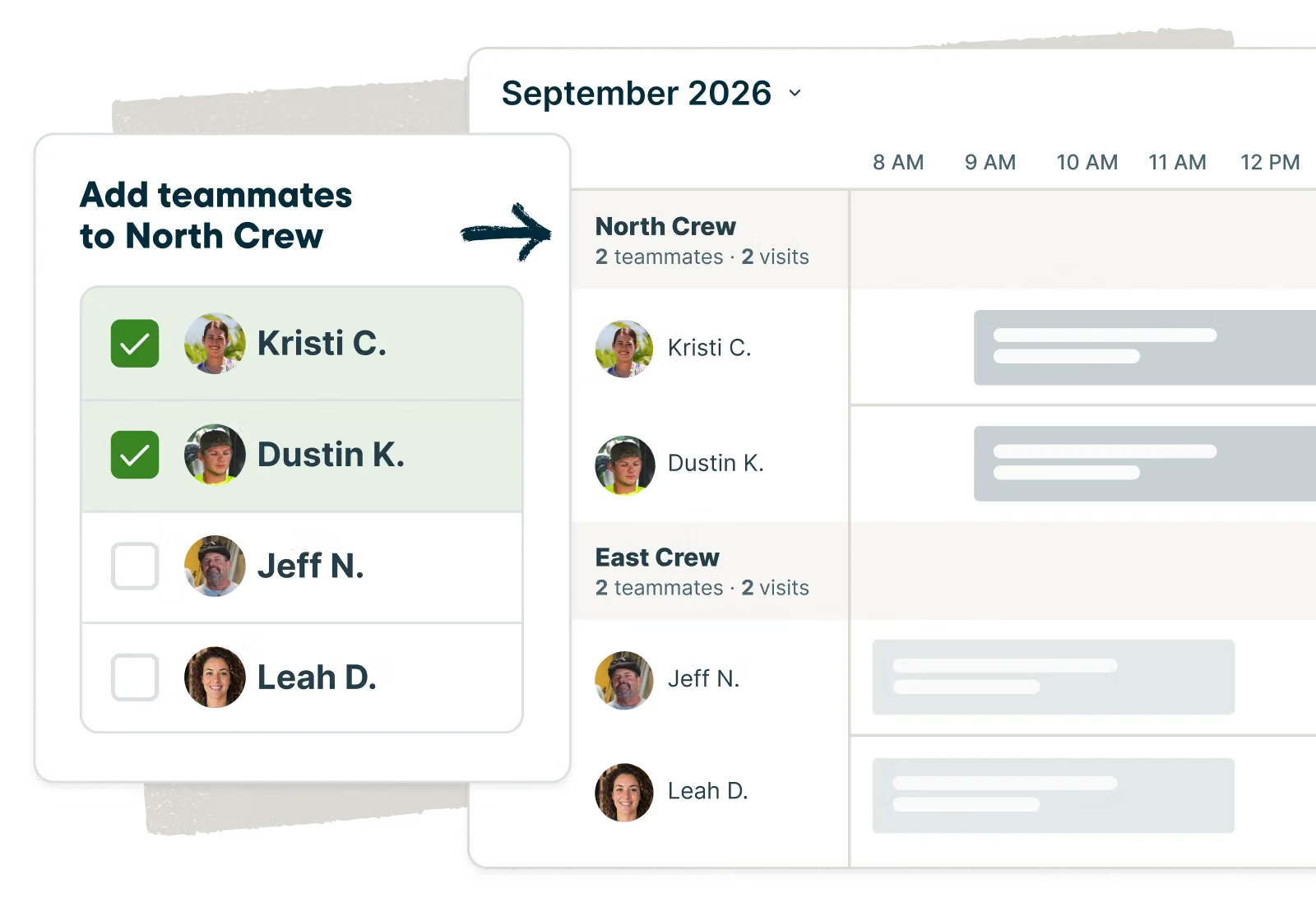
Jobber’s pest control software connects your office and field team through a shared workflow, from quoting and booking jobs to invoicing customers and collecting payments.
It’s best for growing pest control businesses that want to manage customer relationships, scheduling, and billing in one platform. It gives you a view into your entire business to help streamline your processes and improve efficiency.
Jobber can help you:
- Schedule jobs, assign work to technicians, and plan routes as schedules change.
- Arrange repeat visits and set up automatic payments for recurring jobs on eligible plans.
- Store customer details, service history, quote approvals, and communications in one place.
- Create invoices from estimates and templates and send in just a few clicks.
- Accept online payments and send automated payment reminders on eligible plans.
- Give pest teams access to schedules, job details, and service information through the technician mobile app.
- Connect your workflows through integrations such as QuickBooks Online and CompanyCam.
I lost over $10,000 over a few months as a result of underbilling. Jobber has the flexibility to create systems that prevent that from happening.
Jobber offers a user-friendly interface and a free trial, with pricing starting at $29 per user per month when billed annually for the Core plan.
Keep in mind that Jobber isn’t specialized pest control software—it’s an all-in-one field service software. If you need specific pest control features, like chemical tracking and reporting, you may have to use it alongside another tool.
2. Fieldwork
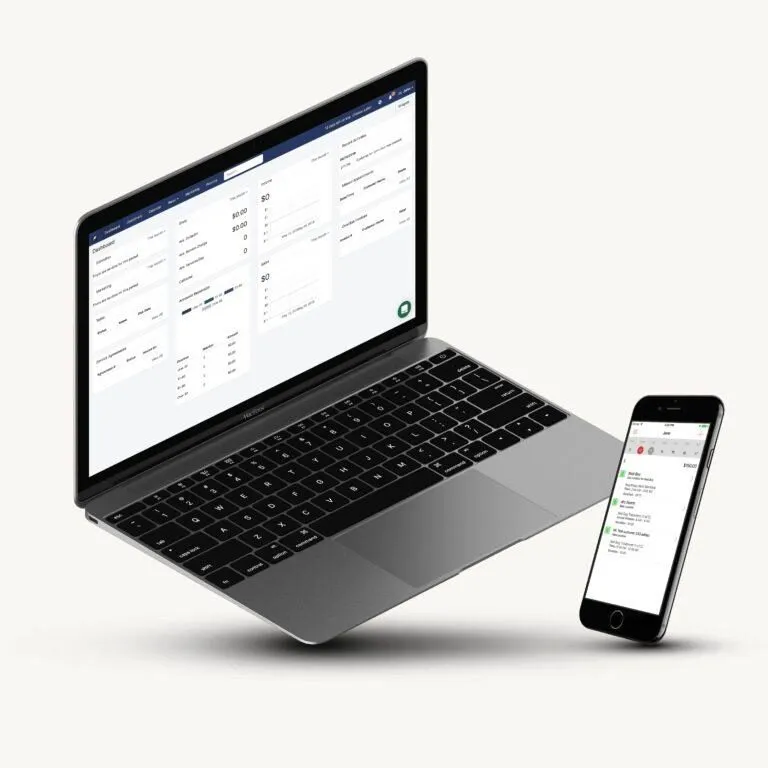
Fieldwork is a field service software with many of the features pest control businesses need, from service scheduling to invoicing.
Fieldwork is best for businesses to want advanced reporting—especially chemical reporting. You can log your chemical usage on the job and report on it back in the office. Fieldwork can then provide detailed chemical use reports for operations in New York and California.
Fieldwork can also help you:
- Schedule and dispatch jobs, using a drag-and-drop calendar, technician assignments, and route-planning tools.
- Manage recurring service plans by scheduling repeat work orders and tracking service agreements and renewals.
- Organize customer records, including contact details, service history, estimates, and work orders.
- Create invoices and collect payments, with batch invoicing, online payment options, and automated payment reminders.
- Support technicians in the field, with mobile access to work orders, service notes, photos, customer details, and chemical-use records.
Fieldwork pricing starts at $59 per field user per month for the Startup plan, with office users included at no extra charge. Fieldwork also has an intuitive user interface, which makes it fairly easy to set up.
It’s important to note that Fieldwork’s features may be more than your business needs if you primarily want basic scheduling and invoicing.
3. GorillaDesk
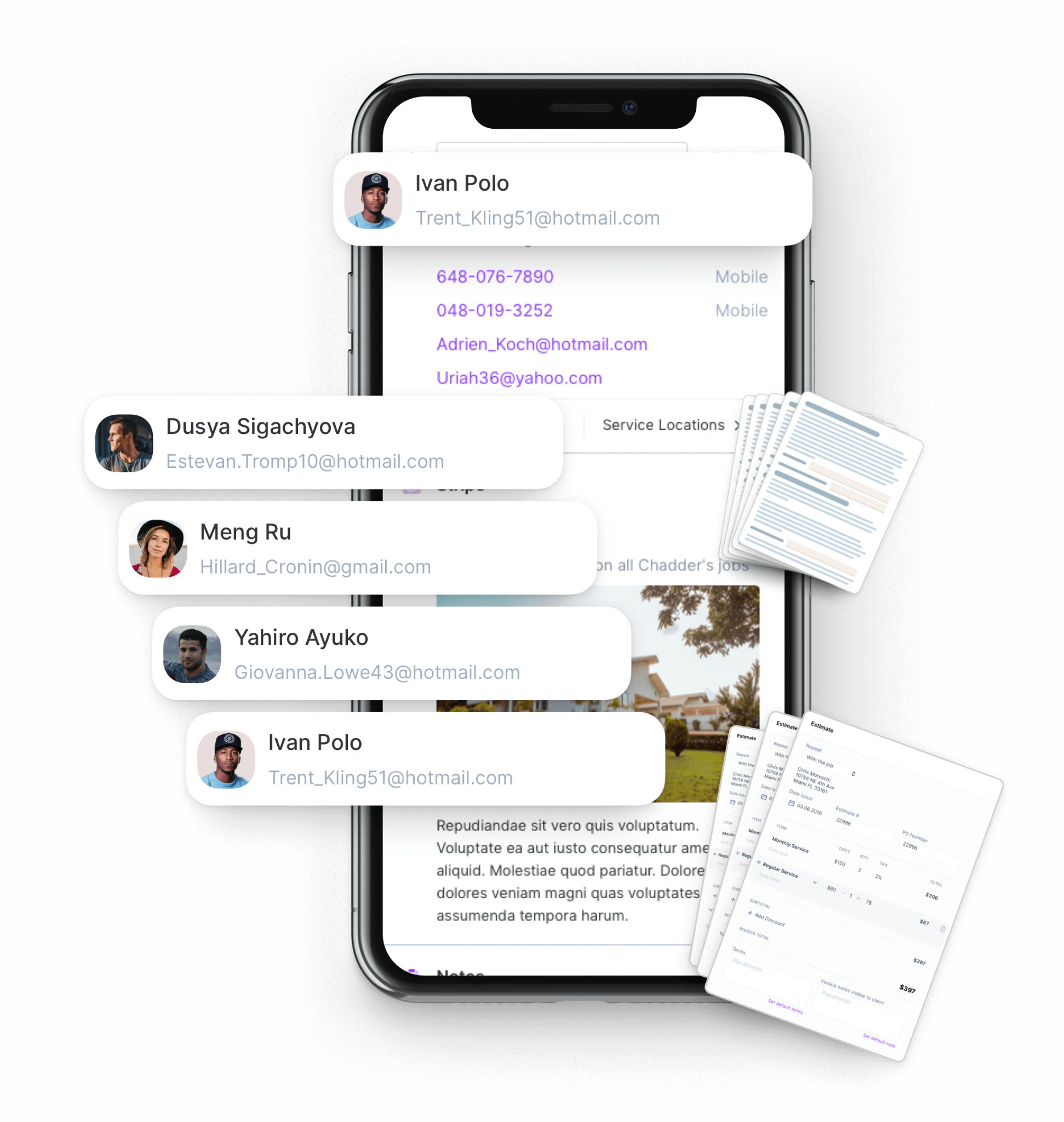
GorillaDesk is field service software that combines scheduling, customer and job management, route planning, invoicing, and field operations in one platform.
GorillaDesk is best for pest control businesses that want route-based scheduling. Its map view shows you who is working where, and allows for daily routing.
For example, if two of your technicians are scheduled to work in the same area, you can consolidate their routes to reduce mileage and increase efficiency.
GorillaDesk can also help you:
- Coordinate daily workloads by viewing technician schedules, assigning appointments, and organizing service routes.
- Keep repeat treatments on track with scheduled follow-up visits and subscription billing options on eligible plans.
- Maintain customer and property histories with service records, job notes, and contact information your team can reference before each visit.
- Simplify invoicing and payment collection by generating invoices, accepting online payments, and sending reminders for outstanding balances.
- Keep technicians informed on the go with mobile access to appointments, customer details, work orders, and service updates.
GorillaDesk pricing starts at $49 per month for Basic, $99 for Pro, and $149 for Growth per technician schedule. Because the tool is fairly simple, it’s easy to set up and use.
It’s important to note that routing in their Basic plan is limited to 25 users. If you need to coordinate routes for larger teams, you will need to opt for the Pro plan.
4. ServiceTitan
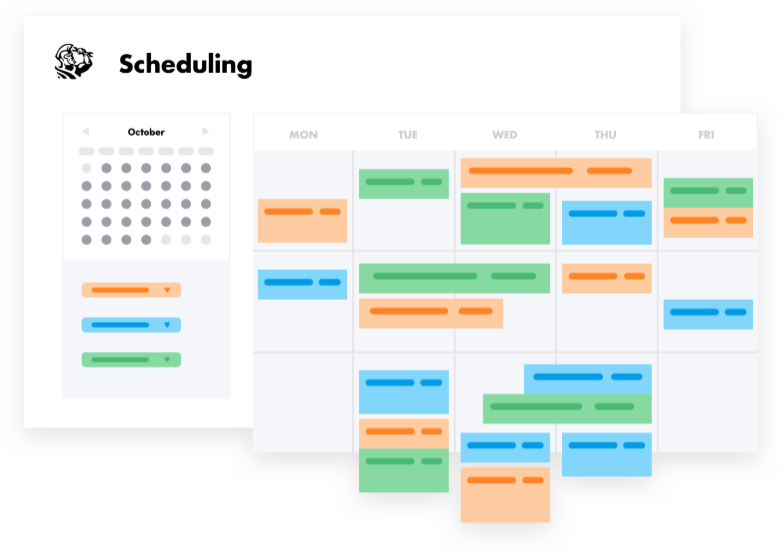
ServiceTitan is field service management software that connects customer online booking, scheduling, dispatching, field operations, and invoicing in one platform. It’s best for larger pest control businesses that need to coordinate multiple technicians and teams.
ServiceTitan can help you:
- Manage technician schedules with a dispatch board that lets office staff assign jobs, track technicians, and adjust appointments.
- Coordinate recurring treatments by managing service agreements, memberships, and recurring billing.
- Keep customer information organized with access to service history, previous invoices, estimates, and job records.
- Manage invoicing and payments with invoice creation, recurring billing workflows, and customer payment options.
- Equip technicians in the field with a mobile app for viewing job details, completing forms, preparing estimates, and generating invoices.
ServiceTitan offers tiered packages with custom, per-technician pricing. You can request a demo and pricing on their website.
Keep in mind that ServiceTitan’s extensive feature set and implementation requirements may be more than a smaller pest control company needs.
Because of these heavy-duty features, ServiceTitan often takes more time to set up and requires more time with their onboarding team compared to similar software.
5. PestBoss
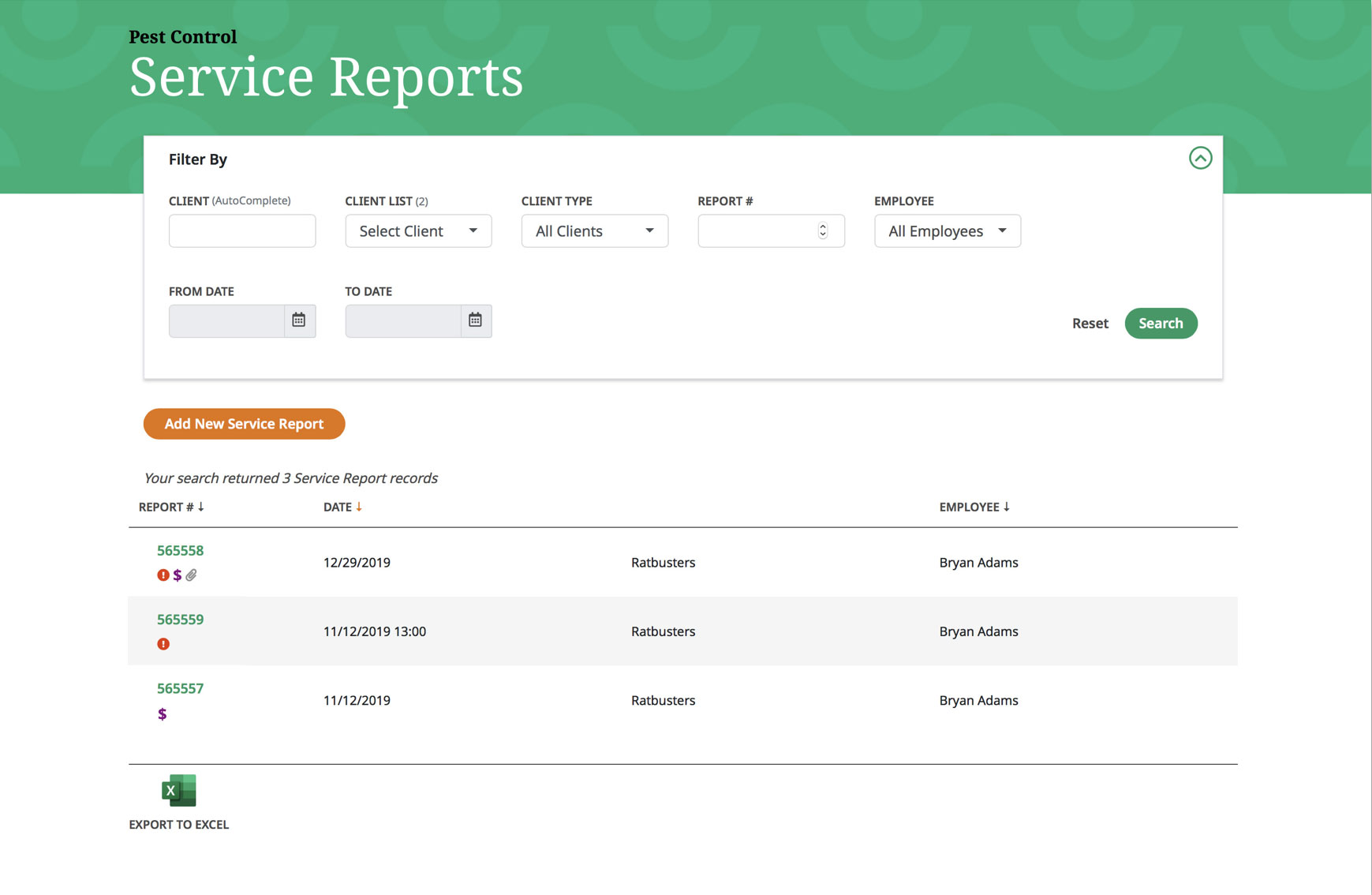
PestBoss is pest control management software that combines scheduling, customer records, service reports, pesticide tracking, and invoicing in one platform.
This exterminator software is best for pest control businesses that need pest-specific software that includes features such as detailed treatment documentation, monitoring reports, and customer access to service records.
PestBoss can also help you:
- Organize service visits with a multi-view calendar, task management, and technician assignments.
- Track repeat pest management work by recording monitoring activity, service history, and treatment details for future visits.
- Manage customer accounts with contact records, email and SMS communications, and a customer portal for viewing service reports and history.
- Prepare invoices in the field and process payments at the job site.
- Document treatments and inspections using mobile tools for service reports, photos, barcode scanning, and pesticide tracking.
PestBoss offers a demo and custom pricing based on the number of users. You must request a demo to get a quote. It’s generally simple to set up and easy to customize, making it a good option for small pest control businesses.
It’s also important to note that PestBoss lacks a few key features for pest control companies, including route optimization and recurring billing.
How to choose between the options
To choose the best pest control app for your business, compare each platform based on your essential workflows and what’s important to your business. This includes:
- Scheduling calendars and dispatching tools to help you assign technicians, adjust appointments, and keep daily jobs organized
- Recurring service agreement management to keep repeat treatments on track and prevent missed follow-up visits
- Customer management through centralized customer records to organize contact details, property information, treatment history, quotes, and communications
- Mobile access to let technicians view schedules, access job instructions, record treatment notes, and update job statuses in the field
- Billing features such as invoicing and payment tools to bill for completed treatments, accept online payments, and follow up on outstanding balances
- Quick setup time to import customer records, configure workflows, and train staff without disrupting daily operations
- Integrations with tools such as accounting software to reduce duplicate data entry and keep business records consistent
- Total cost that works with your budget, including subscription fees, user limits, add-ons, and onboarding costs to understand the software’s overall cost
- Key limitations such as specialized treatment documentation, advanced routing, or recurring billing, which may require workarounds or additional tools
Before committing, test one typical recurring-service job during a demo or trial. Include both office staff and technicians to confirm the software works for your entire team.
Core pest control software features
The right features can help your team spend less time coordinating jobs and chasing payments. Focus on tools that solve everyday problems, and test how each one works with your team’s actual processes before choosing a platform.
Here are the top pest control features to consider.
Scheduling and dispatching
Manual scheduling can lead to missed appointments, inefficient routes, and confusion about field technician assignments.
Pest control scheduling software helps you organize visits, update calendars, and share job details with your team. Look for drag-and-drop scheduling, a clear technician dispatch view, and customer notifications for appointment reminders or schedule changes.
During a trial, reschedule an appointment and check how easily your team can notify the customer and update the technician’s schedule.
What technicians need in the field
Technicians need accurate job tracking details without calling the office for missing information. Look for a mobile app that provides:
- Daily schedules to help technicians plan their day and see their scheduled jobs
- Property details such as customer addresses, access instructions, and property-specific information so technicians arrive prepared
- Treatment notes documenting previous treatments, pest activity, and service instructions to support consistent follow-up visits
- Checklists to guide technicians through required tasks and help them avoid missing important service steps
- Photos to document pest activity, affected areas, or completed work and share updates with customers or office staff
- Time tracking to record time spent on jobs and travel, helping you understand labor costs and technician workloads
- Job status updates to show when jobs are started, completed, or require follow-up so office staff can track progress and coordinate next steps
Test the app on a phone under realistic working conditions, like fast-paced jobs or in areas with limited signal. Confirm that technicians can access the information they need, record completed work, and communicate updates without unnecessary steps.
Customer and lead management
Scattered customer records make it harder to track inquiries, follow up on quotes, and understand previous treatments. Customer relationship management (CRM) software keeps contact details, service requests, quotes, communications, and service history together.
Look for pest control CRM software that includes:
- Searchable customer records to quickly find contact information, property details, and previous service history
- Lead tracking to monitor new inquiries and see where potential customers are in the booking process
- Follow-up reminders to help your team respond to inquiries, check on outstanding quotes, and avoid missing sales opportunities
- Property-specific notes to let office staff and techs view access instructions, pest activity, and treatment requirements
During a trial, create a customer, record a service request, send a quote, and check whether the information remains accessible throughout the job lifecycle.
READ MORE: Pest control marketing strategies that actually work
Invoicing and payments
Manual billing can delay payments and make overdue accounts harder to track. Pest control billing software helps you generate invoices, bill multiple completed jobs, collect online payments, and follow up on outstanding balances.
Check whether the software supports:
- Invoice creation, both from scratch and with templates, to bill customers accurately for completed treatments and services
- Batch invoicing to generate invoices for multiple completed jobs at once and reduce repetitive administrative work
- Recurring billing to automatically charge customers for ongoing service agreements, if needed
- Overdue invoice follow-ups and payment reminders that prompt customers to settle outstanding balances
- Clear customer records of paid and unpaid invoices to help your team identify overdue accounts
- Payment collection through online payment options that make it easier for customers to pay promptly
Test how quickly you can invoice a completed treatment and record a payment, and confirm any transaction fees or plan restrictions that may apply.
Reporting and integrations
Without reliable reports, it’s difficult to spot scheduling gaps, monitor revenue, or understand where the business is losing money. Make sure your software offers reports covering:
- Job status to track scheduled, completed, and overdue jobs and identify work that needs follow-up
- Revenue to monitor income over time and understand how service activity affects business performance
- Outstanding invoices to identify overdue payments and prioritize customer follow-ups to improve cash flow
- Team performance to review technician workloads, completed jobs, and productivity to help balance schedules and assignments
- Profitability to compare job revenue with labor and other costs so you can identify which services are most profitable
Integrations with accounting software and other business tools can reduce duplicate data entry. Before choosing a platform, confirm that its integrations support your existing systems and that its reports answer the questions you regularly ask about your business.
Managing recurring services and technician routing
Recurring treatments and daily routes can be difficult to coordinate when schedules, customer records, and invoices are managed separately.
Pest control software helps teams organize repeat visits, maintain up-to-date treatment instructions, and keep technician schedules fully booked without any gaps.
Set up recurring pest control services
Recurring pest control services require consistent scheduling, clear treatment instructions, and reliable follow-up. Consider software that lets you:
- Set service agreements to document the services customers have agreed to receive, including pricing and terms.
- Define visit frequencies to establish treatment schedules, such as monthly, quarterly, or seasonally, based on each customer’s needs.
- Schedule recurring jobs to automatically plan repeat treatments and reduce the need to manually book every visit.
- Send out customer reminders to notify customers about upcoming appointments and help reduce missed visits.
- Reduce admin with batch invoicing by generating invoices for multiple completed treatments at once instead of billing each job individually.
- Handle exceptions like rescheduled treatments or missed visits without creating duplicate jobs or invoices.
The office should be able to see upcoming visits, customer agreements, and billing status, while technicians need the latest appointment details and treatment instructions.
Track changes without losing service history
Skipped visits, new access instructions, and customer requests can easily get lost in emails or phone calls. Choose software that lets your employees update job notes, record completed or missed treatments, and maintain a history of service changes.
Both office staff and technicians should be able to access the same current customer record, including previous treatments and property instructions. This helps prevent outdated information from affecting future visits.
Plan routes and technician assignments
Well-planned routes can decrease travel time and fill gaps in a technician’s schedule. Pest control route optimization tools can help organize appointments by location, service zone, technician availability, and estimated travel time.
However, the best route still depends on job duration, customer access requirements, and last-minute changes.
Use this checklist when evaluating routing features:
- Group nearby jobs to reduce unnecessary travel between appointments.
- Assign the right technician based on availability, service requirements, and territory.
- Allow realistic travel time between properties and account for job duration.
- Check schedule changes to see how easily dispatchers can adjust routes when appointments move.
- Share updated details so pest control operators have current directions, job notes, and customer instructions.
Choosing software for your business size
The right pest control software should match your team’s current workload, budget, and operational complexity.
A simple platform may be enough for a solo operator, while businesses with multiple technicians or locations may need more advanced scheduling, reporting, and integrations.
Solo operators and very small teams
Pest control software for small business owners should be easy to set up and use without adding unnecessary costs. To manage jobs without spending hours on admin, prioritize features like:
- Mobile access to view job details, update service records, and manage daily tasks while working in the field
- Quoting and quick estimating so customers can review and approve proposed treatments
- Scheduling to organize appointments, plan your workday, and keep track of upcoming treatments
- Invoicing to bill customers for completed jobs and monitor outstanding balances without relying on manual paperwork
- Online payments to let customers pay electronically and reduce the time spent chasing payments
- Customer communication to send appointment reminders, follow up on quotes, and keep customers informed about their service
Avoid paying for advanced reporting or complex workflows you won’t use. Start with the essentials and choose a platform that can grow with your business.
Growing teams with office and field staff
As you add technicians and office staff, coordinating schedules and keeping everyone informed becomes more challenging. Look for:
- Dispatch visibility to see technician schedules and job assignments in one place and adjust workloads when appointments change
- User permissions to control which employees can view or edit customer records, schedules, and financial information
- Standardized job details to ensure technicians receive consistent service instructions, property information, and treatment notes
- Recurring service controls to manage repeat visits, service agreements, and schedule changes without losing track of ongoing treatments
- Reporting to monitor completed jobs, revenue, outstanding invoices, and technician productivity as your business grows
- Integrations to connect scheduling, accounting, and other business tools and reduce duplicate data entry
- Consistent customer updates to keep customers informed about appointment confirmations, reminders, schedule changes, and follow-up visits
For example, Jobber connects quoting, scheduling, client management, invoicing, and payments connected in one workflow. Compare it with pest-specific platforms to determine which best supports your recurring treatments and field operations.
Larger or highly complex operations
Businesses managing multiple locations, large technician teams, or specialized compliance requirements may need:
- Configurable workflows to adapt job processes, approvals, and service requirements to different teams, locations, or types of work
- Advanced reporting to compare performance across locations, track key business metrics, and identify operational areas to improve
- Extensive integrations to connect accounting, customer management, and other business systems and keep information consistent across the organization
- Dedicated implementation support to help migrate data, configure complex workflows, and train staff during the software rollout
Document your essential processes, reporting requirements, and integration needs before choosing a more complex system.
Jobber Plus is another option when your growing business needs additional support and more tailored workflows. Using AI-powered tools, Jobber Plus helps your field and office teams streamline their workflows with features such as voice-powered and automated follow-ups.
Pest control software implementation checklist
A smooth software rollout starts with a clear plan and one person to own every stage. Here’s a step-by-step plan for easy implementation that won’t interrupt your operations.
Prepare your data and workflows
Gather customer records, recurring schedules, service agreements, price lists, open quotes, active jobs, and unpaid invoices to ensure you have everything in one place.
Remove duplicate records and outdated information before migrating data, and document how your team currently handles scheduling, treatments, and billing.
Configure the essential process first
Set up quoting, scheduling, job details, recurring visits, customer messages, invoicing, and payments before adding optional features.
Create a test customer and run a sample job from booking through payment to catch missing information or workflow issues early.
Train the office and field team
Provide short, role-specific training so office staff can manage schedules and billing while technicians learn to access job details and update service records.
Create simple written instructions for common tasks, then gather feedback during the first few weeks to address recurring problems.
Review results after 30 days
Review missed appointments, scheduling time, overdue invoices, technician adoption, customer responses, and recurring-job accuracy. Identify the areas that are now more efficient, and flag any processes that still need improvement.
Compare results with your previous process, fix persistent issues, and introduce additional features only when the core workflow is running smoothly.
Choosing the best pest control software
The best pest control software is one that fits your team’s workflow, keeps recurring services on schedule, and makes it easier to manage customers and collect payments.
Compare your options based on the features you’ll use every day, your budget, and how easily the software can grow with your business. Before committing, test a typical job from scheduling to payment to make sure the platform saves time and helps you get paid faster.
Frequently Asked Questions
-
Pest control companies use specialized pest control platforms, broader field service software, or separate tools for scheduling, customer management, and accounting. The right choice depends on team size, recurring-service needs, and the integrations required to manage daily operations.
-
Pricing depends on the provider, plan, number of users, and features included. Before choosing a platform, verify current subscription prices, user limits, payment processing fees, add-ons, and contract terms to understand the total cost.
-
Yes, many platforms support recurring visits through repeat scheduling, service agreements, and customer reminders. Check whether the software can handle different visit frequencies, rescheduled treatments, route changes, service history, and recurring invoicing before you buy a subscription.
-
Some pest management software includes route planning and technician assignment tools, but capabilities vary by provider and plan. Check for map views, service zones, route ordering, real-time schedule changes, and mobile directions to make sure the software fits your team’s needs.
-
Test a typical job from the initial service request and quote through scheduling, field completion, invoicing, and payment. If recurring treatments are central to your business, make sure to test how the software schedules follow-up visits, handles changes, and preserves customer service history. Include both office staff and technicians to evaluate the entire workflow.