Jobber vs. FieldEdge
Jobber is the stronger choice if you want field service software that’s easy for your team to adopt and built to keep work moving from quote to payment. FieldEdge can be a fit for trade businesses with complex service agreements, warranties, and inventory—but many teams will find Jobber faster to set up and easier to use day to day.

Jobber vs. FieldEdge: Comparison Table (2026)
Here’s how Jobber and FieldEdge compare at a high level, including ease of use, setup time, pricing, mobile ratings, and core operations.
High-Level Comparison
Setup time
~2 hours
~2 months
Pricing model
Team pricing starting from $149/month (billed annually)
Pricing hidden, must contact for quote
Scheduling & Dispatch
✓ Available
✓ Available
AI tools
Jobber AI available on all plans, AI receptionist available as an add-on (included in Plus)
✗ Not Available
Custom report builder
✓ Available
✓ Available
Who are Jobber and FieldEdge?
Jobber
Jobber helps home and commercial service businesses—including HVAC, plumbing, electrical, appliance repair, landscaping, cleaning, and other field service trades—manage work from the first customer request to final payment.
It combines client management, quoting, scheduling, dispatching, invoicing, payments, reporting, marketing, and AI-powered tools into one platform built to keep service teams organized and work moving efficiently.
FieldEdge
FieldEdge is field service software built mainly for HVAC, plumbing, electrical, appliance repair, and other trades-heavy businesses.
Its strengths include scheduling, dispatching, customer management, service agreements, flat-rate pricebooks, warranty tracking, and inventory tools for established multi-truck operations.
Core operations
Jobber gives you the core tools to manage customers, quote work, schedule crews, invoice, collect payment, follow up, and market your business—all in one place. FieldEdge covers many trade-specific operations, but some customer-facing, marketing, and AI tools may require separate products or integrations.
Client management
Keep all quotes, jobs, invoices, payments, and communication history organized in one place.
Learn more
✓ Available
✓ Available
Organize customers into targeted groups for streamlined communication, reporting, and marketing
Learn more
✓ Available
✓ Available
Give clients a centralized portal to view quotes, approve work, pay invoices, and manage appointments online.
Learn More
✓ Available
✓ Available as add-on (included in Elite)
Let customers request work and book services directly through an online booking form.
Learn More
✓ Available
✓ Available
Track leads, quotes, and follow-ups in one place so opportunities never slip through the cracks.
Learn More
✓ Available as add-on (included in Plus)
Limited. Lead tracking on all plans. Prospect tracking on Premier and up
Quoting
Create professional, customizable quotes with itemized pricing and company branding.
Learn More
✓ Available
✓ Available
Allow customers to select optional services or upgrades directly within a quote.
Learn More
✓ Available
✓ Available
Instantly converts approved quotes into scheduled jobs without re-entering information.
✓ Available
✗ Not Available
Scheduling & Dispatch
Easily assign, move, or reschedule jobs with just a click, drag, and drop.
Learn More
✓ Available
✓ Available
Build named crews, view their availability, and schedule the whole team at once for easier dispatching.
Learn More
✓ Available
✓ Available
Automatically organize daily routes to reduce drive time and improve efficiency across multiple appointments.
Learn More
✓ Available
Limited. Map-based route planning on dispatch board.
Get real-time visibility into team locations and job progress in the field.
Learn More
✓ Available through FleetSharp or Force Fleet Tracking integrations
✓ Available through FleetSharp GPS integration
Invoicing
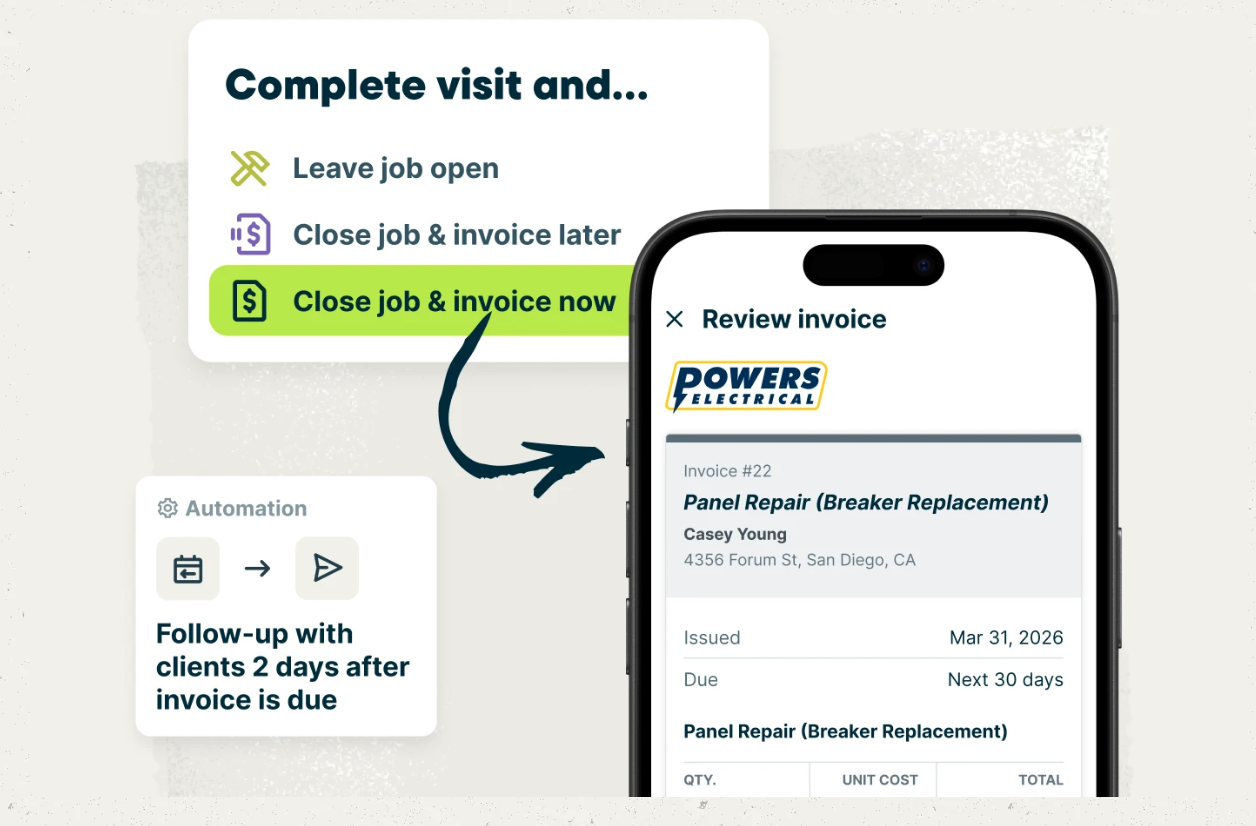
Automatically create and send invoices when work is marked complete.
Learn More
✓ Available
✓ Available
Send multiple invoices at once to reduce repetitive billing work.
Learn More
✓ Available
✗ Not Available
Automate repeat invoices and payments for ongoing service agreements.
Learn More
✓ Available
✓ Available via service agreements (auto-renewal, recurring payments)
Track labor, materials, and expenses to make sure every job stays profitable.
Learn More
✓ Available
✓ Available
Get a dedicated bookkeeper to manage your books and deliver monthly financial reports for clearer business decisions.
Learn More
✓ Available as add-on (US only)
✗ Not Available
Payments
Offer customer financing options directly during the payment or quote process.
Learn More
✓ Available
✓ Available
Access your funds in seconds—even on weekends and holidays.
Learn More
✓ Available. Payments available in minutes
✗ Not Available. Next day only
Marketing
Create a simple business website to help attract and convert leads.
Learn More
✓ Available (included in all plans)
✗ Not Available
Stand out in local search with a Google profile that’s active and accurate.
✓ Available (included in all plans)
✗ Not Available
Send follow-up requests to help generate more customer reviews.
Learn More
✓ Available via add-on (included in Plus)
✓ Available via add-on (included in Elite)
Send targeted marketing emails to clients.
Learn More
✓ Available via add-on (included in Plus)
✓ Available via add-on (included in Elite)
Let customers refer new business through structured referral incentives.
Learn More
✓ Available via add-on (included in Plus)
Limited. Referral email/text campaigns via MarketingEdge (Elite/add-on)
Create and publish posts to your Facebook page and Google Business Profile.
✓ Available via add-on (included in Plus)
✓ Available via third-party (Social Jazz partner)
Turn completed jobs into marketing posts you can share on your website, Google Business Profile, Facebook, and email to showcase your work.
Learn More
✓ Available via add-on (included in Plus)
✗ Not Available
AI
AI-powered tools to help service businesses run smarter
Learn More
✓ Available (Jobber AI included on all plans)
✗ Not Available
Answer calls and texts 24/7, capture leads, and book jobs automatically.
Learn More
✓ Available via add-on (included in Plus)
✗ Not Available
Connects to ChatGPT and Claude so you can use Jobber data in AI conversations.
✓ Available
✗ Not Available
Ever since we started using Jobber, we’ve 6X’d our revenue, we’ve 3X’d our team. Things have just been going so much more smooth.
Mobile technician tools
Your field app only matters if your crew actually uses it. Jobber’s mobile app is highly rated on iOS and Android, while FieldEdge’s mobile app has much lower public app store ratings. That matters when techs need to check schedules, update jobs, collect signatures, send invoices, and take payment from the truck.
Core Mobile app
iOS & Android native apps
✓ Available
✓ Available
App language
English & Spanish
English
On the Job
Attach visual documentation directly to the job
✓ Available
Limited. Photo capture only
Keep job instructions, required tasks, and site details organized for field teams.
Learn More
✓ Available
✓ Available
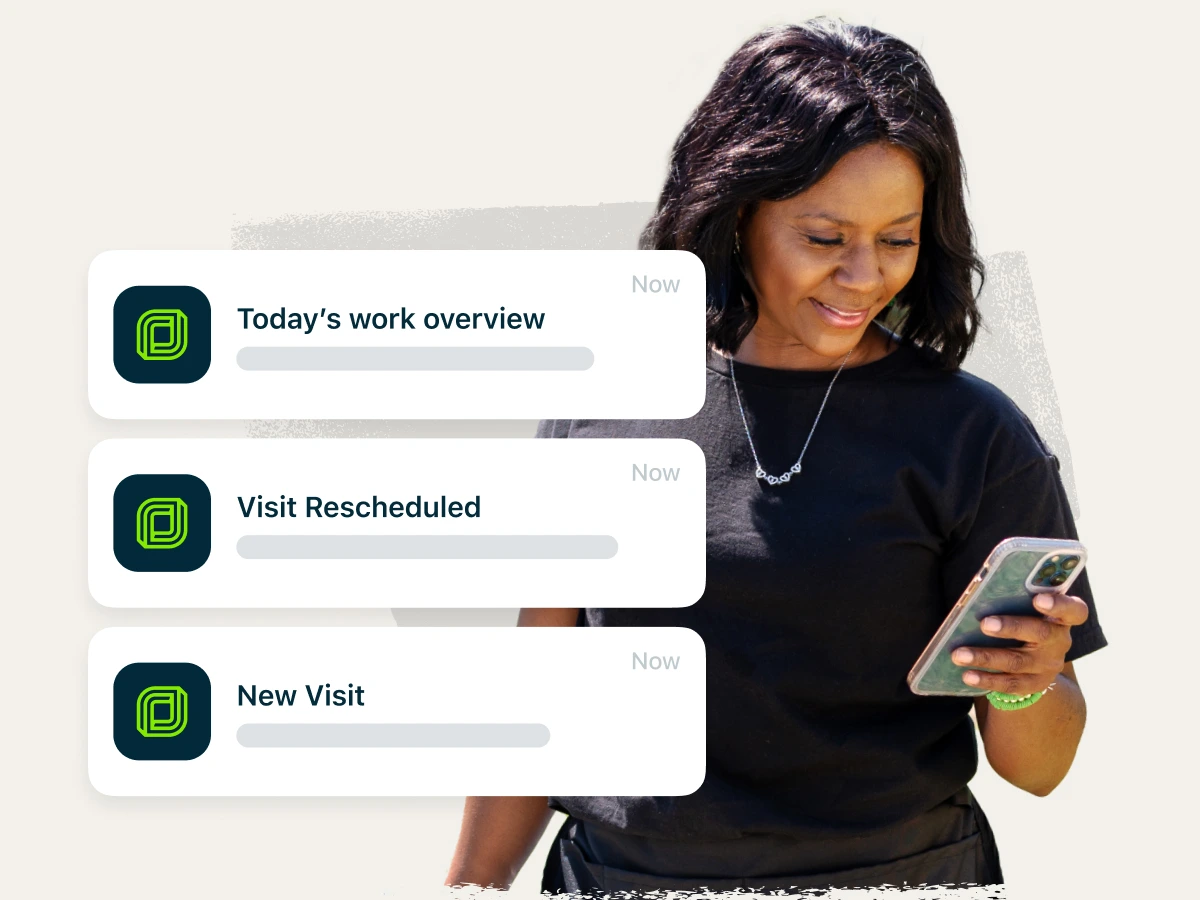
Alert team members immediately when jobs are assigned, moved, or updated.
Learn More
✓ Available
✓ Available
Capture customer approvals directly on a mobile device.
✓ Available
✓ Available
INVOICING & PAYMENTS IN THE FIELD
Allow customers to pay in person by tapping a card or digital wallet on a mobile device.
Learn More
✓ Available
✓ Available
Built for how you actually work
Field service software needs to work everywhere—at the office, in the truck, and from the job site. Jobber is built to help complex service operations stay organized and keep work moving without adding complexity.
Get up and running faster—with clear, upfront pricing
Jobber makes it easy to evaluate your options with transparent pricing and an average setup time of about 2 hours. FieldEdge doesn’t publish standard pricing, and G2 users report an average implementation time of about two months. That means less time spent onboarding and more time getting your team back to serving customers.
Once you’re up and running, the time savings continue. Jobber customers save 12+ hours every week on administrative work and get paid 3× faster, helping busy office teams keep up with calls, quotes, scheduling, invoicing, and follow-ups without adding more overhead.
Give your crews a mobile app they’ll actually use
Jobber’s mobile app is rated 4.8/5 on the App Store and 4.3/5 on Google Play, while FieldEdge’s mobile app is rated 1.8/5 on both platforms. That’s a big deal for adoption. If techs don’t trust the app, the office ends up back on calls, texts, and “where are we at?” check-ins.
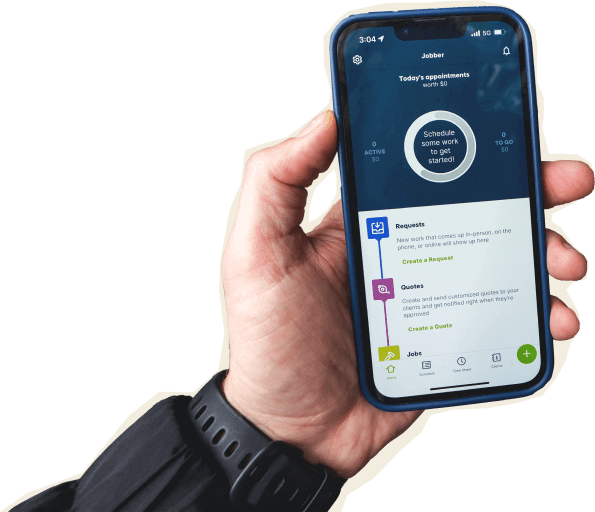
With Jobber, crews can see their schedule, update job details, capture photos and videos, track time, collect signatures, send invoices, and take payment in the field.
Win more jobs with built-in AI and marketing tools
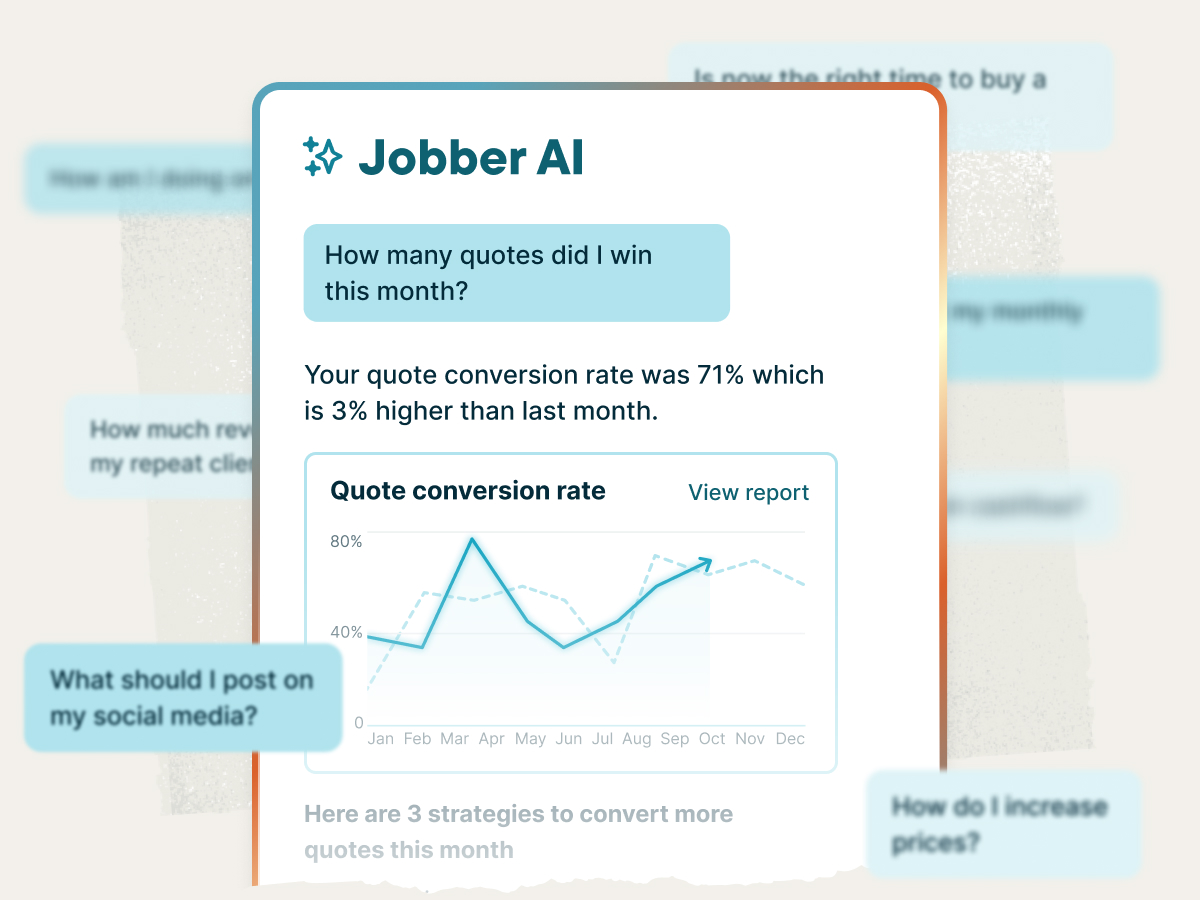
Jobber helps you grow your business without adding more work for your office staff. Every plan includes Jobber AI, with AI Receptionist available as an add-on to answer missed calls and texts, create work requests, book visits, and log customer conversations automatically. Based on publicly available information, FieldEdge does not offer comparable native AI tools, instead focusing on partner solutions and general AI guidance.
Jobber also includes the tools to help you attract and convert more customers. Every plan comes with a website builder and Google Business Profile integration, with optional tools for reviews, email marketing, referrals, and social media.
FieldEdge offers email marketing and two-way texting through MarketingEdge, while review management and other marketing capabilities rely on integrations or partner products. With more marketing and customer engagement tools built into one platform, Jobber helps you generate repeat business without stitching together multiple solutions.
Jobber vs. FieldEdge: Pricing
Jobber offers a 14-day free trial and lets you compare plans before talking to sales. FieldEdge does not publish standard plan pricing, and does not list a free trial on its website.
Tier 1
Core
1 user
$29/mo (when billed annually)
Select
Pricing by request only
Tier 2
Connect
1 user
$99/mo (when billed annually)
2-15 users
Starting from $149/mo (when billed annually)
Premier
Pricing by request only
Tier 3
Grow
1 user
$149/mo (when billed annually)
2-15 users
Starting from $229/mo (when billed annually)
Elite
Pricing by request only
Tier 4
Plus
2-15 users
Starting from $399/mo (when billed annually)
Elite
Pricing by request only
Additional user pricing
$29/month
Pricing by request only
Free trial
14 days, no credit card required
✗ Not Available
Jobber vs. FieldEdge: Integrations
Jobber connects to 100+ apps through its App Marketplace, covering accounting, marketing, payments, fleet management, reporting, and more. You can also connect Jobber with tools like QuickBooks Online, Xero, Gusto, Zapier and The Home Depot to keep your back office moving without duplicate entry.
FieldEdge supports QuickBooks integration, including QuickBooks Desktop and QuickBooks Online workflows, which can be helpful if your business relies heavily on QuickBooks and trade-specific accounting processes. They do not integrate with The Home Depot, Xero, or Gusto.
Why HVAC businesses choose Jobber
Switching from FieldEdge to Jobber
Switching software shouldn’t put your schedule, invoices, or customer records at risk. Here’s what the move to Jobber looks like.
Tell us your setup
Share your current FieldEdge setup: how many techs you have, which services you offer, what’s working, and what’s slowing your team down.
Data migration
Our onboarding specialists move your clients, jobs, and open invoices — typically within 3–5 business days.
Team training
Live onboarding for owners, dispatchers, and field techs. Recorded sessions included, so new hires and busy crew members can get caught up without slowing down the whole team.
Go live
Run FieldEdge and Jobber side-by-side for a week, then cut over when you’re ready. Most teams are fully live within 10 days.
Jobber vs. FieldEdge: Which should you choose?
No tool is right for every business. Here’s an honest take on when each one wins.
Choose FieldEdge if:
- You run a trades business with deep service agreement and warranty tracking needs.
- You rely heavily on QuickBooks Desktop and want strong QuickBooks sync.
- You need trade-specific inventory, flat-rate pricing, and warehouse inventory tools.
Choose Jobber if:
- You need a mobile app your field team can use confidently every day.
- You want built-in AI that helps you capture more leads, respond to customers faster, and reduce manual overhead.
- You want one place for quoting, scheduling, invoicing, payments, customer communication, marketing, AI, and reporting.
Frequently asked questions
-
Jobber is the better fit if you want a faster setup, a more highly-rated mobile app, built-in AI tools, and marketing features for reviews, referrals, campaigns, and online booking. FieldEdge may be the better fit if your trade business needs deep service agreements, warranty tracking, inventory, and strong QuickBooks workflows.
-
FieldEdge does not publish standard plan pricing. You’ll have to request a quote to determine pricing for their three available plans.
-
Jobber offers team plans with pricing starting at $149/month (billed annually) for the Connect plan, $299/month for Grow, and $399/month for Plus. Additional users cost $29/month, making it easy to scale as your team grows. Every plan comes with a 14-day free trial and no credit card required, so you can evaluate the software before committing. Solo user pricing is also available. Visit Jobber’s pricing page to see all plan and pricing options.