Jobber vs. JobNimbus
Jobber gives home service businesses online booking, GPS tracking, automatic payments, and marketing tools in one platform, all at pricing you can see before you sign up. Here’s how it stacks up against JobNimbus.

Jobber vs. JobNimbus: Comparison Table (2026)
Here’s a high-level snapshot of how JobNimbus compares to Jobber for field service management:
High-Level Comparison
Ease of use
Pricing model
Flat monthly plans, annual billing, transparent pricing available on website
Per-user, hidden pricing, must contact for a quote
Scheduling & Dispatch
Reporting & Analytics
Mobile app
4.8★ App Store (20k ratings)
4.2★ Google Play (6.4k ratings)
4.8★ App Store (12k ratings)
4.2★ Google Play (1.5 ratings)
Who are Jobber and JobNimbus?
Jobber
Jobber is an all-in-one field service management platform used by over 400,000 service pros across 50+ industries, including roofing and exterior contractors.
It handles scheduling, quoting, invoicing, payments, online booking, a client portal, GPS tracking, route optimization, and built-in marketing tools. Jobber also integrates with over 100 apps and services, including EagleView, The Home Depot, ArcSite, and CompanyCam.
As a JobNimbus alternative, Jobber is built to run the full operation for home service businesses that are ready to scale.
JobNimbus
JobNimbus is a CRM and project management tool built primarily for roofing and exterior contractors.
It’s known for deep integrations with roofing-specific tools like EagleView, Xactimate, and Hover, plus subcontractor management and production board tracking.
If your business revolves around material ordering, and managing subcontractor crews, that’s where JobNimbus focuses its energy.
Core operations
Jobber and JobNimbus both cover the essentials, including CRM, quoting, scheduling, invoicing, and payments. Jobber goes further with online booking, Client Hub, route optimization, GPS tracking, automatic payments, instant payouts, and Tap to Pay—features that help reduce admin work, improve the customer experience, and get you paid faster. JobNimbus doesn’t offer these capabilities.
Client relationship management (CRM)
Keep all quotes, jobs, invoices, payments, and communication history organized in one place.
Learn more
Organize customers into targeted groups for streamlined communication, reporting, and marketing
Learn more
Give clients a centralized portal to view quotes, approve work, pay invoices, and manage appointments online.
Learn More
Quoting
Instantly converts approved quotes into scheduled jobs without re-entering information.
Scheduling & Dispatch
Assigns multiple team members or crews to the same job for better coordination on larger projects.
Automatically organize daily routes to reduce drive time and improve efficiency across multiple appointments.
Learn More
Invoicing
Payments
Let customers pay invoices online by credit card.
Learn More
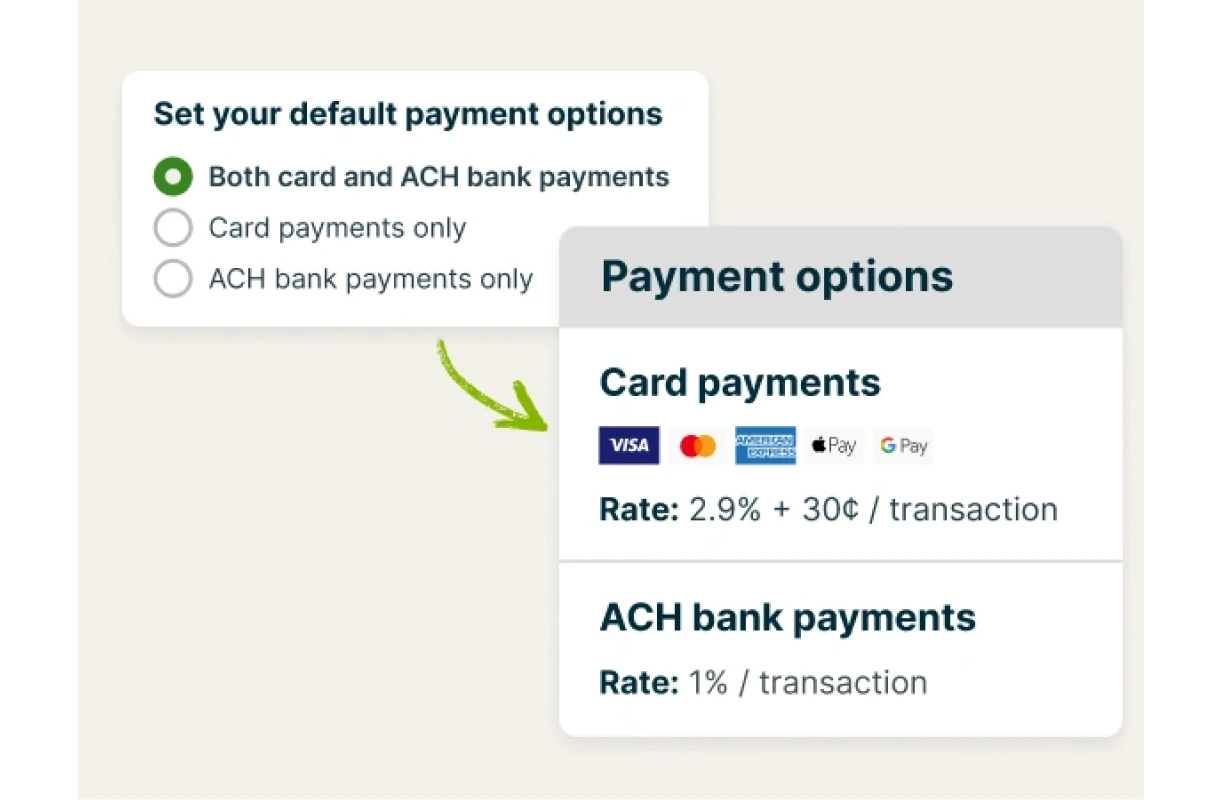
✓ (2.9% + $0.30, no boarding fee)
✓ (3.2% + $0.29, $20 boarding fee)
Access your funds in seconds—even on weekends and holidays.
Learn More
✓ (Payment available in seconds)
Next-day funding only
Marketing
Send follow-up requests to help generate more customer reviews.
Learn More
✓ add-on (included in Plus)
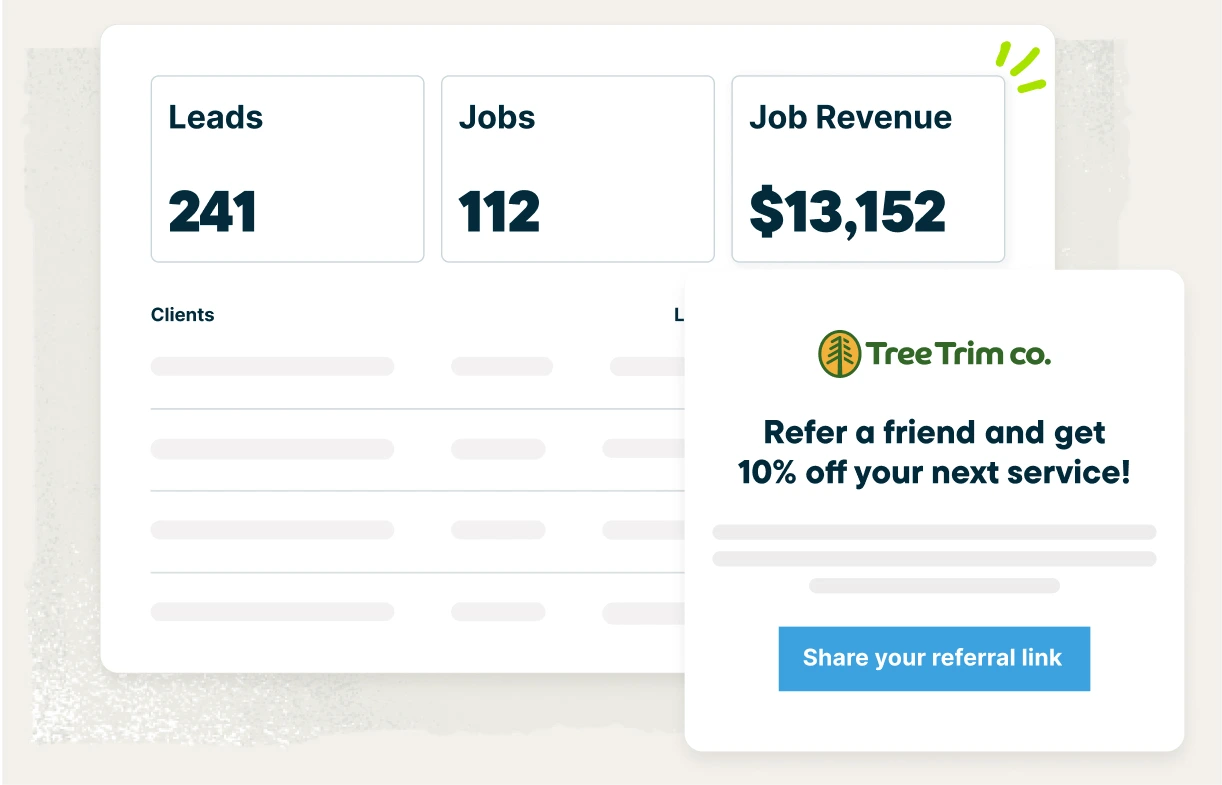
Let customers refer new business through structured referral incentives.
Learn More
✓ add-on (included in Plus)
Create a simple business website to help attract and convert leads.
Learn More
✓ (included on all plans)
Paid agency service
AI
Capture leads, communicate with customers, and get more done with AI-powered tools.
Learn More
✓ add-on
✓ add-on
“Before using Jobber, our best year was about $900,000. This year we’re on track to break over $4 million.”

Mobile technician tools
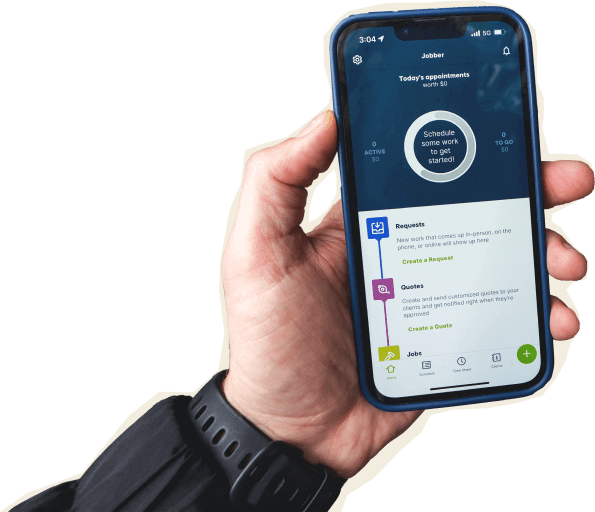
Jobber’s mobile app lets your crew quote from the driveway, collect payments with Tap to Pay, clock in with GPS, and send invoices before they’ve left the job site. It’s available in English and Spanish. JobNimbus has a mobile app too, but it doesn’t support Tap to Pay or a mobile card reader.
Core Mobile app
iOS & Android native apps
On the Job
Attach visual documentation directly to the job
Capture customer approvals directly on a mobile device.
INVOICING & PAYMENTS IN THE FIELD
App language
English & Spanish
English (Spanish not available on iOS)
Built for how you actually work
Features on a checklist only matter if they make your day easier. Here’s how Jobber fits into the way home service businesses actually run.
Get paid faster with fewer follow-ups
Jobber Payments is built to get money in your account without the runaround. Instant payouts put funds in your bank the same day, automatic payments charge your client’s card when the job is done, and Tap to Pay lets your crew collect in the field. Jobber customers get paid 4x faster, collecting payment online vs. waiting on checks.
JobNimbus doesn’t offer instant payouts, automatic payments, or a mobile card reader.
Fill your schedule without answering the phone
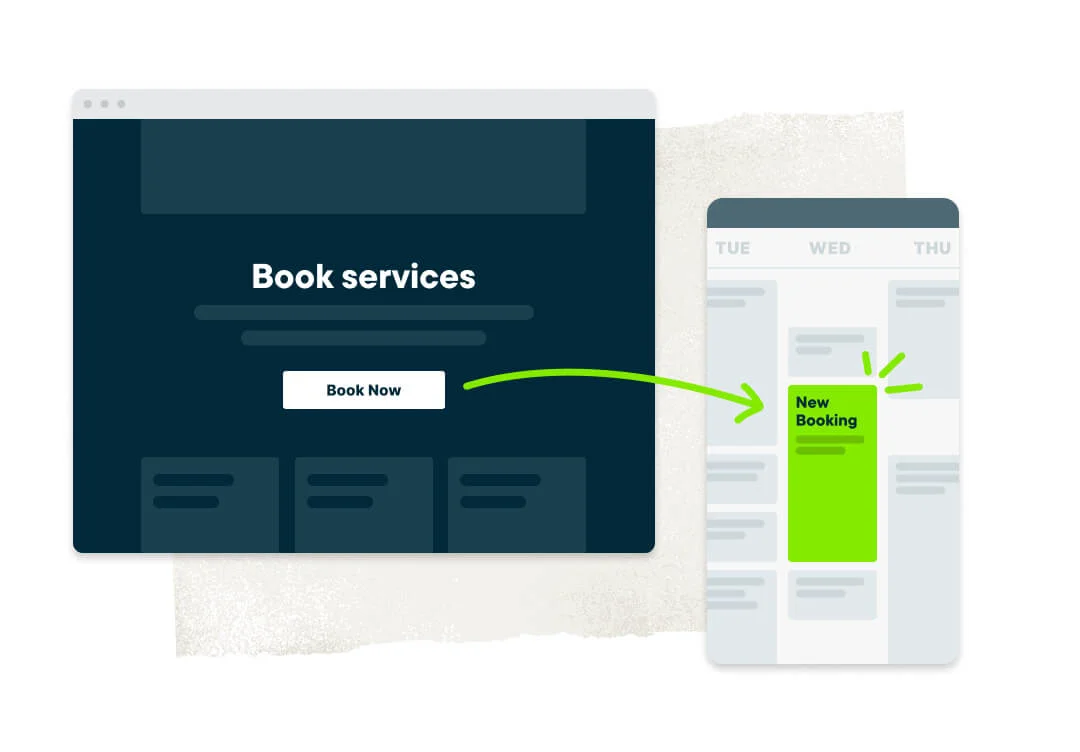
Jobber’s online booking and Client Hub let homeowners request work, approve quotes, and pay invoices on their own schedule, 24/7. That means fewer phone calls for your team, faster quote approvals, and a smoother customer experience.
Pair that with AI Receptionist, available as an add-on at $99/mo, and you’ve got around-the-clock coverage for new leads.
JobNimbus doesn’t offer online booking or a client-facing portal, so new requests still have to come in via phone or email. It does offer an AssistAI virtual receptionist as an add-on, but pricing is not publicly available.
Grow your business with built-in marketing
Jobber’s Marketing Tools help you generate more repeat business and referrals with automated review requests, email campaigns, and a referral program. Jobber also offers a free website builder included on every plan. Businesses using automated review requests earn 2x as many Google reviews per month.
JobNimbus offers review requests and email campaigns, but it doesn’t include a referral program, marketing dashboard, or free website builder.
Jobber vs. JobNimbus: Pricing
Jobber publishes plan prices upfront with flat monthly rates on annual billing. JobNimbus pricing isn’t publicly listed. You have to contact their sales team to get a number.
Entry-Level Plan
Core (1 user)
$29/mo (billed annually)
Essentials (3 users)
Contact for pricing
Mid-Tier Plan
Connect (up to 15 users)
starting at $149/mo (billed annually)
Pro (10 users)
Contact for pricing
Advanced Plan
Grow (up to 15 users)
starting at $229/mo (billed annually)
Premium (19 users)
Contact for pricing
Handle complex work and grow without limits.
Learn More
Plus (2 to 15 users)
starting at $399/mo (billed annually)
Enterprise (20+ users)
Contact for pricing
Additional user pricing
$29/mo
For 16+ users, contact for pricing.
Not publicly listed
Solo-User Pricing Available
Solo-user pricing available on Core, Connect, and Grow plans
Minimum 3 users
Free trial
14 days, no credit card required
14 days, no credit card required
Pricing Transparency
Pricing is publicly listed
Pricing not publicly listed
Jobber powers these industries
Jobber vs. JobNimbus: Integrations
Jobber connects with 100+ tools and services through its App Marketplace, including QuickBooks Online, Zapier, EagleView, and major payment processors. The marketplace covers accounting, marketing, communications, and field operations.
JobNimbus goes deep on roofing-specific integrations. You can connect to EagleView, Xactimate, Hover, and Rooferscope for measurements and estimating, plus order materials directly from ABC Supply and Beacon Pro+ through the platform. It also syncs with QuickBooks. Where Jobber covers more integration categories, JobNimbus goes deeper into the roofing supply chain.
Why roofing businesses choose Jobber
Switching from JobNimbus to Jobber
We’ve migrated thousands of teams off other field service tools. Here’s what the move looks like.
Tell us your setup
Share your current JobNimbus configuration: how many techs, which services, what’s working, what isn’t.
Data migration
Our onboarding specialists move your clients, jobs, and open invoices — typically in 3–5 business days.
Team training
Live onboarding for owners, dispatchers, and field techs. Recorded sessions included.
Go live
Run JobNimbus and Jobber side-by-side for a week, then cut over when you’re ready. Most teams are fully live within 10 days.
Jobber vs. JobNimbus: Which should you choose?
No tool is right for every business. Here’s an honest take on when each one wins.
Choose JobNimbus if:
- You run a roofing business and need deep integrations with Xactimate, and Hover for measurement and estimation
- You need subcontractor management with job-level access controls
- You want to order materials directly through ABC Supply or Beacon Pro+ from within your software
Choose Jobber if:
- You’re growing a team and need tools built for scheduling multiple crews, managing client communications at volume, and tracking job performance across your operation
- You need a complete operations platform: online booking, Client Hub, GPS tracking, route optimization, automatic payments, and instant payouts — features JobNimbus doesn’t offer
- You want transparent pricing, built-in marketing tools (email campaigns, referral program, free website builder), and purpose-built service operations management
Frequently asked questions
-
It depends on your trade and business needs. If you’re a roofing contractor who relies on Xactimate and Hover integrations, JobNimbus may be the better fit. For most established roofing and contracting businesses, Jobber offers a broader set of tools — online booking, GPS tracking, route optimization, automatic payments, and built-in marketing — at transparent, published pricing.
-
JobNimbus offers four plans (Essentials, Pro, Premium, and Enterprise) but does not publicly list pricing — you’ll need to contact their sales team. Add-ons include two-way SMS and an AI receptionist. Jobber publishes all pricing at getjobber.com/pricing.
-
JobNimbus is a CRM and project management tool built primarily for roofing contractors. It offers scheduling, invoicing, job tracking, and deep integrations with roofing measurement tools like Xactimate and Hover. It does not include online booking, GPS tracking, route optimization, or a customer portal.
-
Yes, JobNimbus has iOS and Android apps that handle job tracking, quoting, and invoicing in the field. However, the app doesn’t support Tap to Pay or a mobile card reader. Jobber’s mobile app supports Tap to Pay, GPS-based clock-in/clock-out, and is available in English and Spanish on both iOS and Android.
-
Yes. Jobber offers free data migration. The onboarding team moves your clients, jobs, and open invoices, typically in 3–5 business days. You can run both tools side-by-side before cutting over. Try Jobber free for 14 days.