Jobber vs. Leap
Jobber gives you one easy-to-use system for quoting, scheduling, dispatching, invoicing, payments, customer communication, marketing, and reporting. Leap covers specialized in-home sales workflows well—but Jobber covers everything from first quote to final payment to keep work and revenue moving forward.

Jobber vs. Leap: Comparison Table (2026)
Here’s a high-level look at how Jobber and Leap compare across the categories that businesses rely on the most.
High-Level Comparison
Setup time
~50 minutes
~2–4 weeks
Pricing model
Transparent monthly or annual agreements
1-year contracts paid monthly
Scheduling & Dispatch
Reporting & Analytics
✓ Available on team plan only
AI tools
Jobber AI available on all plans, AI receptionist available as an add-on (included in Plus)
Some AI features built into Leap CRM
Mobile app
Who are Jobber and Leap?
Jobber
Jobber is a field service management software that helps home and commercial service businesses operate and grow from a single app—with CRM, quoting, scheduling, dispatching, invoicing, payments, customer communication, marketing, and reporting built in, plus AI that handles the busywork.
No stitching tools together, no work falling through the cracks.
Leap
Leap is a business management software company with two products designed mainly for home improvement businesses: LeapCRM, a customer and business management software, and Leap SalesPro, a dedicated sales platform.
LeapCRM and Leap SalesPro each cover different aspects of running a home improvement business, and have different sets of features and pricing.
Core operations
Jobber is built to run the whole service business in one connected workflow. Leap covers many contractor sales and project-management needs, but some operations features are plan-limited, split across products, or not confirmed in its published feature set.
Client management
Keep all quotes, jobs, invoices, payments, and communication history organized in one place.
Learn more
Organize customers into targeted groups for streamlined communication, reporting, and marketing
Learn more
Give clients a centralized portal to view quotes, approve work, pay invoices, and manage appointments online.
Learn More
Track leads, quotes, and follow-ups in one place so opportunities never slip through the cracks.
Learn More
✓ add-on (included in Plus)
Quoting
Instantly converts approved quotes into scheduled jobs without re-entering information.
Scheduling & Dispatch
Assigns multiple team members or crews to the same job for better coordination on larger projects.
Automatically organize daily routes to reduce drive time and improve efficiency across multiple appointments.
Learn More
Invoicing
Automate repeat invoices and payments for ongoing service agreements.
Learn More
Recurring billing only
Payments
Marketing
Create a simple business website to help attract and convert leads.
Learn More
✓ (included in all plans)
Stand out in local search with a Google profile that’s active and accurate.
✓ (included in all plans)
Send follow-up requests to help generate more customer reviews.
Learn More
✓ add-on (included in Plus)
Review request templates only
Let customers refer new business through structured referral incentives.
Learn More
✓ add-on (included in Plus)
Create and publish posts to your Facebook page and Google Business Profile.
✓ add-on (included in Plus)
AI
Answer calls and texts 24/7, capture leads, and book jobs automatically.
Learn More
✓ add-on (included in Plus)
✓ add-on only
“Before using Jobber, our best year was about $900,000. This year we’re on track to break over $4 million.”

Mobile technician tools
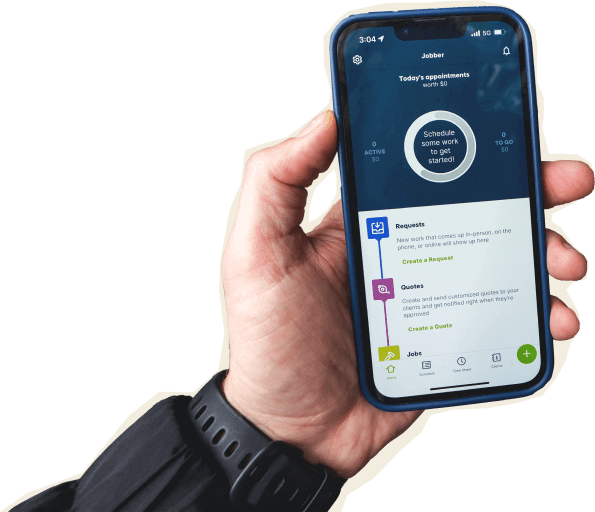
Jobber’s all-in-one mobile app is built for the daily work your crew does in the field: quoting, job notes, photos, schedule updates, time tracking, invoicing, and payment collection. Leap has two separate apps that your team will have to download and learn. The SalesPro app is available on iOS only, limiting team members who may need to use it..
Core Mobile app
iOS & Android native apps
LeapCRM: iOS/Android
Leap SalesPro: iOS only
App language
English & Spanish
English only
On the Job
Attach visual documentation directly to the job
via CompanyCam add-on only
Capture customer approvals directly on a mobile device.
INVOICING & PAYMENTS IN THE FIELD
Built for how you actually work
Leap can be a good choice if your main need is a specialized in-home sales process for home improvement jobs. Whereas Jobber is built for the bigger picture: day-to-day tasks like getting work requested, quoted, scheduled, completed, invoiced, paid, reviewed, and booked again.
Run the whole job in one place
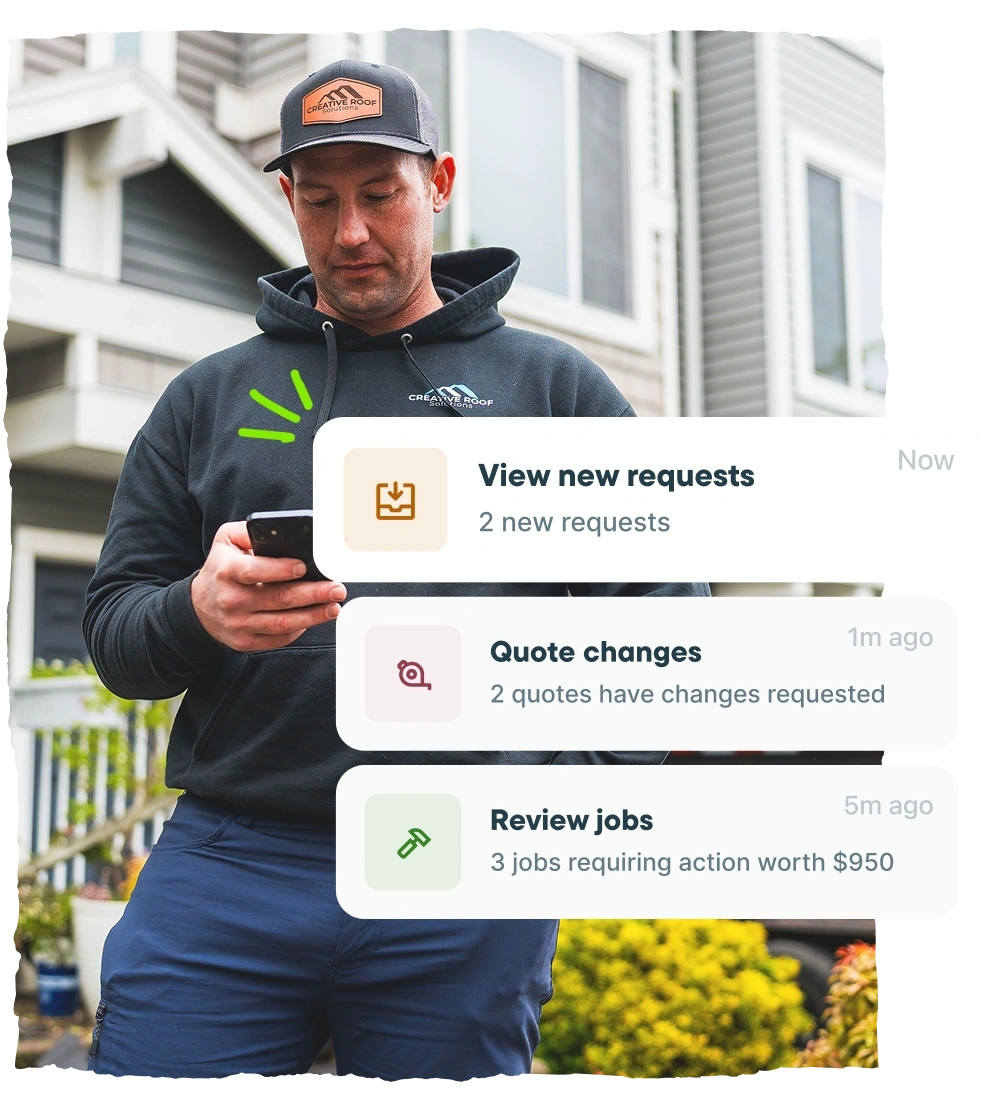
Jobber brings quoting, scheduling, dispatching, invoicing, payments, customer communication, and reporting into one system, while Leap separates CRM and in-home sales into two products. That matters when your office needs clean handoffs and your crew needs simple job details in the field—fewer places to check, fewer missed updates, less double entry.
Jobber customers save 12+ hours a week on admin and get paid 3x faster, which is the kind of time and cash-flow lift that matters when the schedule is packed.
Start with less commitment
Jobber offers transparent month-to-month, annual paid monthly, or annual commitment pricing and a 14-day free trial with no credit card required, while Leap plans are listed as 1-year contracts paid monthly.
Jobber gives you more room to test workflows with your real team before you commit to an annual plan, which lowers switching risk and helps you avoid buying software that looks good in a demo but doesn’t stick in the field.
Collect payment faster from the field
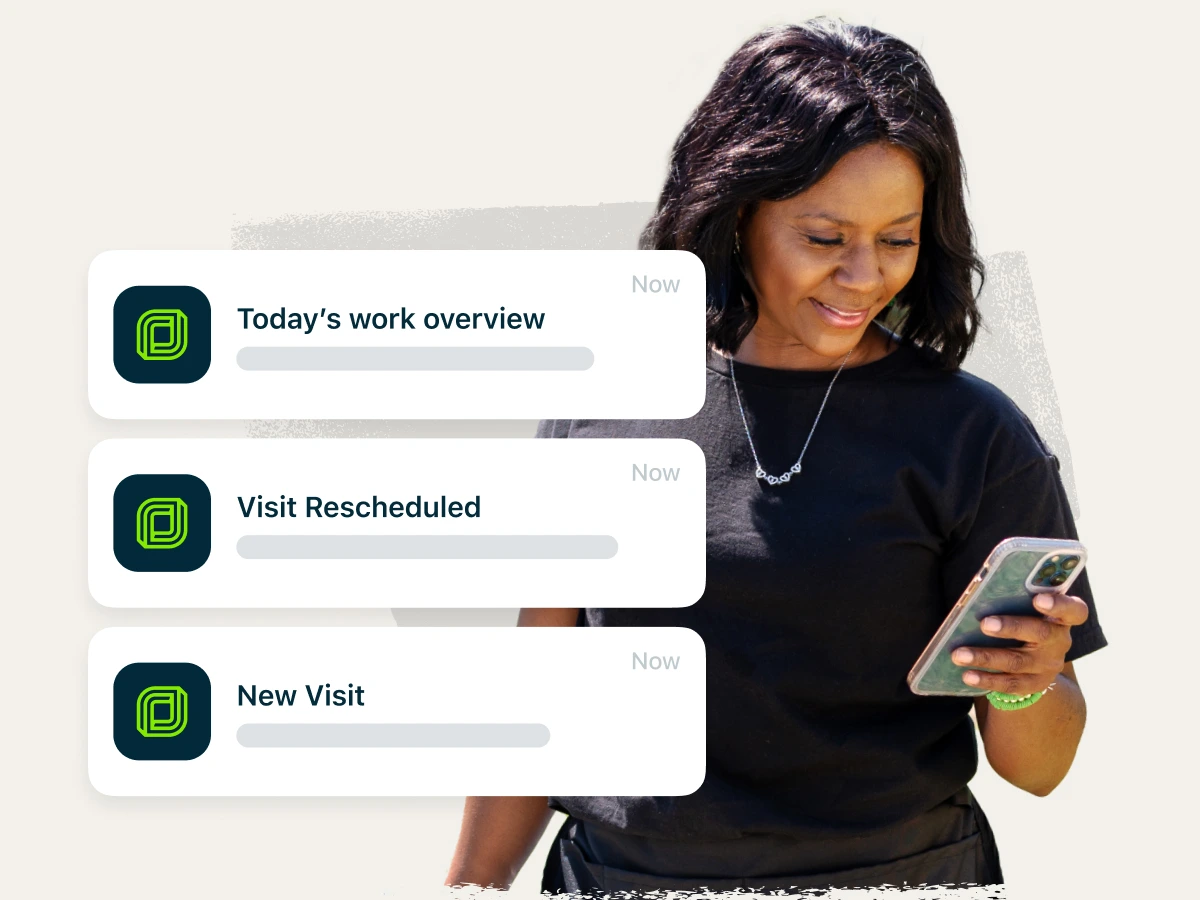
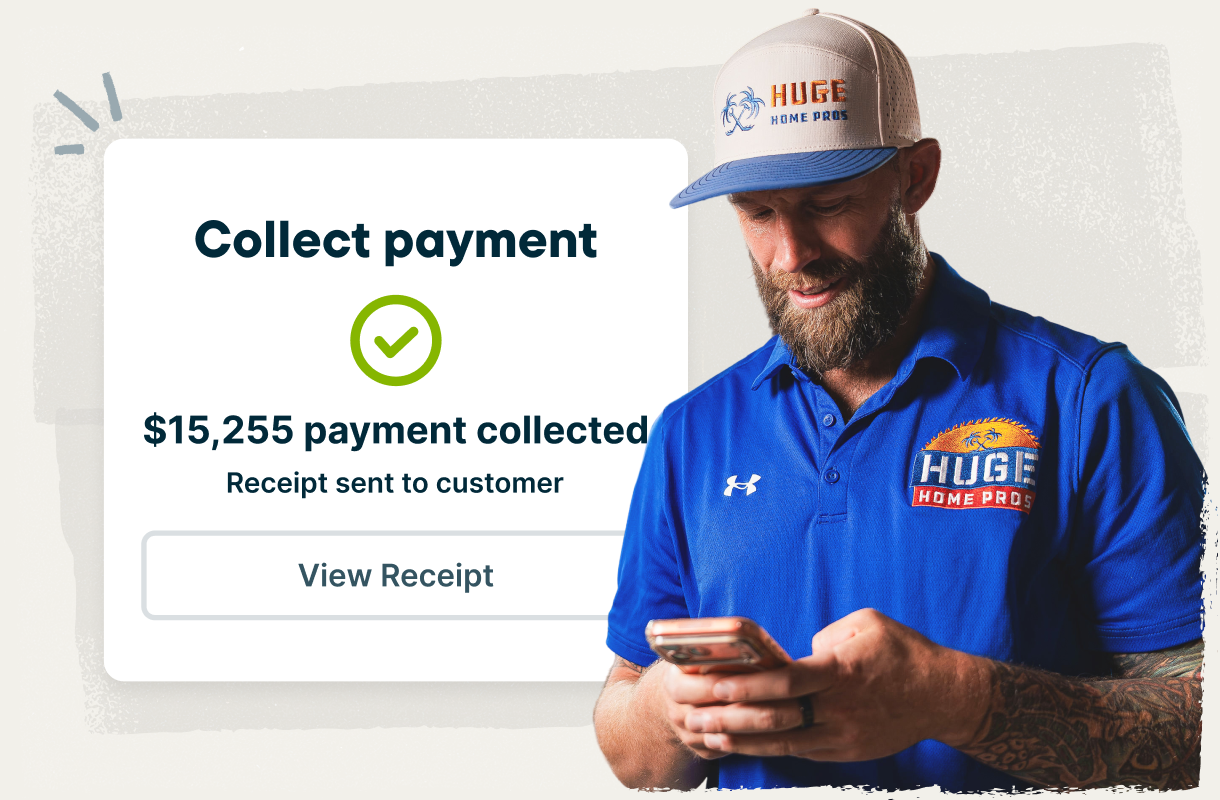
Jobber supports Instant Payouts for eligible business, Tap to Pay, online card payments, ACH, automatic payments, and customer financing. Leap supports payments, financing, and Tap to Pay, but offers same-day payouts instead of instant payments. For you, that means Jobber gives crews more confirmed ways to collect on the spot and helps keep cash moving without extra office follow-up.
Get paid 4x faster collecting payment online through Jobber vs. waiting on checks.
Jobber vs. Leap: Pricing
Jobber publishes clear plan pricing and offers a 14-day free trial with no credit card required. Leap publishes separate pricing for Leap CRM and SalesPro, with 1-year contracts paid monthly, so comparing your true monthly cost depends on which product and team setup you need.
In order to get the full suite of Leap features, you will need both a LeapCRM and Leap SalesPro plan, while the full suite of Jobber features are included in the Plus plan.
Tier 1
Core
1 user
$29/month (billed annually, monthly plans available)
CRM Essential
$79/mo, 1-year contract
SalesPro
No essential/single-user plan
Tier 2
Connect
Up to 15 users
Individual plan starting at $99/month
Team plans starting at
$149/month
(pricing based on annual billing cycle)
CRM Team
Starting at $298/mo + $99/mo per additional user
SalesPro Premium
Starting at $750/mo, max 6 users, limits on remote signature and payment collection
Tier 3
Grow
Up to 15 users
Individual plan starting at
$149/month
Team plan starting at
$229/month
(pricing based on annual billing cycle)
CRM Team
Starting at $298/mo + $99/mo per additional user
SalesPro Enterprise
Contact sales for pricing, no limits on remote signature and payment collection.
Tier 4
Plus
2-15 users
Starting at $399/month
(pricing based on annual billing cycle)
CRM Team
Starting at $298/mo + $99/mo per additional user
SalesPro Enterprise
Contact sales for pricing, no limits on remote signature and payment collection.
Additional user pricing
$29/month
CRM Essential
Single-user only
CRM Team
$99/mo
SalesPro
Additional user pricing not publicly listed.
Free trial
14 days, no credit card required
CRM Essential
14 days trial
CRM Team
No trial available
SalesPro
No trial available.
Jobber vs. Leap: Integrations
Jobber connects to 100+ apps through its App Marketplace, covering accounting, marketing, payments, reporting, fleet management, and more. You can connect tools like QuickBooks Online, Gusto, CompanyCam, and Zapier so your team spends less time copying information between systems.
Leap lists 35+ integrations, including accounting, measurement, supplier, photo, and automation tools. If your business already depends on a broad set of apps, Jobber gives you more room to connect the tools you use now and the tools you may need later.
Why roofing businesses choose Jobber
Switching from Leap to Jobber
Moving software shouldn’t stall the work that pays the bills. Here’s what the move from Leap to Jobber can look like.
Tell us your setup
Share your current Leap setup: how many techs you have, which services you offer, what’s working, and what’s slowing the team down.
Data migration
Our onboarding specialists move your clients, jobs, and open invoices—typically in 3–5 business days.
Team training
Live onboarding for owners, dispatchers, and field techs. Recorded sessions included, so new team members can get up to speed without pulling everyone back into another meeting.
Go live
Use onboarding support to confirm your cutover plan and go live when your team is ready.
Jobber vs. Leap: Which should you choose?
No tool is right for every business. Here’s an honest take on when each one wins.
Choose Leap if:
- You run a home improvement business that depends heavily on in-home sales presentations.
- You need specialized contractor proposal and measurement workflows.
- You’re comfortable with separate CRM and sales products, 1-year contracts, and a setup process that may take longer.
Choose Jobber if:
- You want one system for quoting, scheduling, dispatching, invoicing, payments, customer communication, marketing, and reporting.
- You need all-in-one software that’s easy for both office staff and field crews to use every day.
- You want faster setup, transparent monthly pricing, a 14-day free trial, and room to grow without adding a pile of disconnected tools.
Frequently asked questions
-
Choose Jobber if you want a full operating system for your service business: quoting, scheduling, dispatching, invoicing, payments, marketing, and reporting. Choose Leap if your main need is a specialized in-home sales process for home improvement contracting.
-
You can import clients and property details from a CSV export, and Jobber’s onboarding team helps map your existing workflow—quote templates, job types, crew structure—rather than making you rebuild from scratch. Support is included on every plan, not sold as an add-on.
The businesses that switch smoothly pick a slow week, move new jobs into Jobber first, and let existing work finish out where it started. -
Yes—and if you’re already running multiple crews or franchises, the question is usually why your current setup isn’t keeping up. Most established businesses have numerous tools and the issue is that intake, quotes, schedules, job details, invoicing, and payments live in different places, so every handoff creates re-entry and follow-up.
Jobber connects the full operation in one system, without the long implementation, steep learning curve, or multi-year contract that comes with heavier software.