Best Construction Management Software (2026): 10 Tools Compared

Key takeaways:
Searching for the best construction management software? This guide compares the top tools to help your business manage projects efficiently, no matter your size or specialty.
- Find the right fit for your business needs. The article reviews 10 leading construction management platforms, from full-featured solutions for large contractors to budget-friendly options for smaller teams.
- Understand construction-specific software benefits. Top platforms offer project scheduling, job costing, document management, RFIs, change order tracking, client portals, and mobile field access.
- Compare key features, pricing, and integrations. Each tool’s standout features, user reviews, pricing models, and popular integrations are broken down so you can match software to your project complexity and workflow.
- Learn what to look for when choosing software. Guidance is provided for selecting a system based on your company size, type of projects, required features, budget, implementation time, and essential integrations.
- Know when it’s time to upgrade from spreadsheets. Discover common pain points that signal it’s time to switch from manual tracking to a dedicated construction management solution.
Stay ahead in construction management, get software tips, and grow your business. Sign up for the Jobber Newsletter.
Managing a construction project means juggling schedules, budgets, crews, subcontractors, and client expectations. And it all has to happen while keeping work moving on time.
The best construction management software helps bring every part of your operation into one place. This makes it easier to plan projects, track progress, manage documents, communicate with your team, and stay on budget.
In this guide, we’ll compare the top 10 best construction management software. Our comparison highlights each platform’s key features and reviews.
Whether you’re a small business, residential or light commercial contractor, or a growing firm that needs a better way to manage projects, you’ll find the right fit for your business.
Top construction management software for small businesses:
What is construction management software?
Construction management software is designed specifically for construction businesses. It combines project planning with the tools needed to manage jobs from pre-construction through completion.
Unlike general project management platforms like Asana or Monday.com, the best construction management software includes construction-specific workflows and features such as:
- Project scheduling
- Job costing
- Daily logs
- Document management
- RFIs and change orders
- Client portals
- Mobile field access
Construction apps are also more comprehensive than field service software. This type of tool focuses on dispatching technicians, scheduling service calls, and invoicing.
The best apps for contractors centralize these tools to streamline your construction workflow. They also improve collaboration between the office and job site, and keep projects on time and on budget.
Construction management vs. project management vs. contractor apps
Construction management software, project management software, and contractor apps all help organize work. However, they’re built for different needs.
- Construction management software is designed for complex building projects. It offers features like estimating, job costing, document management, RFIs, change orders, scheduling, and project tracking.
- Project management software is more general-purpose. It helps your team manage tasks and collaborate, but without construction-specific workflows.
- Contractor apps are a lighter option for small businesses and trade contractors. They typically focus on quoting, scheduling, invoicing, customer communication, and payments. They aren’t designed for large, multi-phase construction projects.
If you mainly handle service calls or smaller jobs with a few crew members, a contractor app may be all you need. But if you’re coordinating multiple projects, subcontractors, budgets, and documents, dedicated construction management software is the better fit.
Who needs full construction management software?
Full construction management software is best suited for businesses managing complex projects, multiple teams, and detailed documentation.
This includes commercial general contractors, multi-trade contractors, and firms that coordinate large networks of subcontractors. All of these companies can benefit from having one platform to manage schedules, budgets, documents, and communication.
These tools are especially valuable if you have compliance-heavy workflows that require tracking permits, safety records, RFIs, change orders, and project updates.
How we chose the best construction management software
To create this list of the best construction management software, we looked for software that balances ease of use with a wide range of features, including:
- Estimating and job costing
- Scheduling
- Project tracking
- Document management
- Mobile access for field crews
- Integrations with popular tools like QuickBooks
We considered pricing transparency, customer support, scalability, and overall value for businesses of different sizes. We also reviewed ratings and customer feedback from trusted software review sites like G2.
The result is a list of the 10 best construction management software options for a variety of businesses.
They’re ideal for residential contractors needing simple construction project management tools. They’re also a good fit for commercial construction firms managing complex, multi-phase projects.
Best construction management software at a glance
| Disclaimer: Software prices are subject to change after the publication of this article. |
| Tool | Best for | Starting price | Standout feature | Mobile app |
|---|---|---|---|---|
| Jobber | Small businesses needing an all-in-one tool | $29 per user per month | Automation workflow from quote to payment | Yes |
| Zoho Projects | Small teams on a budget | Free | Gantt chart creator | Yes |
| Buildertrend | Residential builder and remodelers | Custom pricing | Advanced financial management and AI | Yes |
| Contractor Foreman | Small to mid-sized contractors | $49 per user per month | Over 50+ integrations | Yes |
| Procore | Large enterprises | Custom pricing | Construction-specific drawing and document management | Yes |
| Trimble Connect | Large teams with lots of data | Must contact for pricing | Data sharing and connected issue management workflows | Yes |
| BuildOps | Commercial trade contractors | Custom pricing | Advanced reporting capabilities | Yes |
| Planera | Employee scheduling and project planning | Custom pricing | Collaborative whiteboard | Yes |
| CoConstruct | Custom home builders | Custom pricing | Finish selection tool | Yes |
| Monday.com | Teams needing a flexible project management tool | Free for 2 users | Advanced customization | Yes |
Best software for construction management
1. Jobber
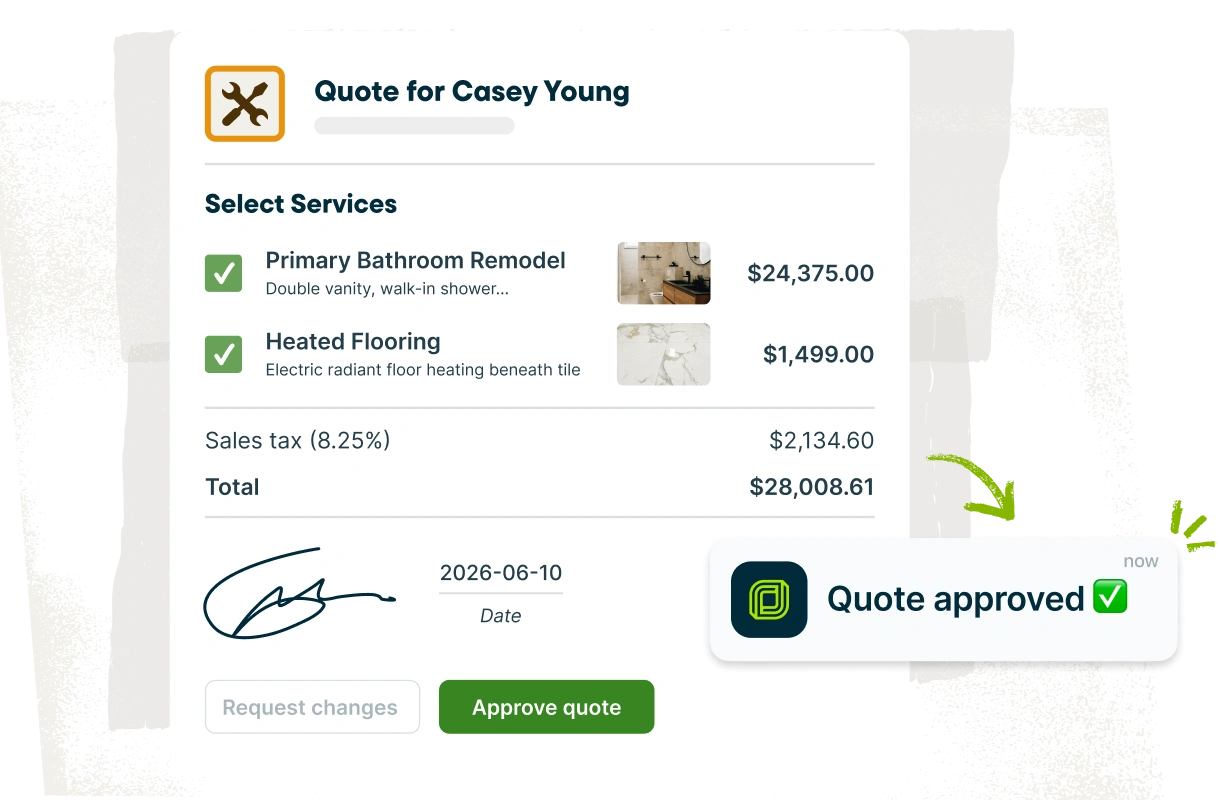
Jobber is a field service management platform designed for residential contractors and service businesses. It’s a great fit if you need an easy way to manage jobs from quote to payment.
Jobber is a good choice for small contractors looking to streamline scheduling, customer communication, invoicing, job costing, and day-to-day operations from a single platform.
Key features
- Create detailed quotes that clients can view and approve in their self-service portal.
- Schedule jobs and automatically generate the fastest and most fuel-efficient routes.
- Automatically calculate profitability for your jobs and track all of your costs in one place.
- Offer a client portal that lets your clients approve quotes, review scheduled jobs, and make payments.
- Get paid faster with accurate invoices that clients can review and pay online, or pay in person with one tap.
- Keep cash flowing on big, multi-phase projects with progress invoicing.
- Access client and job details in the field using Jobber’s mobile app.
With Jobber, we instantly looked professional with the invoicing and the scheduling. It motivated us to keep that high standard of professionalism.
Reviews
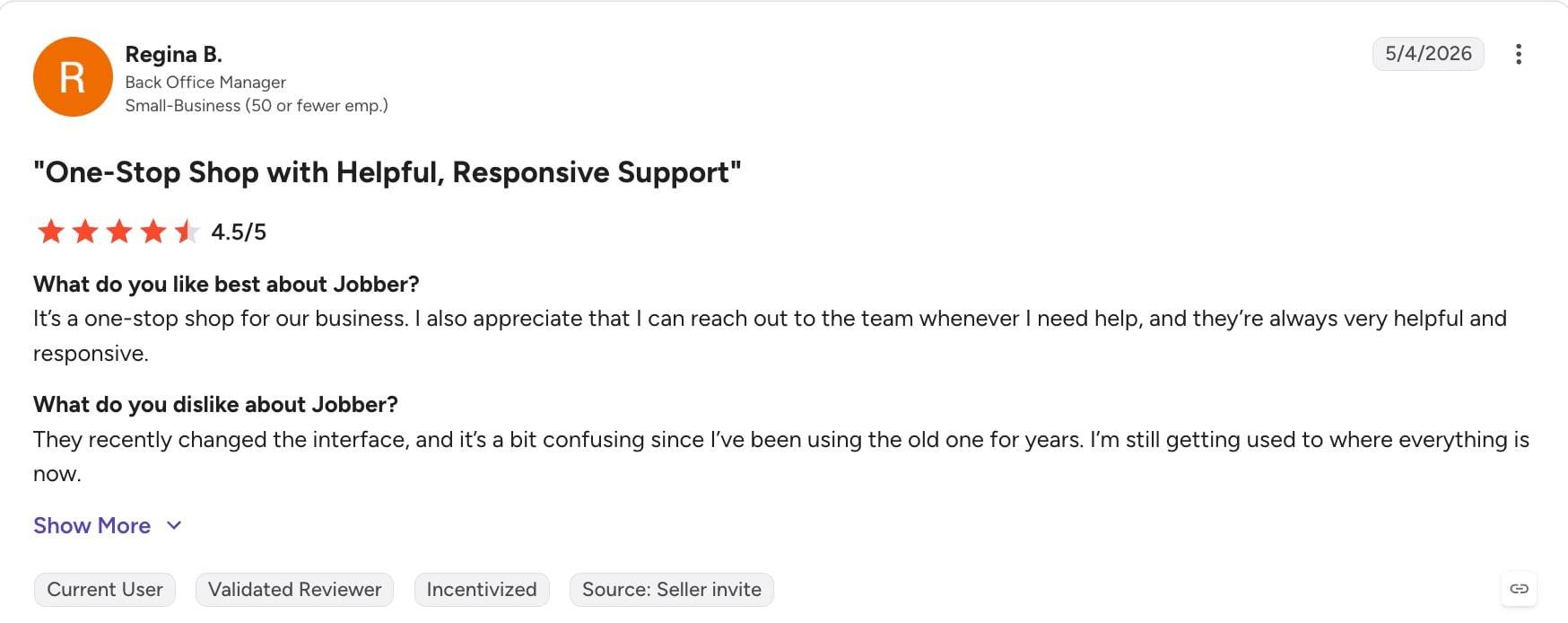
One user calls Jobber a “one-stop shop” for their business and appreciates the reliable customer support.
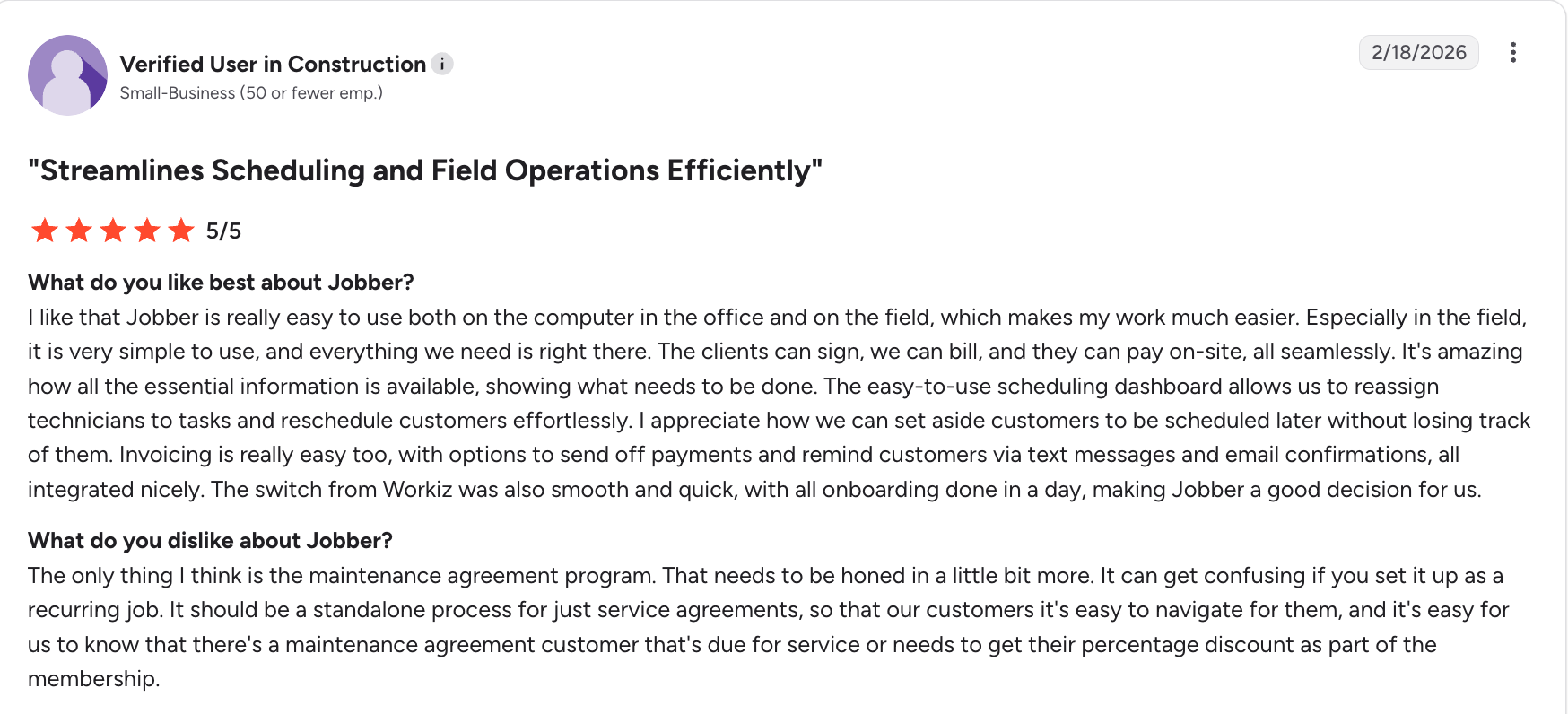
Another user notes that Jobber is easy and effortless for customers and employees to use—both in the office and in the field.
Popular integrations
- QuickBooks Online
- Xero
- CompanyCam
- Fleetsharp
- Docusign
- Zapier
- And 20+ more
Pricing
Jobber’s Core plan starts at $29 per user per month.
2. Zoho Projects
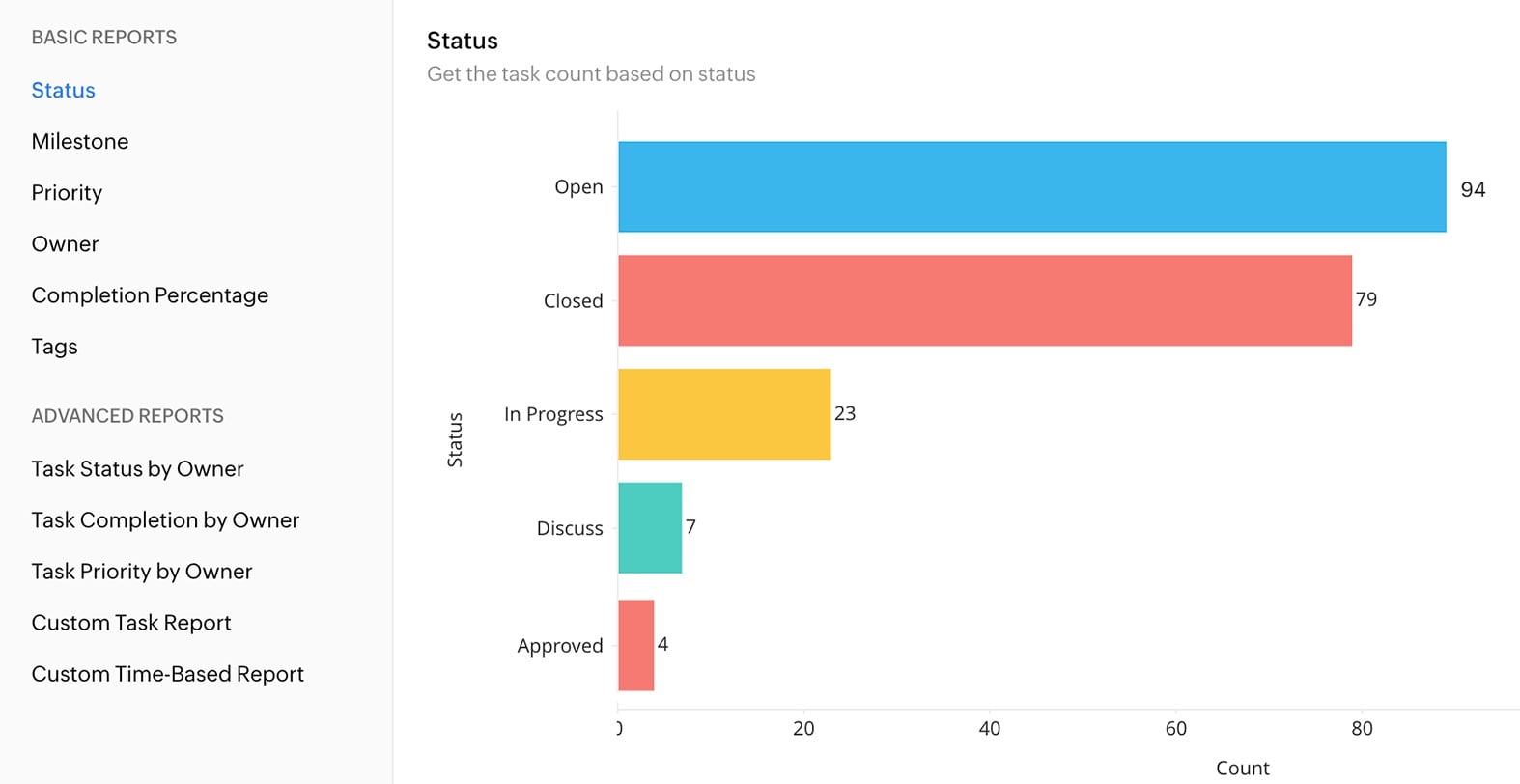
Zoho Projects is the best affordable project management platform for contractors who need more than spreadsheets but don’t require a full construction management system.
This software isn’t built specifically for construction. But it offers flexible planning, collaboration, and project tracking, making it a good fit for small teams and businesses on a budget. Its Gantt chart creator is a particularly valuable feature for construction businesses.
Key features
- Plan projects with task lists, Gantt charts, milestones, and customizable workflows to manage your project schedule.
- Track employee hours with built-in timesheets and time tracking to improve productivity and support client billing.
- Monitor project budgets and compare planned versus actual costs to stay on top of spending.
- Collaborate with your team using document sharing, comments, notifications, and a mobile app for managing work from anywhere.
Reviews
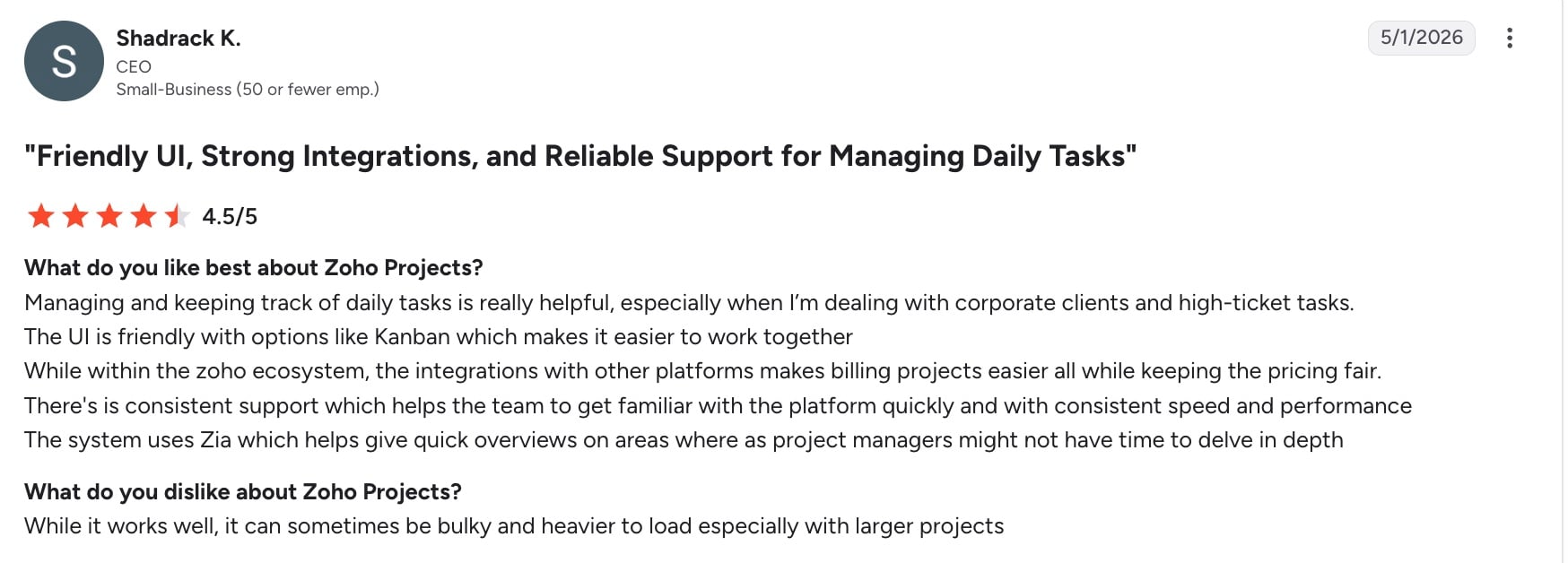
One user notes that Zoho Projects is great for keeping track of projects. However, they mention the platform sometimes takes a while to load.
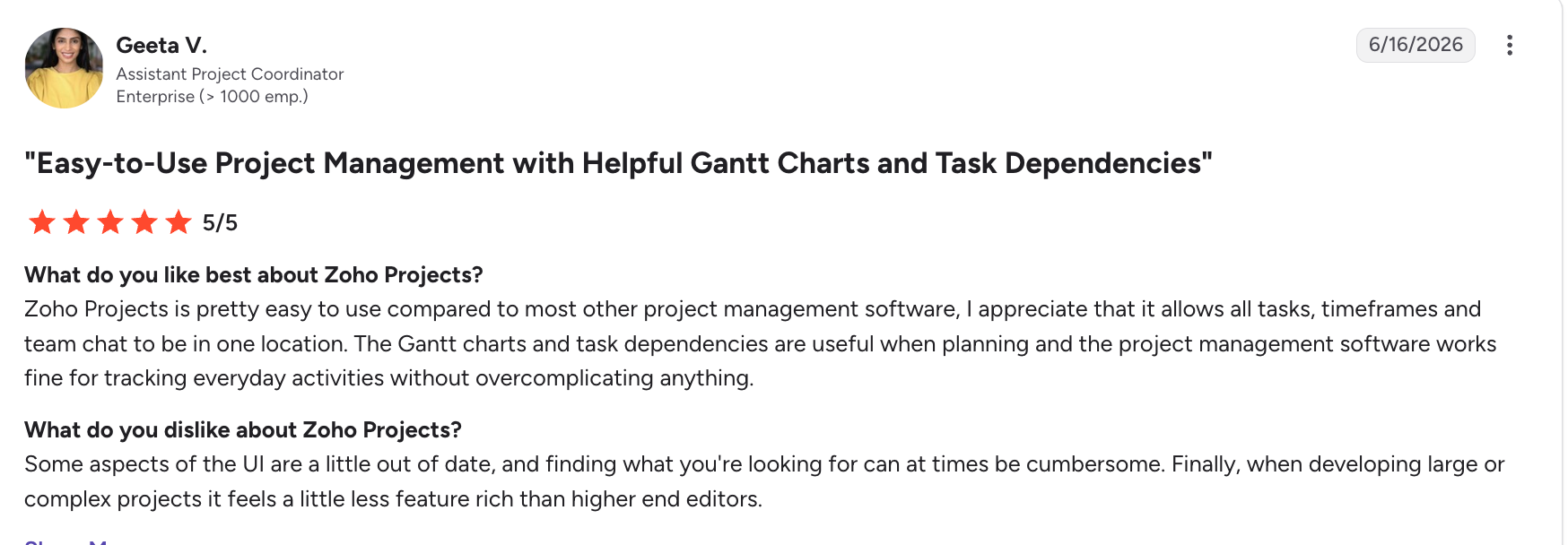
Another user notes that the software is easy to use, but the user experience is outdated.
Popular integrations
- QuickBooks
- Zoho Books
- Google Drive
- Slack
- Microsoft 365
- Zapier
Pricing
Zoho Projects offers a free plan for up to five users and three projects, along with several paid plans.
3. Buildertrend
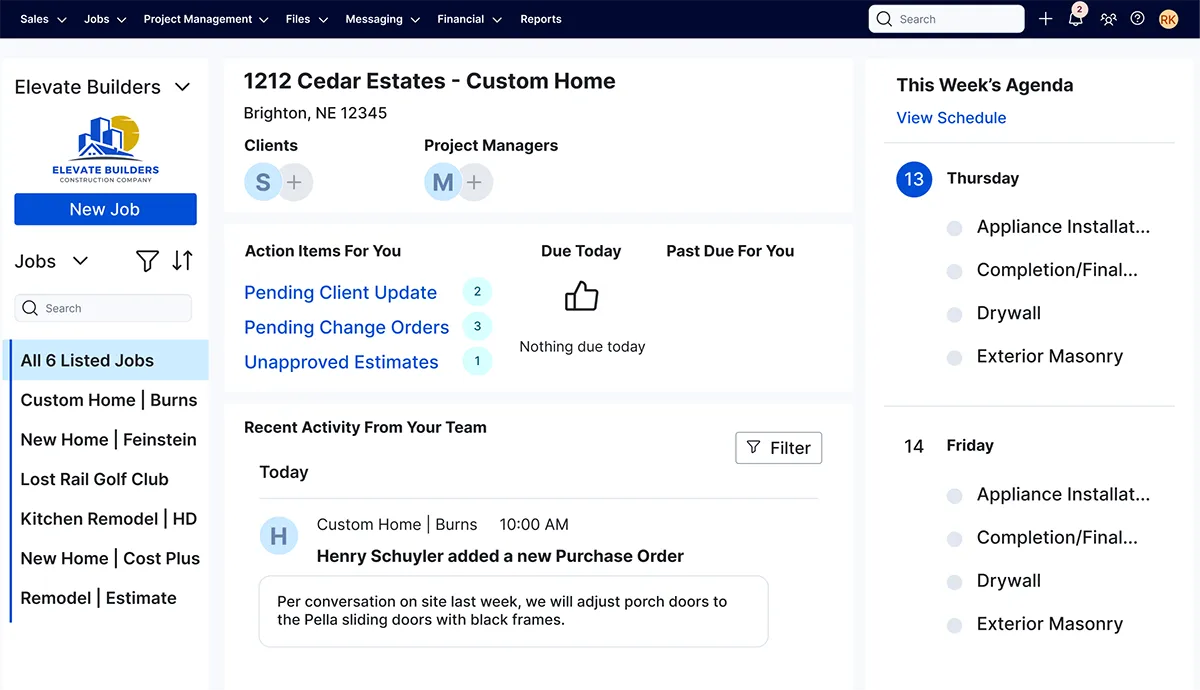
Buildertrend is a construction management platform built specifically for home builders, remodelers, and specialty contractors.
It combines project management, financial tools, and client communication features. These help residential construction businesses manage projects from the initial estimate through completion.
Buildertrend also uses advanced financial management and AI for job costing and forecasting.
READ MORE: Top Buildertrend alternatives
Key features
- Easily create estimates, proposals, and change orders, then convert accepted bids into active projects.
- Build project schedules, manage daily logs, and track progress with real-time updates from the office or job site.
- Keep homeowners informed through a client portal where they can view project updates, approve selections, sign documents, and communicate with your team.
- Monitor project profitability by tracking budgets, job costs, invoices, and payments throughout the build.
Reviews
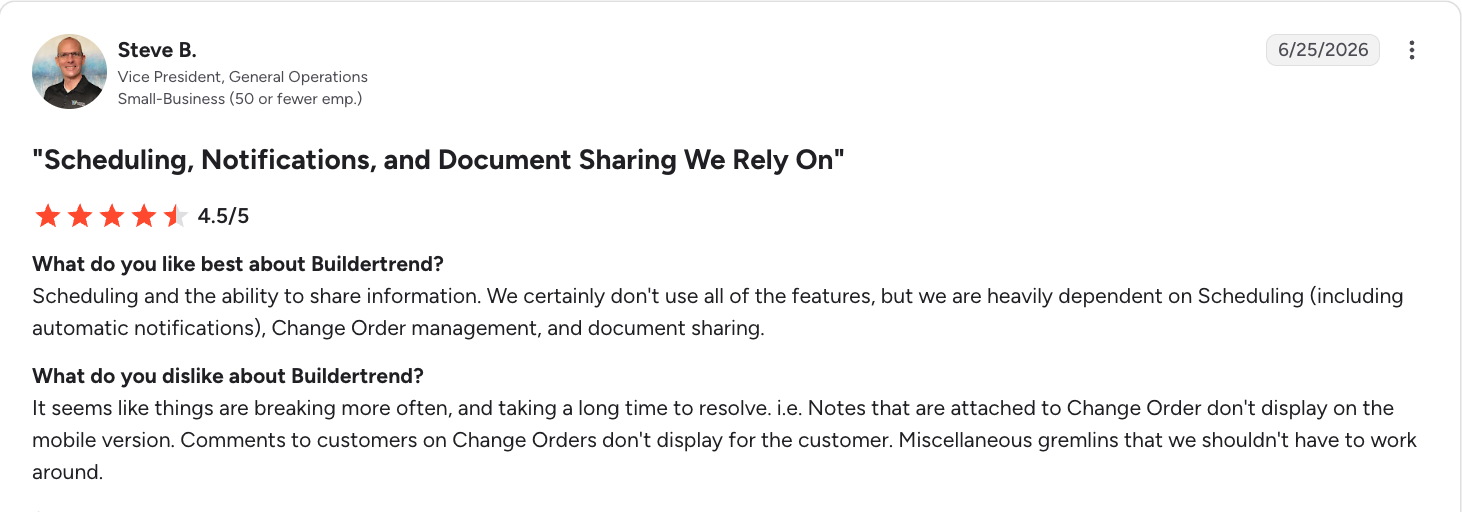
While one user appreciates Buildertrend’s centralized scheduling, they find that making scheduling changes can be time-consuming.
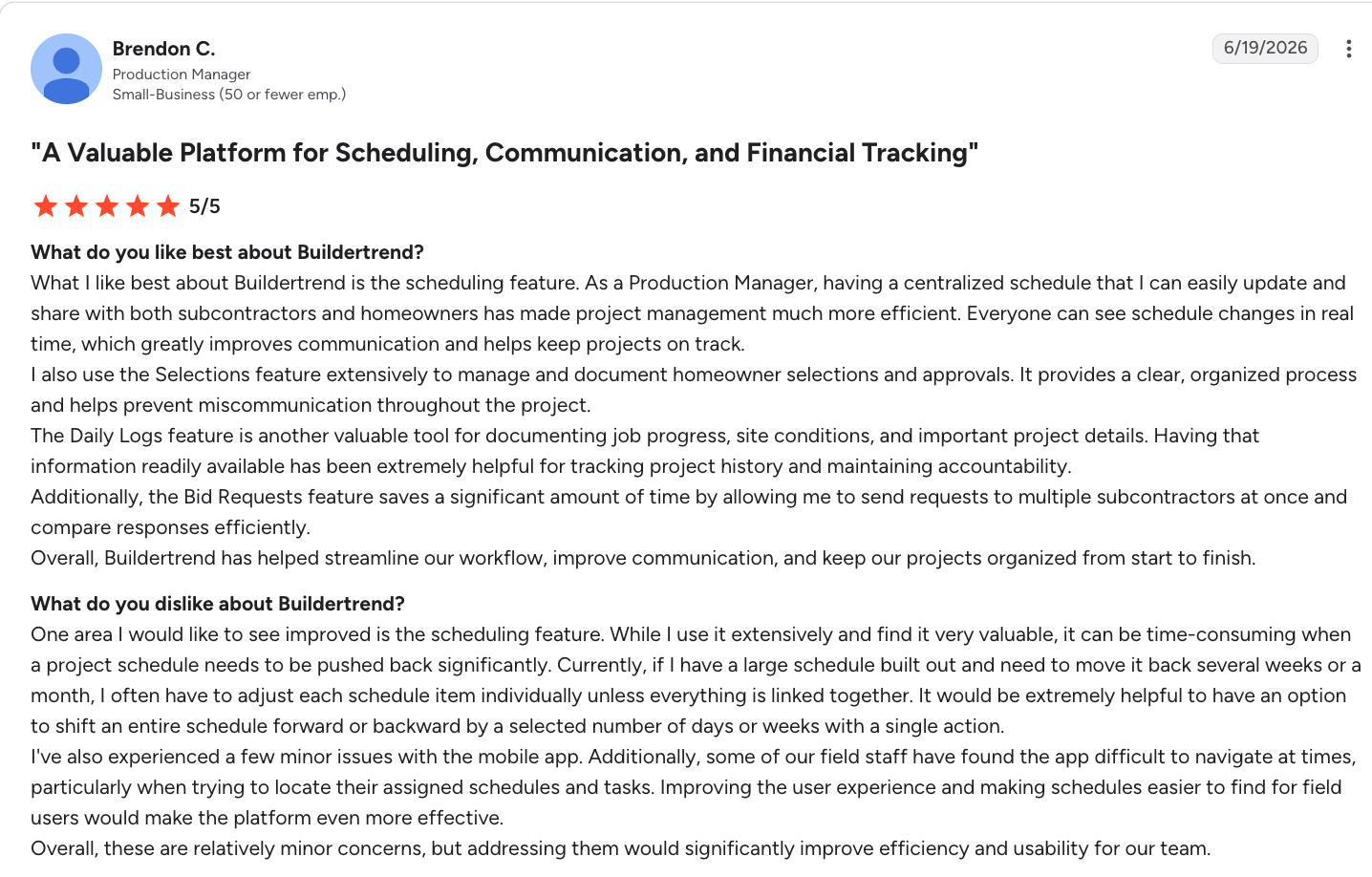
Another user loves that they are heavily dependent on Buildertrend’s scheduling feature. However, they have noted more and more issues with the platform over time.
Popular integrations
- QuickBooks
- Xero
- HubSpot
- Gmail
- Outlook
- Zapier
Pricing
Buildertrend offers custom pricing, so you must contact them for a quote.
4. Contractor Foreman
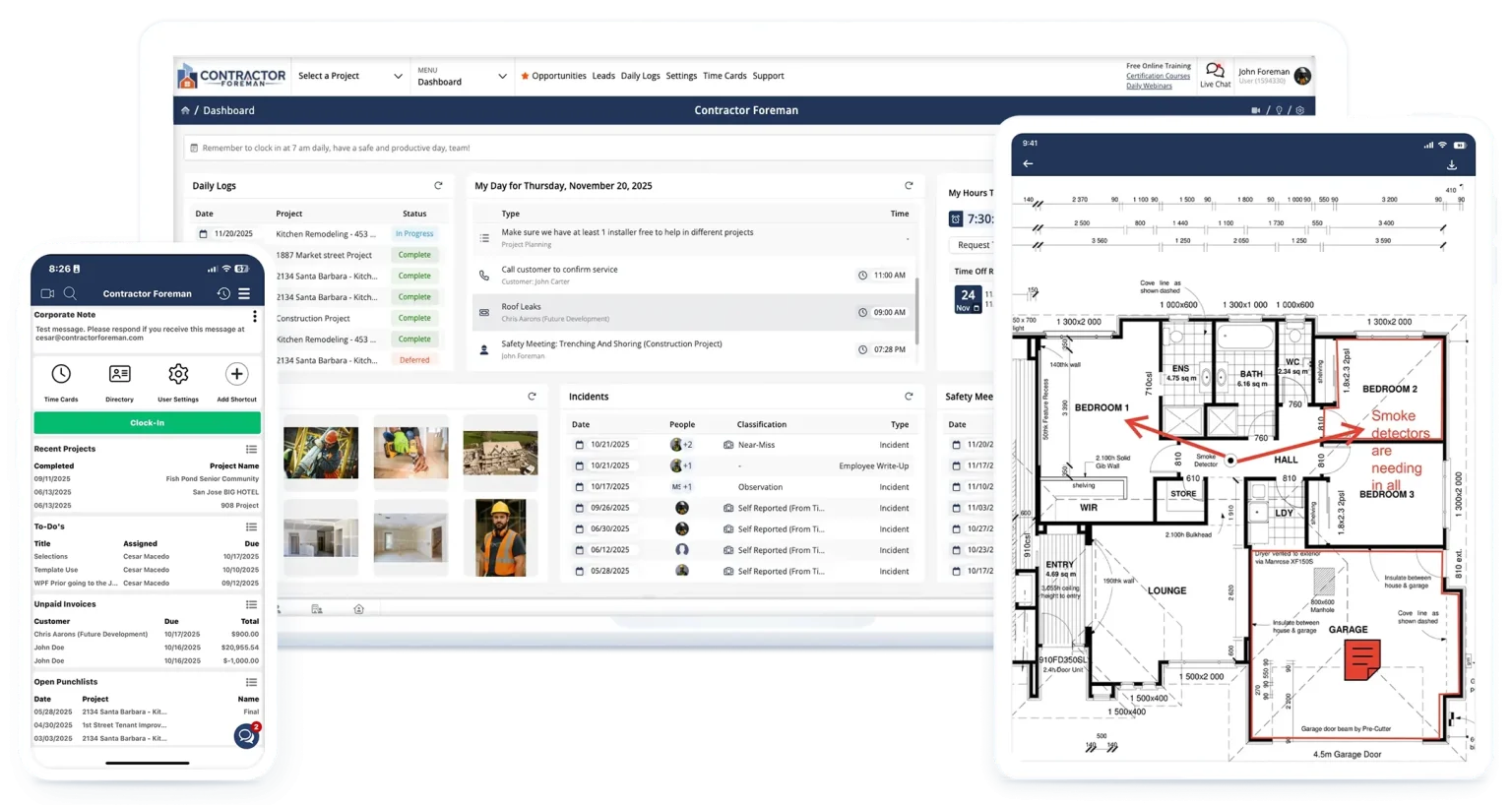
Contractor Foreman is an all-in-one construction management platform designed for small and mid-sized contractors.
It offers a wide range of features such as estimating, scheduling, safety, financial management, and project tracking. These come at a price point that’s accessible for growing businesses.
Key features
- Create estimates, manage change orders, generate invoices, and track job costs from a single platform.
- Schedule projects, assign tasks, complete daily logs, and monitor progress with built-in project management tools.
- Store construction documents, track RFIs, manage punch lists, and organize project files in one central place.
- Access projects from the field with a mobile app that lets crews update job information, complete inspections, and submit timesheets.
Reviews
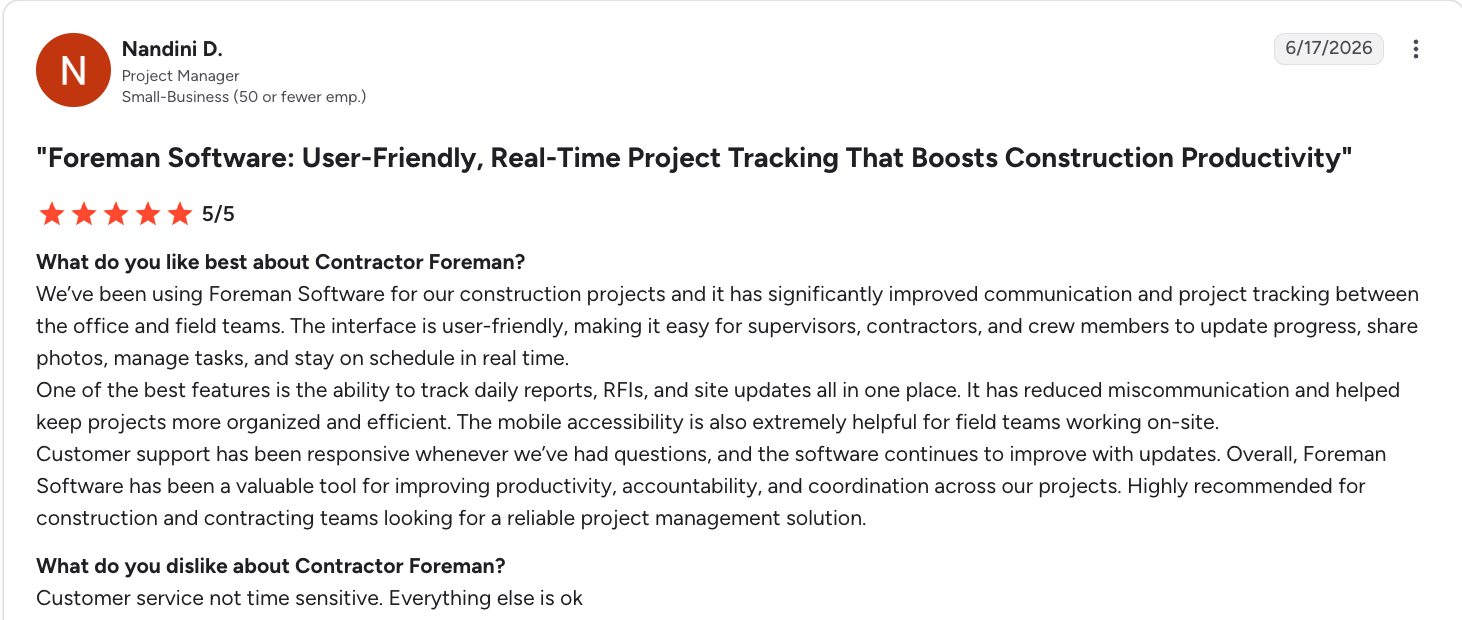
One user thinks Contractor Foreman’s interface is easy to use, but says customer service is not time sensitive.
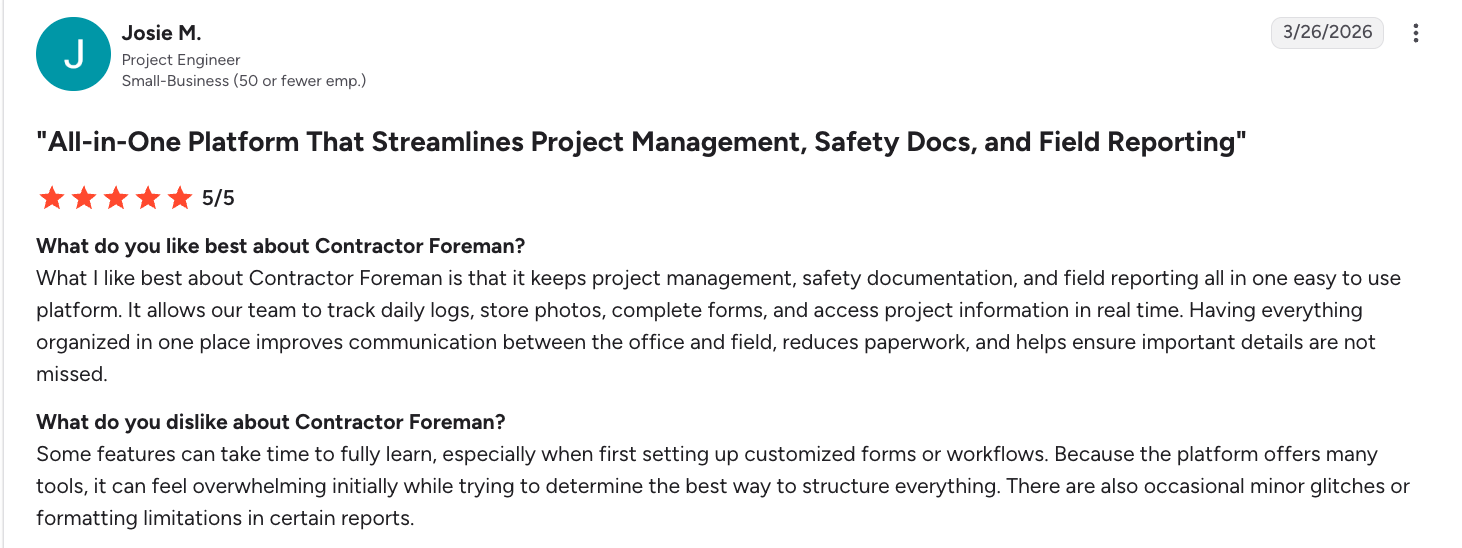
This user states that while Contractor Foreman centralizes their workflows, some features can take a while to set up.
Popular integrations
- QuickBooks
- Outlook
- Google Calendar
- CompanyCam
- Zapier
Pricing
Contractor Foreman pricing starts at $49 per user per month.
5. Procore
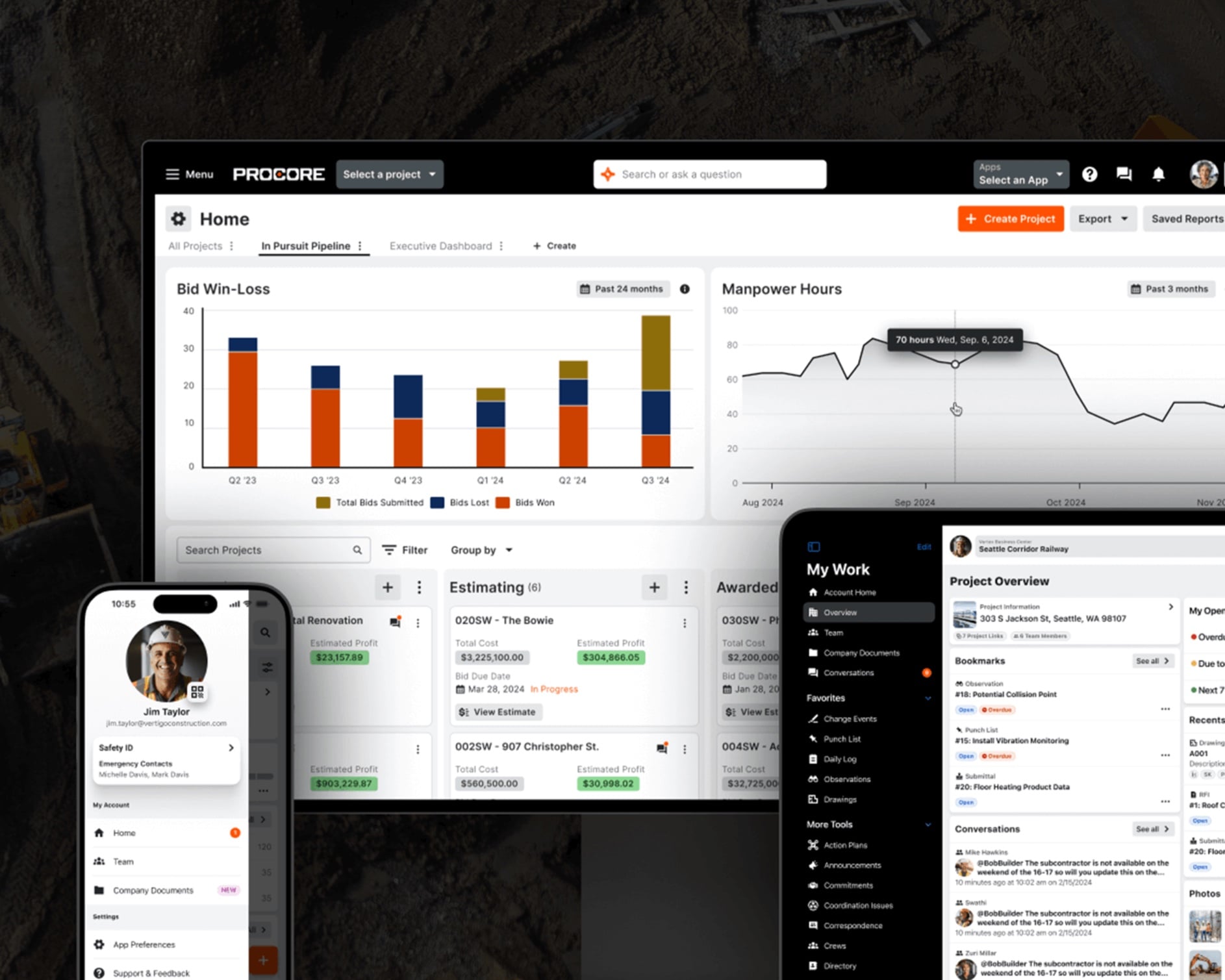
Procore is an enterprise-level construction management platform. It’s built for commercial contractors, owners, and large construction firms managing complex projects.
It provides project management, financial tracking, and collaboration tools that help keep large teams and subcontractors aligned throughout every phase of construction.
Key features
- Manage project schedules, RFIs, submittals, change orders, daily logs, and construction documents from a centralized platform.
- Track budgets, commitments, forecasts, and job costs with financial management tools designed for large-scale projects.
- Improve collaboration with document sharing, real-time project updates, and mobile access for field teams, subcontractors, and project managers.
- Connect office and field operations with reporting and dashboards that provide visibility into project performance and progress.
Reviews
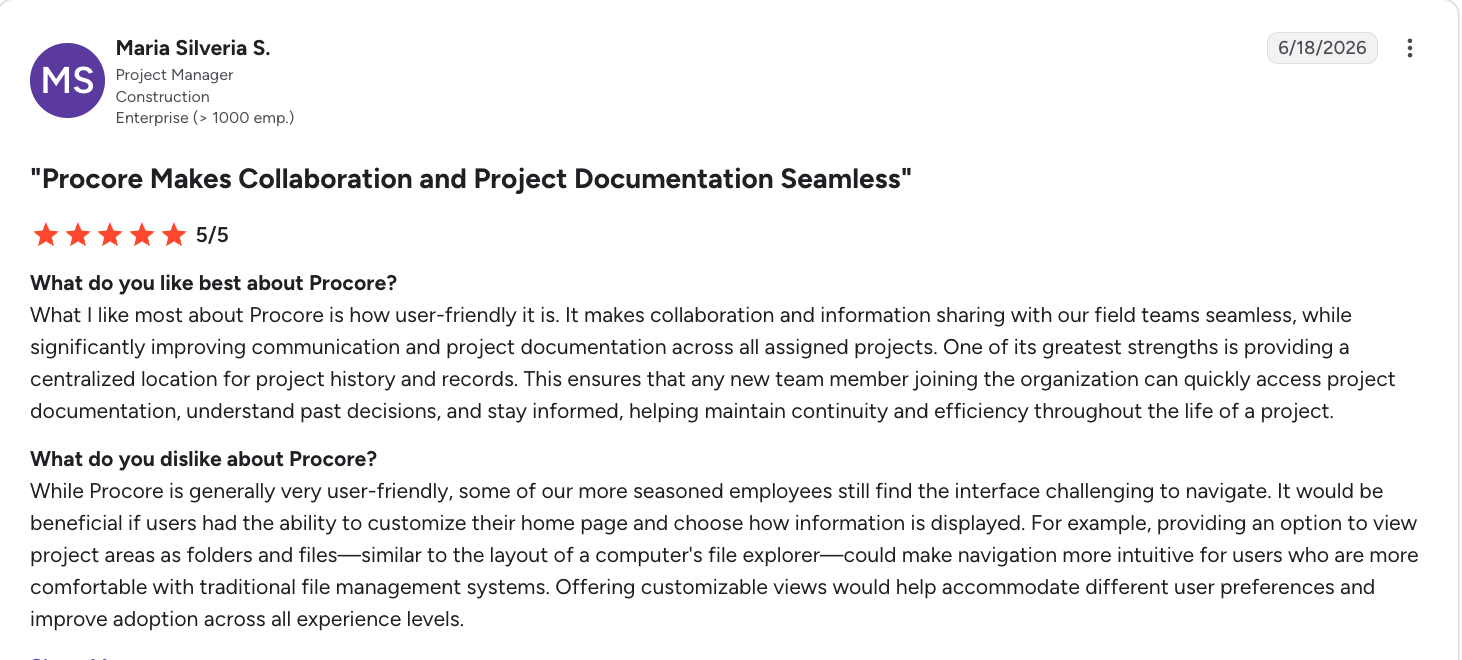
According to one user, Procore is user-friendly and great for large team collaboration, but can be difficult to navigate.
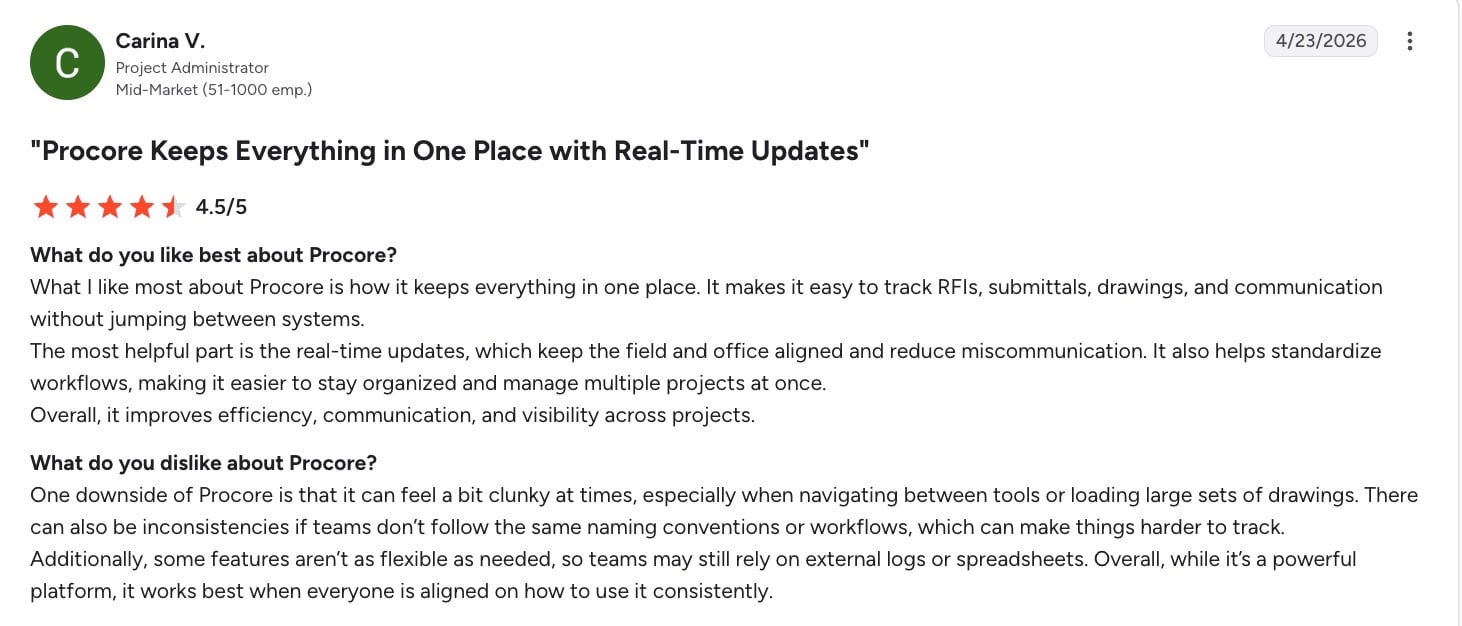
Another user appreciates how Procore centralizes everything to create a smooth workflow. That said, they find that the platform can feel a bit clunky.
Popular integrations
- QuickBooks
- Sage
- Autodesk Construction Cloud
- Microsoft 365
- DocuSign
Pricing
Procore offers custom pricing based on your company’s needs. You’ll need to contact them for a quote.
6. Trimble Connect
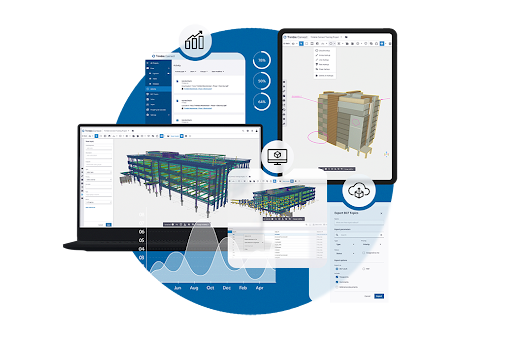
Trimble offers a suite of construction management solutions designed for large contractors and construction companies. Trimble Connect is its project collaboration platform.
The Trimble Connect platform helps you manage projects, finances, field operations, and collaboration across every stage of the construction lifecycle.
Key features
- Improve collaboration between the office and field with mobile tools for daily reporting, document access, and project updates.
- Manage estimating, project planning, scheduling, document control, and job costing from a connected construction platform.
- Track project costs, budgets, and financial performance with integrated accounting and reporting capabilities.
- Gain real-time visibility into project progress with dashboards, analytics, and reporting tools for informed decision-making.
Reviews
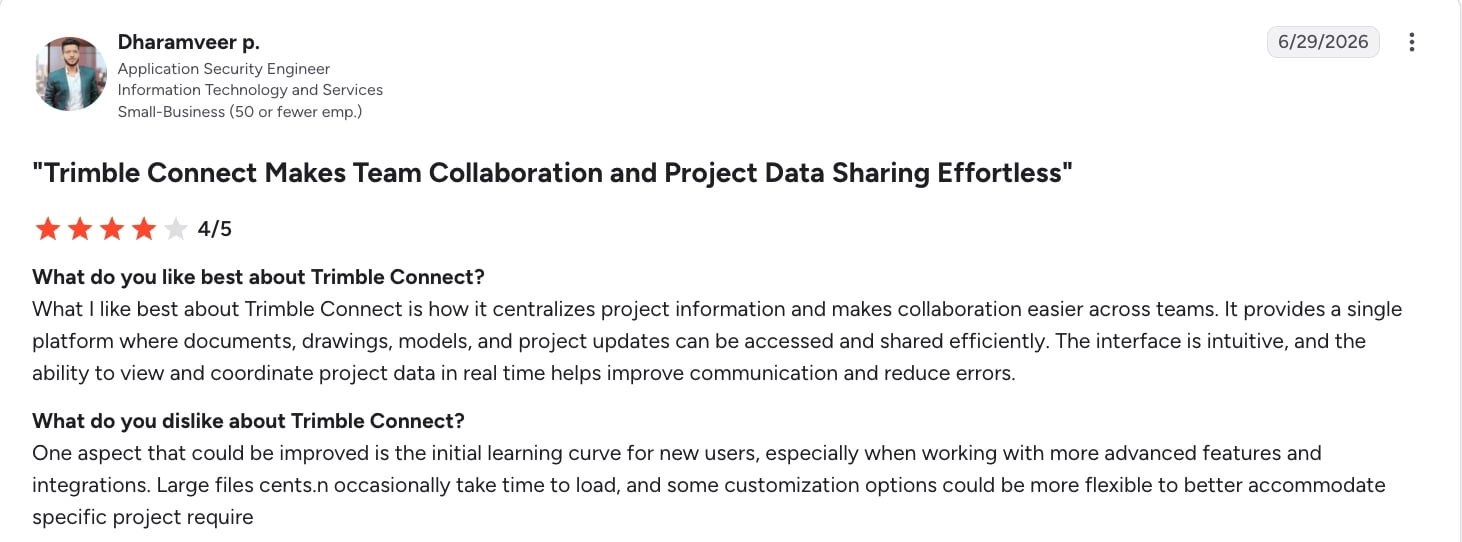
One user notes that Trimble Connect makes collaboration easy by keeping everything in one place. At the same time, the tool has an initial learning curve.
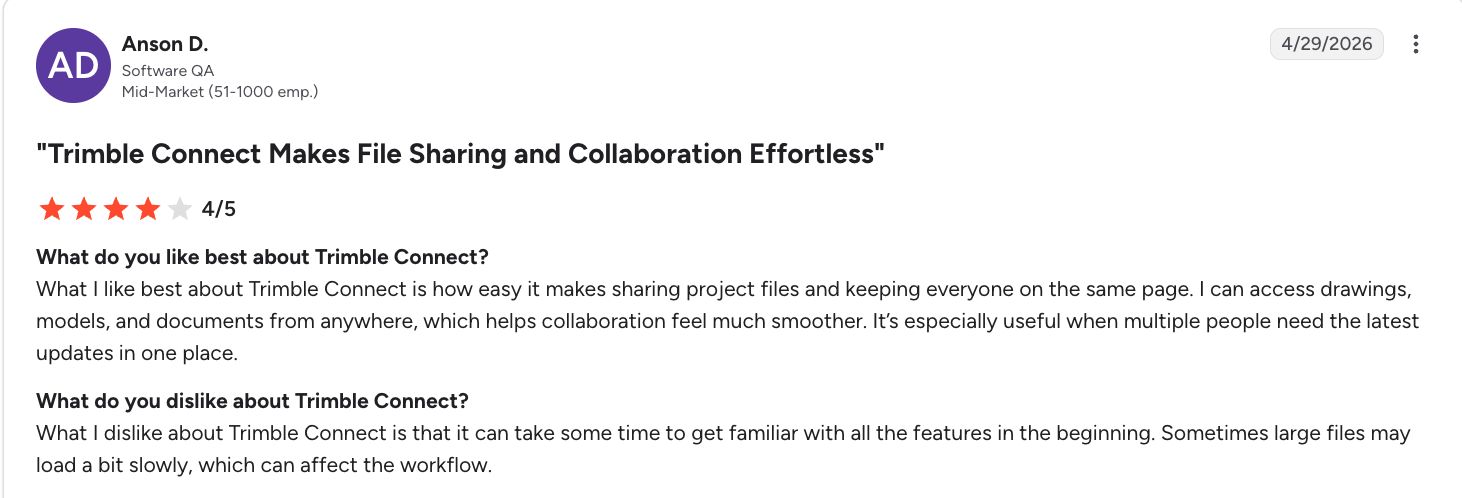
Another user notes that they enjoy Trimble Connect’s project file sharing capabilities. They also echo that it can take time to get familiar with the platform.
Popular integrations
- QuickBooks
- Microsoft 365
- Autodesk
- ArcGIS
Pricing
Trimble Connect doesn’t publish pricing on its website. You must contact their sales team to get pricing based on your business needs.
7. BuildOps
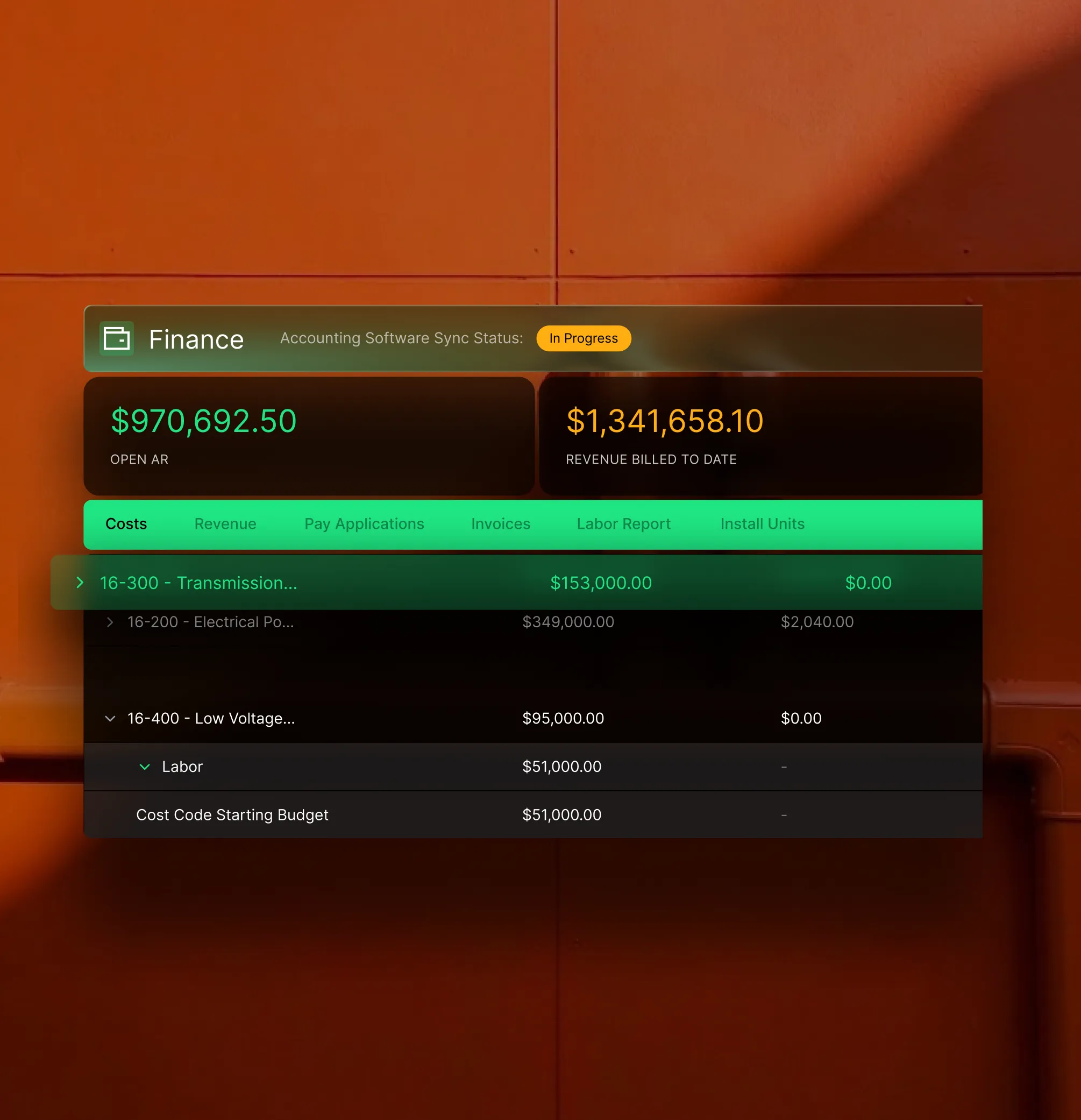
BuildOps is a construction and field service management platform built for commercial trade contractors, including HVAC, electrical, plumbing, mechanical, and fire protection businesses.
BuildOps combines project management with service operations. This makes it a strong choice for companies that handle installation projects and ongoing maintenance. It also has real-time reporting capabilities so you can easily track your business’s success.
Key features
- Schedule technicians and project teams, dispatch work, and manage projects from a single platform.
- Build estimates, track job costs, manage invoices, and monitor project profitability in real time.
- Give field crews access to work orders, project documents, photos, and updates through a mobile app.
- Track maintenance contracts, service agreements, and customer assets alongside construction projects.
Reviews
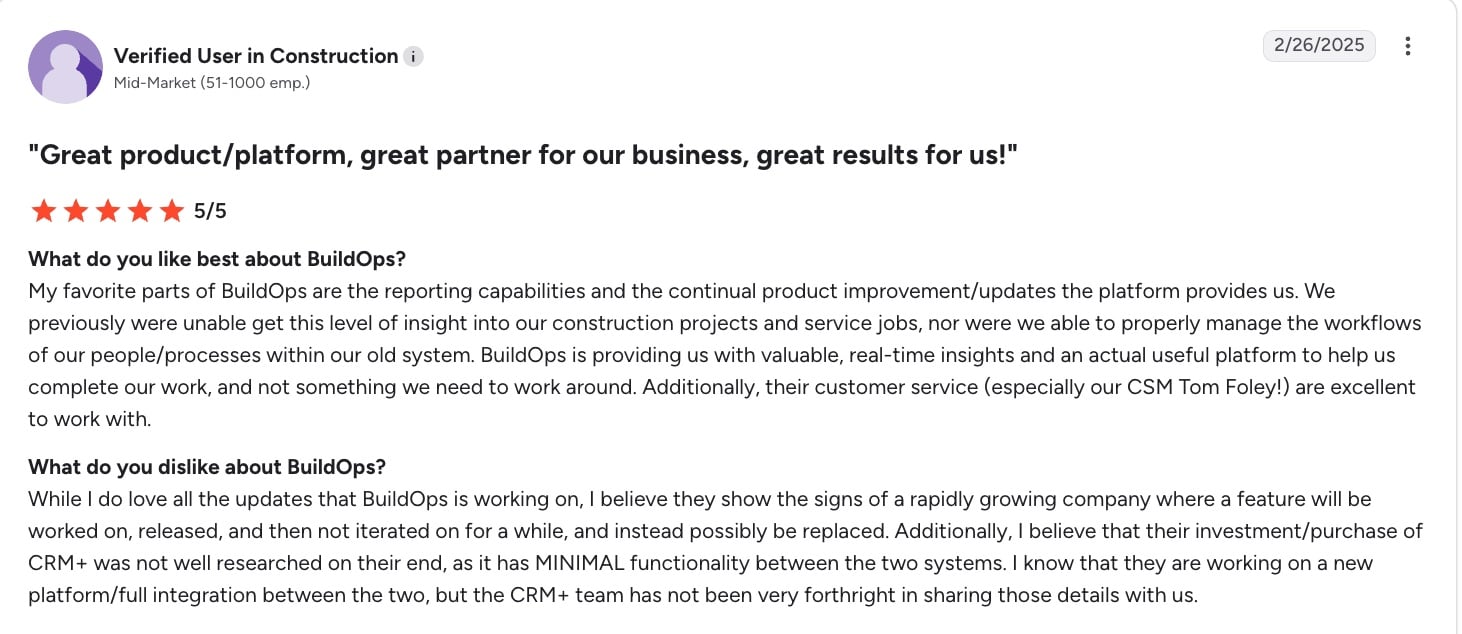
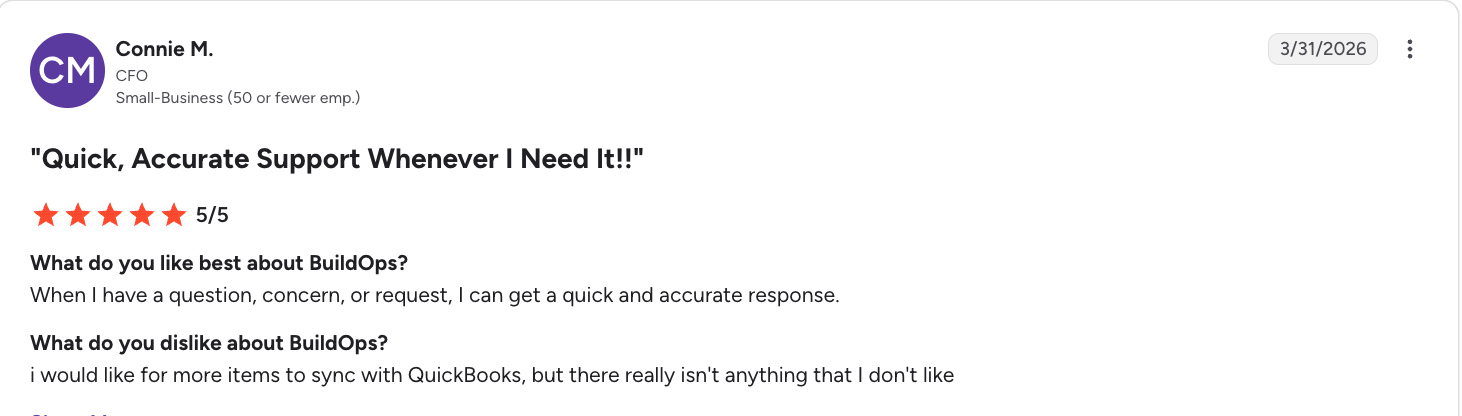
BuildOps has strong reporting capabilities, according to one user. They also say the platform’s contractor CRM is not well thought out yet.
Another user appreciates BuildOps’ customer service, but finds the QuickBooks integration to be limited.
Popular integrations
- QuickBooks
- Sage Intacct
- Viewpoint Vista
- Stripe
- Zapier
Pricing
BuildOps offers custom pricing that varies depending on what features your business is looking for. You must contact them to request a quote.
8. Planera
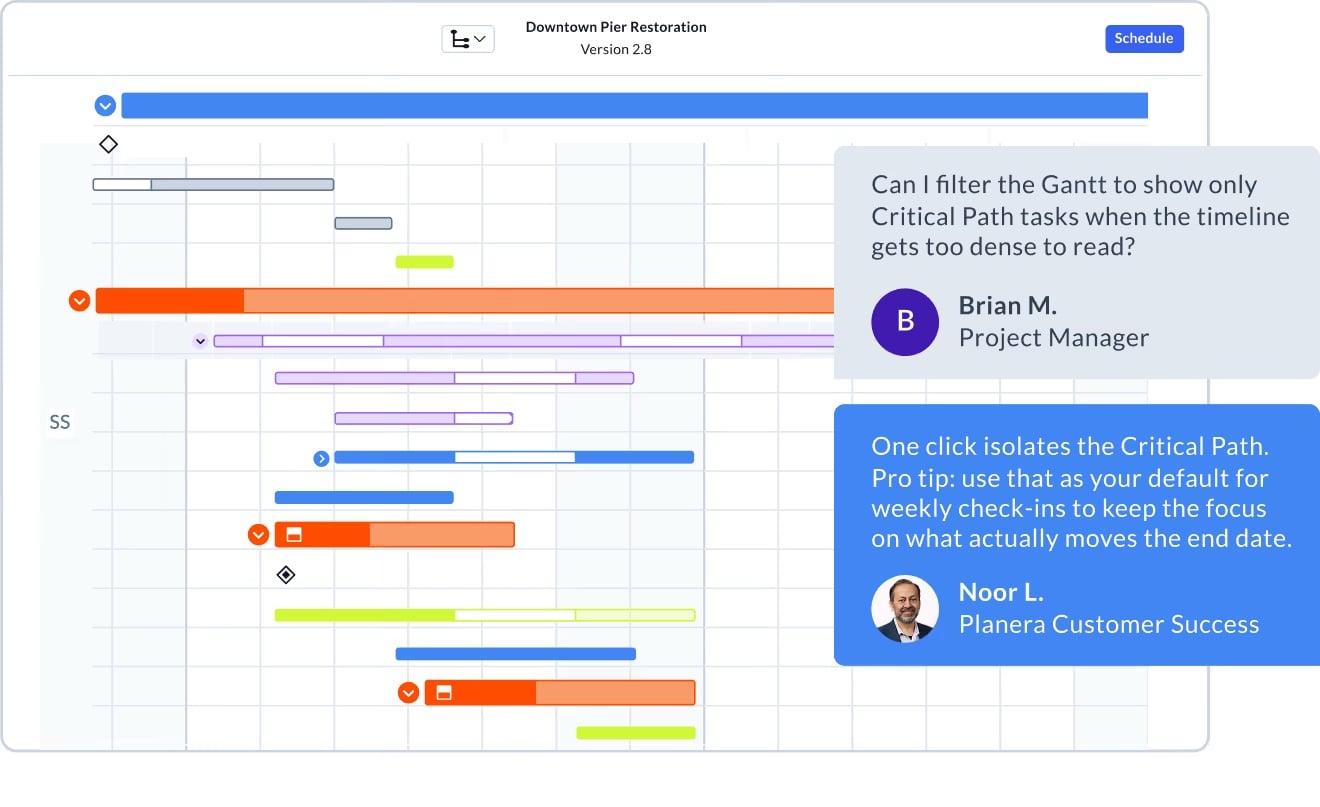
Planera is a construction planning platform. It’s designed for businesses that need collaborative construction employee scheduling software.
Instead of serving as a full construction management system, it helps your project team build, update, and communicate schedules more efficiently across the office and job site.
One way it does this is through its collaborative whiteboard. This allows you to create a schedule, add comments, and collaborate with teammates in an intuitive visual environment.
Key features
- Create and update construction schedules with a visual, collaborative interface that’s easier to use than traditional scheduling software.
- Coordinate project timelines, milestones, and dependencies with real-time updates that keep everyone on the same page.
- Track project progress and quickly adjust schedules as conditions change to minimize delays.
- Access schedules and project updates from the field, allowing teams to collaborate from any device.
Reviews
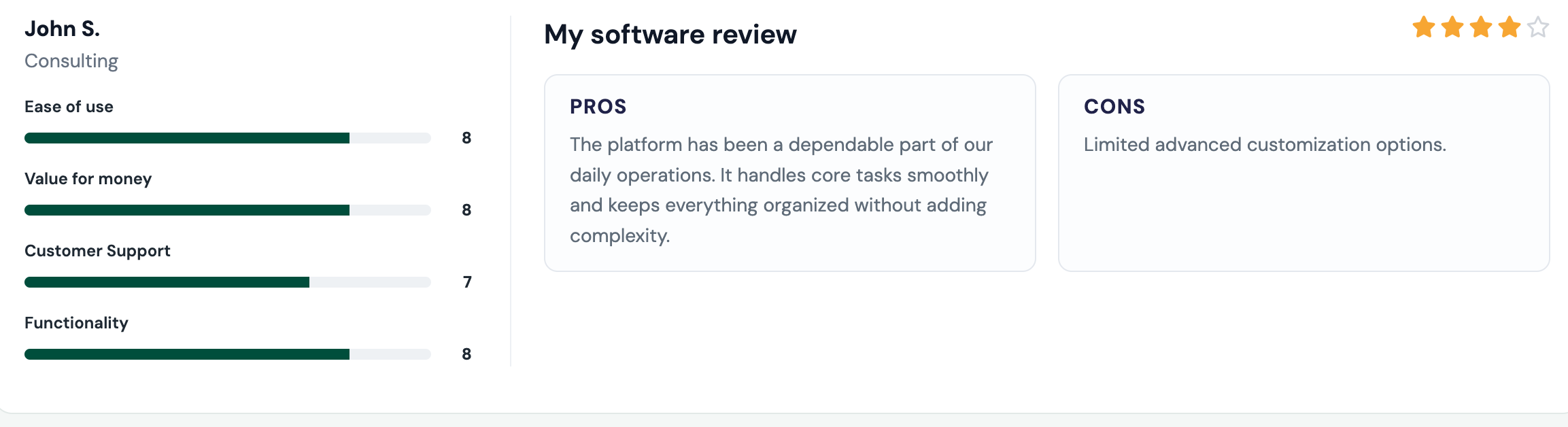
One user notes that Planera keeps everything organized without complexity, but it has limited advanced customizations.
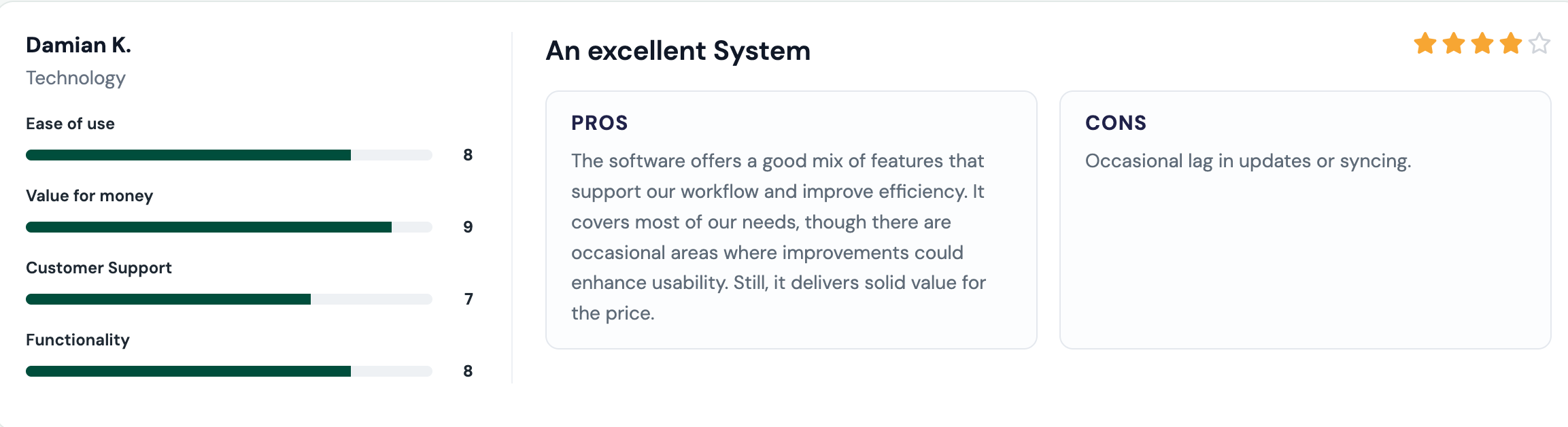
Planera also offers a good mix of features to improve efficiency, says another user. They also say the platform occasionally lags.
Popular integrations
- Primavera P6
- Microsoft Project
- Procore
- Autodesk Construction Cloud
Pricing
Planera offers custom pricing that scales as your business grows and requires more features. You’ll need to book a demo before you can get a quote.
9. CoConstruct
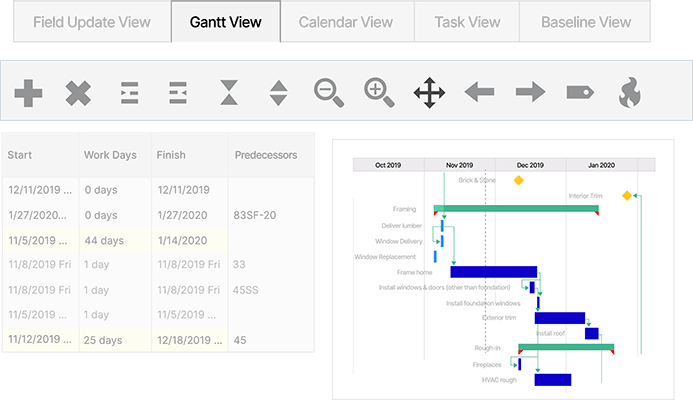
CoConstruct is a construction management platform designed specifically for custom home builders and remodelers. Buildertrend offers this platform with more of a focus on project financial management.
CoConstruct helps you manage client communication, selections, estimates, budgets, and project schedules. It also keeps homeowners involved throughout the building process.
Key features
- Build estimates, budgets, and proposals while tracking project costs and profitability.
- Manage client selections, change orders, and approvals through a centralized platform.
- Keep homeowners updated with a client portal for project communication, documents, and decisions.
- Schedule tasks, coordinate subcontractors, and track project progress from the office or job site.
Reviews
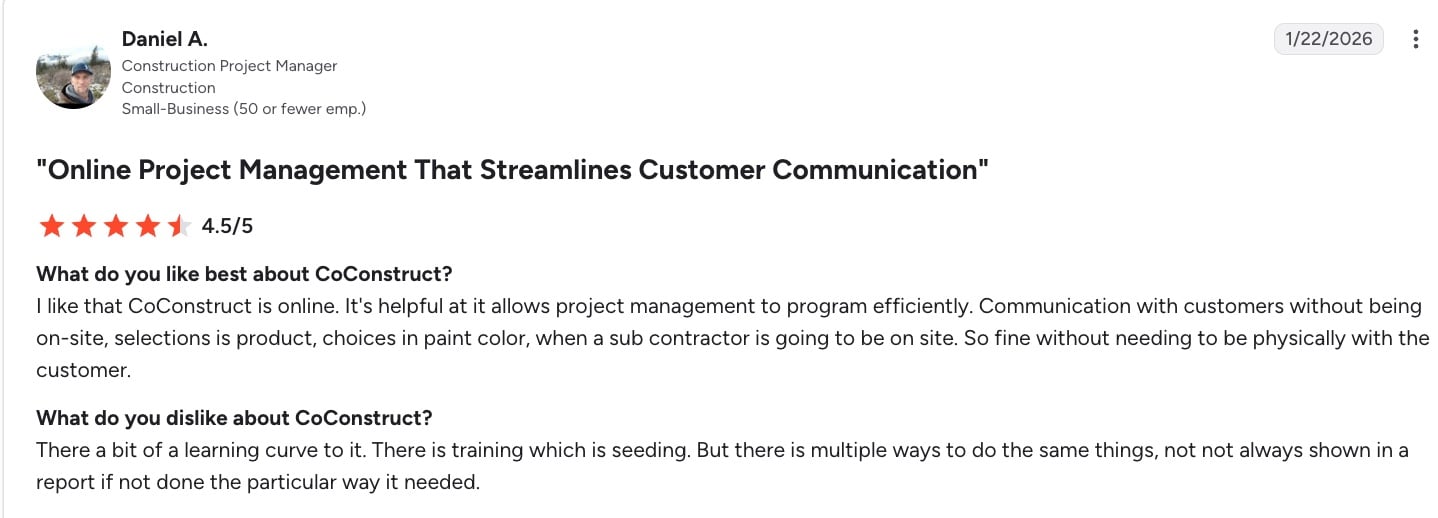
One user notes that CoConstruct streamlines customer communication, but says there is a learning curve.
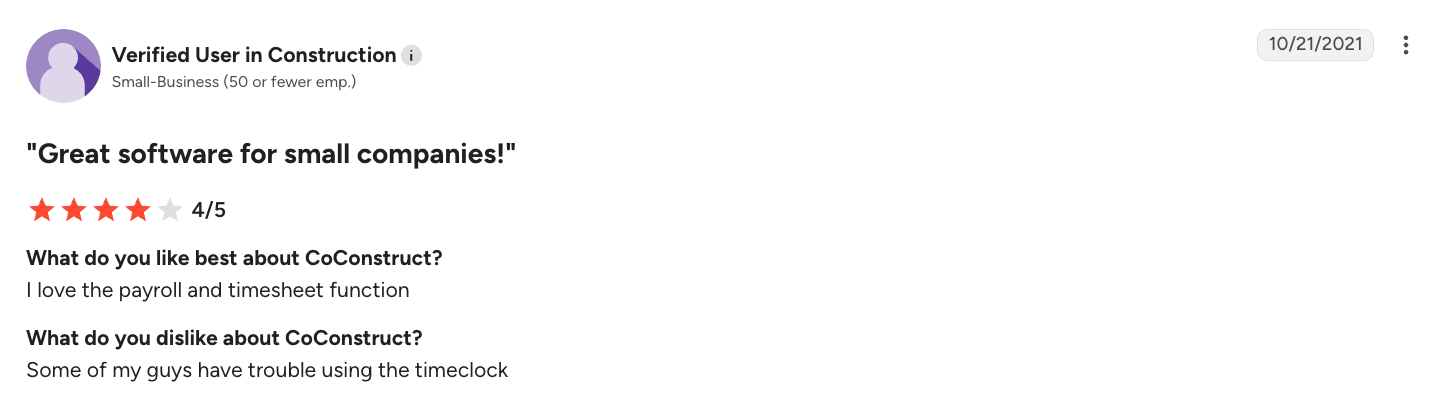
Another user states that they like the payroll and timesheet function. They also say that some field workers have trouble using the timeclock.
Popular integrations
- QuickBooks
- Xero
- Houzz Pro
- Zapier
- Google Calendar
Pricing
As with Buildertrend, pricing isn’t available on the CoConnect website. You’ll need to answer a few questions and speak with the sales team to get your quote.
10. Monday.com
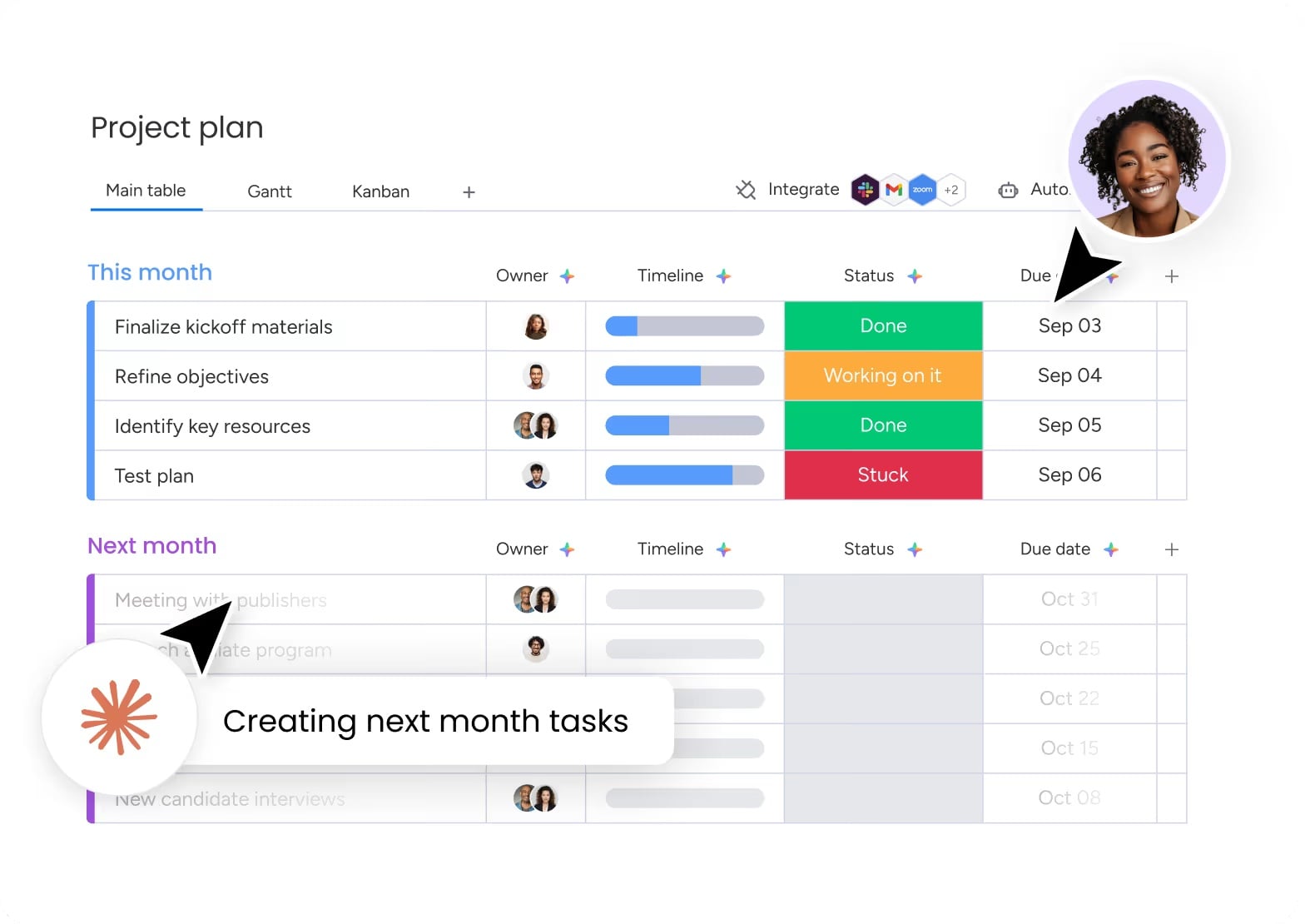
Monday.com is a customizable project management platform. It can adapt to fit the needs of construction teams that need flexible workflows and collaboration tools.
While it isn’t built specifically for construction, it has a range of customizable boards, automations, and integrations. These make the platform useful for task management and communication across smaller construction teams.
Key features
- Build custom project boards to track tasks, deadlines, milestones, and project responsibilities.
- Manage construction workflows with templates for project planning, scheduling, and team collaboration.
- Automate repetitive tasks, notifications, and updates to reduce manual administrative work.
- Collaborate with office staff, project managers, and field teams through shared dashboards and real-time updates.
Reviews
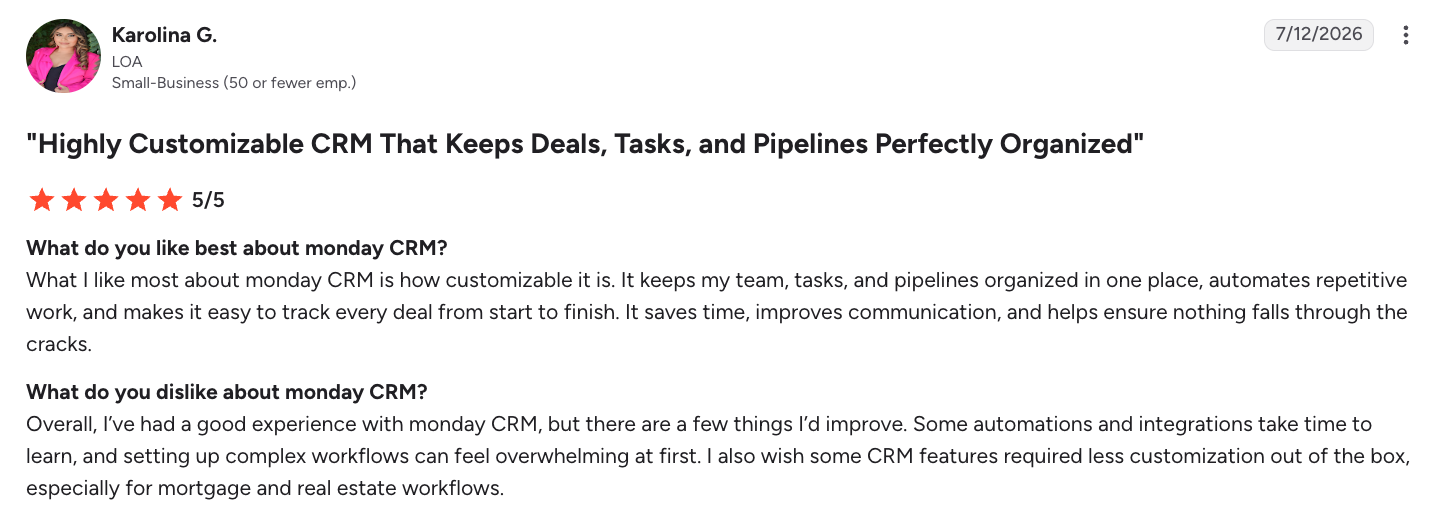
One user says they enjoy how customizable Monday.com is. That said, automations and integrations take time to learn.
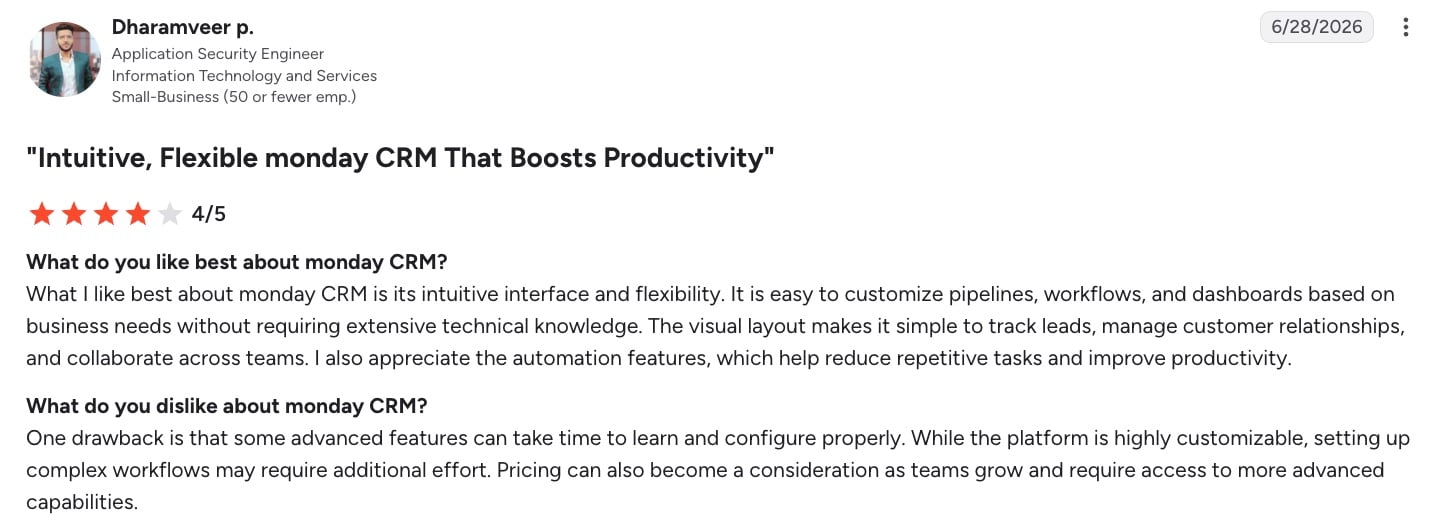
According to another user, Monday.com is intuitive and flexible. At the same time, some advanced features may require additional time and effort to learn and configure properly.
Popular integrations
- QuickBooks
- Google Drive
- Microsoft Teams
- Slack
- Zapier
- DocuSign
Pricing
Monday.com offers a free plan for up to 2 users. The Basic plan starts at $13 per user per month.
How to choose the right construction management software
The right construction project management software depends on your business size, project complexity, team structure, and the workflows you need to improve.
Before choosing a platform, consider how your construction company operates today. From there, figure out which features will help you manage projects more efficiently.
Company size and project type
Start by evaluating the types of projects you manage and how many people are involved. For example:
- A residential contractor handling a few active jobs may only need basic scheduling, estimating, and client communication tools.
- A commercial contractor may require advanced features for compliance, subcontractor coordination, and complex project tracking.
Consider how many active projects you run at once and how many subcontractors you work with. You should also determine whether your team needs a centralized system to manage documents, budgets, and communication across multiple job sites.
Must-have features checklist
The best construction management software should include features that match your day-to-day workflows. Common features to look for include:
- Estimating and takeoffs to create accurate bids and project proposals
- Scheduling tools to plan timelines, assign resources, and track progress
- Change order management to document scope changes and protect project margins
- Time tracking to monitor labor hours and job costs
- Accounting integrations to sync financial data and reduce manual entry
- Client portals to share updates, documents, and project information
- Offline mobile access so field teams can work from job sites without reliable internet
Prioritize the features your team will use regularly. This is much better than paying for tools that make your processes more complicated.
Budget and implementation time
Construction management software pricing varies widely depending on the provider and plan structure.
Some platforms charge per user, while others offer flat-rate pricing based on features or company size. Consider how the pricing model will scale as your team grows and more employees or subcontractors need access.
You should also factor in implementation time. A platform with more advanced features may require employee training, data migration, and workflow changes before your team sees the full benefit.
Integrations you’ll actually use
Integrations can make construction management software much more valuable by connecting it with the tools your business already relies on. Common integrations include:
- Accounting software like QuickBooks for financial management
- Payroll platforms like Gusto for tracking labor costs
- Takeoff tools like Arcsite for creating more accurate estimates
Choosing software that fits into your existing technology stack can help reduce duplicate work and keep your job data accurate.
Construction management software vs. spreadsheets (and when to switch)
Spreadsheets can be a useful tool for small projects, but they often become difficult to manage as construction businesses grow.
Tracking schedules, budgets, change orders, and documents across multiple spreadsheets can lead to outdated information, missed details, and communication issues between the office and field teams.
It may be time to switch to construction management software if you’re experiencing common pain points like:
- Missed change orders that affect project profitability because updates are not properly documented or approved
- Double data entry caused by manually transferring information between spreadsheets, accounting software, and other tools
- Limited field visibility because crews and project managers don’t have real-time access to schedules, documents, or project updates
Construction management software provides a centralized system for managing projects. This helps you improve accuracy, reduce administrative work, and keep everyone aligned from the office to the job site.
Ready to take the next step? Explore how Jobber’s construction management software helps streamline quoting, scheduling, job costing, progress invoicing, and client communication.
Frequently Asked Questions
-
The best construction management software for small businesses depends on your project size, team, and workflow needs.
Smaller contractors often benefit from affordable platforms like Jobber. It comes with core features like estimating, scheduling, invoicing, client communication, and mobile access. -
Some construction management platforms offer free plans or limited free versions, but these often come with restrictions on users, projects, storage, or features.
Free tools can work for small contractors, but growing businesses may need a paid solution like Jobber for advanced project tracking, document management, collaboration, and construction marketing. -
General contractors typically use construction management software that helps manage schedules, budgets, subcontractors, documents, RFIs, change orders, and job costs.
The right platform depends on the size and complexity of their projects, from small residential builds to large commercial developments. -
Buildertrend is commonly used by residential builders and remodelers, with features focused on customer communication, estimating, scheduling, and project management.
Procore is designed for larger commercial construction projects and offers more advanced tools for complex workflows, compliance, and subcontractor coordination. -
As a residential contractor, you can still benefit from construction management software, especially when managing multiple jobs, subcontractors, budgets, and client updates.
If you’re a smaller contractor who does simple projects, you may only need a lighter contractor app with scheduling, estimates, and invoicing. -
Yes, many construction management platforms—such as Jobber—integrate with QuickBooks to sync financial data, reduce manual entry, and improve job costing accuracy. These integrations help you keep project budgets, invoices, and accounting records aligned.